
What’s New in One UI 8 Beta? 10 Key Changes to Know About
Samsung today began rolling out the One UI 8 beta for the Galaxy S25 series in select countries. So, you can now try out the upcoming software ahead of its official debut. Samsung also confirmed that the Galaxy Z Fold 7 and Flip 7 will boot up running One UI 8 out of the box. Now that the One UI 8 beta is available, here are some of the biggest changes so far.
What’s changed so far in One UI 8 beta?
A lot, frankly. Some changes have been confirmed by Samsung, while others didn’t make it into the changelog. But before you dive into long texts, here are some of the biggest changes in the One UI 8 beta.
Quick Share redesign
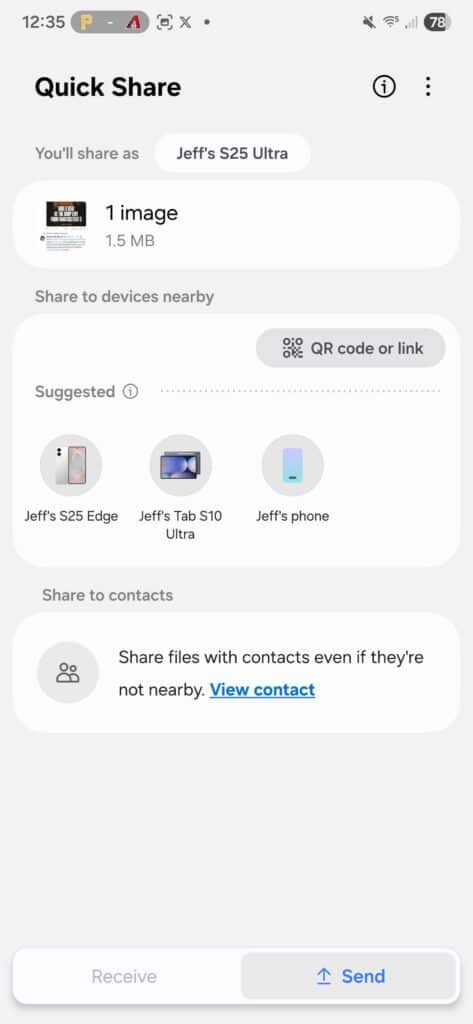
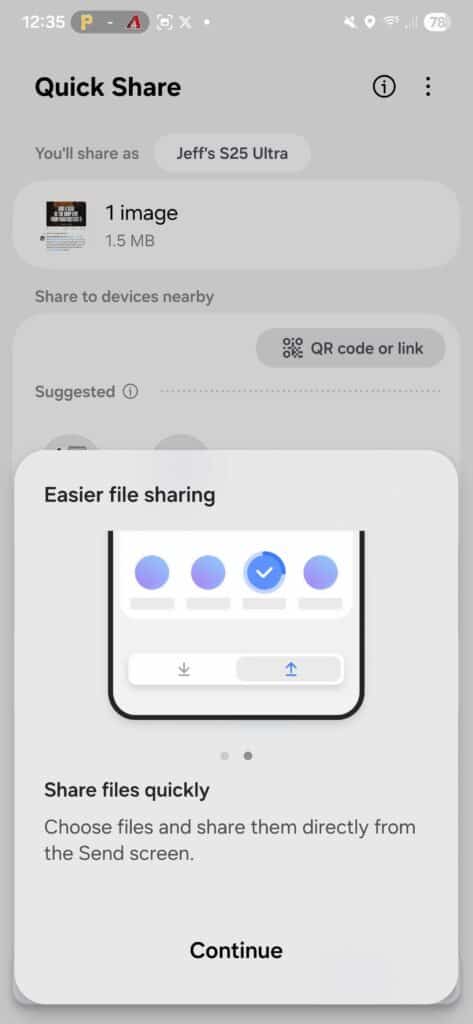
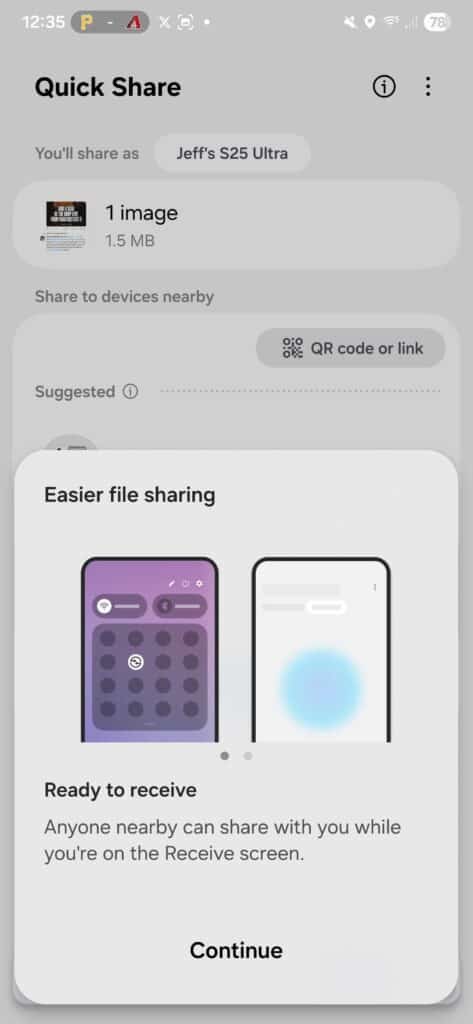
Quick Share in One UI 8 now has separate tabs to send and receive files easily. You can pick files right in the app and share them quickly. This new way to send files will soon be available on all Android phones with a Google Quick Share update.
DeX redesign
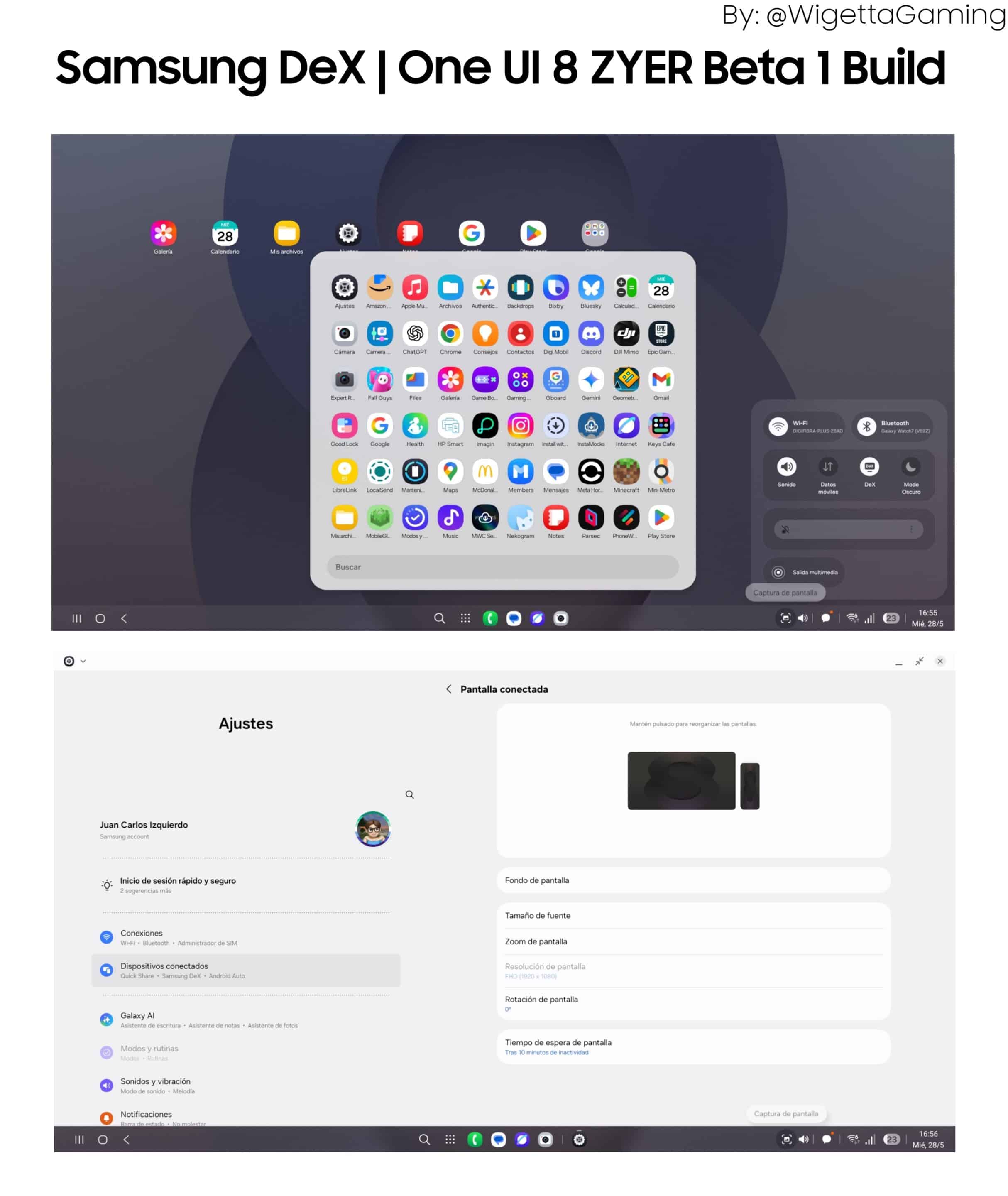
Samsung DeX in One UI 8 gets a fresh redesign, based on Android 16’s desktop features. It offers a familiar taskbar, an app drawer for easy app access, and improved window management. These updates make DeX feel more like a real desktop. (Image via @WigettaGaming/X, thanks!)
90-10 multitasking split
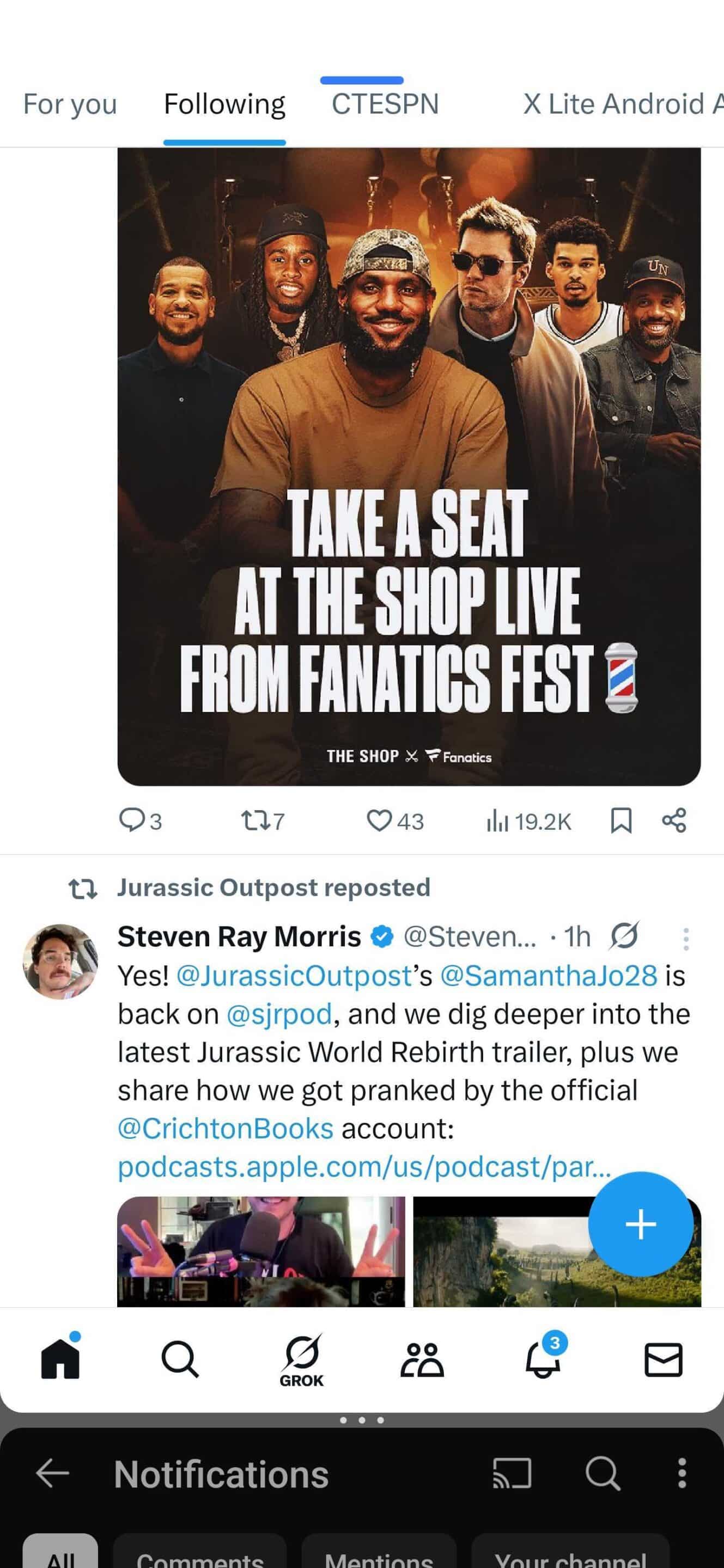
One UI 8 introduces a new 90:10 split screen for multitasking. It lets one app take up most of the screen, while the second app stays in a small corner, ready for quick swaps. Just tap the smaller app to switch focus. This new layout makes multitasking more flexible and easy.
Reminder and Calendar redesign
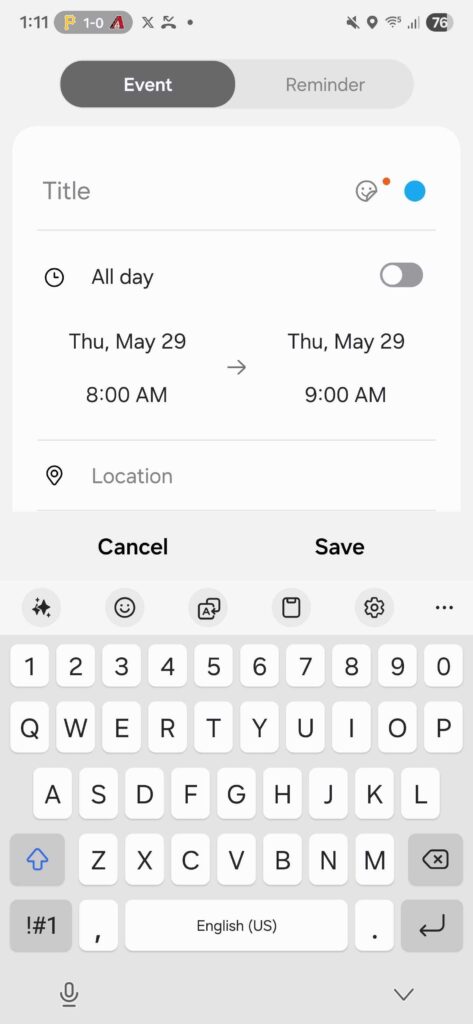
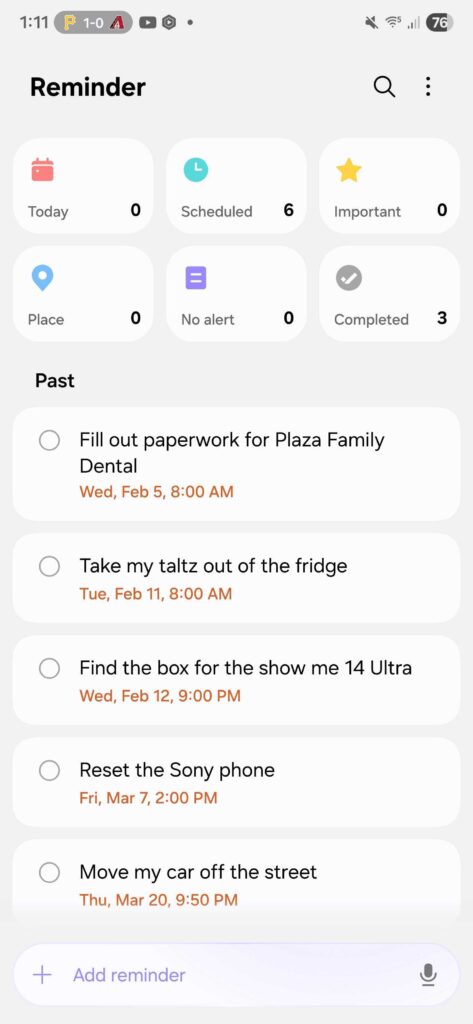
One UI 8 refreshes the Reminder and Calendar apps with a cleaner look and smarter features. Reminders now show categories at the top, which you can hide for a simpler view. Adding reminders is faster, with suggestions and voice input. In Calendar, you can add reminders directly, drag and drop to reschedule, and get event name suggestions for quicker entries.
New Routine actions
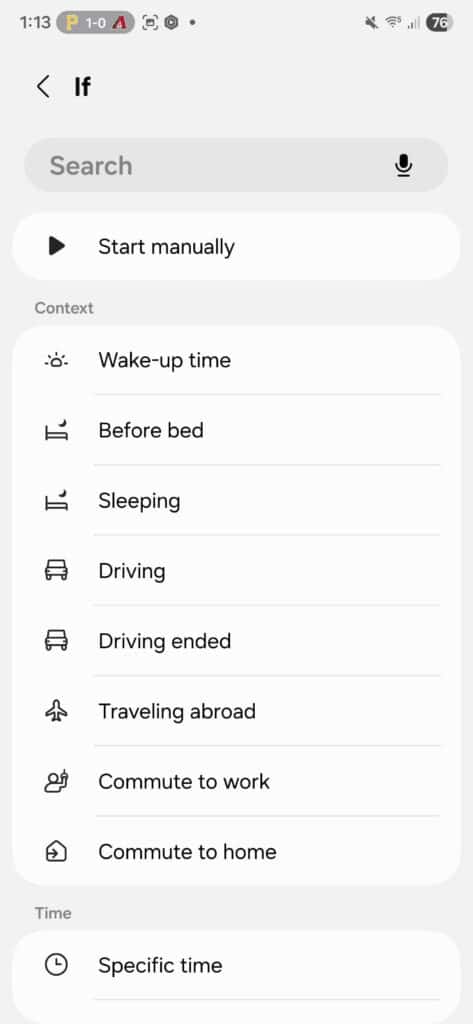
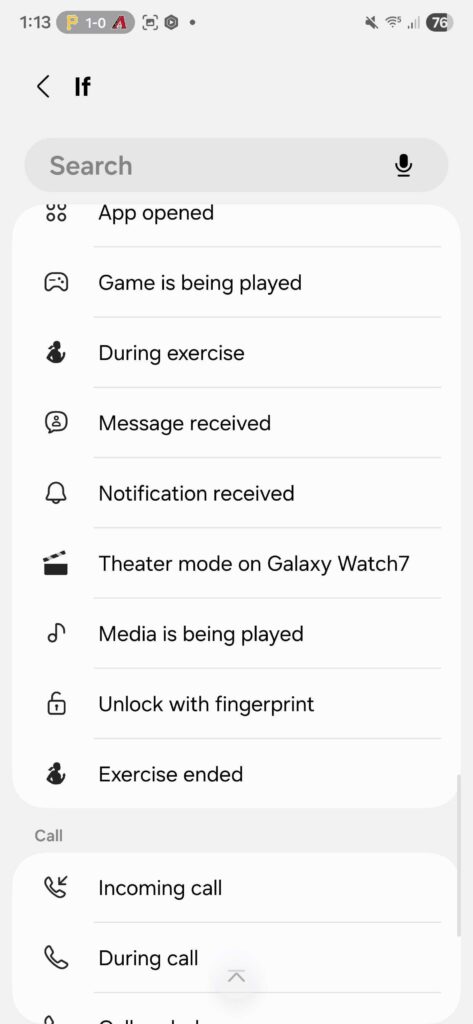
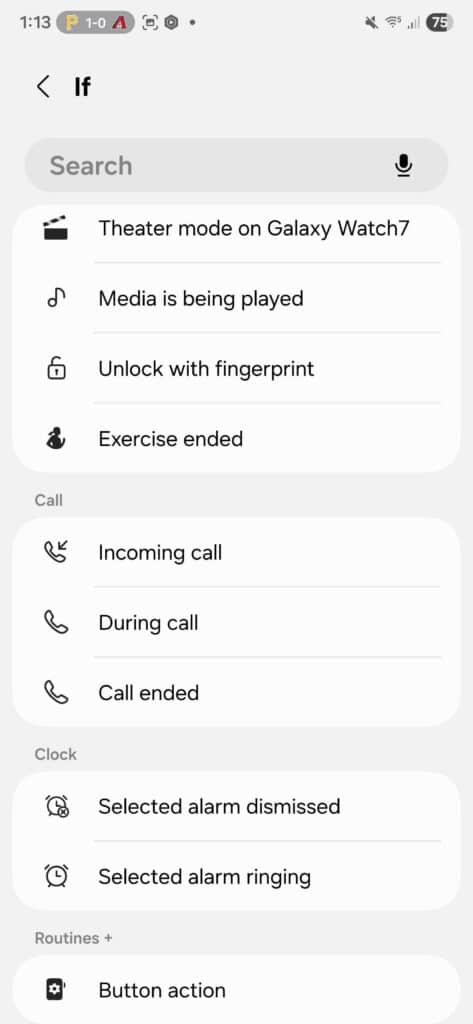
One UI 8 adds new routine actions that let you pull data from the Clock, Calendar, and Samsung Notes apps. You can use this data to set conditions or trigger other actions in your routines, making your automations smarter and more useful.
Swipe up or down for quick controls in Camera
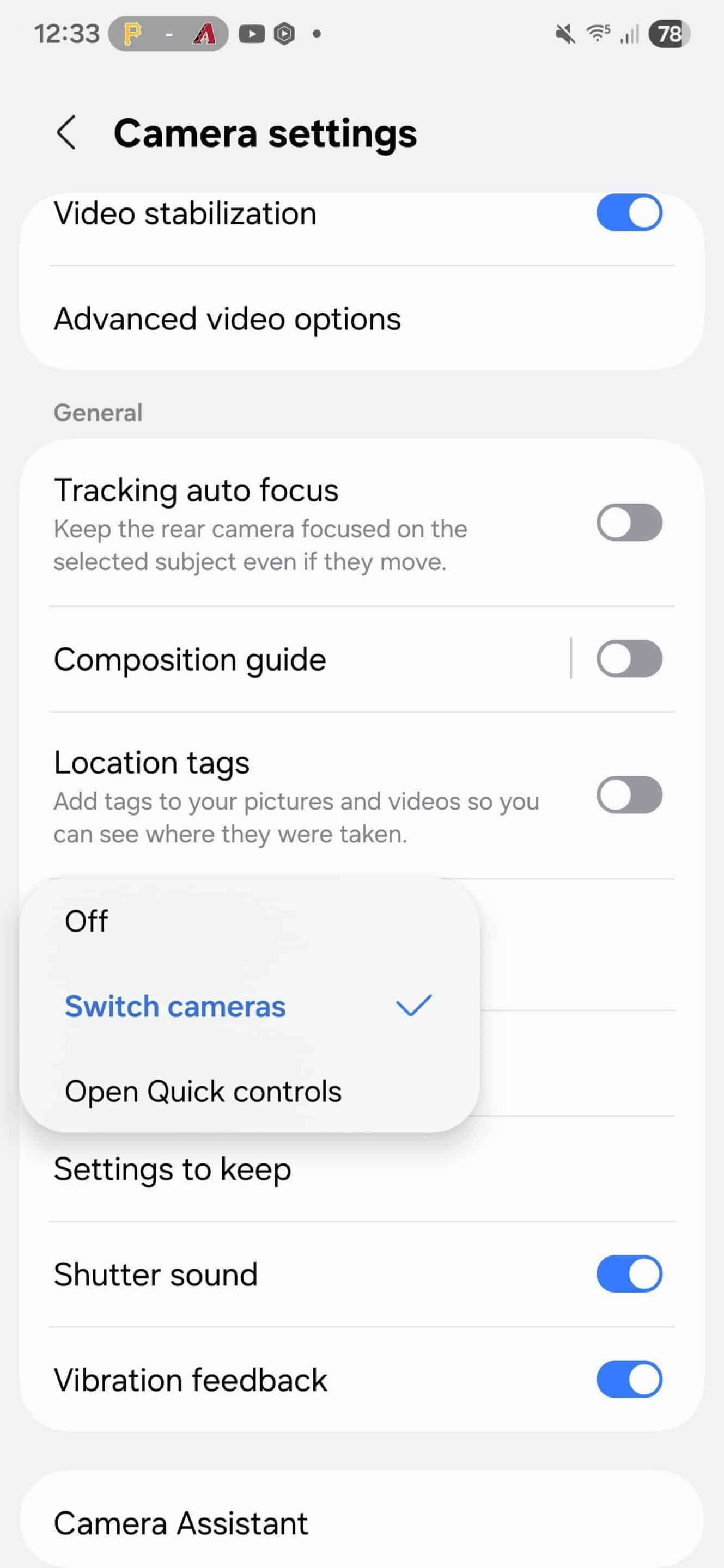
One UI 8 makes accessing Camera quick controls faster. Just swipe up or down on the preview screen to open them. You can also set this action in Camera settings, choosing to open quick controls with a simple swipe gesture. This update makes adjusting settings while taking photos much smoother.
Dynamic wallpapers
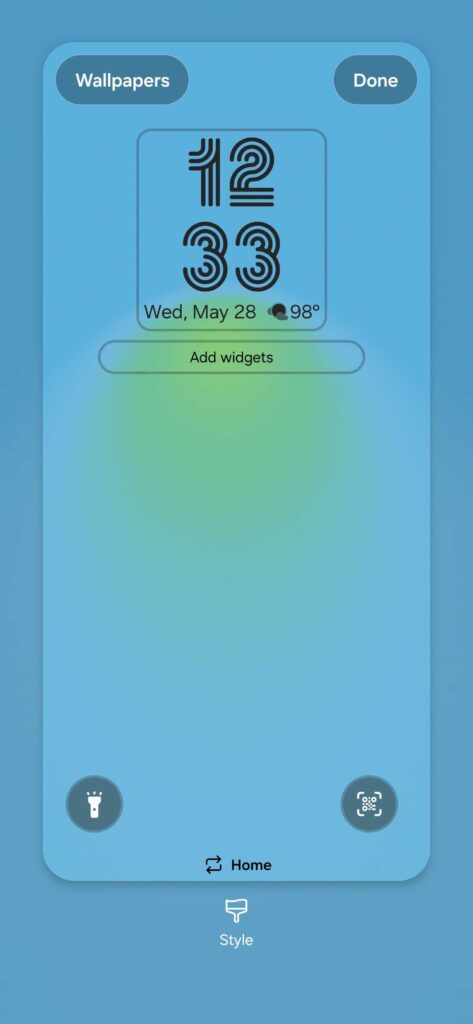
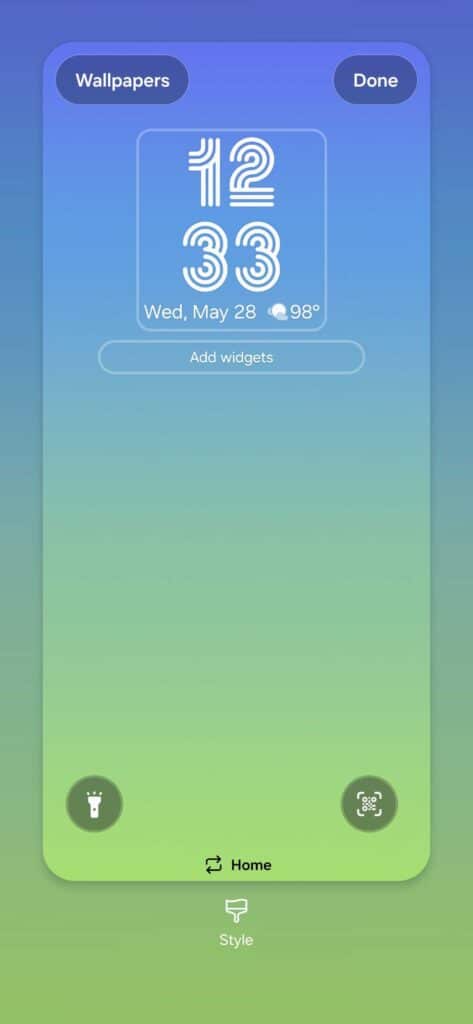
One UI 8’s dynamic wallpapers change colors as the day goes on. There are four options that match different times: blue for morning, green and blue for afternoon, warm red and orange for evening, and dark colors for night. The colors smoothly change, giving your Galaxy a fresh feel.
Enhanced and more secure Secure Folder
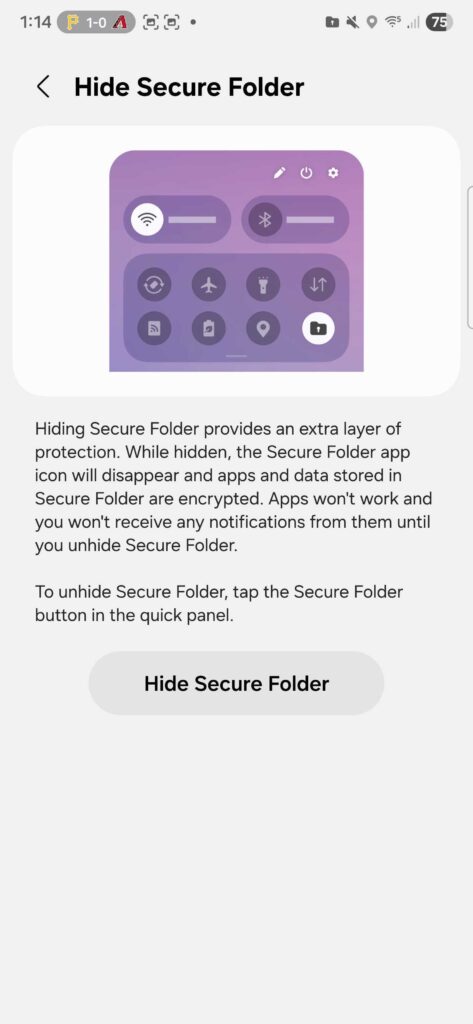
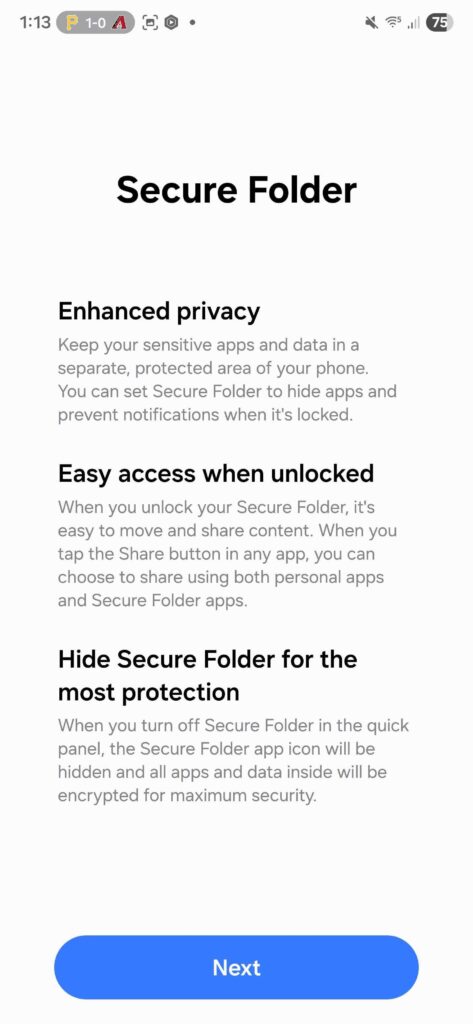
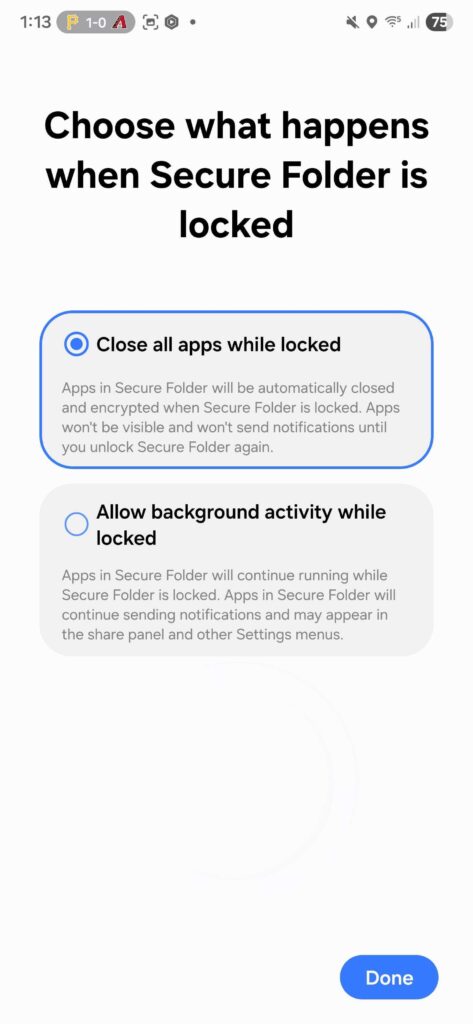
One UI 8 improves Secure Folder to better protect your sensitive apps and data. You can hide apps inside it and block notifications when locked. For extra security, you can fully hide and encrypt the Secure Folder, keeping your private information safe and hidden from others.
Revamped Weather app
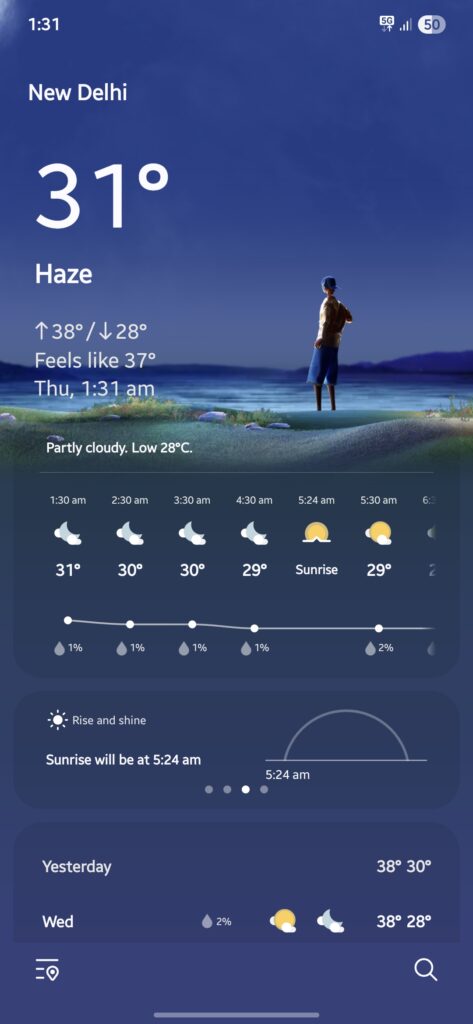
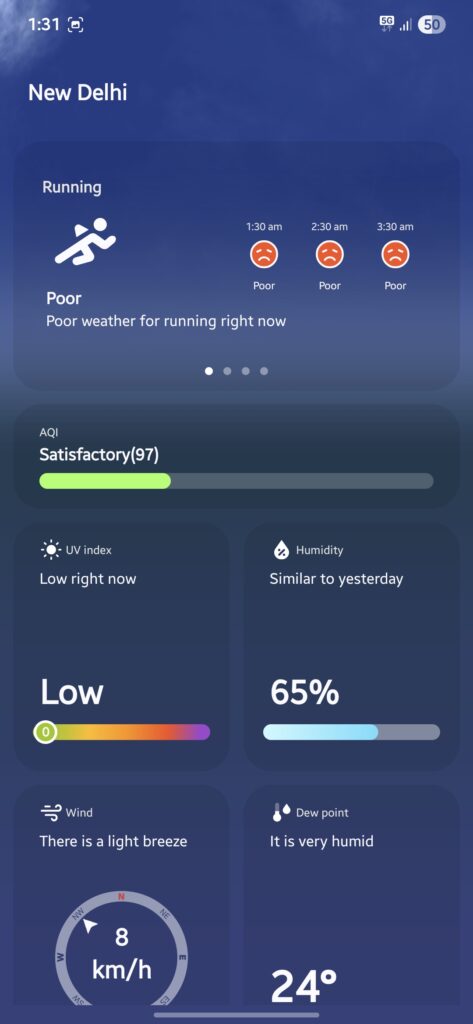
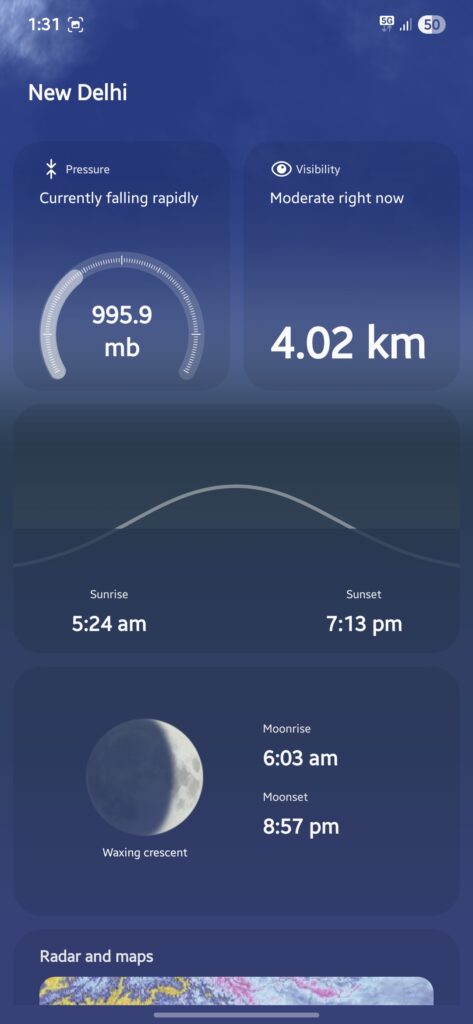
In One UI 8, you can enjoy the Weather app’s new lifelike visuals that clearly show current conditions. You can see realistic human figures and experience a cleaner design with transparent elements on the cards. This update makes it easier and more enjoyable for you to check the weather at a glance.
AuraCast simplified using QR codes
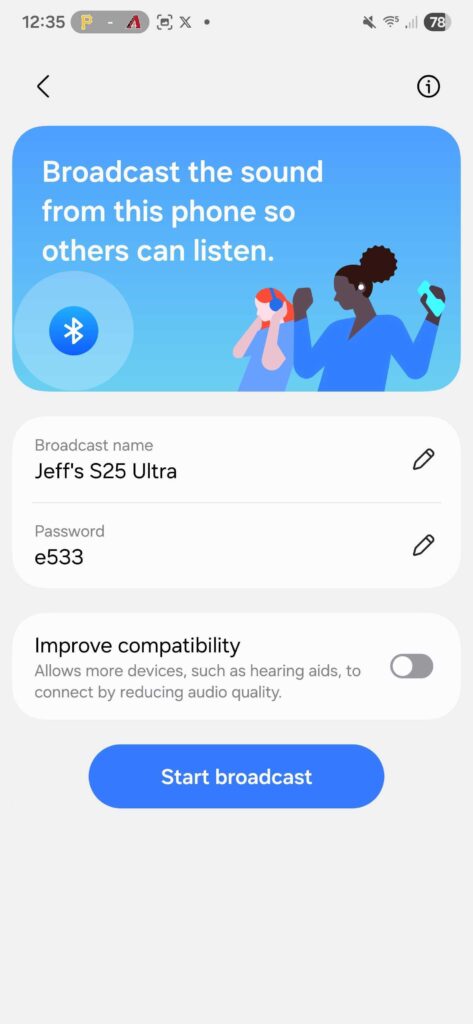
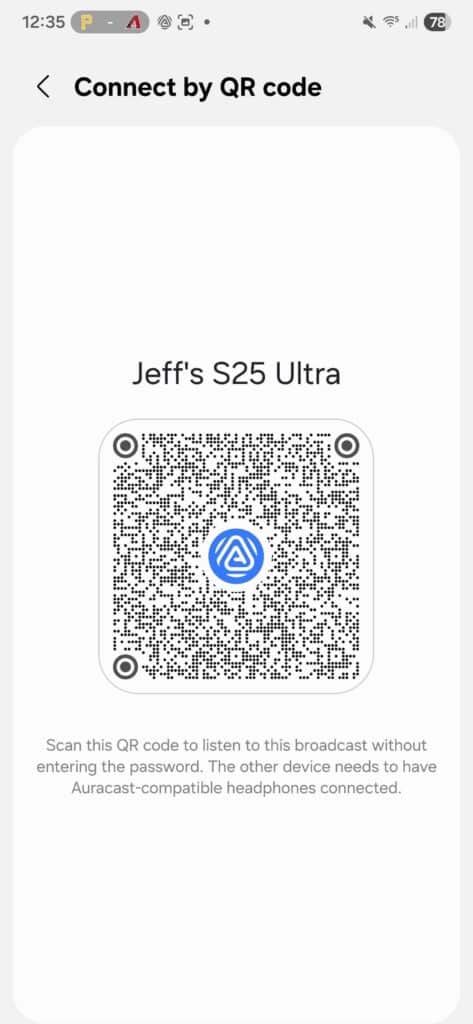
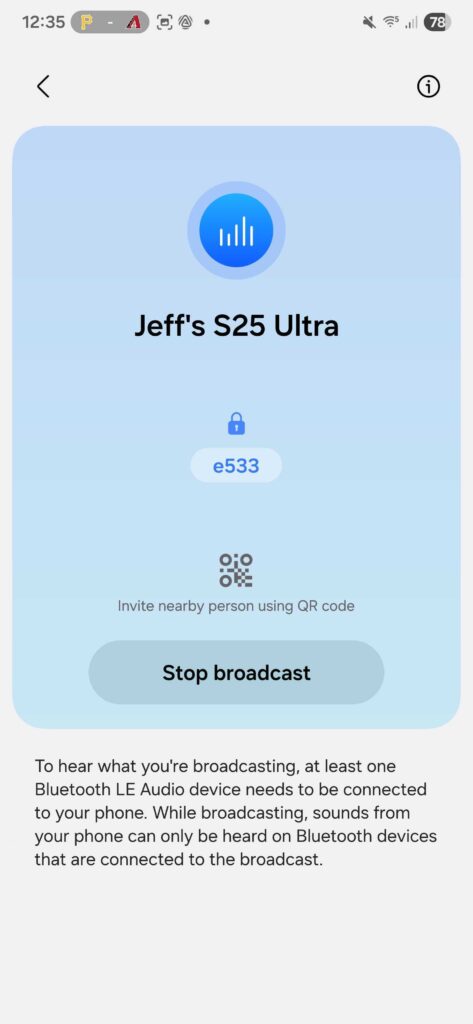
One UI 8 makes connecting to Auracast broadcasts easy. You can join audio streams by simply scanning a QR code. Plus, you can create a QR code to let others quickly connect to your own Auracast broadcast, sharing audio with multiple devices at once.
There are obviously more changes beyond these. We’ve also published the full and detailed One UI 8 changelog for the Galaxy S25 series, which outlines everything that’s new. Since this is just the first round, we’ll likely see more features by the time of the official debut.

Follow us on Google Discover & set us as a preferred source in Google News
Share this Post
___________________________


New Blog Posts
___________________________

First Set of Pixel 11 Pro XL Renders Are Here
Pixel 11 Pro XL CAD renders show minimal design changes

Is Samsung Preparing One UI 8.5 Beta for Galaxy Z Fold 5 and Flip 5?
Samsung may launch a One UI 8.5 beta program for its 2023 foldables

Galaxy S25 One UI 8.5 Beta May Run Longer Than Expected
Galaxy S25 series’ One UI 8.5 beta may stretch to 10 rounds


