
Top 5 Hidden Galaxy Z Flip 7 Features — #4 Will Impress Creators
SammyGuru is reader-supported. We have affiliate and sponsored partnerships, so we may earn a commission when you buy through links on our site — at no extra cost to you. Learn more.
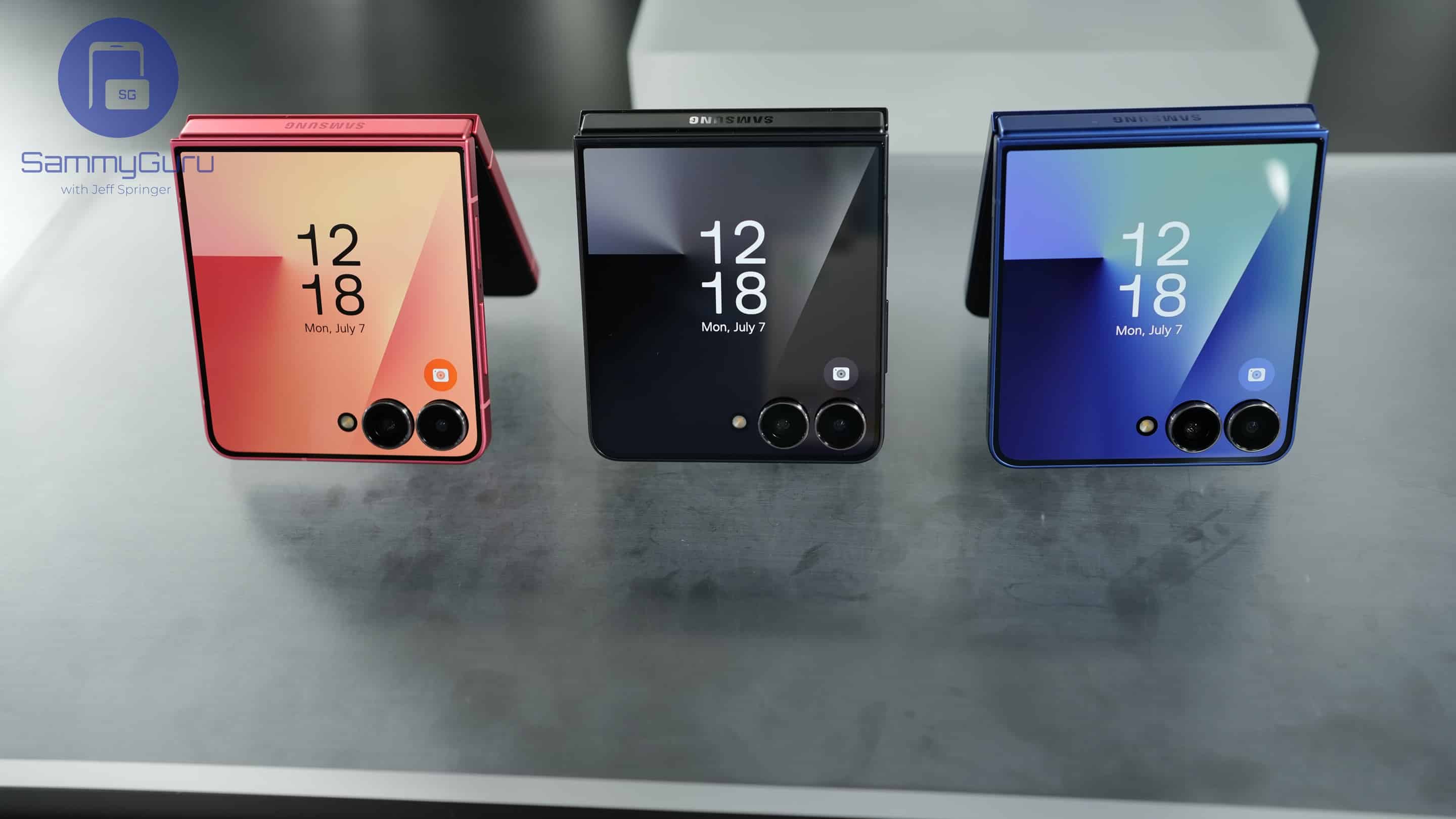
The Galaxy Z Flip 7 isn’t just about its headline upgrades like the 4.1-inch cover screen or its biggest-ever battery. Samsung has quietly packed in features that make it more powerful, more flexible, and more fun to use than any Flip before it. From desktop productivity to a smarter AI assistant, here are five hidden features that make the Galaxy Z Flip 7 stand out — there’s something special for creators who love pro-level video tools.
1. Samsung DeX for a desktop-like experience
For years, Flip owners wanted Samsung DeX, and with the Z Flip 7, it’s finally here. Connect the phone wirelessly to a monitor or TV, or plug it in with a USB-C-to-HDMI or USB-C-to-USB-C cable, and you’ll get a desktop-style interface. You can open multiple windows, drag and drop files, and run apps side by side — just like on a PC.
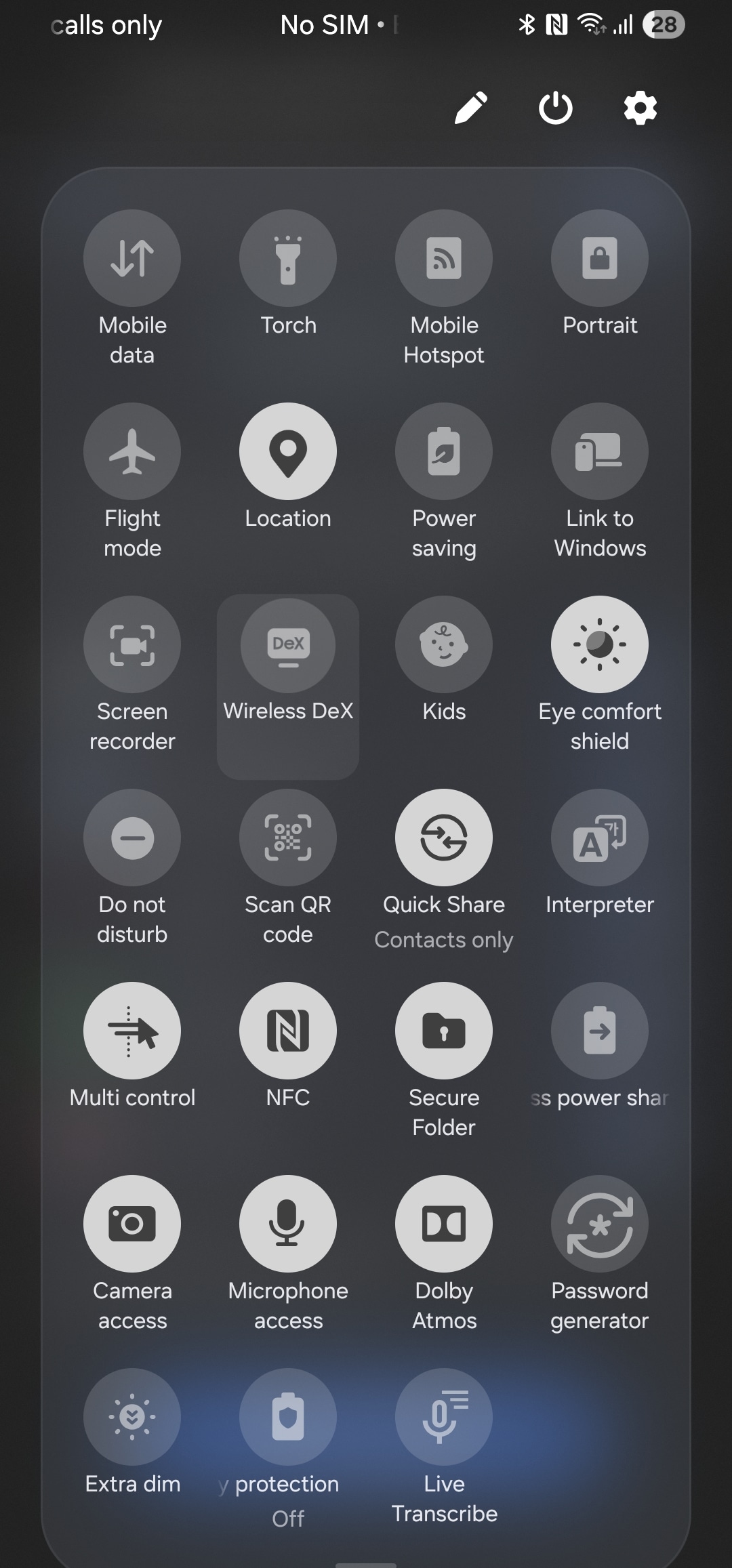
What makes it even more convenient is that the Flip doesn’t need to stay open. Once DeX is connected, you can fold it shut and slip it in your pocket, while your monitor continues to run the desktop interface. That’s a huge leap in productivity, turning the Flip into a true work-and-play companion. You can turn on this feature from the Quick Settings. Simply press and hold the Wireless DeX toggle to get started.
2. Smarter apps on the cover screen
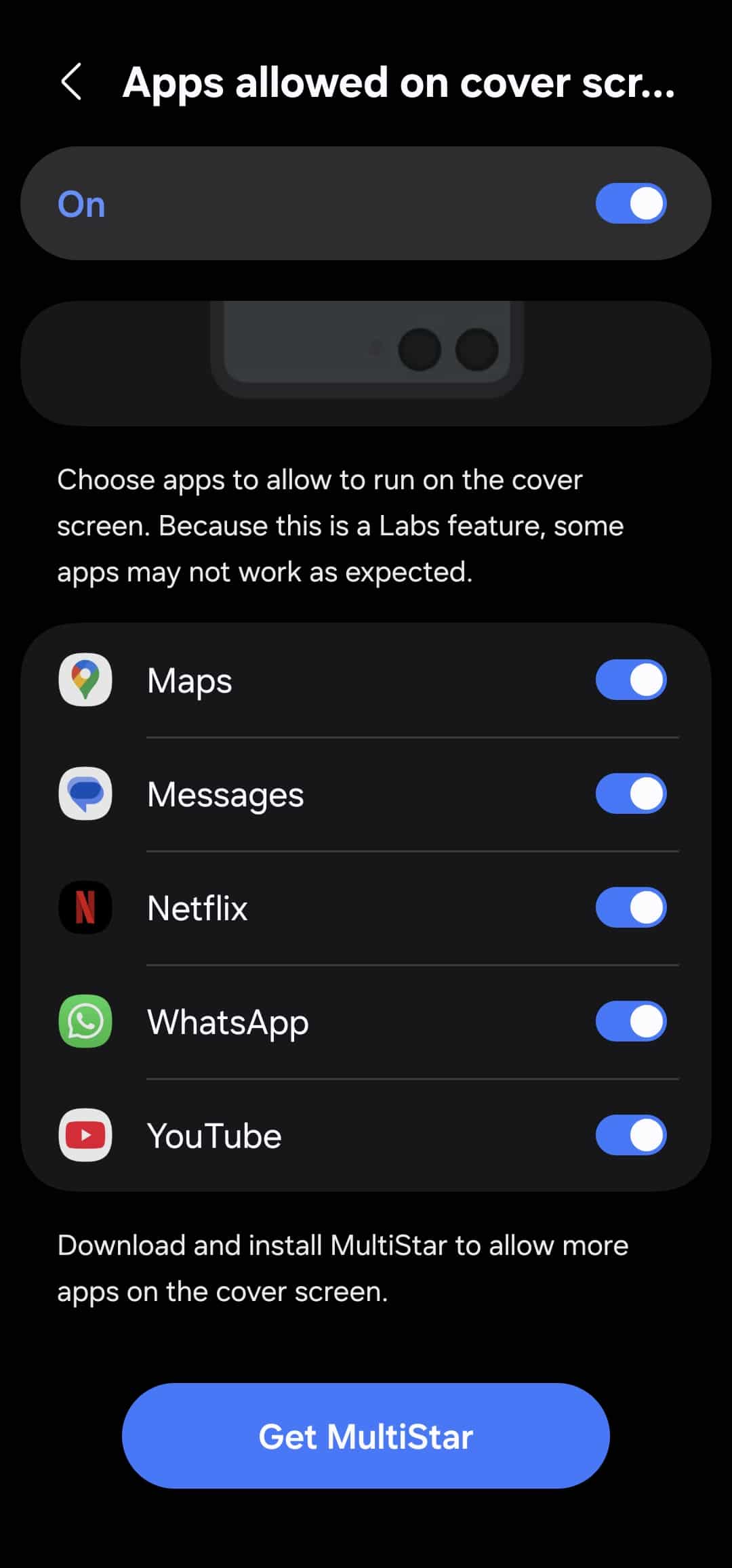
The new 4.1-inch cover display isn’t just bigger — it’s smarter. Unlike older Flip models, the Flip 7 can run full versions of apps without needing to unfold the phone. And Samsung added a thoughtful feature: an aspect ratio toggle. Since the display wraps around the cameras, parts of an app’s UI could get blocked, but with a quick toggle, you can choose whether the app fills the entire screen or only the usable area.
You can even rotate apps into portrait orientation for a better fit. Out of the box, Samsung only allows a handful of apps to run here, but if you install Good Lock, you can force any app onto the cover screen. It’s like having a tiny second phone on the outside, perfect for quick interactions, messaging, or even playing casual games. To enable this flexibility, go to Settings > Advanced features > Labs > Apps allowed. You’ll be asked to use MultiStar to add more apps to the cover screen (see full steps here).
3. Gemini Live multimodal assistant on the cover screen
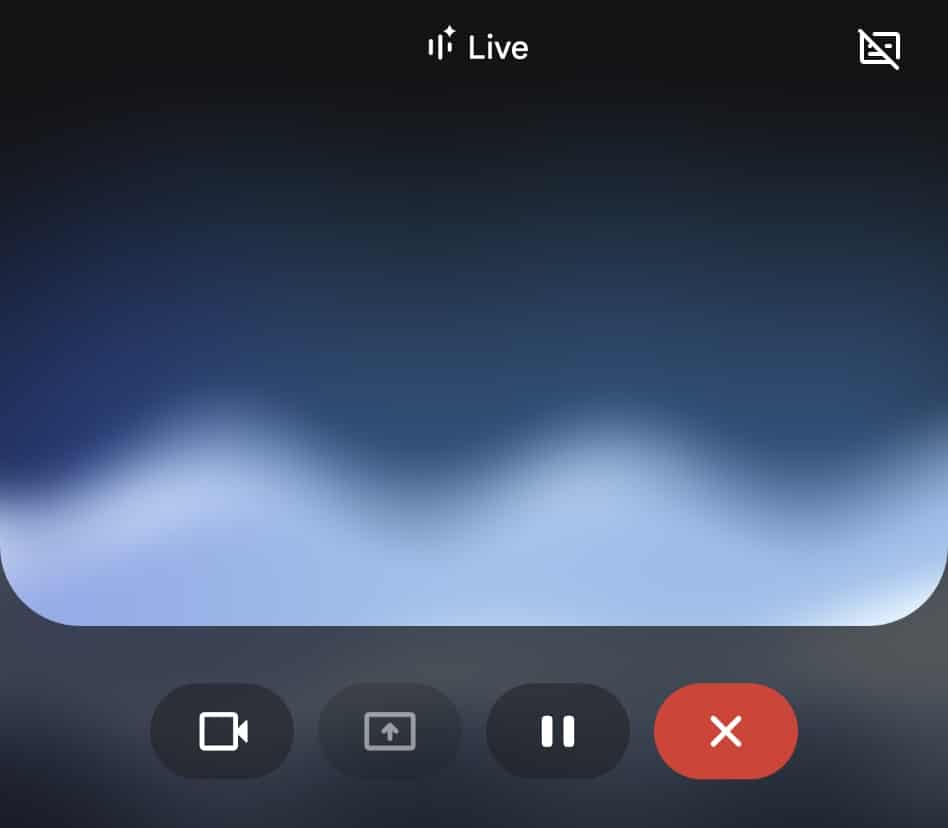
Samsung has teamed up with Google to bring Gemini Live, a multimodal AI assistant, to the Flip 7’s cover screen. This isn’t just voice commands — it understands speech, text, and visuals together. You can point the camera at a sign for instant translation, ask for outfit suggestions based on what you’re wearing, or get real-time cooking help while preparing a meal.
Gemini Live also integrates tightly with Samsung apps like Calendar and Notes, plus Google services like Maps. That means you can plan an event, set reminders, and get directions all in one fluid conversation. You activate it with a long press of the side button, then talk or show it something through the camera. It’s like having a context-aware AI companion that adapts to what you see and do.
4. Log Video Recording for Pro Creators
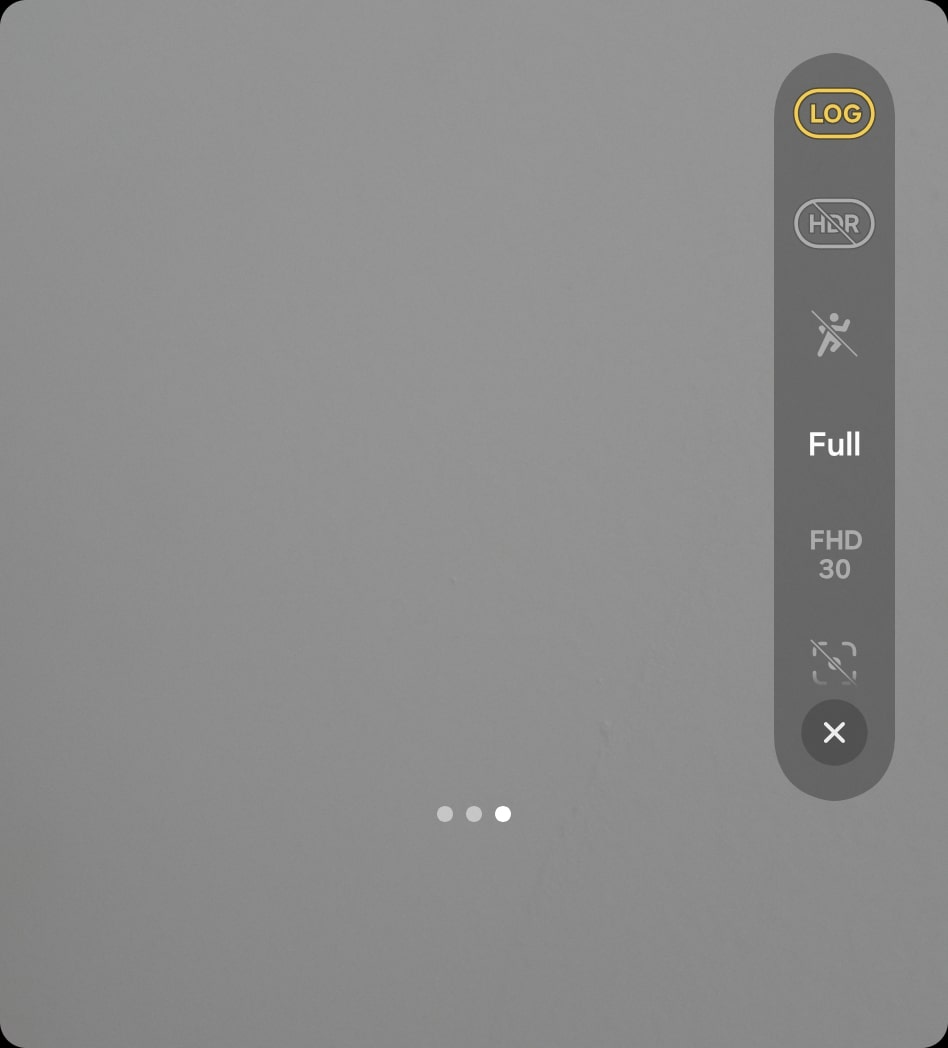
The Galaxy Z Flip 7 inherits Log video recording from Samsung’s flagship S25 series, and it’s a game-changer for content creators. Unlike standard video, which bakes in contrast and color, Log video captures a “flat” image with more highlight and shadow detail. This makes it easier to color grade and match footage with professional cameras.
The footage may look dull at first, but that’s where the magic lies, as it allows for greater flexibility in editing. Even better, the Flip 7 lets you start recording in Log mode directly from the cover screen, which turns it into a surprisingly capable pocket camcorder. For vloggers and filmmakers who don’t want to carry extra gear, this feature is a big win.
5. Auto Zoom for Group Photos
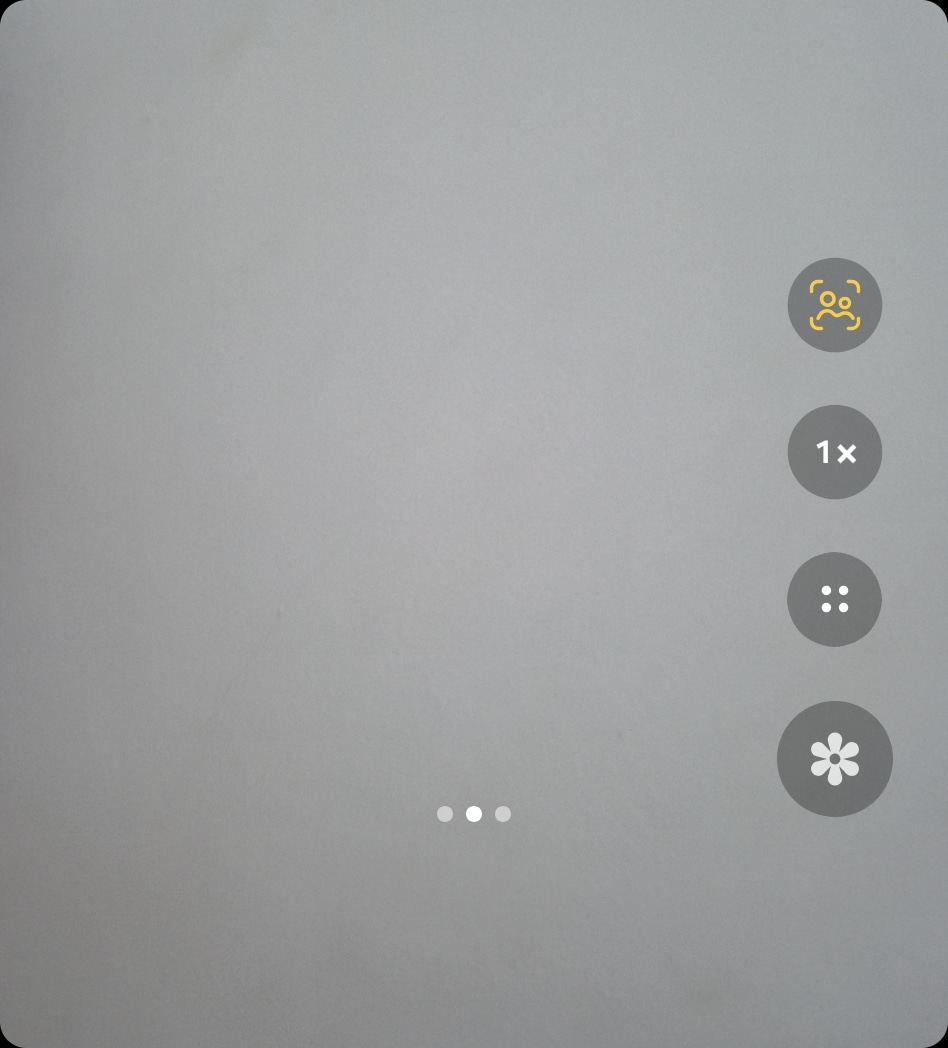
Photography gets a smart upgrade with Auto Zoom, a new trick in the Flip 7’s camera app. When the phone is in Flex Mode and propped open like a mini tripod, Auto Zoom detects how many people are in the frame and adjusts the zoom level automatically. More people step in? The camera zooms out to fit them. Someone leaves? It zooms back in to focus on the subject.
It works like Auto Framing in video, but for still photos. This is especially useful for hands-free group selfies or party shots, where you’d normally need to adjust the camera yourself. Just set the phone down, step back, and let it do the framing for you. The only catch is that Auto Zoom works only in cover-screen mode before unfolding the phone — but when it does work, it feels almost magical.
Whether you’re turning it into a desktop PC with DeX, shooting cinematic Log video, running full apps on the cover screen, snapping hands-free photos with Auto Zoom, or exploring Gemini Live’s AI smarts, these features show just how far Samsung’s Flip has evolved.

Written by
Sumit AdhikariSumit, a life-long Samsung user, is passionate about technology and has been professionally writing on tech since 2017. He’s a mathematics graduate by education and enjoys teaching basic mathematics tricks to school kids in his spare time. Sumit believes in artificial intelligence and dreams of a fully open, intelligent and connected world.

Follow us on Google Discover & set us as a preferred source in Google News
Share this Post
___________________________


New Blog Posts
___________________________

First Set of Pixel 11 Pro XL Renders Are Here
Pixel 11 Pro XL CAD renders show minimal design changes

Is Samsung Preparing One UI 8.5 Beta for Galaxy Z Fold 5 and Flip 5?
Samsung may launch a One UI 8.5 beta program for its 2023 foldables

Galaxy S25 One UI 8.5 Beta May Run Longer Than Expected
Galaxy S25 series’ One UI 8.5 beta may stretch to 10 rounds







