
Galaxy Watch Picks Up Spotify’s Redesigned Now Playing Interface
SammyGuru is reader-supported. We have affiliate and sponsored partnerships, so we may earn a commission when you buy through links on our site — at no extra cost to you. Learn more.
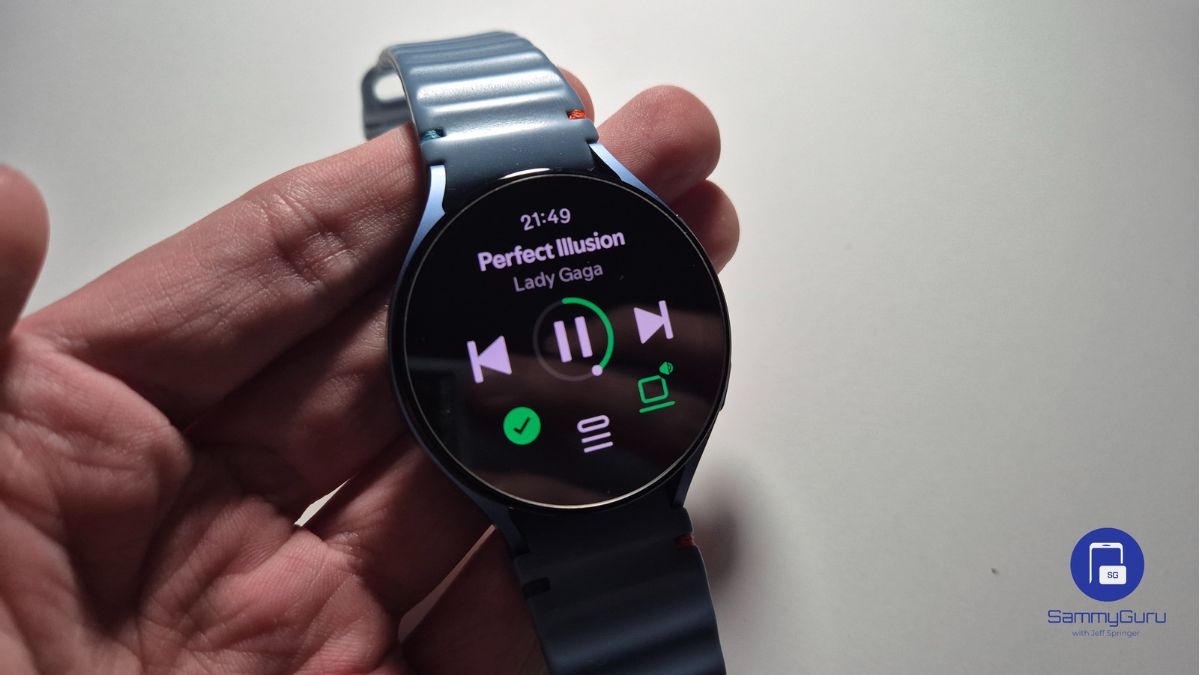
A few weeks ago, Spotify was testing a redesigned Now Playing screen for smartwatches, including Galaxy Watch smartwatches. At the time, the change appeared to be part of limited testing and wasn’t widely available. But it looks like the redesigned Spotify for Wear OS is finally rolling out.
Spotify’s redesigned Wear OS app now rolling out for Galaxy Watch
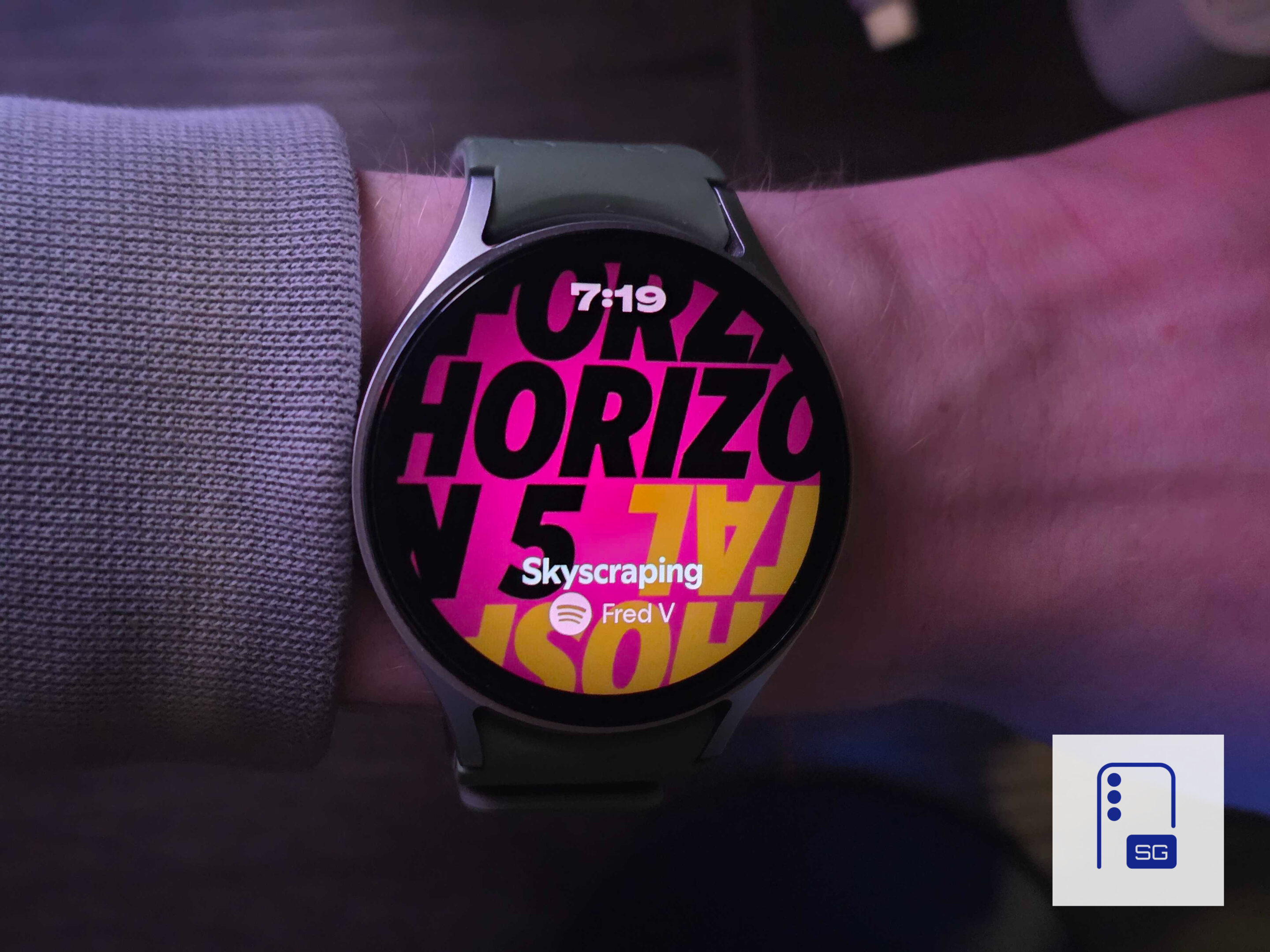
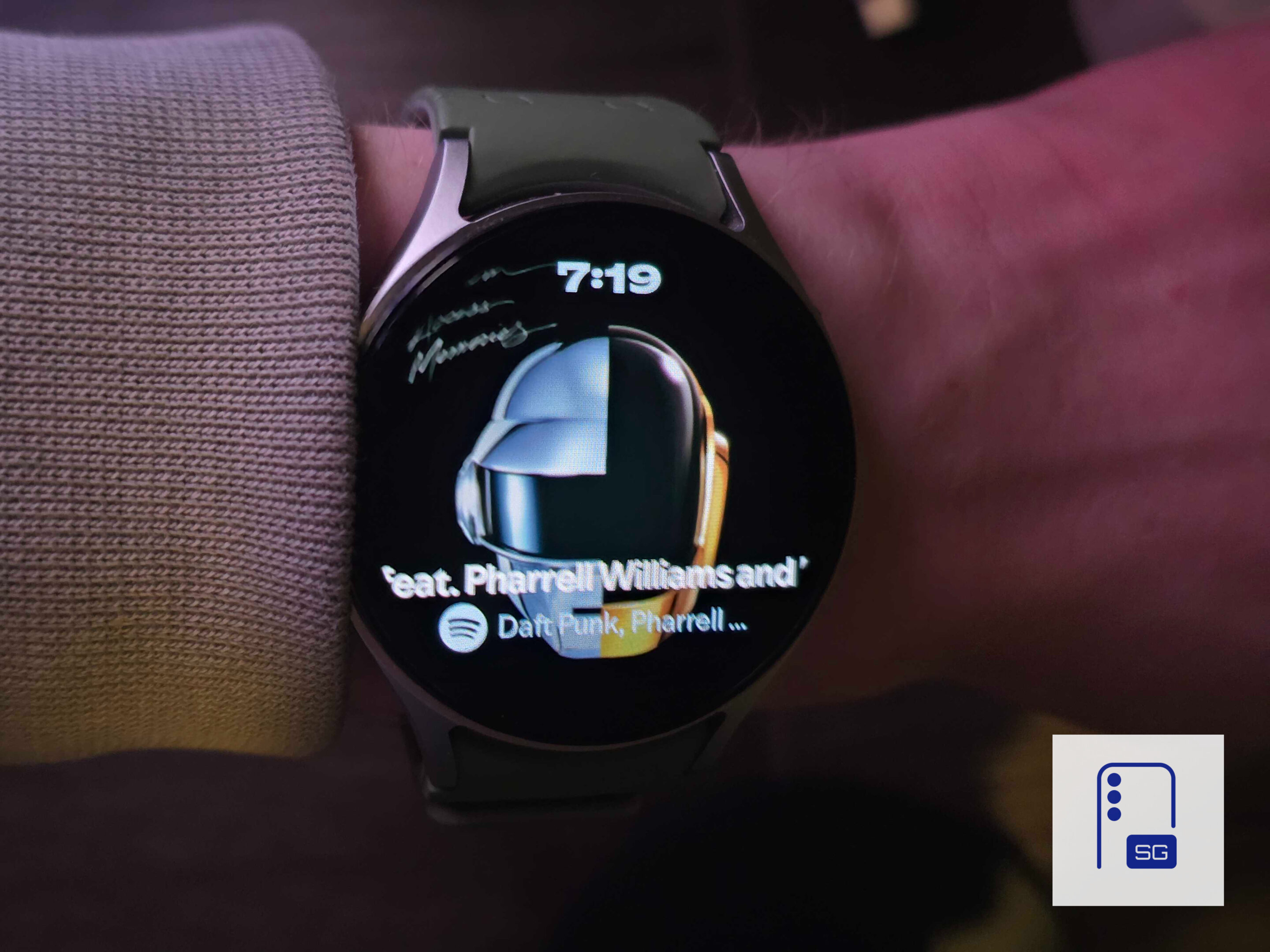
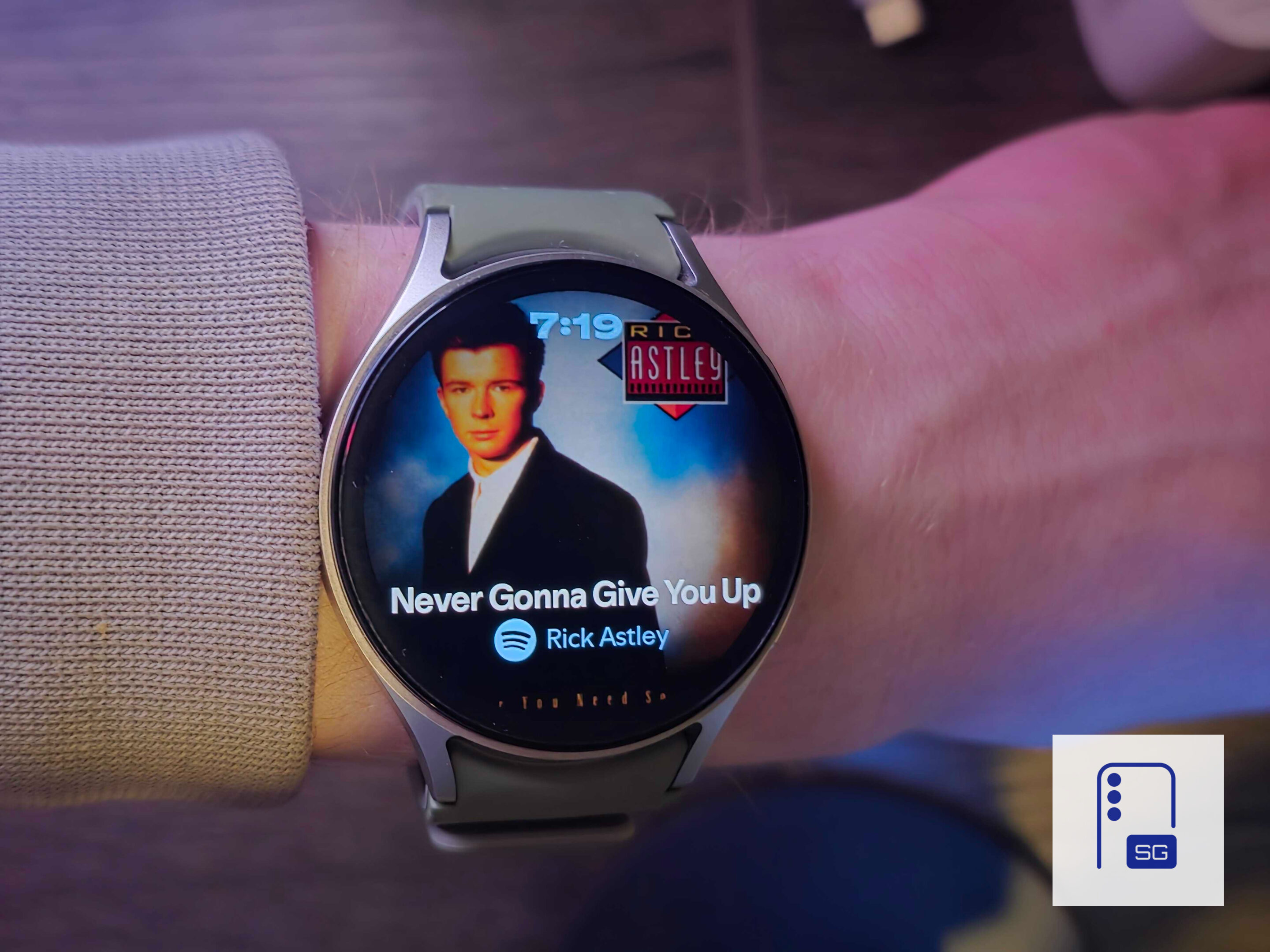
Spotify has now started rolling out that redesigned experience to the Wear OS app for some users (h/t Android Authority). The update introduces a refreshed interface that focuses on gesture-based navigation and larger album artwork. As a result, music controls are easier to use on a smartwatch’s small display. The new design places large album art front and center. This creates a more immersive playback screen on Wear OS devices. Instead of relying heavily on traditional on-screen buttons, Spotify now lets users control playback through simple gestures.
For example, users can tap once anywhere on the screen to play or pause music, or double-tap to skip to the next track. In addition, they can swipe down from the landing screen to open the immersive Now Playing view. This approach essentially turns the entire display into an interaction surface, reducing the need to tap small buttons on a watch screen. Meanwhile, the main screen still allows users to manage playback queues. They can also set a sleep timer, or open the expanded context menu for additional controls.
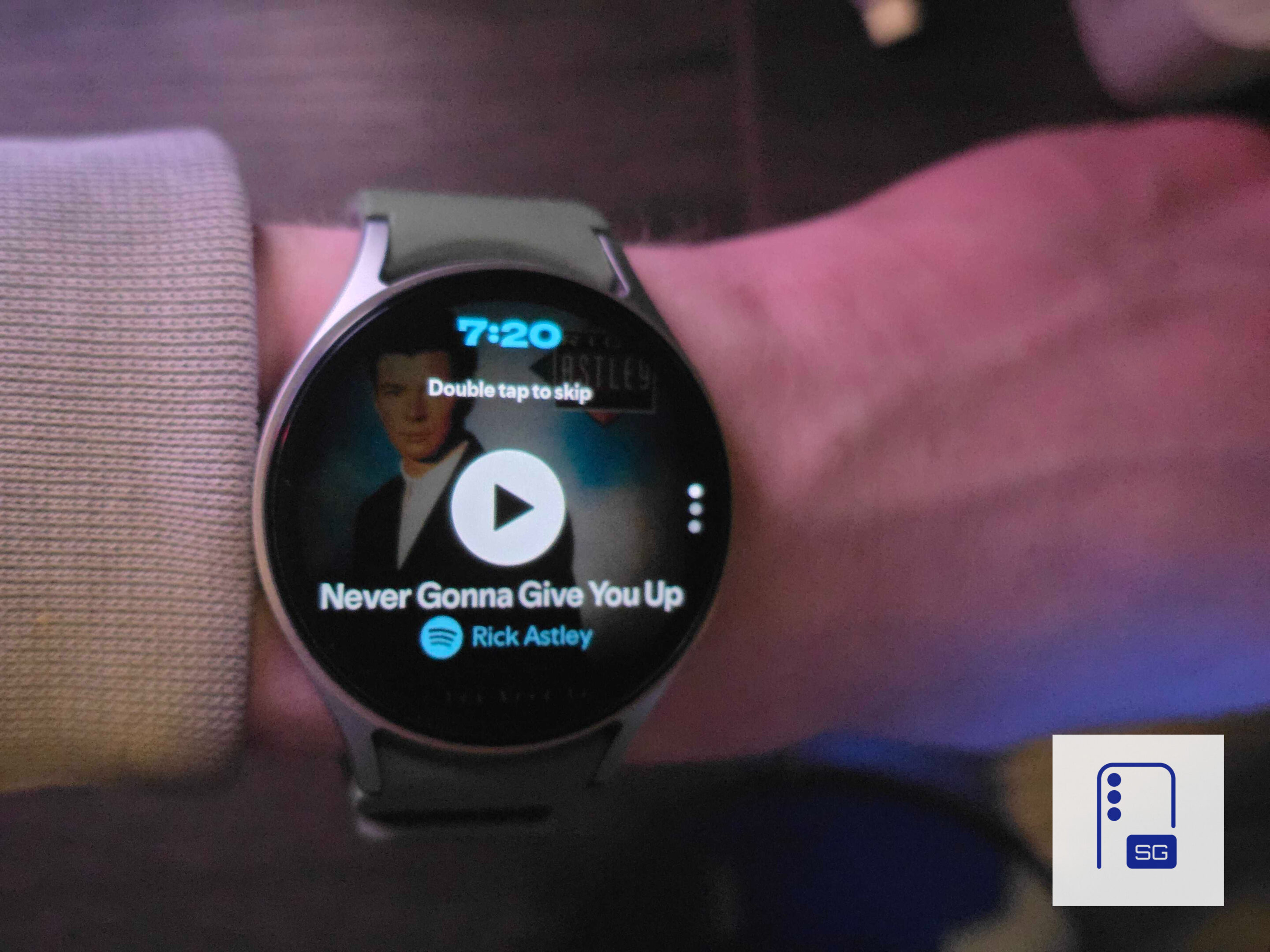
Spotify says the redesigned experience is rolling out gradually. Therefore, users may see the new interface over the coming days. To get it, users should make sure they have the latest version of the Spotify app installed on their Wear OS smartwatch. Alternatively, they can find it on Galaxy Watch via the Google Play Store. I checked my Galaxy Watch 5 before writing this news, but I didn’t get the update yet. However, fellow SammyGuru writer Josh Skinner got the update, and you can see it in action below:


Follow us on Google Discover & set us as a preferred source in Google News
Share this Post
___________________________


New Blog Posts
___________________________

First Set of Pixel 11 Pro XL Renders Are Here
Pixel 11 Pro XL CAD renders show minimal design changes

Is Samsung Preparing One UI 8.5 Beta for Galaxy Z Fold 5 and Flip 5?
Samsung may launch a One UI 8.5 beta program for its 2023 foldables

Galaxy S25 One UI 8.5 Beta May Run Longer Than Expected
Galaxy S25 series’ One UI 8.5 beta may stretch to 10 rounds







