
Samsung to Fix One UI 7 Black Line Display Bug Through Software Update
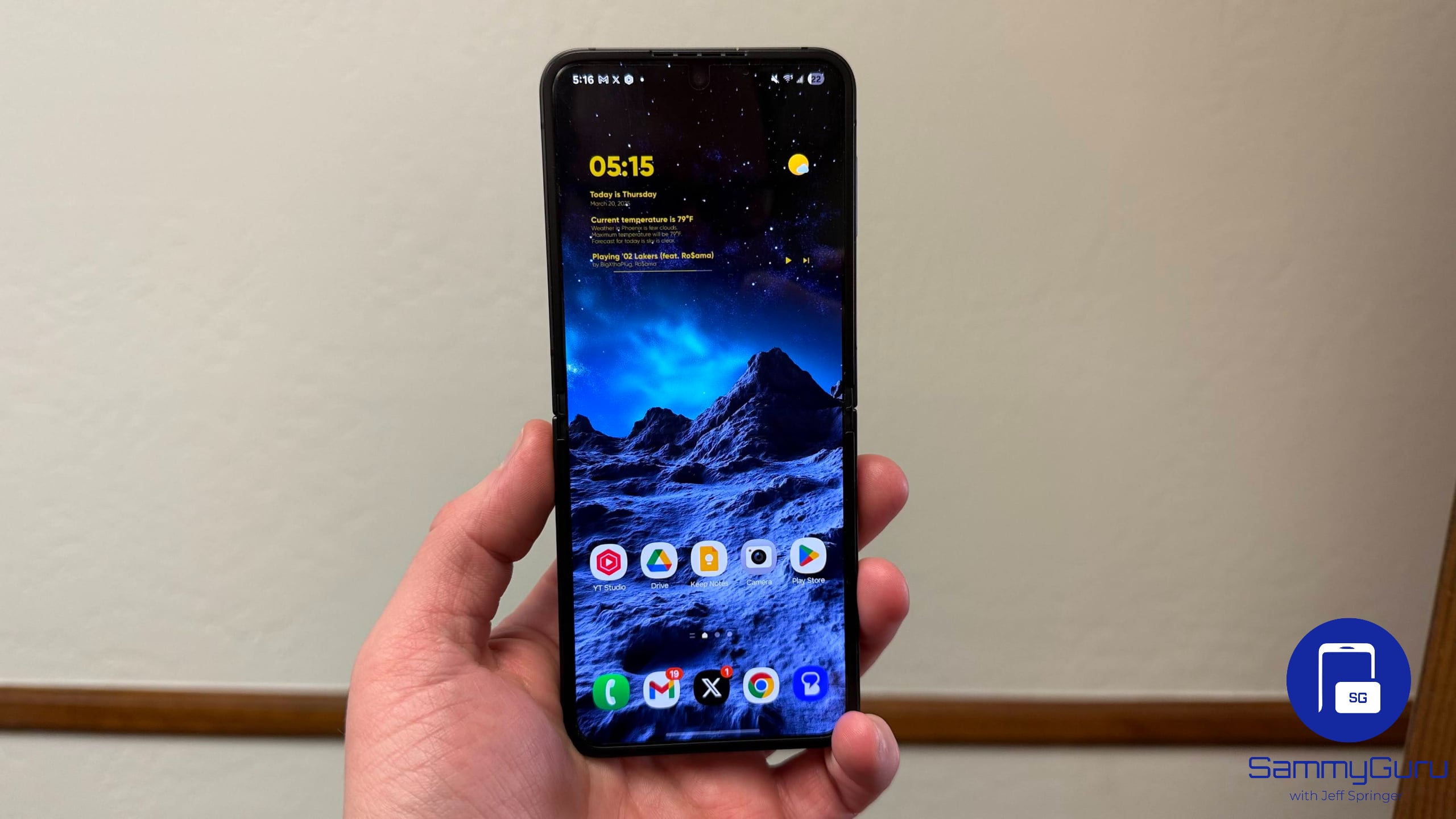
It looks like a strange bug in Samsung’s One UI 7 is causing a black line to appear on the phone display. The issue reportedly affects some Galaxy Z Flip series models, mainly after using the Smart View feature and then folding the device. Thankfully, Samsung is aware of the issue and has promised to fix it through a software update.
Samsung confirms black line display bug in One UI 7, fix on the way
Samsung has almost completed its rollout of Android 15-based One UI 7. While the update brings new software experiences with a bunch of meaningful features, a bug is causing issues for some Flip users. Affected users say a black line appears on the main screen when they fold the device after using the Smart View feature.
At first glance, it may appear to be a display defect — something that’s become more common on modern smartphones. Thankfully, Samsung has confirmed that this is not a hardware issue, but a temporary software glitch. If you set the screen setting in Smart View to “Full screen on connected device” mode, the bug triggers and shows a black line on the inner screen. After some time, the line usually disappears on its own, but it may cause concern.
The good news is that it’s a known issue and Samsung is already working on a fix. While the company has said it will address the bug through a software update, it has not shared a specific rollout timeline. Hopefully, it won’t take long, and the Korean firm will push it out in the coming weeks. You can keep an eye on the latest update via Settings > Software update > Download and install.
Meanwhile, Samsung shared a temporary workaround to avoid the black line on Galaxy devices. You just need to change the screen ratio setting in Smart View to “Full screen on phone” mode. To do this, open Quick Settings, tap Smart View, and connect to your device. Once connected, tap the floating Smart View icon and then head over to More Options > Settings, and select “Full screen on phone”.

Follow us on Google Discover & set us as a preferred source in Google News
Share this Post
___________________________


New Blog Posts
___________________________

First Set of Pixel 11 Pro XL Renders Are Here
Pixel 11 Pro XL CAD renders show minimal design changes

Is Samsung Preparing One UI 8.5 Beta for Galaxy Z Fold 5 and Flip 5?
Samsung may launch a One UI 8.5 beta program for its 2023 foldables

Galaxy S25 One UI 8.5 Beta May Run Longer Than Expected
Galaxy S25 series’ One UI 8.5 beta may stretch to 10 rounds


