
Samsung’s SolarCell Remote is Fantastic — Now Let Us Disable Shortcuts
SammyGuru is reader-supported. We have affiliate and sponsored partnerships, so we may earn a commission when you buy through links on our site — at no extra cost to you. Learn more.
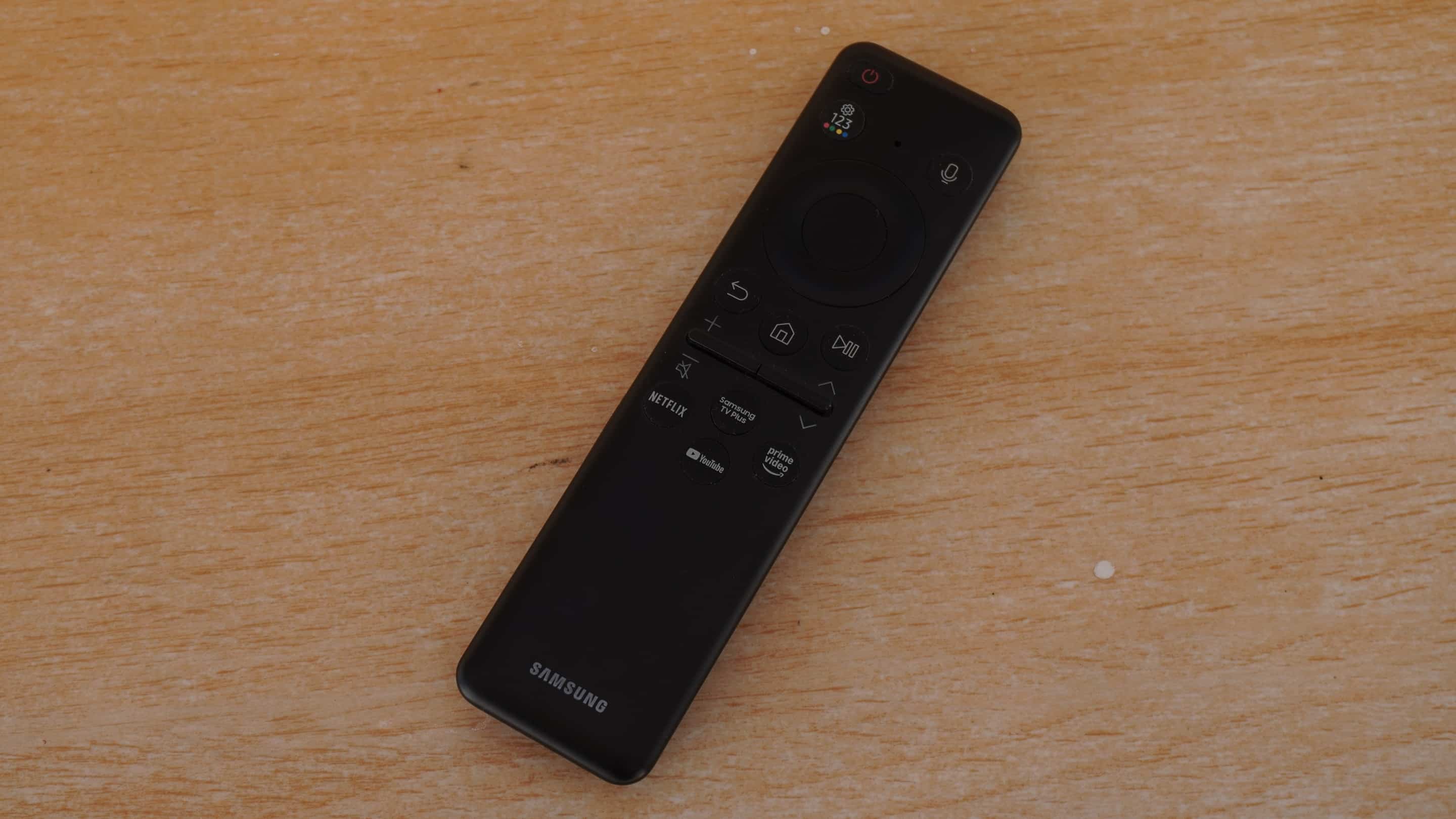
Samsung has been the world’s top TV brand for nearly two decades, and it’s no coincidence. The company has done a lot right in the TV space over the years. From picture quality and energy efficiency to smart ambient features and tight ecosystem integration, its TVs consistently stand out. Among all these innovations, the one that genuinely feels like a small stroke of genius is the SolarCell Remote.
It’s compact, it’s clean, it’s eco-friendly, and it features tactile buttons instead of mushy silicone, making every press feel premium. But that’s not the best part. This remote finally puts an end to the “Where did the AAA batteries go?” argument in my house. Samsung’s SolarCell Remote includes a built-in battery that can recharge using sunlight. Just place it out in the sun with the back facing up, and the solar panel will top it up automatically.
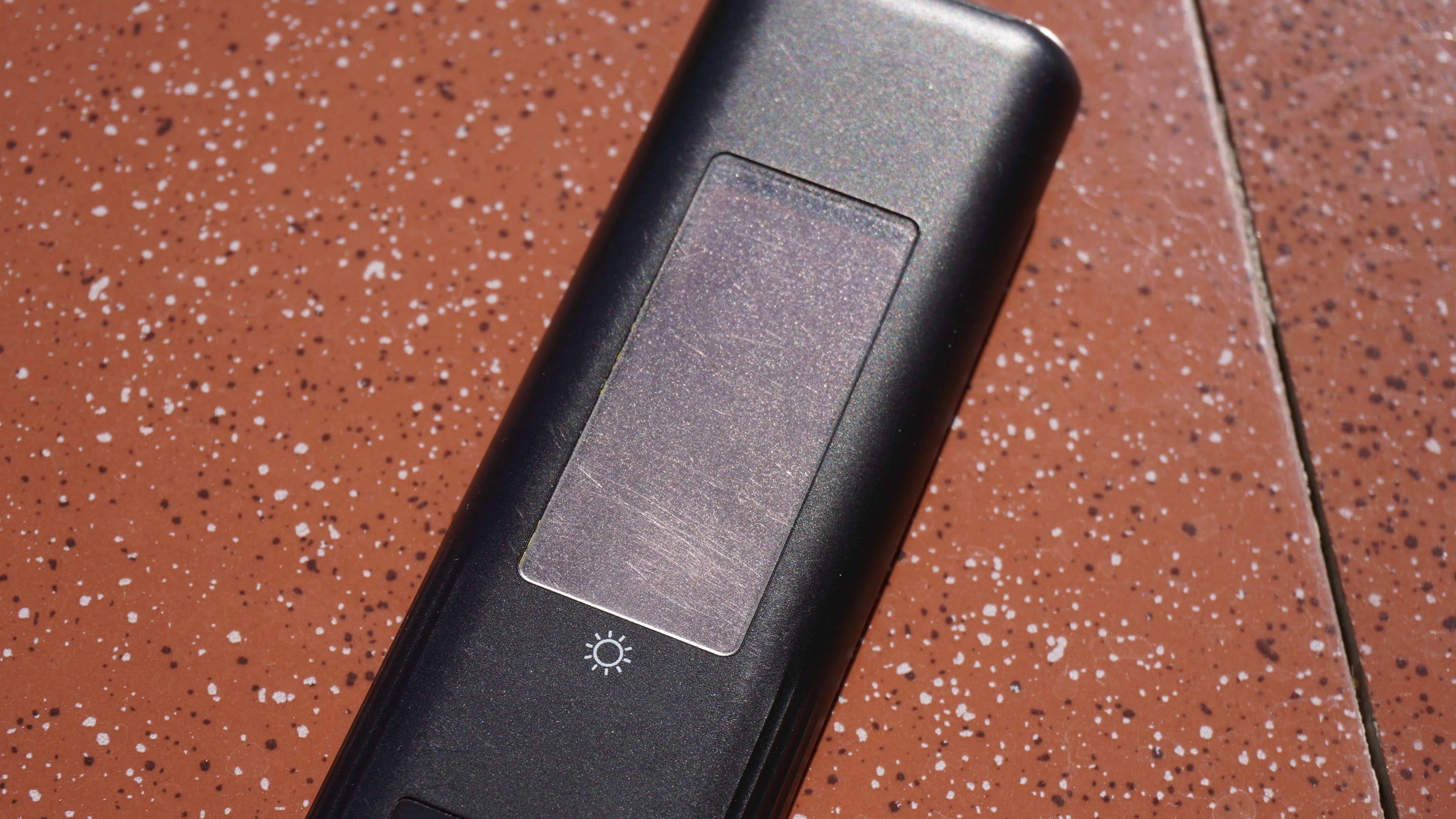
And if you ever need a quicker boost, there’s also a USB-C port for conventional charging. How cool is that? Sadly, there’s an equally annoying thing about this sleek remote: Shortcut buttons.
Samsung’s SolarCell Remote is delightful, but still not perfect
Samsung’s SolarCell Remote includes dedicated buttons for popular streaming services. These are handy shortcuts to launch apps instantly without digging through menus. In theory, it’s a convenience. In practice, it depends entirely on which buttons your particular remote includes.
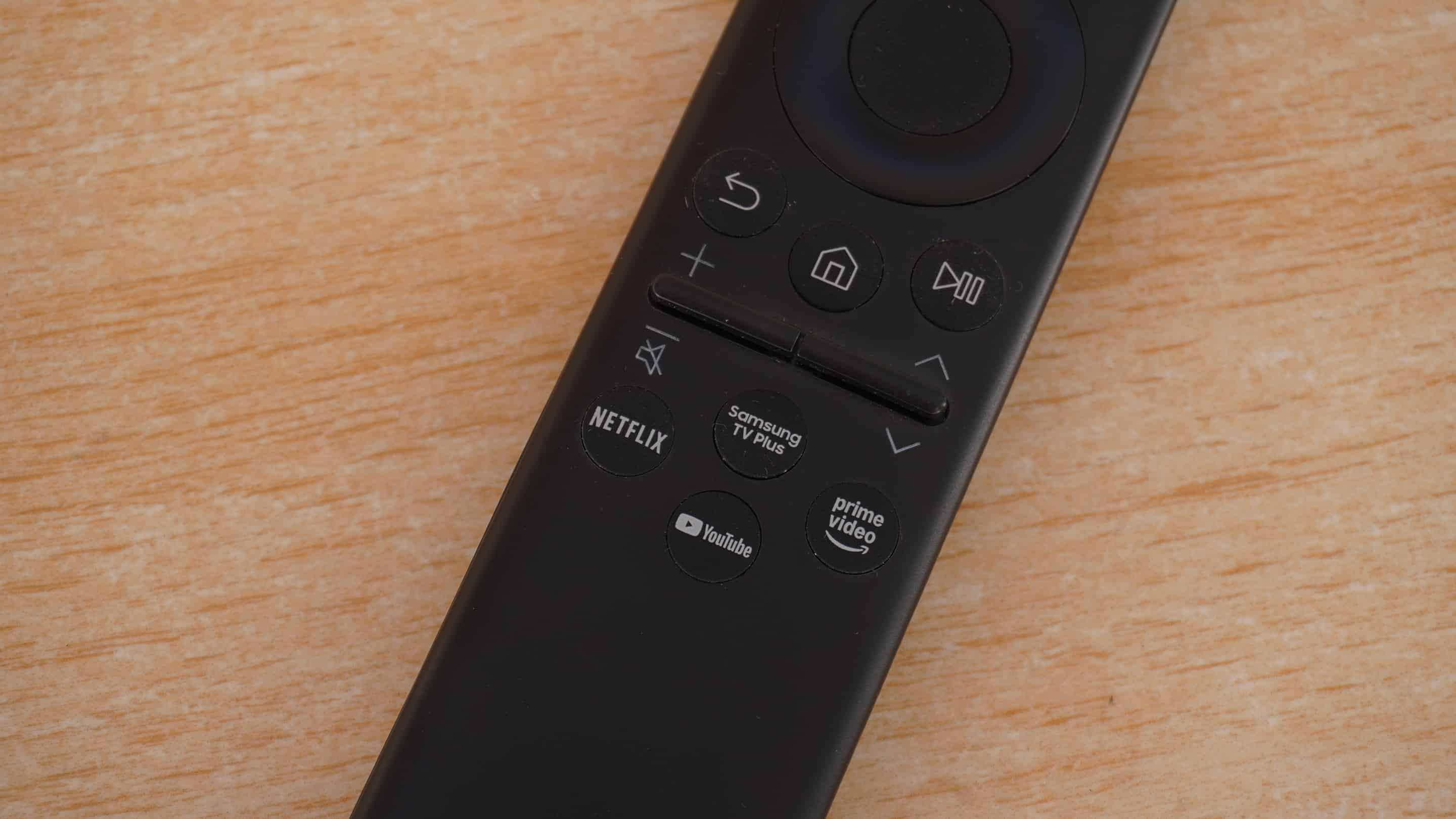
Depending on the model, year, and region, those shortcuts might be mapped to Netflix, Disney+, Prime Video, YouTube, or something else. If you happen to subscribe to all the services printed on your remote, great. You’ll save a few taps. But if you don’t use one or more of them, the experience quickly becomes frustrating.
One accidental press, and your TV jumps straight into an app you never watch, or worse, one you don’t even have installed. And yes, accidental presses are easier than you’d think. The remote is so minimal and Bluetooth-friendly that picking it up upside down is practically a design feature. One wrong orientation and…boom, I’m on the app store again.
These buttons solve a problem I don’t have
Samsung clearly added these buttons because they’re part of partner deals — fair enough. But that doesn’t mean every user benefits. What if I don’t watch Netflix? The Netflix button on my remote is of no use, but an unnecessary disturbance.
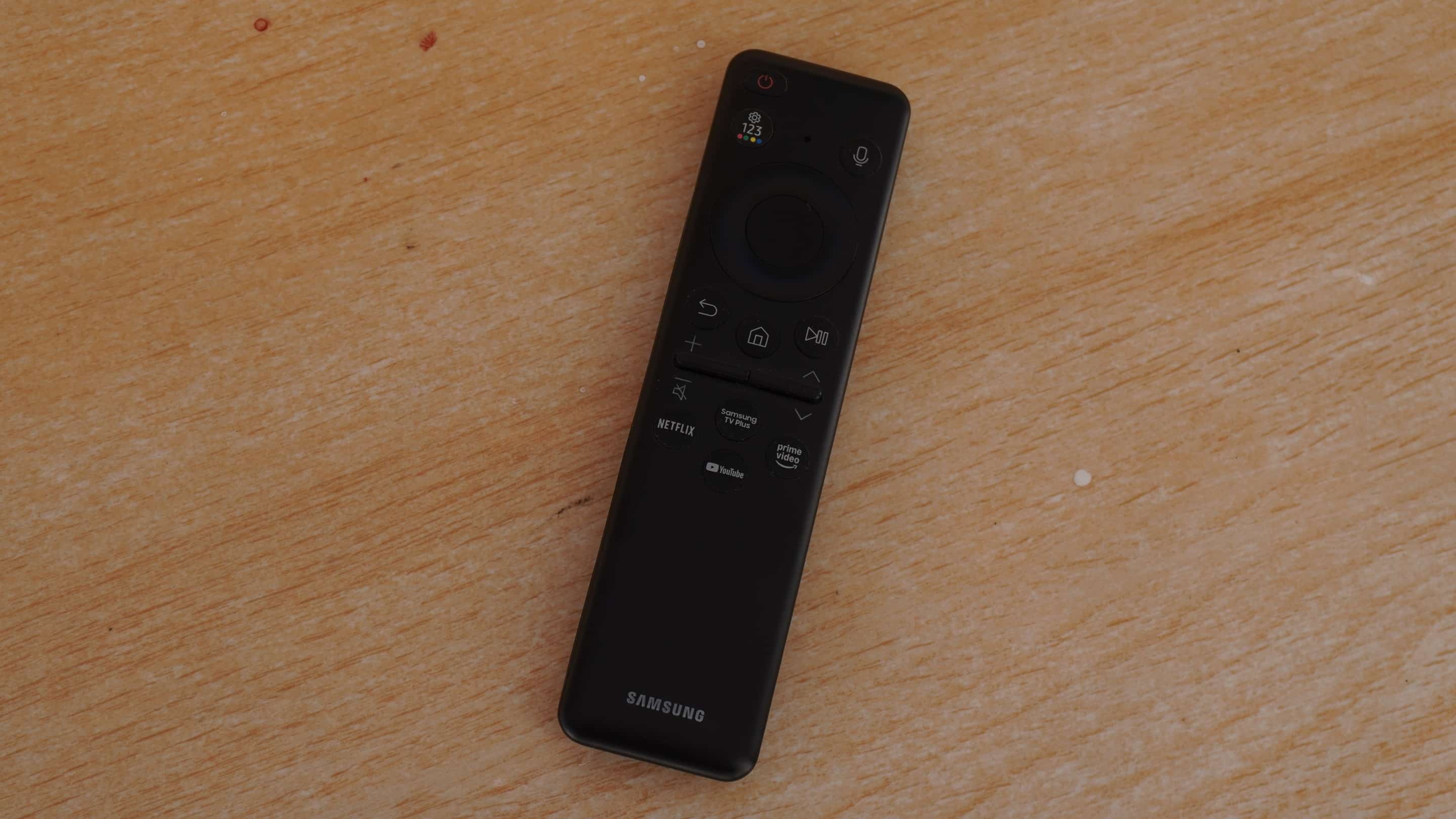
I’m not asking Samsung to redesign the remote. I’m not asking them to anger their streaming partners by making the logos optional. Just give us some control. Samsung could let users remap these buttons, so they decide what each button launches. At the very least, the company could offer a disable toggle. If remapping is not allowed by partners, let users disable the buttons so they don’t accidentally launch the app they don’t use.
This will make the SolarCell Remote perfect. It is already one of Samsung’s cleverest ideas in years, but the locked shortcut buttons are where user choice gets sidelined. Give us that little bit of control, Samsung.

Written by
Sumit AdhikariSumit, a life-long Samsung user, is passionate about technology and has been professionally writing on tech since 2017. He’s a mathematics graduate by education and enjoys teaching basic mathematics tricks to school kids in his spare time. Sumit believes in artificial intelligence and dreams of a fully open, intelligent and connected world.

Follow us on Google Discover & set us as a preferred source in Google News
Share this Post
___________________________


New Blog Posts
___________________________

First Set of Pixel 11 Pro XL Renders Are Here
Pixel 11 Pro XL CAD renders show minimal design changes

Is Samsung Preparing One UI 8.5 Beta for Galaxy Z Fold 5 and Flip 5?
Samsung may launch a One UI 8.5 beta program for its 2023 foldables

Galaxy S25 One UI 8.5 Beta May Run Longer Than Expected
Galaxy S25 series’ One UI 8.5 beta may stretch to 10 rounds







