
Samsung Rolls Out One UI 8 Update to Galaxy A06 and A07
SammyGuru is reader-supported. We have affiliate and sponsored partnerships, so we may earn a commission when you buy through links on our site — at no extra cost to you. Learn more.
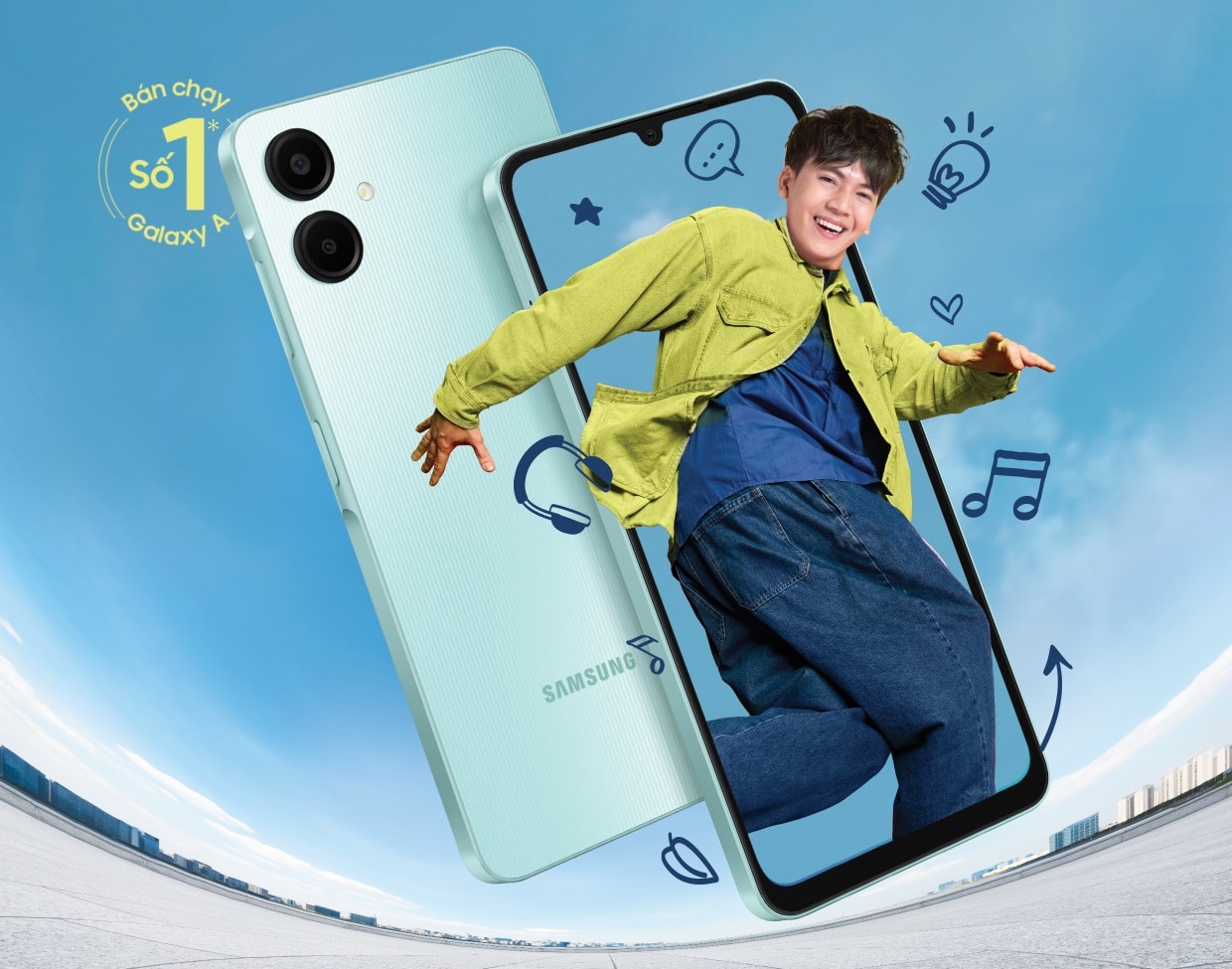
A couple of weeks ago, Samsung released the Android 16-based One UI 8 update for the Galaxy A06 5G. Now, the update is rolling out to the 4G version of this entry-level smartphone. One UI 8 is also available for its successor, the Galaxy A07, which debuted in August this year.
Galaxy A06 and A07 get Samsung’s One UI 8 update
The Galaxy A06 is currently picking up One UI 8 in a bunch of Asian countries, including Indonesia, Malaysia, Thailand, and the Philippines. The OTA package carries firmware version A065FXXU7CYJ8 and weighs around 2.3GB. Alongside a plethora of new features and enhancements, the update includes the September 2025 security patch.
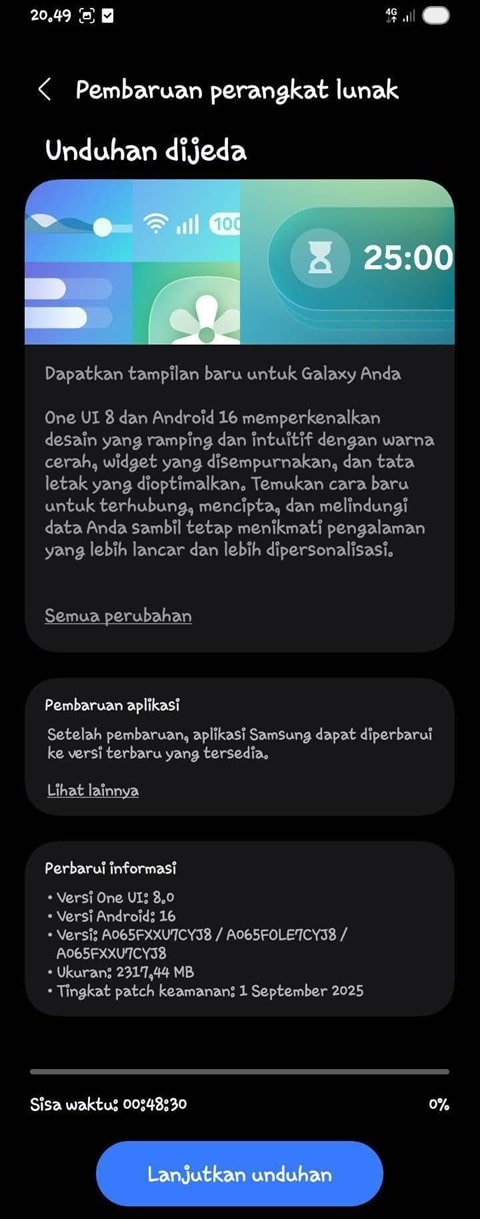
Debuted with Android 14, this is the last major OS update for the Galaxy A06. Security patches may continue for a couple more years. The Galaxy A06 5G, meanwhile, shipped with Android 15 and is eligible for four generations of OS upgrades. It will also receive One UI 9, One UI 10, and One UI 11.
Coming to the Galaxy A07 (4G), Samsung shipped this model with Android 15 and One UI 7, promising as many as six major OS upgrades. It will receive updates all the way up to Android 21 (One UI 13). The first of those, One UI 8, is now rolling out in Asia with the build version A075FXXU1BYJA. The update also bundles the October 2025 security patch.
One UI 8 brings several fresh features and design improvements to these entry-level phones. Samsung has refined Camera controls with new on-screen gestures and improved system animations for smoother navigation. The Quick Share interface has also been redesigned with separate Send and Receive tabs, while the Weather app now includes lively visuals.
Additionally, apps like Calendar, Clock, and Reminder gain better bulk management options, while Modes and Routines get new actions and conditions for more flexible automation. Samsung should soon release One UI 8 for the Galaxy A06 and A07 globally. Users can check for updates manually by going to Settings > Software update > Download and install.

Written by
Sumit AdhikariSumit, a life-long Samsung user, is passionate about technology and has been professionally writing on tech since 2017. He’s a mathematics graduate by education and enjoys teaching basic mathematics tricks to school kids in his spare time. Sumit believes in artificial intelligence and dreams of a fully open, intelligent and connected world.

Follow us on Google Discover & set us as a preferred source in Google News
Share this Post
___________________________


New Blog Posts
___________________________

First Set of Pixel 11 Pro XL Renders Are Here
Pixel 11 Pro XL CAD renders show minimal design changes

Is Samsung Preparing One UI 8.5 Beta for Galaxy Z Fold 5 and Flip 5?
Samsung may launch a One UI 8.5 beta program for its 2023 foldables

Galaxy S25 One UI 8.5 Beta May Run Longer Than Expected
Galaxy S25 series’ One UI 8.5 beta may stretch to 10 rounds







