
Samsung Rolls Out New Good Lock Update with Stability Fixes
SammyGuru is reader-supported. We have affiliate and sponsored partnerships, so we may earn a commission when you buy through links on our site — at no extra cost to you. Learn more.
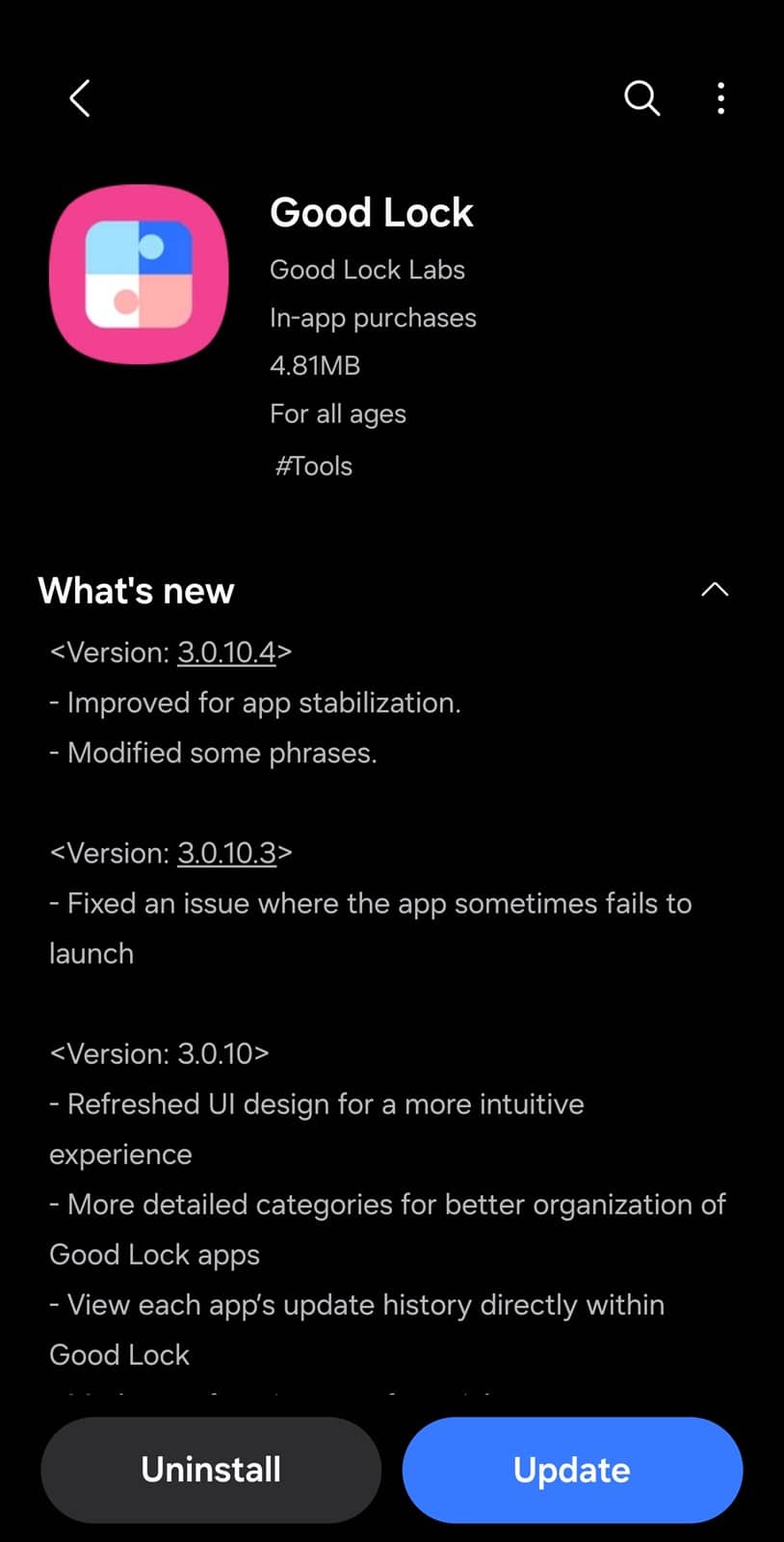
Samsung has released a new update for its popular Good Lock customization suite. While this update doesn’t introduce any new features, it brings minor stability improvements and text adjustments within the app for enhanced user experience. The new version is rolling out widely via the Galaxy Store. This follows recent updates for several Good Lock modules.
Samsung’s new Good Lock update brings stability and text improvements
The latest update for Samsung’s Good Lock suite introduces v3.0.10.4 and refines the overall user experience by optimizing performance and making subtle UI tweaks. Users may notice slight text changes in some modules, likely aimed at improving clarity and consistency. However, no functional changes or new customization options have been added with this release.
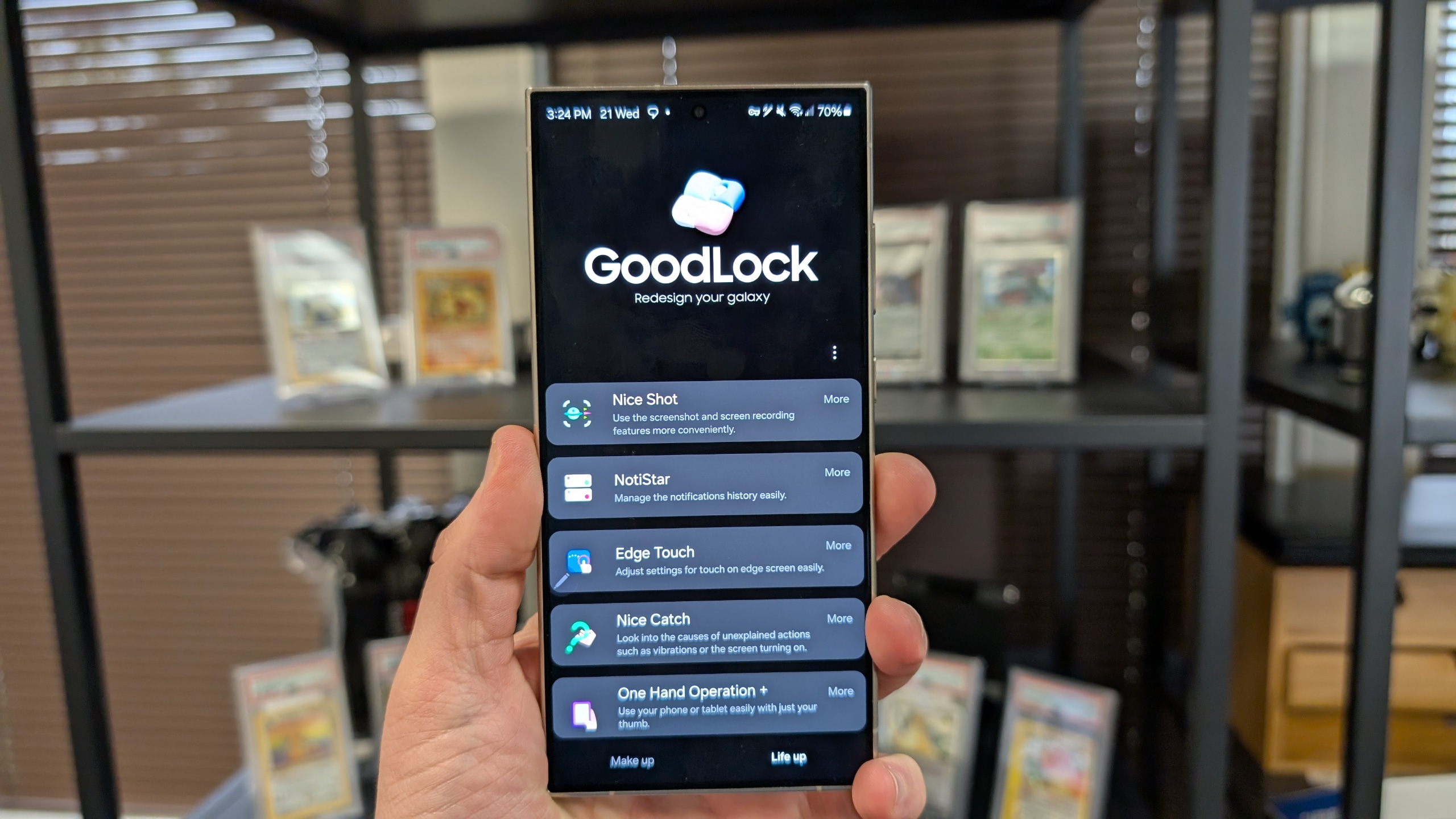
Good Lock remains a favorite among Galaxy users for its deep customization capabilities, allowing them to tweak various aspects of One UI, from home screen and lock screen elements to gesture controls, quick settings, and more. Samsung regularly updates the app, often adding new features or improving existing modules. This time, though, the focus is purely on stability and refinement.
If you use Good Lock, we recommend you install the latest update to ensure a smoother experience. You can check for the update through the Galaxy Store. Go to the Menu section and tap on Updates to check for updates. All available updates are listed here. While this release is minor, Samsung should roll out more significant changes to Good Lock in future updates.
Samsung’s Android 15-based One UI 7.0 update already brings massive changes and functional enhancements to the popular Galaxy customization suite. Home Up, the module for customizing your home screen and system animations, has been integrated into system settings for seamless customizations. Check out this complete Home Up animation guide to enhance your home screen animations.

Written by
Sumit AdhikariSumit, a life-long Samsung user, is passionate about technology and has been professionally writing on tech since 2017. He’s a mathematics graduate by education and enjoys teaching basic mathematics tricks to school kids in his spare time. Sumit believes in artificial intelligence and dreams of a fully open, intelligent and connected world.

Follow us on Google Discover & set us as a preferred source in Google News
Share this Post
___________________________


New Blog Posts
___________________________

First Set of Pixel 11 Pro XL Renders Are Here
Pixel 11 Pro XL CAD renders show minimal design changes

Is Samsung Preparing One UI 8.5 Beta for Galaxy Z Fold 5 and Flip 5?
Samsung may launch a One UI 8.5 beta program for its 2023 foldables

Galaxy S25 One UI 8.5 Beta May Run Longer Than Expected
Galaxy S25 series’ One UI 8.5 beta may stretch to 10 rounds







