
Samsung Rolls Out Bixby Vision Update with Improvements and Bug Fixes

SammyGuru is reader-supported. We have affiliate and sponsored partnerships, so we may earn a commission when you buy through links on our site — at no extra cost to you. Learn more.
Samsung has recently released an update to its Bixby Vision app, bringing version 3.8.21.11. The new update improves the performance of the Scene Describer in Accessibility mode. On top of that, it fixes bugs as well as optimizes performance to improve usability.
For the uninitiated, Bixby Vision is an image search feature that lets users identify shopping items and locations and translate text. You need to point the camera at an object, and Bixby Vision will tell you more about it. It is available via the Camera, Gallery, and Samsung Internet apps in supported Galaxy phones.
New Bixby Vision update improves Scene Describer in Accessibility Mode
The latest version of the Bixby Vision app is available on the Galaxy Store with a package size of 16MB. As mentioned above, the most notable addition that comes with the update is the improved Scene Describer feature in the accessibility mode. Users should update to the latest version, as the changelog mentions that older versions of the app may not work properly.
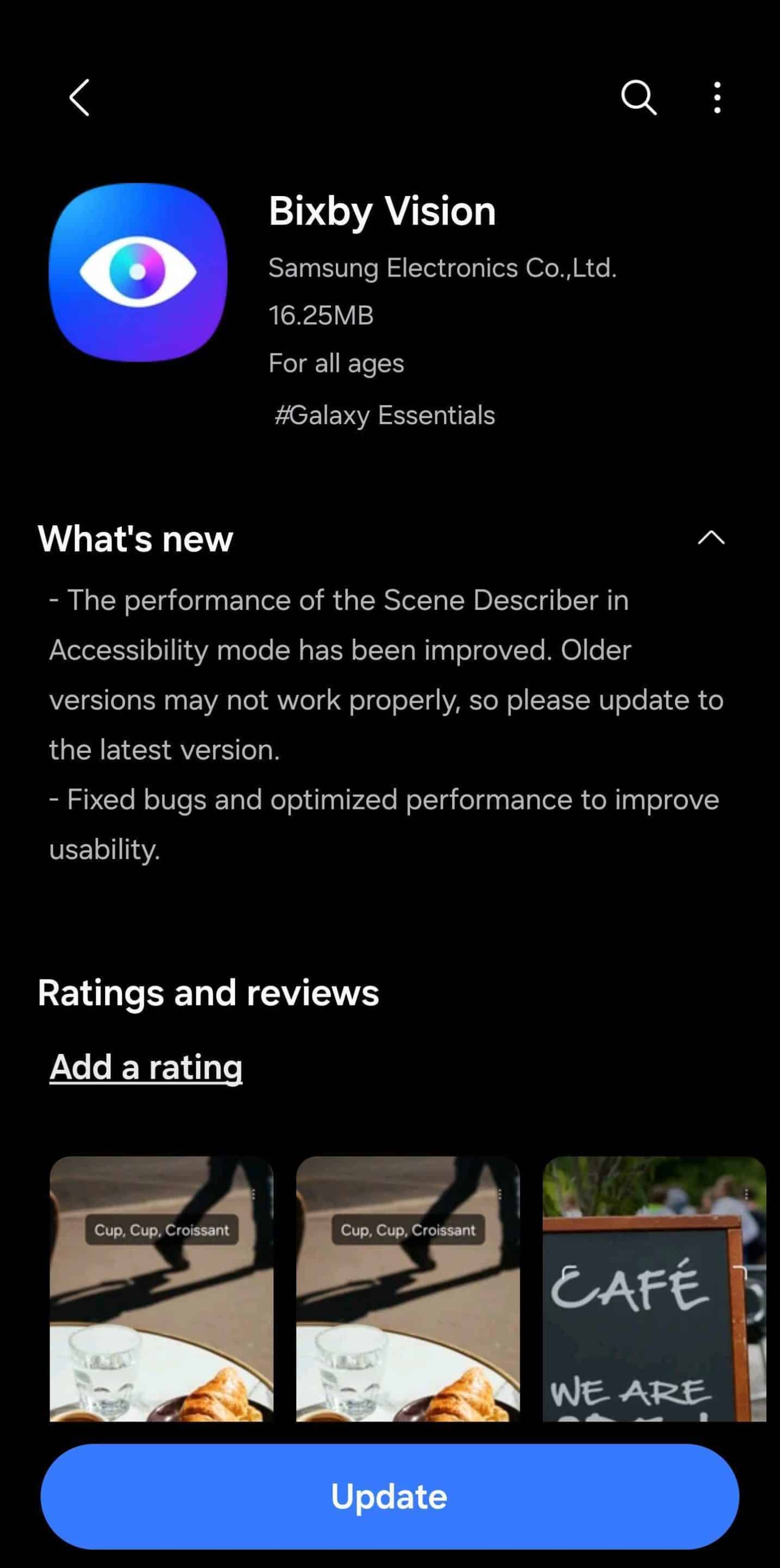
To update, first open the Galaxy Store and go to the Menu tab in the bottom bar. Now, tap on Updates and then see if the Bixby Vision update is available for you. If available, you should see the latest version 3.8.21.11. Finally, proceed with installing the update. It is worth mentioning that you need to give Storage and Camera access permissions to use this app.
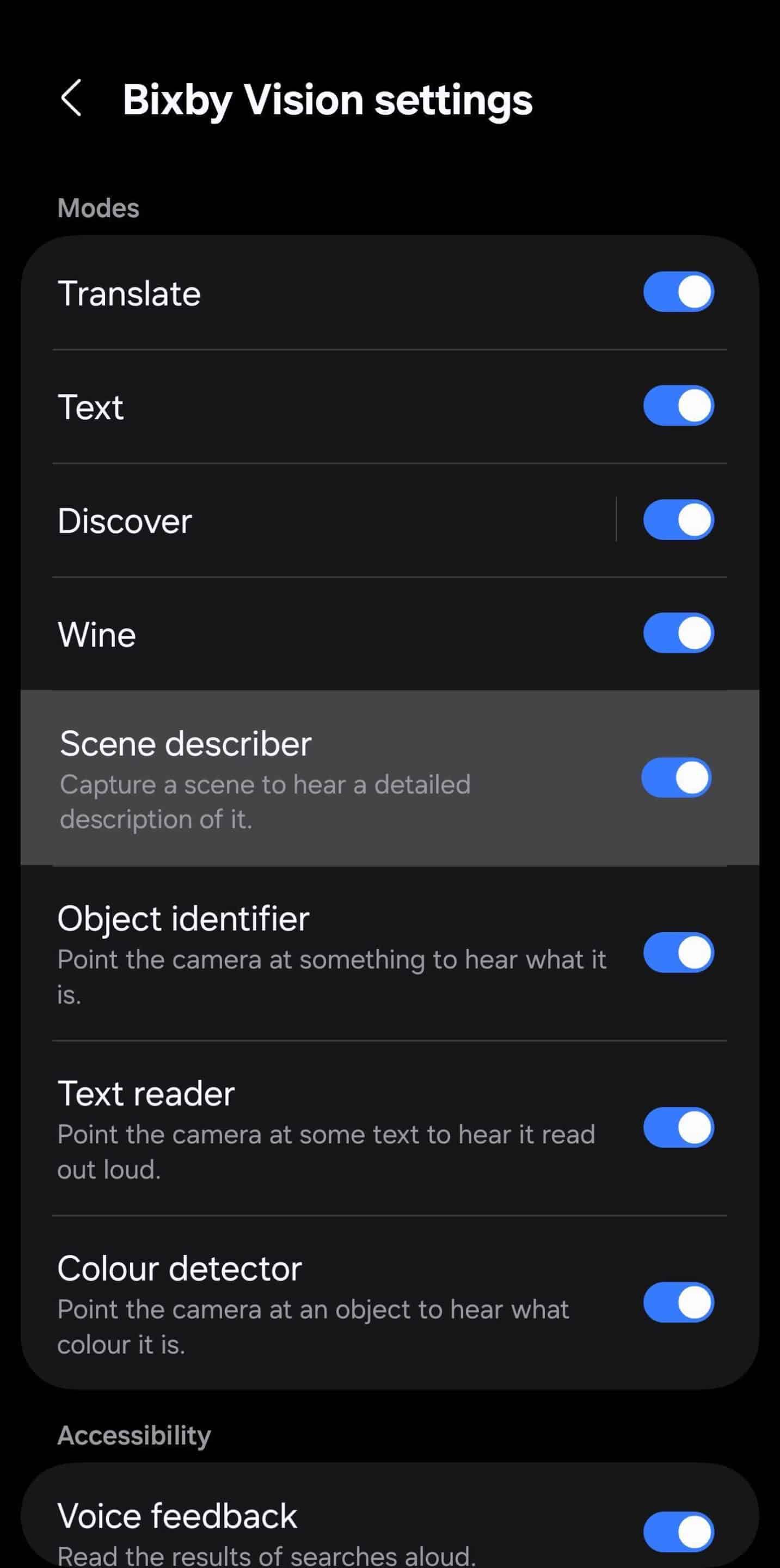
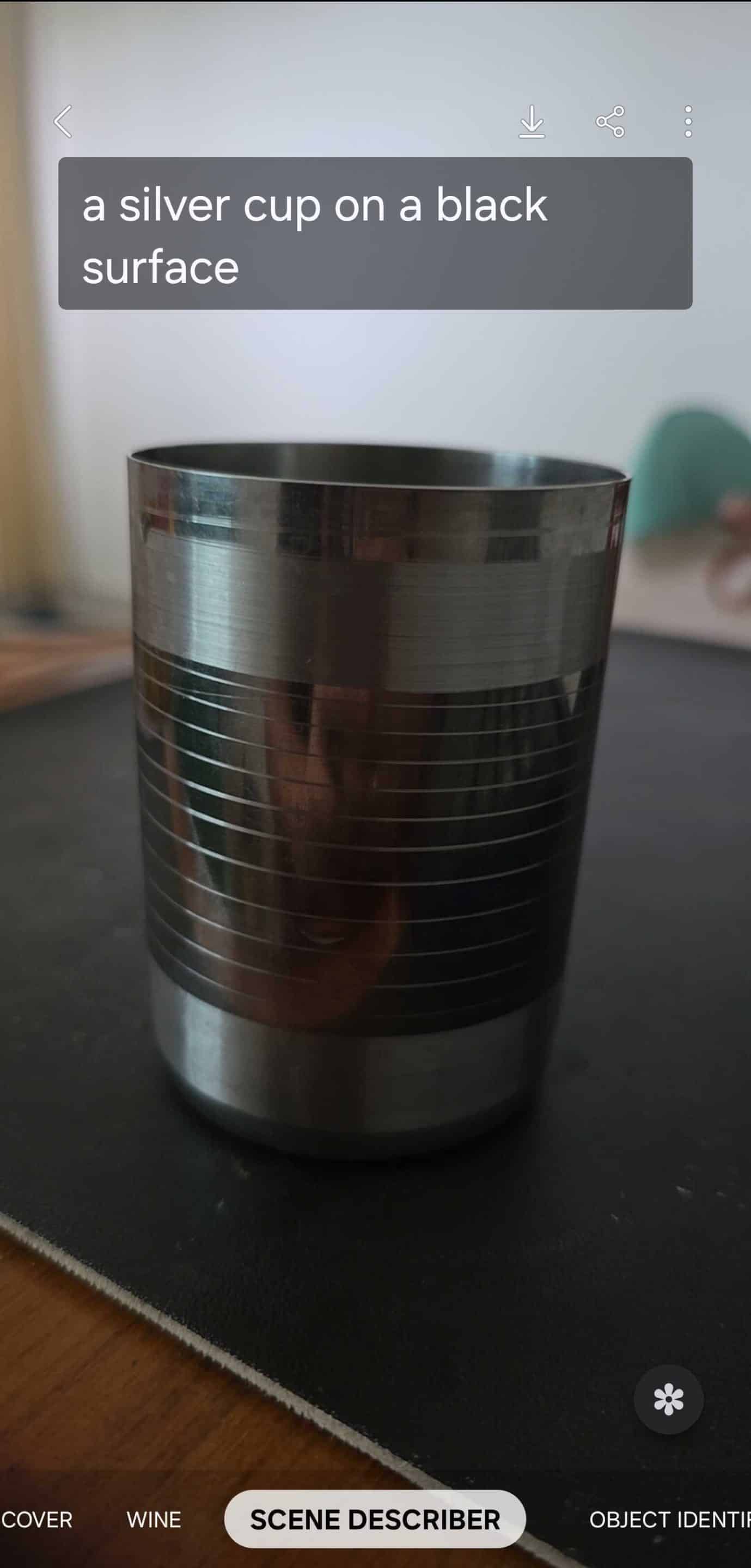
Back in 2020, Samsung introduced several accessibility features for its Bixby Vision app, including Scene Describer. And now, it’s good to see that the company has improved the Scene Describer feature. As its name suggests, Scene Describer provides descriptions of any image, whether they are captured in real-time or downloaded. It helps users identify obstacles and better understand their surroundings.
We tested the improved Scene Describer feature on our Galaxy smartphone to see how much of an improvement it brings, but the improvement is not noticeable. This suggests that improvements have been made behind the scenes, but they are not noticeable in practical use.

Written by
Binay KonwarBinay Konwar started his blogging journey in 2014 and has since written plenty of tech articles. At present, he is working as a News Writer at SammyGuru, covering everything about Samsung. He holds a Master's degree in Mathematics, but his real passion lies in tech and writing. In his free time, he enjoys playing chess and watching movies.

Follow us on Google Discover & set us as a preferred source in Google News
Share this Post
___________________________


New Blog Posts
___________________________

First Set of Pixel 11 Pro XL Renders Are Here
Pixel 11 Pro XL CAD renders show minimal design changes

Is Samsung Preparing One UI 8.5 Beta for Galaxy Z Fold 5 and Flip 5?
Samsung may launch a One UI 8.5 beta program for its 2023 foldables

Galaxy S25 One UI 8.5 Beta May Run Longer Than Expected
Galaxy S25 series’ One UI 8.5 beta may stretch to 10 rounds







