
Latest Game Booster+ and Home Up Updates Bring Bug Fixes, New Features
SammyGuru is reader-supported. We have affiliate and sponsored partnerships, so we may earn a commission when you buy through links on our site — at no extra cost to you. Learn more.
Samsung has rolled out new updates for two of its popular Good Lock modules: Game Booster+ and Home Up. The former brings new gaming-focused features, while the latter focuses on fixing known bugs. These updates should hit all eligible Galaxy users globally within the next few days.
Game Booster+ gets new features, Home Up receives bug fixes
Samsung’s Game Booster+ is a great tool if you want better control over your gaming experience. For example, it includes GPU settings that let you adjust how your phone operates graphics. You can reduce GPU load during screen rotation in Vulkan-based games. Moreover, you can change the texture to improve image quality or performance.
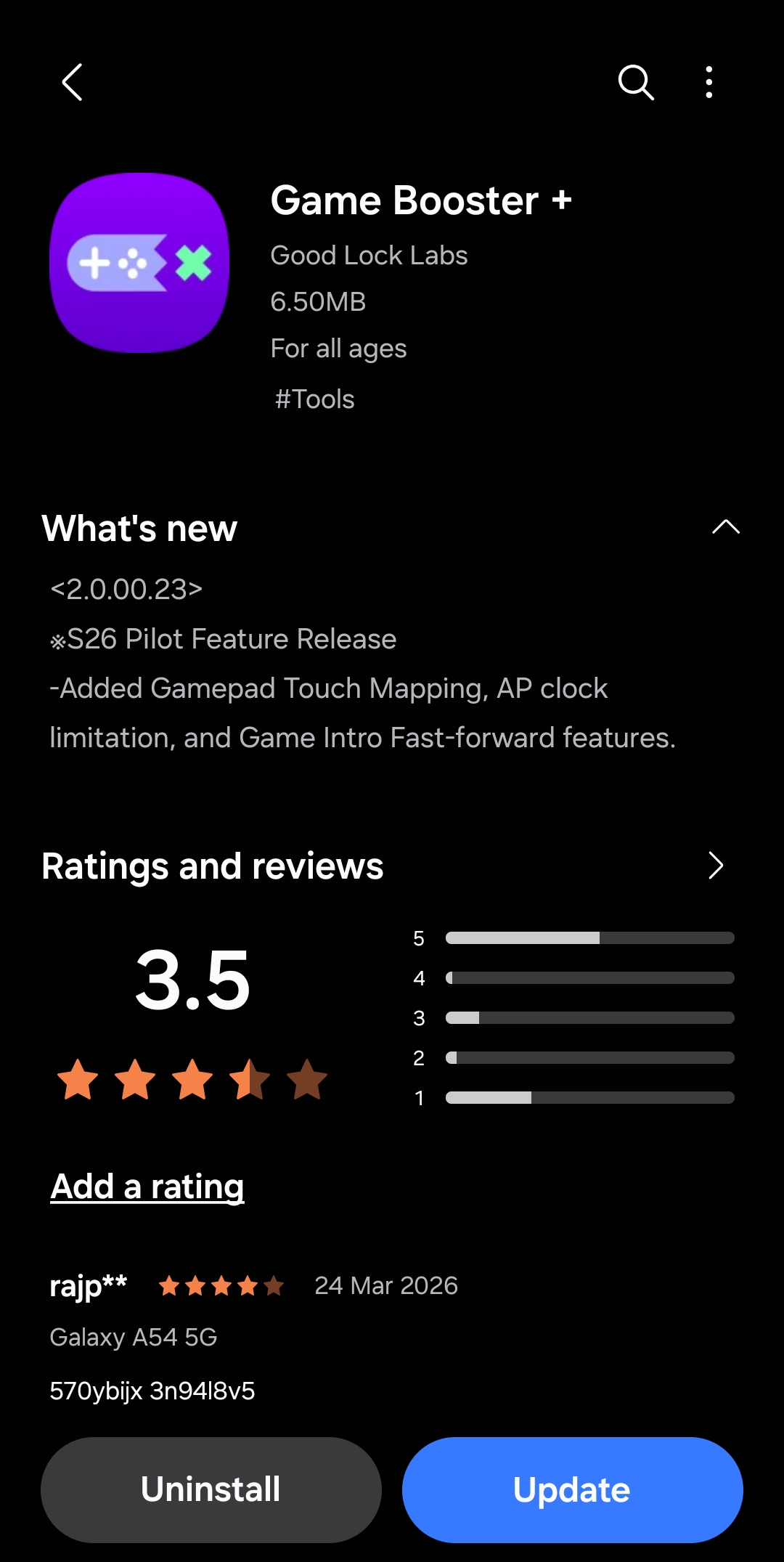
With version 2.0.00.23, Samsung has brought three new advanced features to the module. These include gamepad touch mapping, AP clock limitation, and Game Intro Fast-Forward. According to the changelog, these additions are currently exclusive to the newly released Galaxy S26 series, though they should expand to older devices in the future.
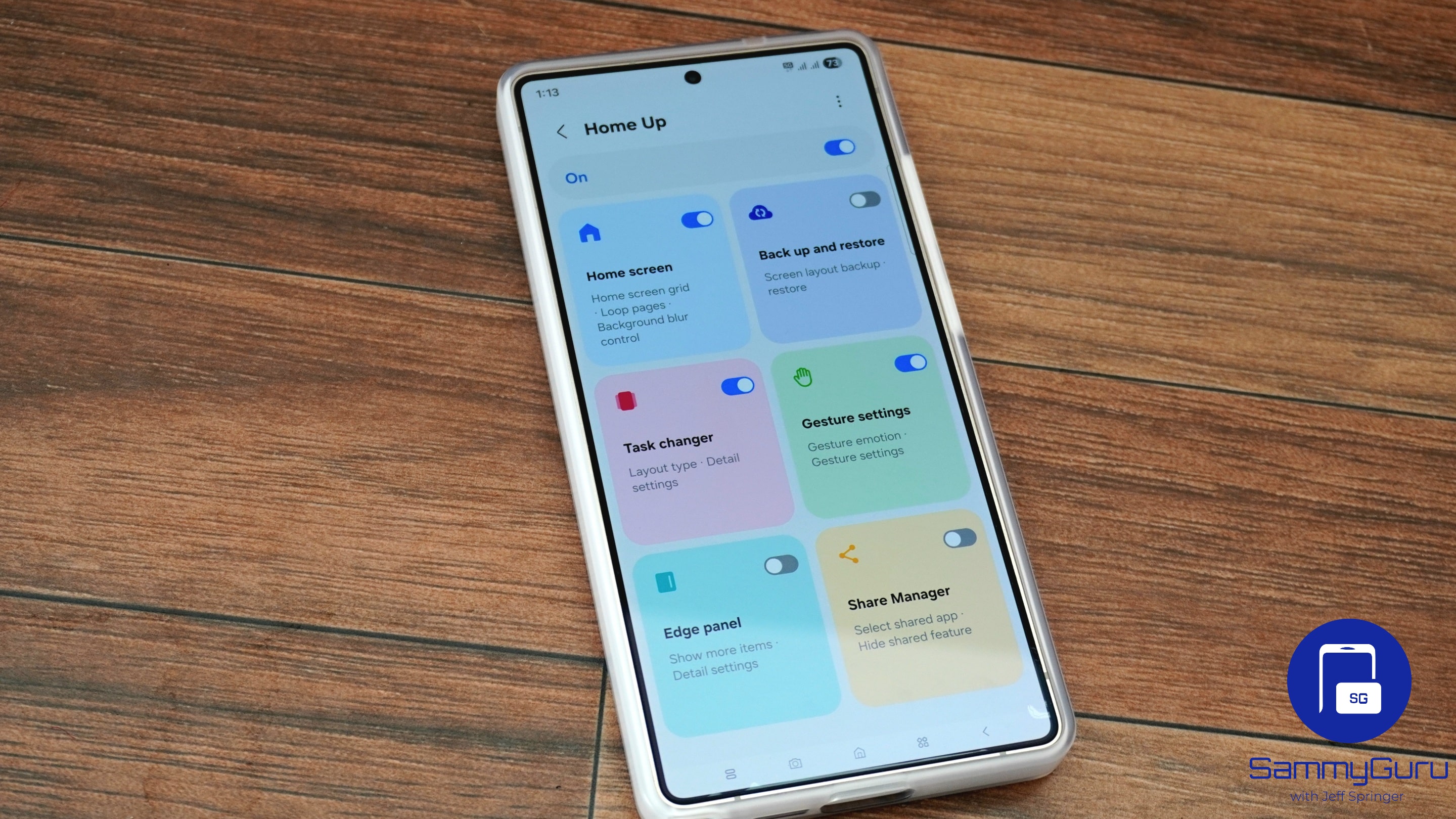
Meanwhile, Samsung has pushed an update to its Home Up module with version 17.5.0.30. For the uninitiated, this app gives users more control over their home screen layout and customization. With features like DIY Home, you can resize and reposition apps, widgets, and folders. The module also makes the Edge Panel a single surface for apps, tasks, and people.
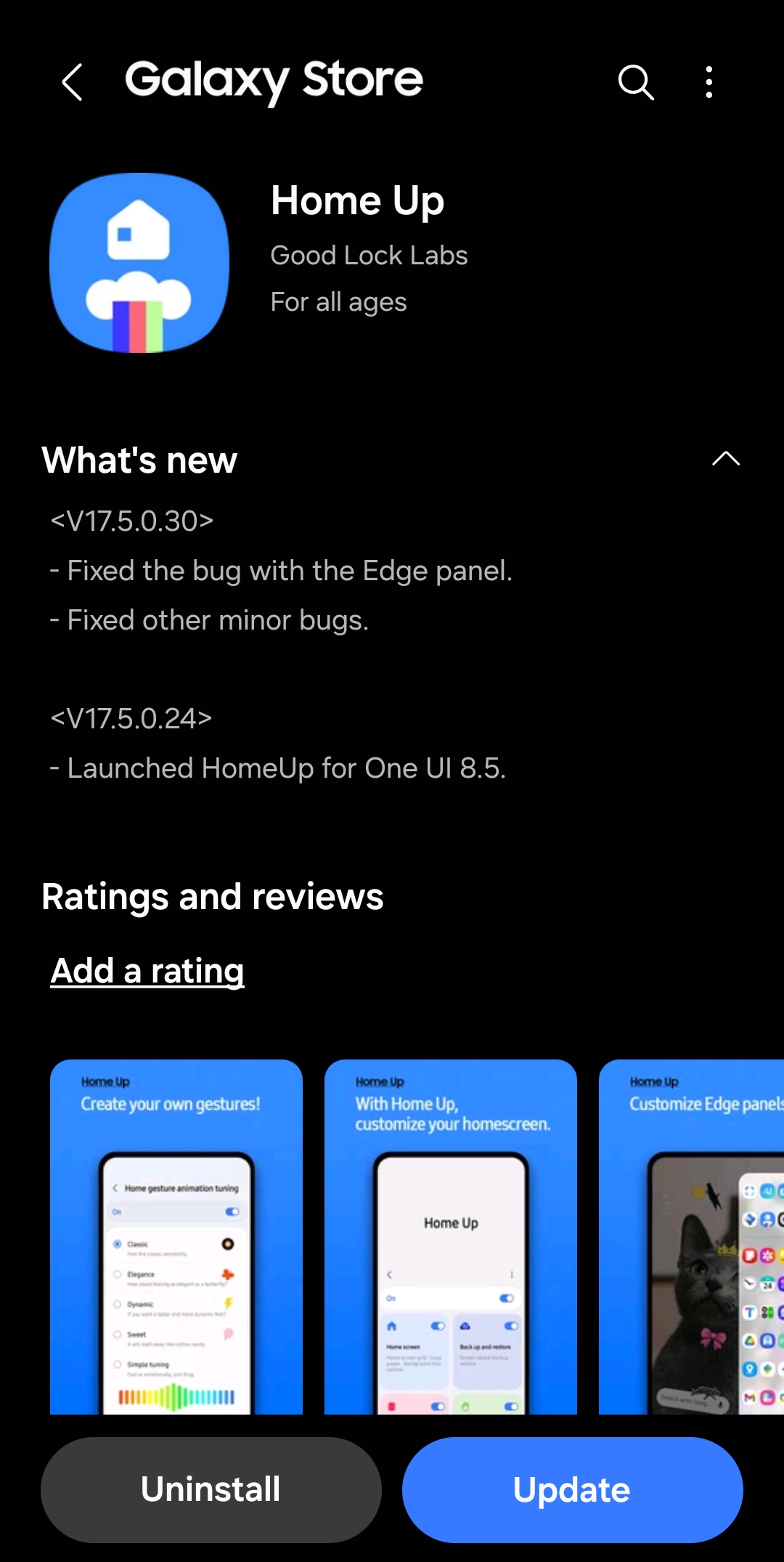
With the latest update, Samsung has addressed an Edge Panel bug for smoother performance. The update also includes minor bug fixes to further improve the module’s usability.
So, make sure to install the new builds of Game Booster+ and Home Up when they land on your Galaxy device. To update, open your Good Lock app and then navigate to the Plugins tab. From there, you can hit the update icon next to each module. Alternatively, you can go to Galaxy Store > Menu (three horizontal lines on top left) > Updates to install the latest versions.

Written by
Binay KonwarBinay Konwar started his blogging journey in 2014 and has since written plenty of tech articles. At present, he is working as a News Writer at SammyGuru, covering everything about Samsung. He holds a Master's degree in Mathematics, but his real passion lies in tech and writing. In his free time, he enjoys playing chess and watching movies.

Follow us on Google Discover & set us as a preferred source in Google News
Share this Post
___________________________


New Blog Posts
___________________________

First Set of Pixel 11 Pro XL Renders Are Here
Pixel 11 Pro XL CAD renders show minimal design changes

Is Samsung Preparing One UI 8.5 Beta for Galaxy Z Fold 5 and Flip 5?
Samsung may launch a One UI 8.5 beta program for its 2023 foldables

Galaxy S25 One UI 8.5 Beta May Run Longer Than Expected
Galaxy S25 series’ One UI 8.5 beta may stretch to 10 rounds







