
Samsung Pushes New LockStar Update with Key Bug Fixes
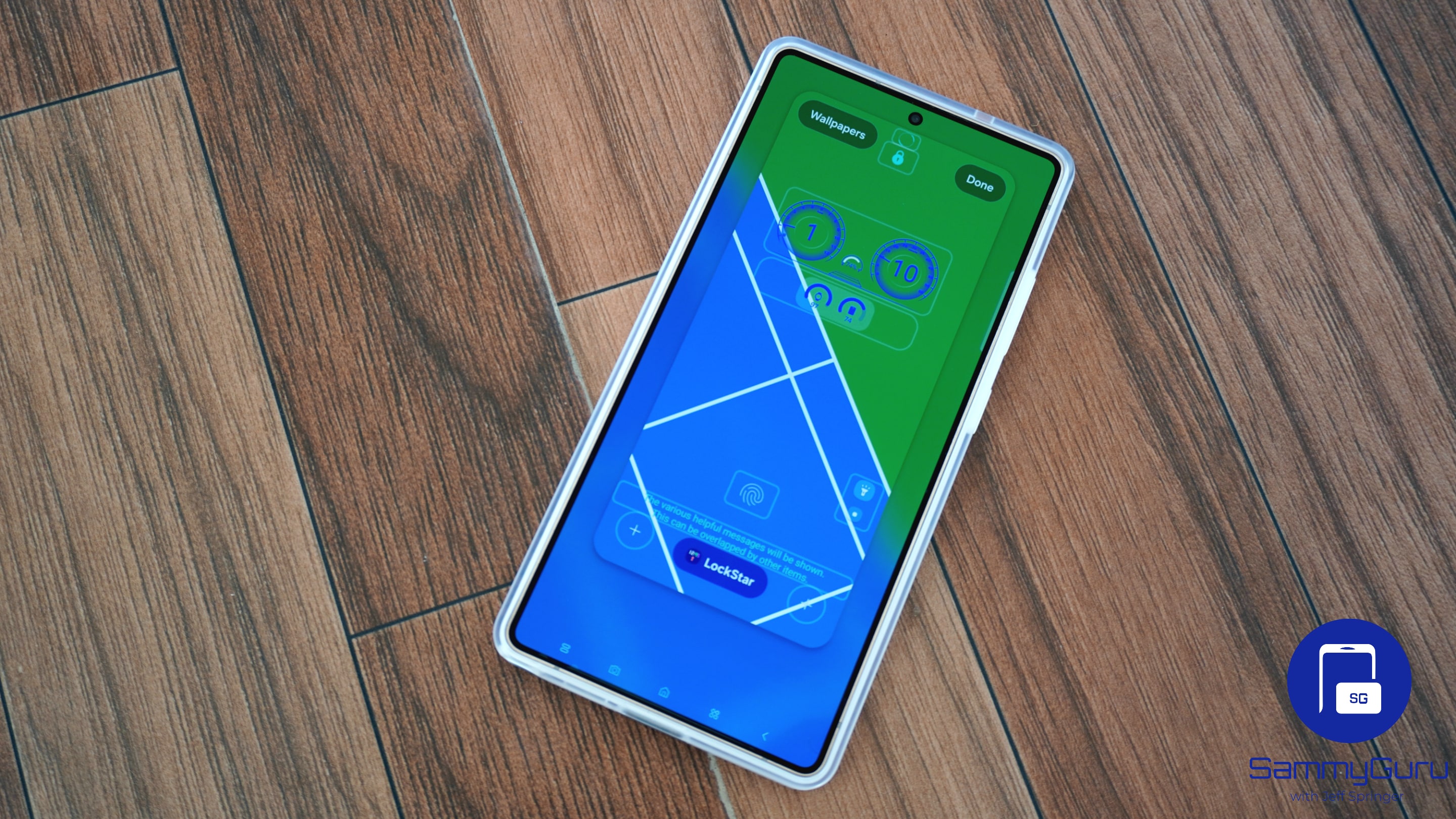
Samsung is rolling out a new update for LockStar, the Good Lock module for customizing the lockscreen experience on Galaxy devices. The latest release, version 8.5.00.17, focuses on fixing several bugs affecting lock screen and Always-On Display (AOD) behavior. The update is now available through the Galaxy Store, though it could take a while to reach users worldwide.
New LockStar update fixes clock and AOD issues for Galaxy users
This LockStar update addresses a few persistent issues that have been affecting some Galaxy users. More specifically, the official release notes mention three key fixes, starting with a problem with lock screen and AOD clock settings. Some users experienced errors when trying to configure or modify the clock layout, and Samsung has now resolved the glitch.
Another fix targets bugs that appeared during device migrations. Errors could sometimes occur when transferring settings using Smart Switch or Galaxy to Share (GTS). If you are unaware, GTS is a Good Lock module that lets users share all customizations and Good Lock settings across Galaxy devices. However, it is only available for Galaxy users in Korea.
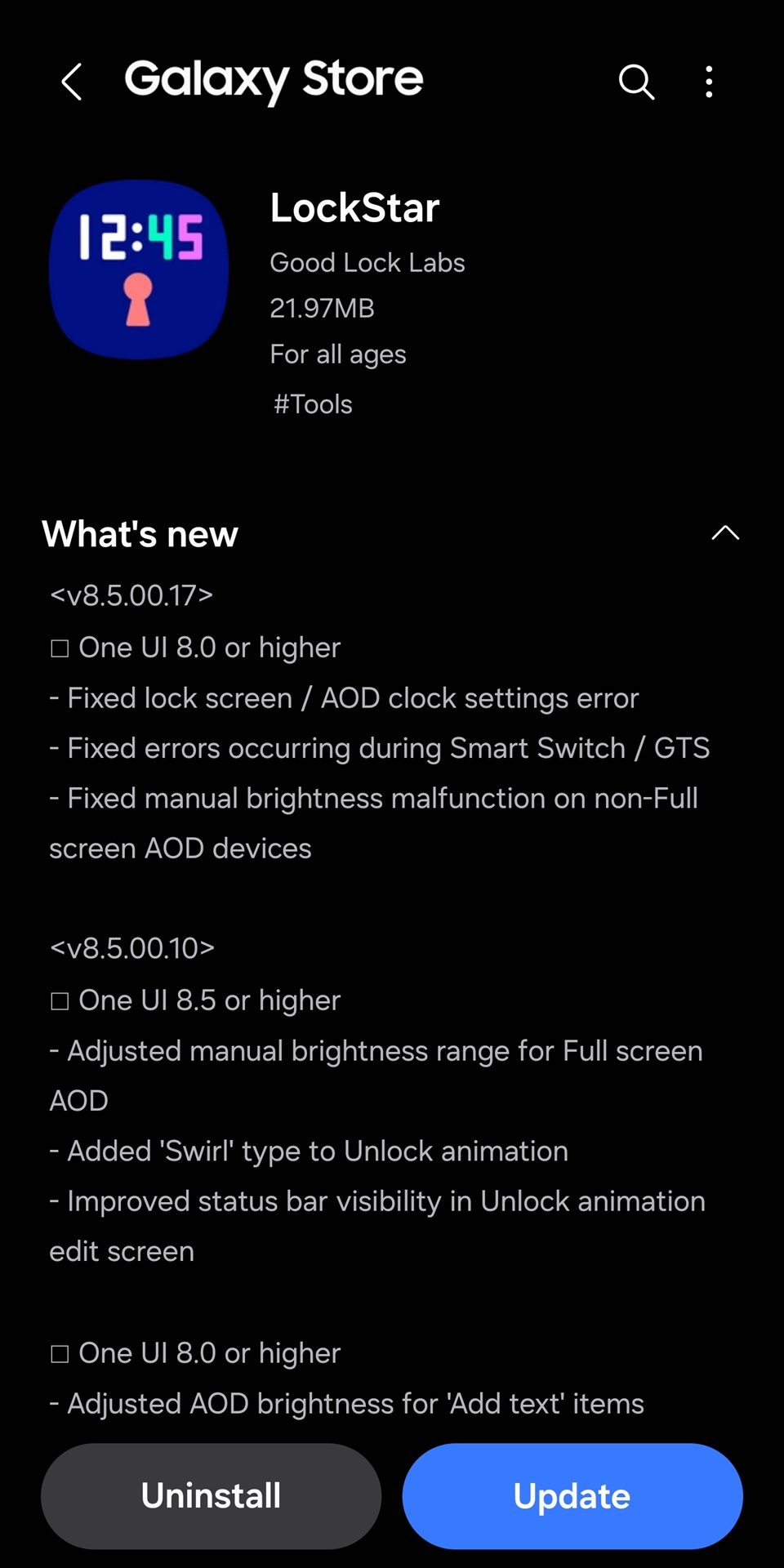
Last but not least, Samsung’s latest LockStar update patches a manual brightness malfunction on devices without full-screen AOD support. On those models, adjusting brightness manually could behave inconsistently or fail to apply correctly. The update restores proper brightness control for these devices.
While this release doesn’t introduce new customization tools, it improves stability and ensures LockStar works the way Galaxy users expect. For anyone who relies on lock screen customization, installing the update is recommended. You can update the app directly from Good Lock or via Galaxy Store. Open the Store, tap the menu (hamburger icon) in the top-left corner, select Updates, and tap Update all to install the latest version.

Follow us on Google Discover & set us as a preferred source in Google News
Share this Post
___________________________


New Blog Posts
___________________________

First Set of Pixel 11 Pro XL Renders Are Here
Pixel 11 Pro XL CAD renders show minimal design changes

Is Samsung Preparing One UI 8.5 Beta for Galaxy Z Fold 5 and Flip 5?
Samsung may launch a One UI 8.5 beta program for its 2023 foldables

Galaxy S25 One UI 8.5 Beta May Run Longer Than Expected
Galaxy S25 series’ One UI 8.5 beta may stretch to 10 rounds


