
Samsung Internet Gets Auto Close Tabs and Grid View Features
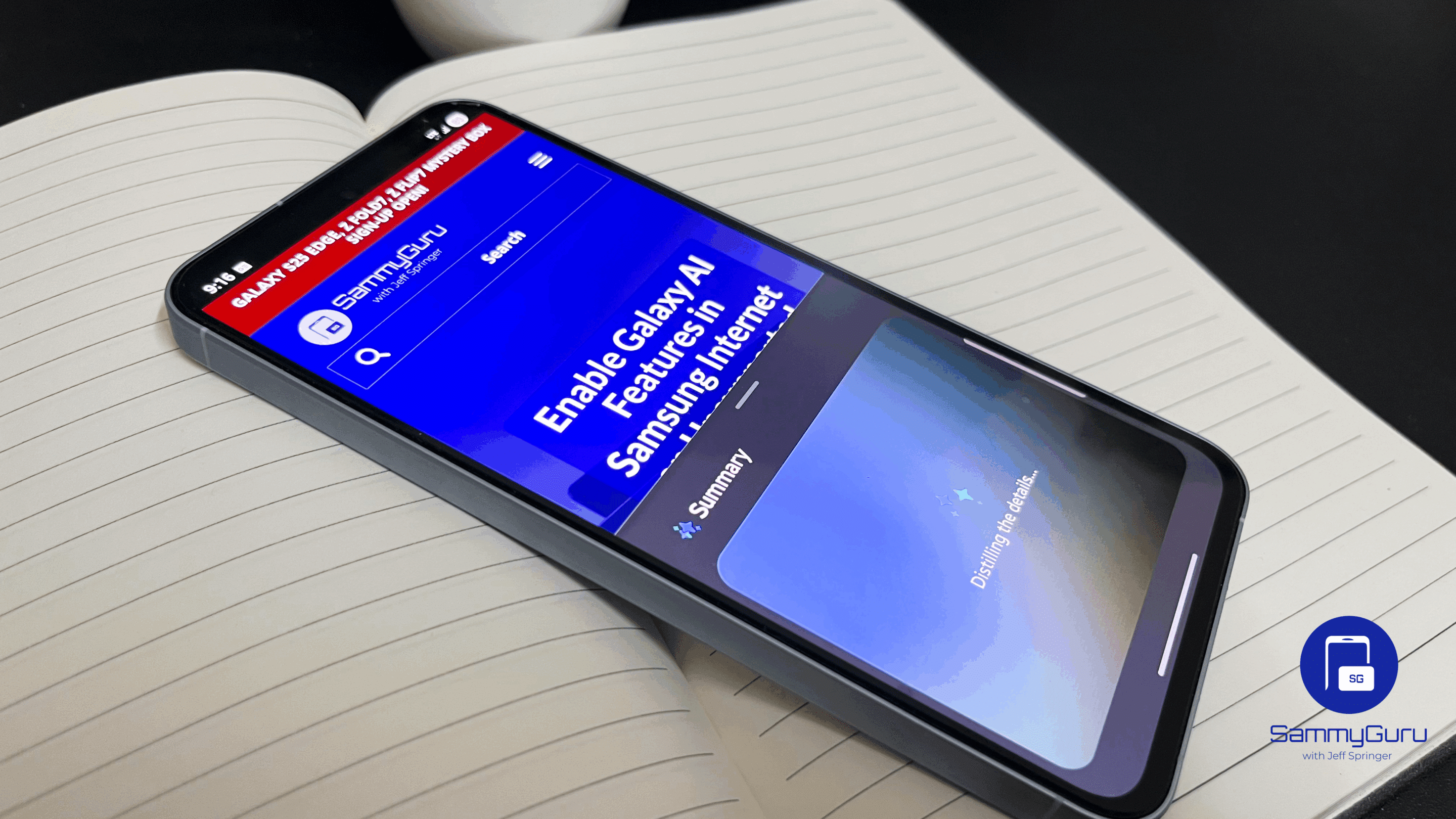
Samsung has updated its Samsung Internet Browser app to version 29.0.0.59. The update brings Auto Close Unused Tabs and Grid View Mode features to improve the browsing experience. It is currently rolling out to all eligible Galaxy device users worldwide.
What’s new in the latest version of the Samsung Internet Browser app?
Samsung Internet provides a great browsing experience, thanks to features like video assistant, dark mode, a customizable menu, and translator. It also protects your privacy with a bunch of helpful tools. For example, Smart Anti-Tracking detects websites that try to track your activity and blocks access to storage (cookies). Likewise, Content Blockers lets you use third-party apps to block unwanted content.
Now, the latest version of the Samsung Internet Browser app takes the browsing experience to the next level with smarter tab management and a cleaner design. With the new Auto Close Unused Tabs feature, you can keep your browser organized. It automatically closes tabs that you haven’t used for a certain period of time. This feature was in beta since early August 2025, but it has now made its way to the stable version.
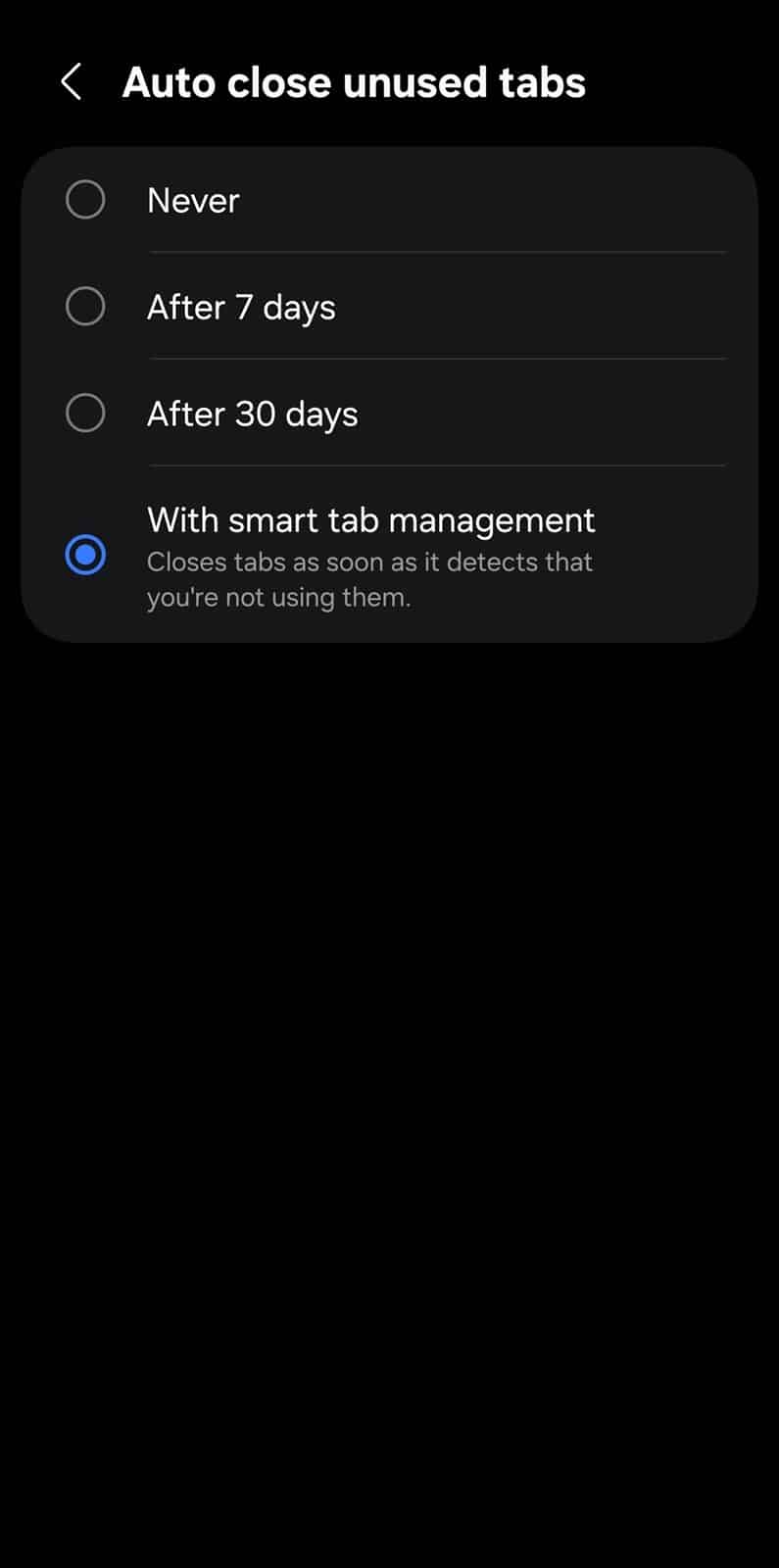
To set it up, open the browser app and go to Menu > Settings > Auto close unused tabs. You can choose options like Never, After 7 days, After 30 days, or Smart tab management. The last option closes tabs as soon as it detects that you are not using them.
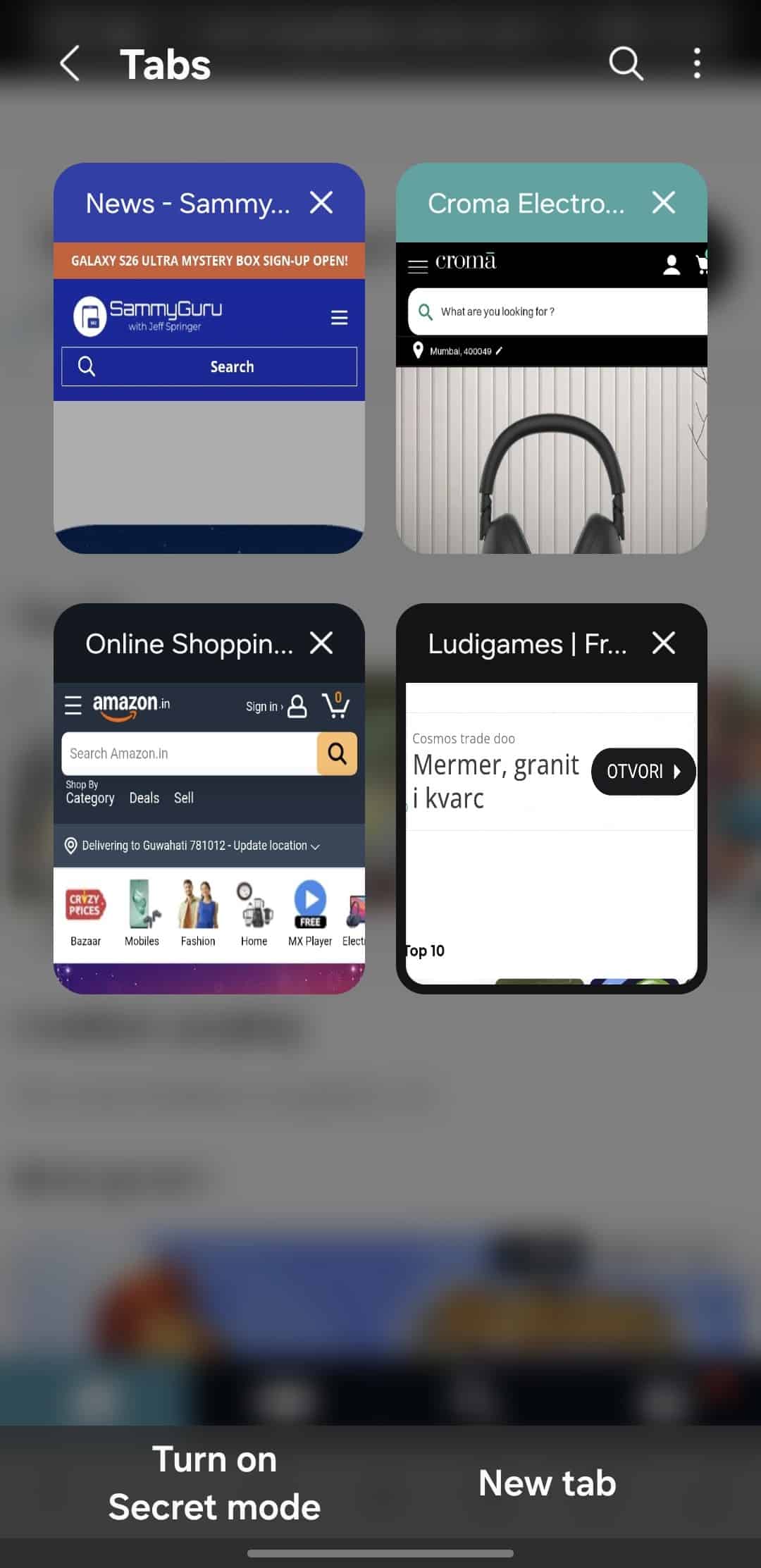
Meanwhile, the Grid View Mode in the Tab Manager makes tab management more intuitive. Previously, all your open tabs appeared either in a list or in a stack view. Now, Samsung has redesigned this section with a multi-column layout, making it easier to see all your open tabs at a glance. The grid layout also includes smooth scrolling animations for easier tab navigation.
If you want to experience the new features, head over to the Galaxy Store and update your Samsung Internet Browser app.

Follow us on Google Discover & set us as a preferred source in Google News
Share this Post
___________________________


New Blog Posts
___________________________

First Set of Pixel 11 Pro XL Renders Are Here
Pixel 11 Pro XL CAD renders show minimal design changes

Is Samsung Preparing One UI 8.5 Beta for Galaxy Z Fold 5 and Flip 5?
Samsung may launch a One UI 8.5 beta program for its 2023 foldables

Galaxy S25 One UI 8.5 Beta May Run Longer Than Expected
Galaxy S25 series’ One UI 8.5 beta may stretch to 10 rounds


