
Galaxy Watch 8 Review: My Wrist Finally Found Its Other Half
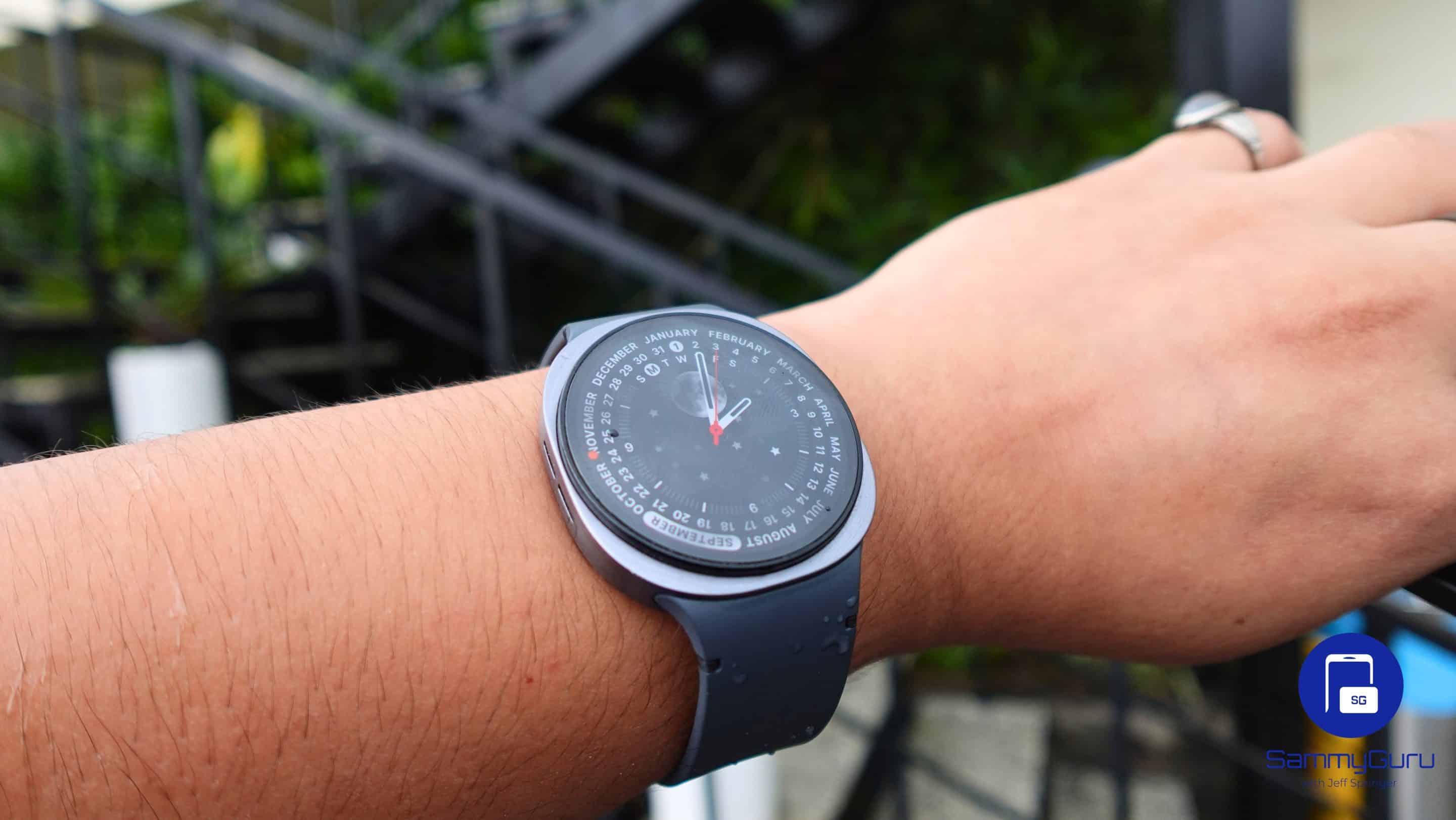
Smartwatches haven’t changed much in recent years, or so I thought. I’ve recommended them to friends and family, yet I never liked the idea of wearing one myself. Analogue watches felt more personal, and I couldn’t imagine stepping out with a smartwatch on my wrist. People change. I did too.
I’ve been wearing the Galaxy Watch 8 since it arrived, and to my surprise, I haven’t taken it off. It’s packed with new features, and I even tested it in ways I normally wouldn’t, such as walking under a blazing 42°C sun just to see how its bright 3,000-nit display holds up. Here’s my complete review of what it’s like to live with Samsung’s Galaxy Watch 8.
I used the Galaxy Watch 8 44mm (LTE) for over two months before writing this review. Samsung had no involvement and had not seen the review prior to publication. Everything here reflects our honest, independent experience.
What I like:
— Bright 3,000-nit display that actually holds up outdoors
— Comfortable Dynamic Lug fit once you figure it out
— Near-accurate Sleep tracking
— Gesture controls and UI shortcuts feel useful, not gimmicky
— Smooth performance with Wear OS 6-based One UI 8 Watch
What I don’t like:
— Battery life still doesn’t cut it
— Slow charging
— Watch bands from older models don’t fit
— Some health metrics such as stress, antioxidant index feel more experimental than reliable
Galaxy Watch 8 Review: Unboxing
Samsung goes minimalist with the Galaxy Watch 8 packaging, and it works. The watch arrives in a slim white box, and the first thing you notice is the face, with the sensors neatly aligned on the back. It immediately feels premium, deliberate, and well thought out. The box is compact but includes everything you need: documentation, a USB-C charging cable, and Samsung’s magnetic charger.
Galaxy Watch 8 Review: Hardware and Design
The Galaxy Watch 8 looks noticeably different from its predecessor. Samsung has gone for what you could call a squircle design, and it doesn’t exactly wow you the first time you strap it on. But give it a little time and it starts to grow on you, slowly winning you over. The watch also introduces a new Dynamic Lug system for the bands, which sadly means your old straps won’t fit. Samsung claims the redesign improves the strap angle for a more ergonomic fit. It sounds like typical marketing fluff, but to their credit, the Watch 8 does feel genuinely comfortable once it’s on your wrist.
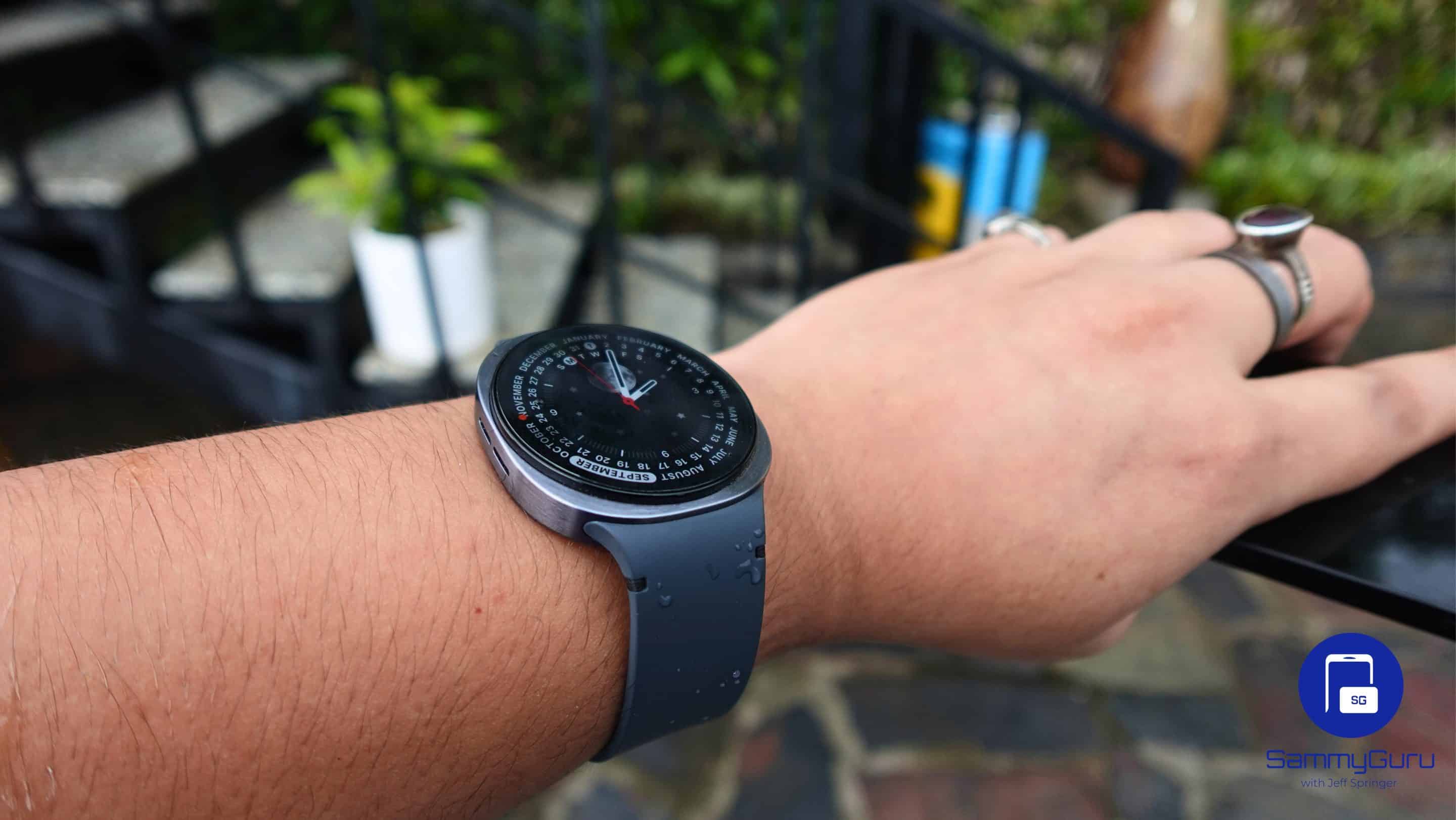
Attaching the band for the first time, though, can be a small test of patience. The mechanism feels unfamiliar, and I’ll admit, I had to resort to a YouTube tutorial to get it right. But once you figure it out, it’s easy enough. The new design choices may not please everyone at first glance, but the Galaxy Watch 8 slowly makes its case through comfort and subtle charm rather than instant appeal.
Galaxy Watch 8 Review: Display
This is one of the areas where Samsung has moved (and upgraded) substantially. The Galaxy Watch 8 now features 3,000 nits of brightness on a 1.47-inch panel. To put that into perspective, you can roam around wearing the Watch 8 even in bright sunlight and you won’t need to cover it with your hand to see what’s up.
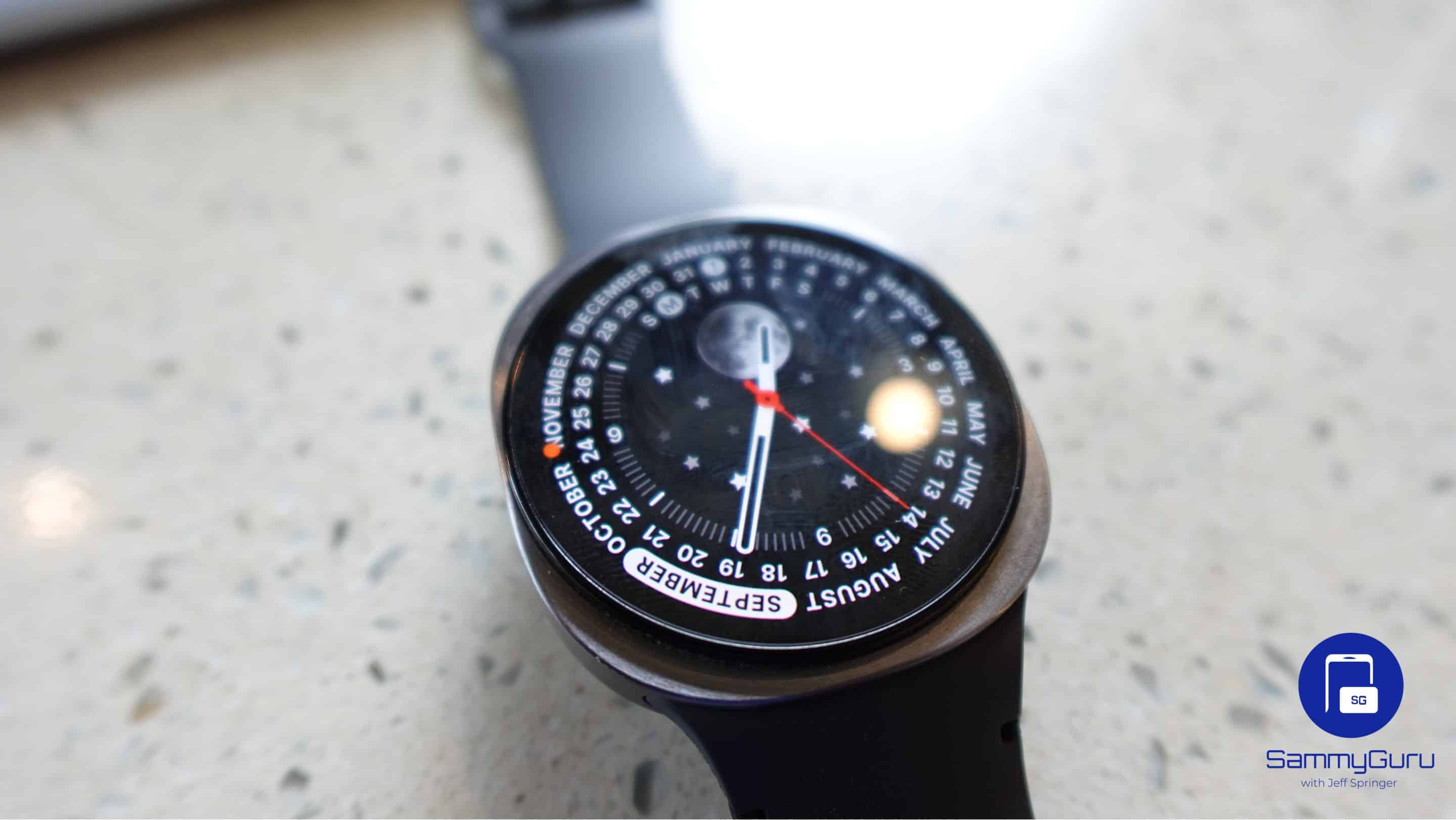
I tested it on one of the hottest days this month — 42°C and no shade — and I could still read my notifications, maps, and workout stats without squinting. It’s genuinely a relief not having to tilt your wrist awkwardly or create a shadow just to see who texted you. Indoors, auto-brightness adjusts fast, so it never feels like the display is burning your eyes at night. Colors look rich and punchy, which you notice when switching between bold watch faces or using the photo-based ones.
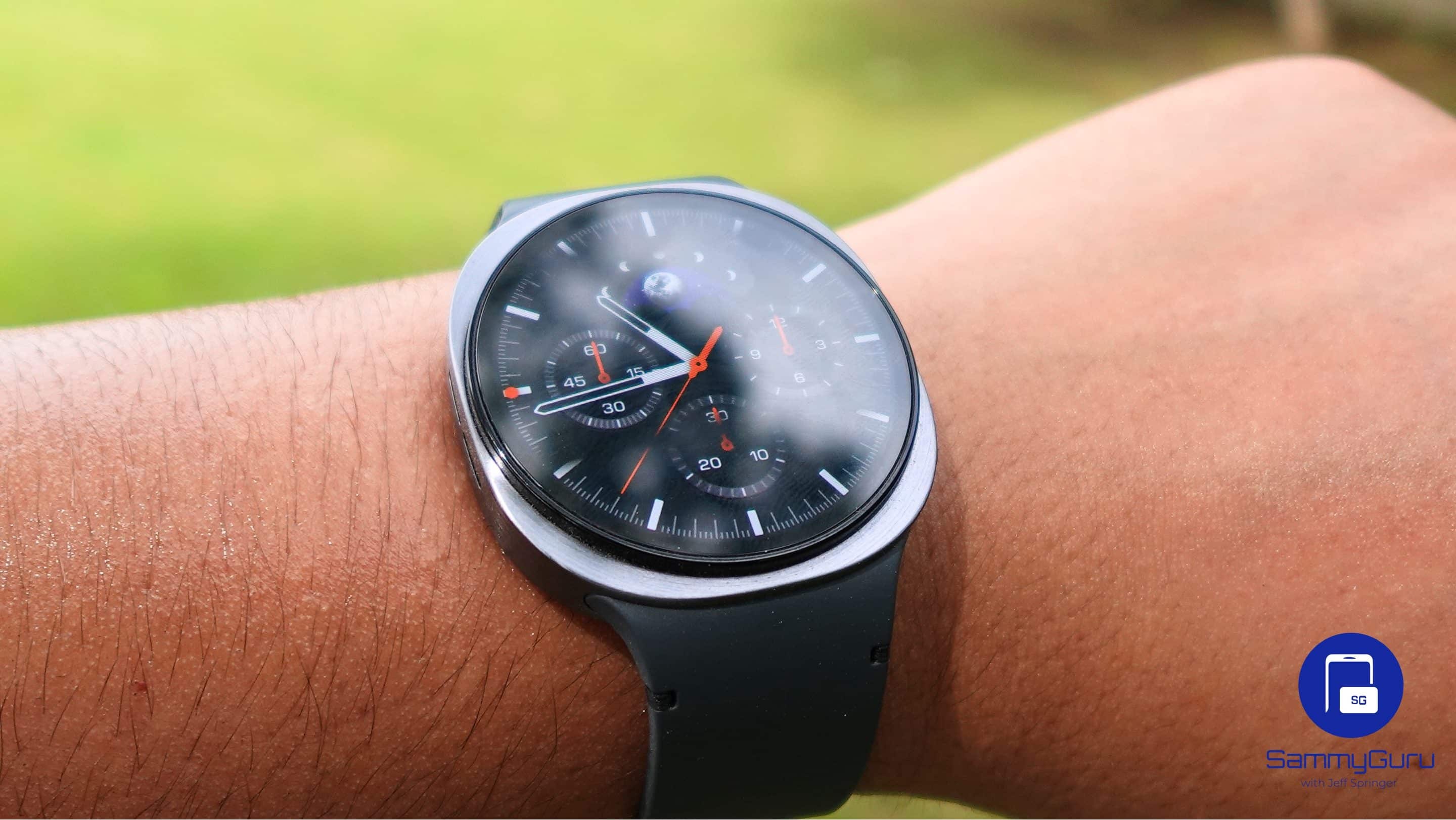
The bezels are slimmer than before, which makes the watch face pop more and feel less cramped. The squircle design also gives the screen a slightly different character. It feels wider and more watch-like than the previous circular design. Samsung also improved the always-on display. Complications like weather, battery, and health rings stay clear even in dim settings, which makes it feel more like a real watch.
Galaxy Watch 8 Review: Performance and software
The Galaxy Watch 8 carries the same processor as its predecessor (Exynos W1000) and ships running One UI Watch 8. The interface feels smooth, intuitive, and designed for quick, glanceable interactions on the wrist. The Now Bar is one of the smartest additions, giving you instant access to ongoing tasks like timers, media playback, or active apps right from the watch face. Gesture controls remain a highlight, with the double-pinch letting you scroll through notifications, snap photos, or control music without ever touching the screen.
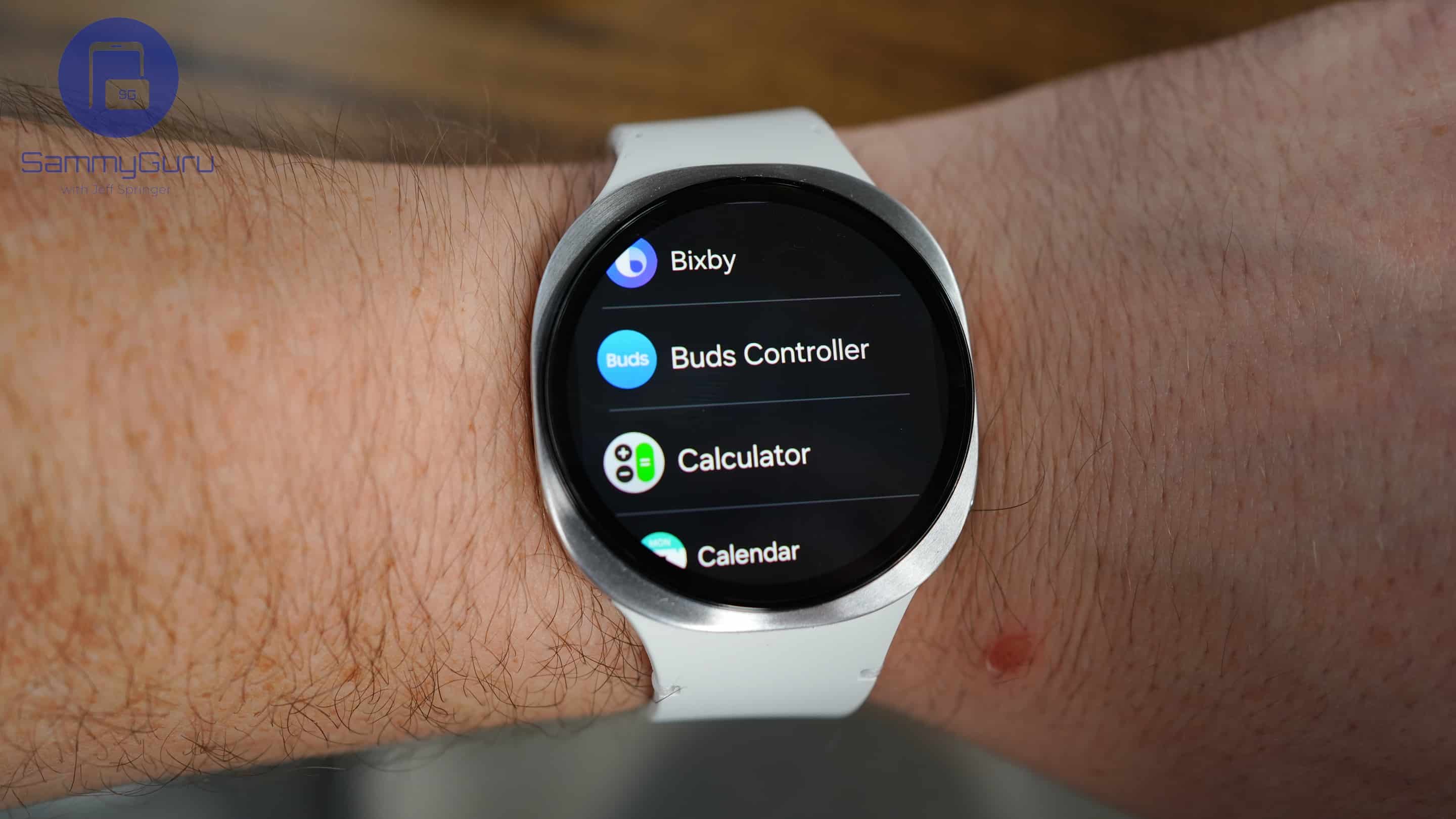
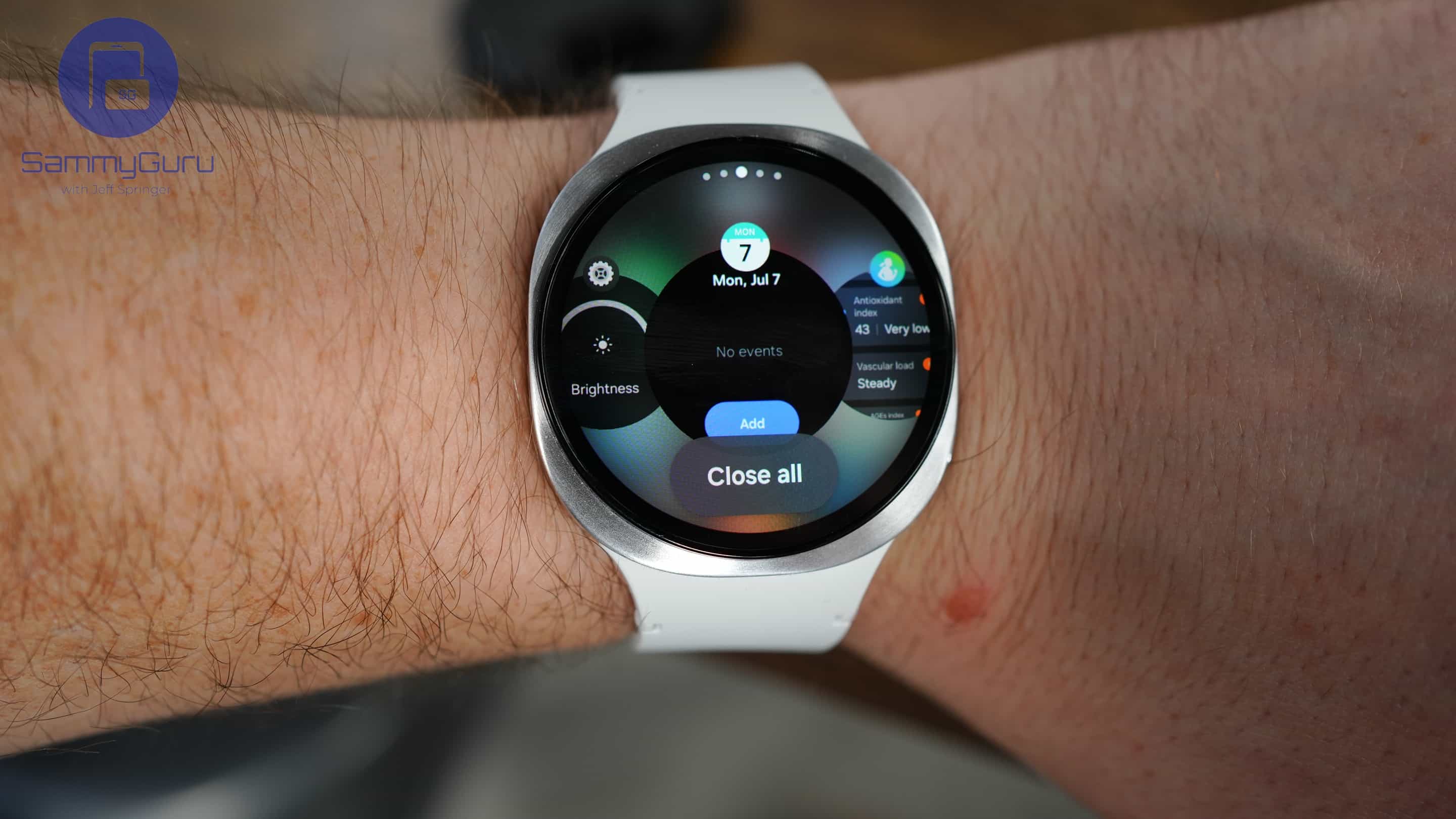
Notifications have also been given a thoughtful refresh, adopting a cleaner, stacked layout that adapts based on your phone usage. It’s a small tweak that cuts through clutter and makes alerts easier to read. Then there’s Google Gemini support, which brings a capable AI assistant directly to your wrist for quick queries, reminders, and everyday help. Suffice to say, these updates make the Watch 8 feel more polished, more capable, and simply more pleasant to live with day to day.
Gestures are cool!
Gesture controls on the Galaxy Watch 8 are among its most practical upgrades, especially when you can’t use both hands. Simple actions like double-pinch, shake, or knock let you manage notifications, control music, answer calls, or dismiss alarms without ever touching the screen. It’s one of those features that quietly becomes second nature once you start using it.
What makes these gestures feel genuinely smart is their context-awareness. Their function changes depending on what’s on display, so the experience feels natural rather than gimmicky. The new Universal Gesture dashboard adds even more flexibility, letting you assign key actions like “select” or “next” to specific gestures. There’s a slight learning curve at first, but once you get the rhythm, it’s reliable, quick, and just plain fun to use.
Galaxy Watches got Gemini-ed!
One of the bigger talking points this year is the addition of Google Gemini. It sits on your wrist as its own tile, or you can summon it by holding down the side button. On paper, it’s meant to be the Watch’s AI assistant, going beyond simple voice commands. In practice, Gemini handles the basics well – checking my calendar, asking about tomorrow’s weather, or pulling up quick definitions all worked without noticeable delay. The responses are neatly formatted, so you’re not squinting at a wall of text on the small screen.
Where it struggles is consistency. Sometimes it takes a few extra seconds to load, and there were moments when it felt like it was overthinking a simple query. It also can’t dig deep into the Watch itself – you can’t, for instance, adjust system settings or fully manage notifications through Gemini. Still, it feels like a solid foundation rather than a half-baked feature. Integrated cleanly with One UI Watch 8, it hints at the smartwatch of the future. For now, it’s not the main reason to buy the Galaxy Watch 8, but it’s a promising glimpse of what’s ahead.
Galaxy Watch 8 Review: Health and Fitness tracking
I’ll admit, I wasn’t always a smartwatch advocate. I thought they were more hassle than help, and honestly, I didn’t see the point. That’s changed. Sleep tracking on the Galaxy Watch 8 sold me. I made it a habit to wear the watch to bed, and the results were surprisingly insightful. Each morning, the Health app breaks down your night into five factors: actual sleep time, deep sleep, REM sleep, restfulness, and sleep latency. You even get a neat two-digit score that made me rethink my late-night coffee runs.
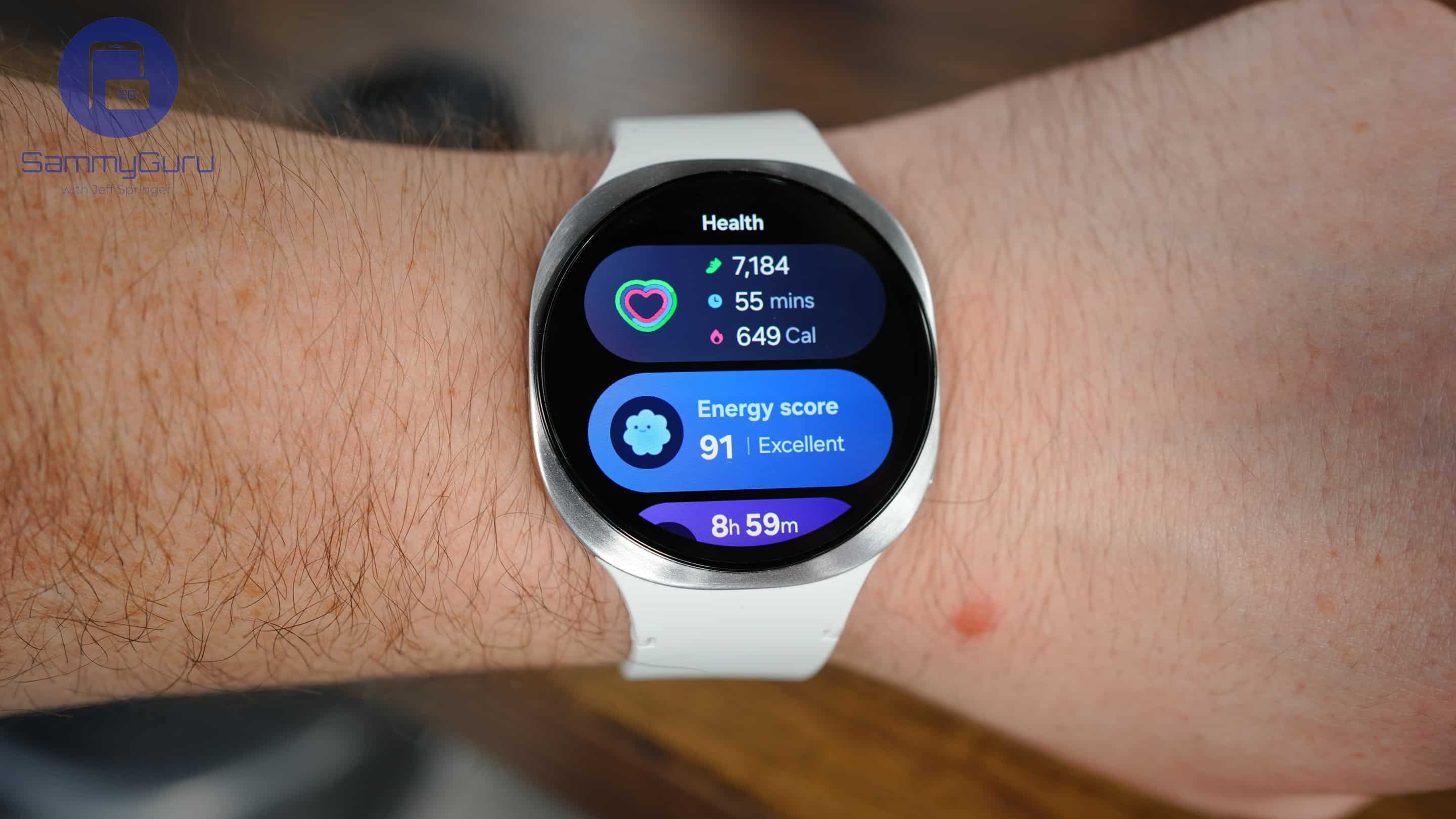
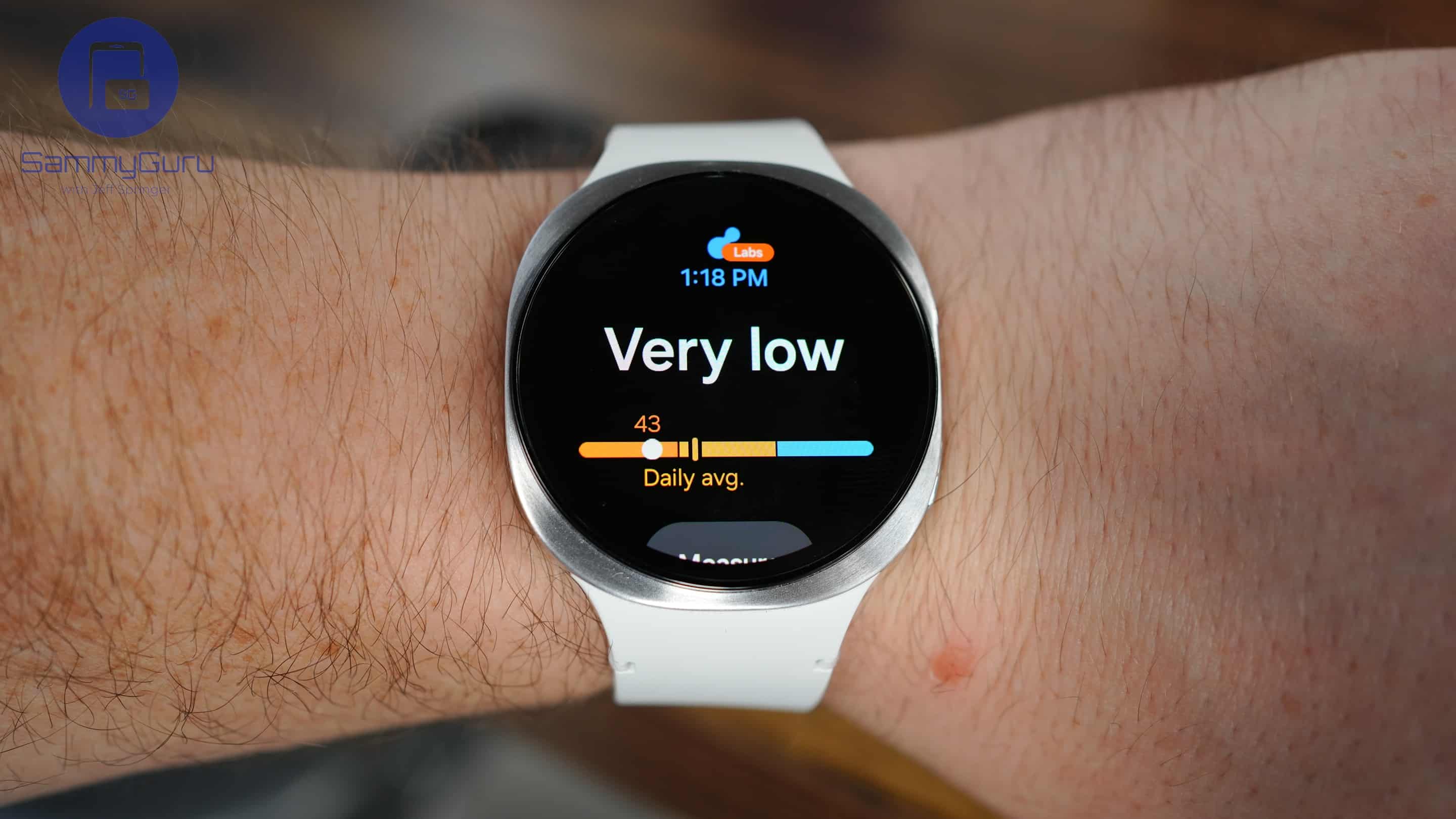
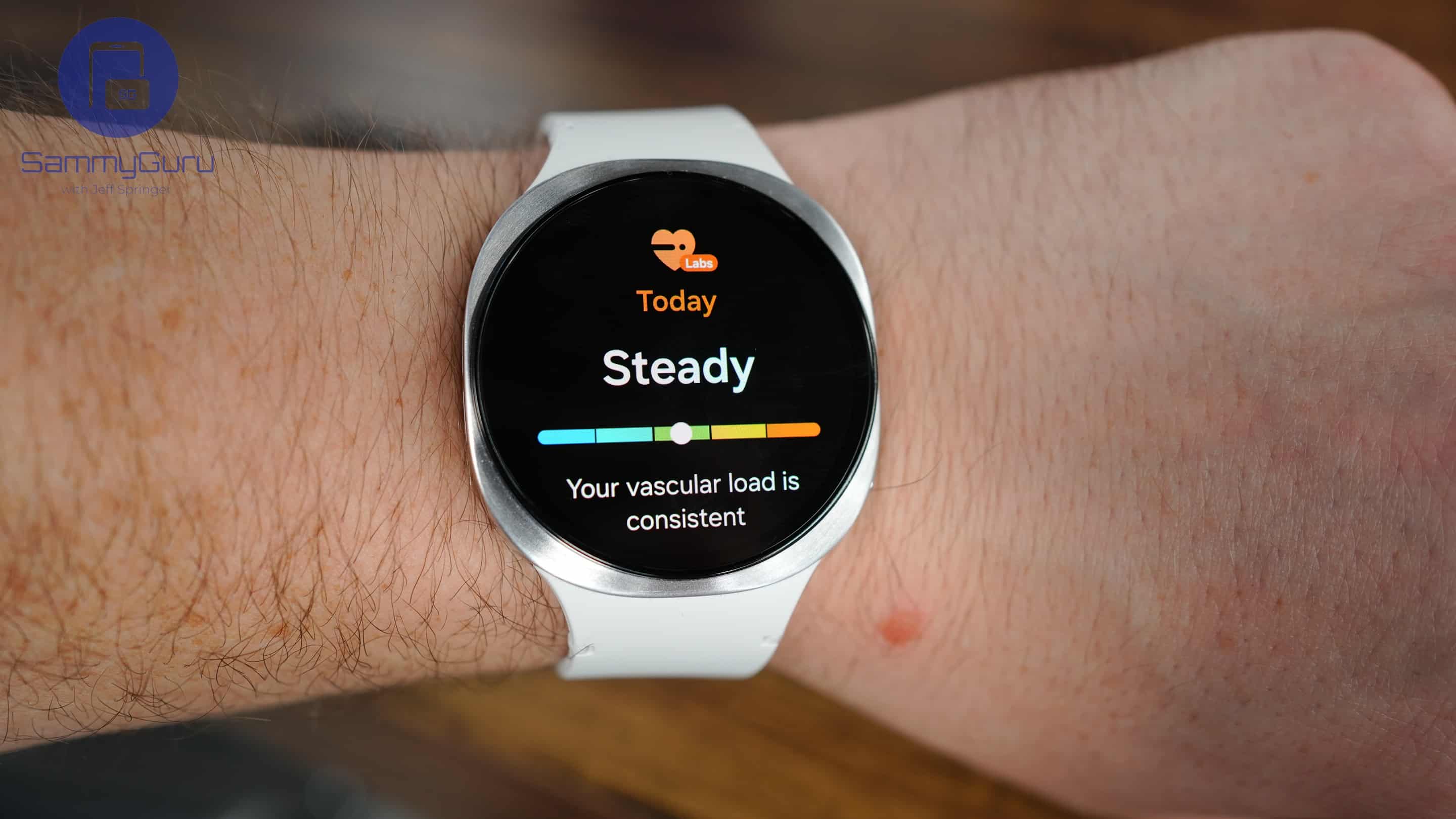
I tried to game the system, checking if small changes in bedtime or late-night scrolling affected the readings, and every time, the data held up.
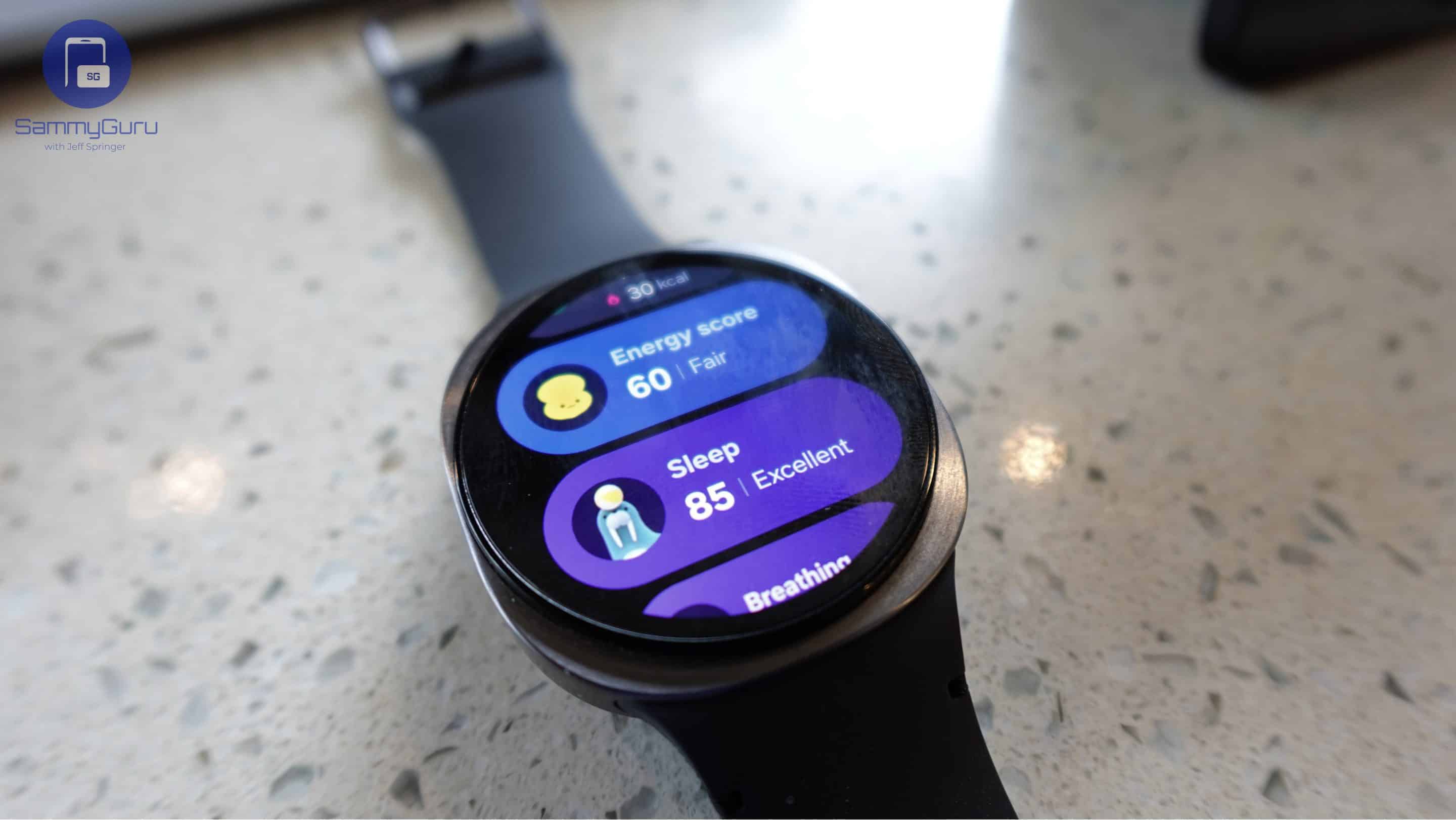
Beyond sleep, the Watch 8 tracks vascular load, antioxidant levels, stress, and even sleep apnea. Some metrics aren’t perfectly accurate yet, but they feel ahead of their time and point toward Samsung’s vision of a wellness-focused watch. The AI-powered Running Coach is another highlight, adjusting intensity based on your pace and performance.
Galaxy Watch 8 Review: Battery Life and Charging
Don’t get me wrong, I love wearing the Galaxy Watch 8 nearly every day, and every night without fail. My relationship with it has grown from skepticism about smartwatches to genuinely enjoying having it on my wrist, whether I’m out for a walk, running errands, or just tracking my steps. It’s become a dependable companion for daily life and sleep alike.
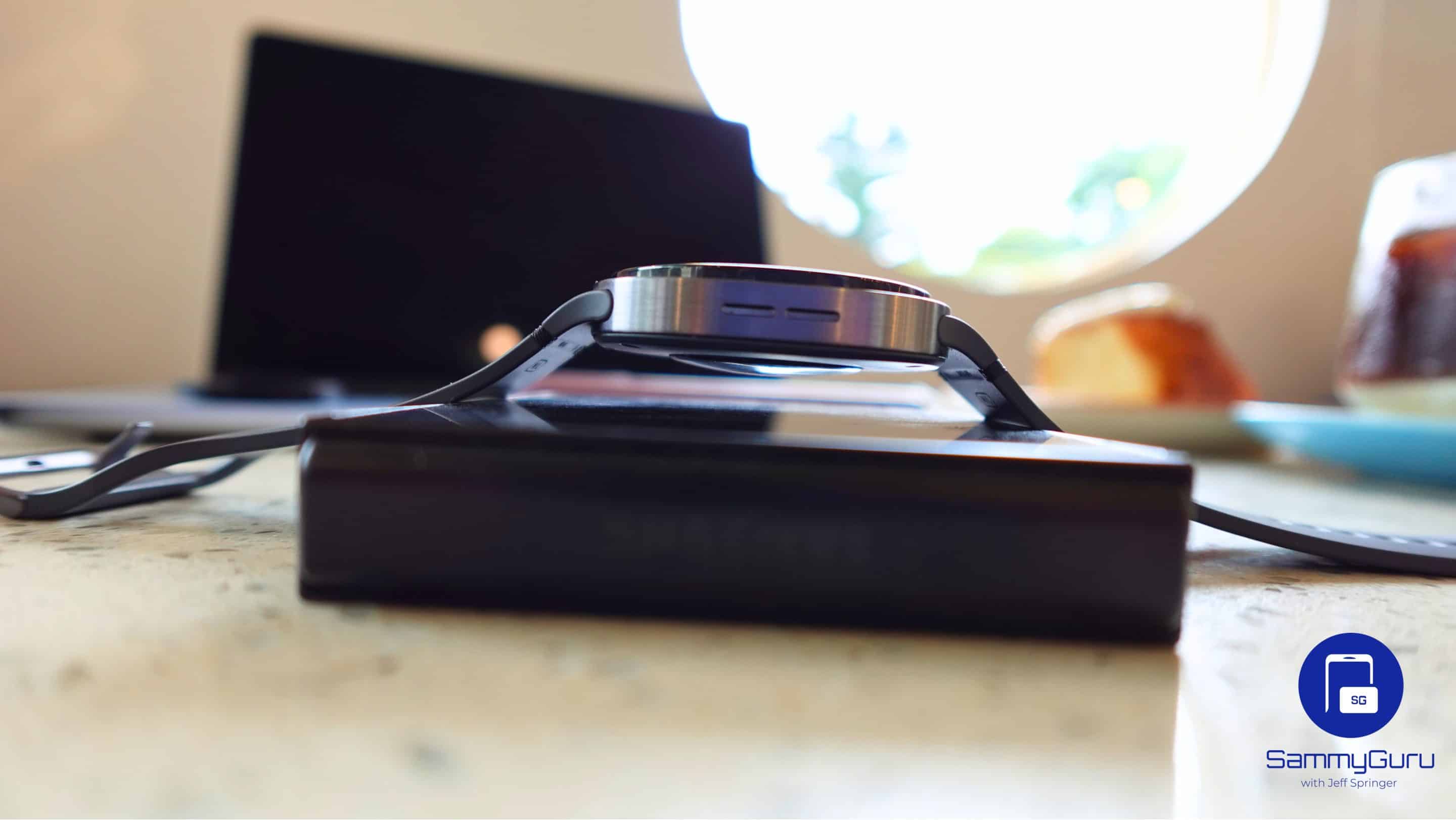
But there’s one area where I still can’t fully trust it: battery life and charging speed. The watch takes a fair amount of time to reach a full charge, which is manageable if you leave it while working or writing, but the real issue is longevity. Some days it lasts nearly two full days, other days barely a day and a half. I don’t want to turn features off just to squeeze more juice out of it, that would feel like an injustice to the engineers who built them. Charging, in particular, feels like the bigger problem. Fix that in the next iteration, and I’d have almost nothing to complain about.
Galaxy Watch 8 Review: Verdict
The Galaxy Watch 8 has honestly changed how I feel about smartwatches. It’s super lightweight (34 grams), comfortable, and sits naturally on your wrist. The display is ridiculously bright, so you can actually see it outside without shading it, and the interface is smooth and easy to use. Gesture controls, sleep tracking, and other smart health features genuinely feel useful. It looks good too, with a design that works for all ages and genders, so it doesn’t feel like you have to match your outfit around.
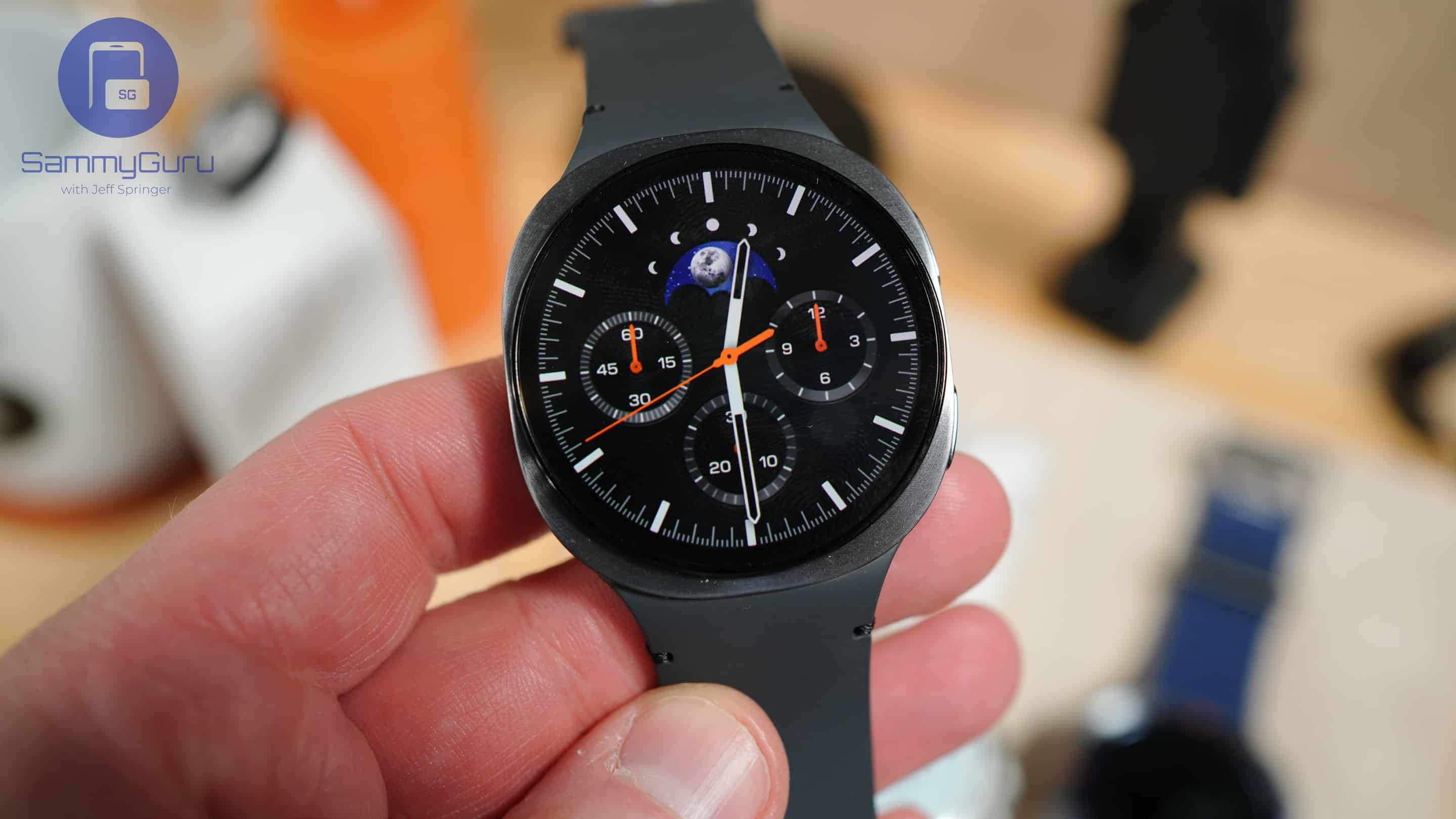
The battery life isn’t perfect and charging can be slow, which is a bit annoying, but it’s not enough to make me take it off. Everything else just works so well. Notifications, health tracking, music controls, and gestures all come together in a watch that feels effortless to wear every day. I’d definitely recommend buying it, especially if you catch it on discount. There’s also the Galaxy Watch 8 Classic, the slightly bigger sibling, which you can check out in its own review.

Follow us on Google Discover & set us as a preferred source in Google News
Share this Post
___________________________


New Blog Posts
___________________________

First Set of Pixel 11 Pro XL Renders Are Here
Pixel 11 Pro XL CAD renders show minimal design changes

Is Samsung Preparing One UI 8.5 Beta for Galaxy Z Fold 5 and Flip 5?
Samsung may launch a One UI 8.5 beta program for its 2023 foldables

Galaxy S25 One UI 8.5 Beta May Run Longer Than Expected
Galaxy S25 series’ One UI 8.5 beta may stretch to 10 rounds


