
Samsung Fixes Good Lock and Home Up Bugs in Latest Update
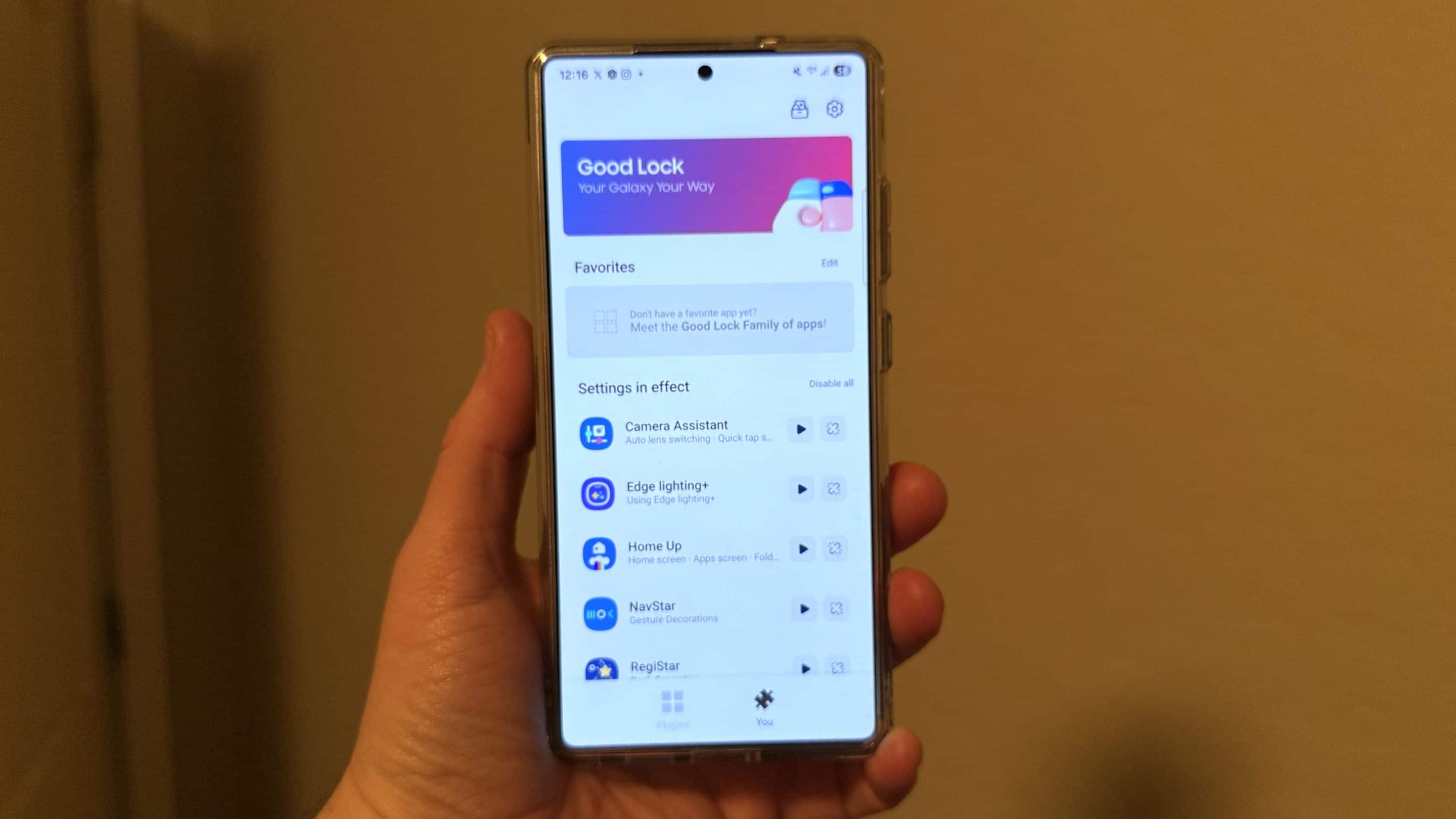
Samsung has released updates for its Good Lock and Home Up apps. The updates address known bugs that affected the customization experience of Galaxy device users. The company should push the new versions to all eligible users worldwide in the coming weeks.
Good Lock and Home Up receive bug-fix updates
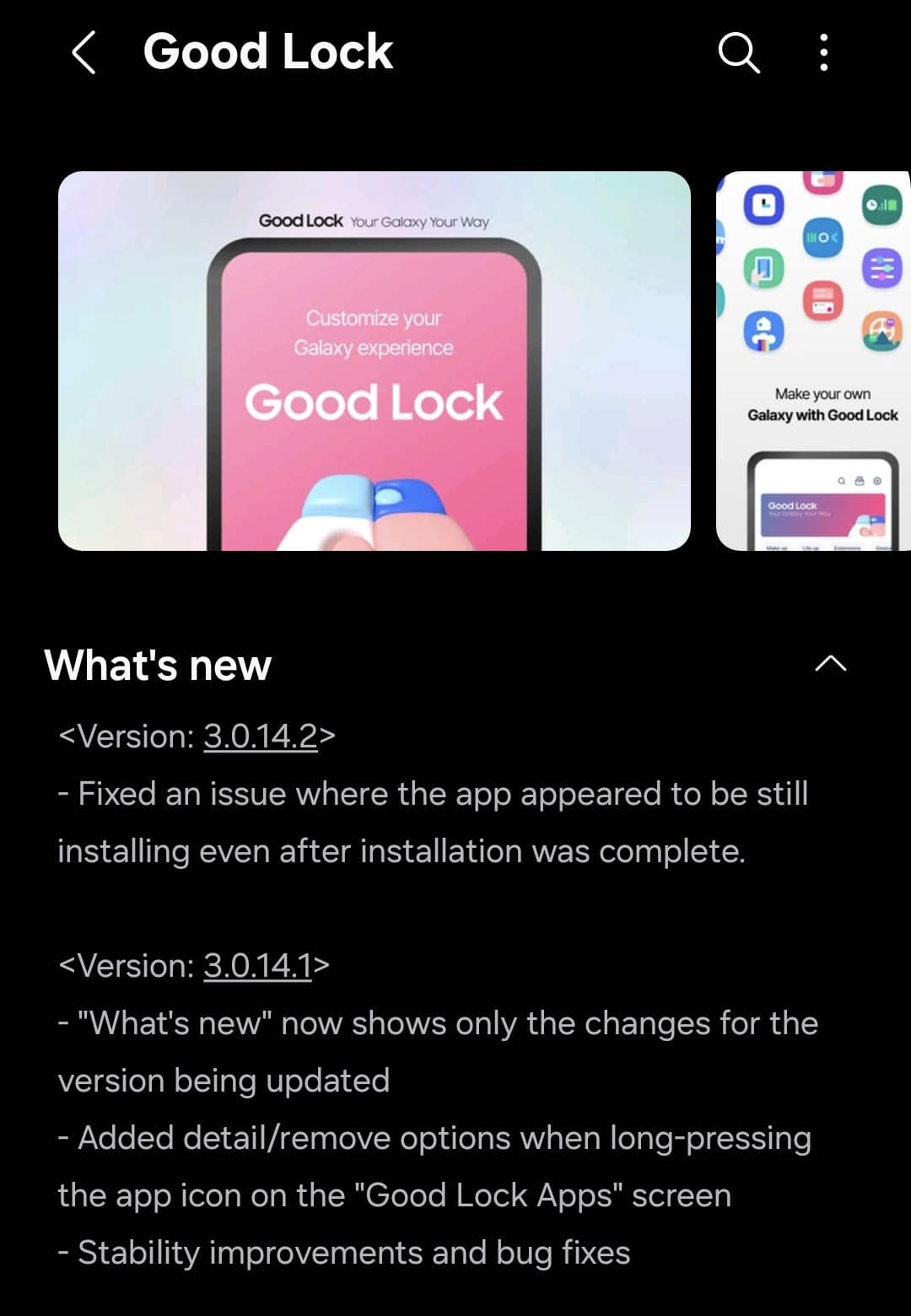
Good Lock is Samsung’s customization suite that includes a bunch of powerful modules. These modules let you personalize different areas of your device, such as the lock screen, home screen, and notifications. It looks like some users have been facing an issue where the modules appear to still be installing even after the installation is complete. The Plugins tab of Good Lock shows all installed modules and pending updates. Thankfully, the latest version 3.0.14.2 has fixed this issue, so modules should now display their correct installation status.
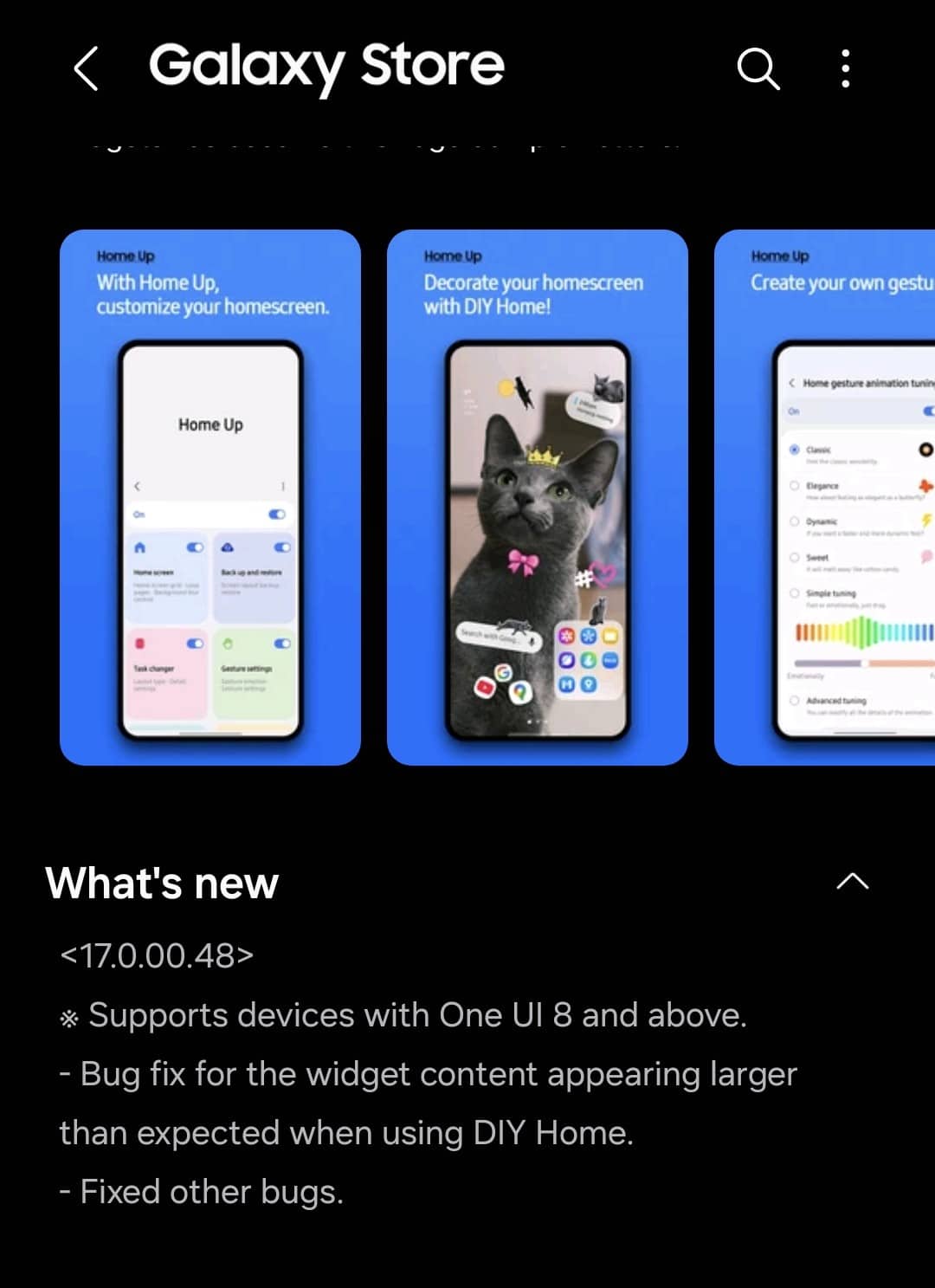
Part of Good Lock, Home Up lets you personalize your phone’s home screen. It offers a host of useful features, including options to customize folder popup styles, gesture animations, edge panels, and more. Thanks to the DIY Home feature, you get full control over the home screen layout. For example, you can easily resize and move widgets anywhere you like.
According to user reports, some were facing an issue with the DIY Home where widget contents appear larger than expected when placed on the home screen. This makes certain layouts look uneven. With version 17.0.00.48, Samsung has fixed this problem. That means widget contents will now show up at the correct size, giving the home screen a cleaner look.
If you are also experiencing these issues, you should update the Good Lock and Home Up apps as soon as possible. The update process is quite small — open the Galaxy Store, go to Menu > Updates, and check if the latest versions are available. Note that updates may take a few days or weeks to reach your device.

Follow us on Google Discover & set us as a preferred source in Google News
Share this Post
___________________________


New Blog Posts
___________________________

First Set of Pixel 11 Pro XL Renders Are Here
Pixel 11 Pro XL CAD renders show minimal design changes

Is Samsung Preparing One UI 8.5 Beta for Galaxy Z Fold 5 and Flip 5?
Samsung may launch a One UI 8.5 beta program for its 2023 foldables

Galaxy S25 One UI 8.5 Beta May Run Longer Than Expected
Galaxy S25 series’ One UI 8.5 beta may stretch to 10 rounds


