
Samsung Find Gets Major Upgrade with Lost Mode and Smarter Tracking
SammyGuru is reader-supported. We have affiliate and sponsored partnerships, so we may earn a commission when you buy through links on our site — at no extra cost to you. Learn more.
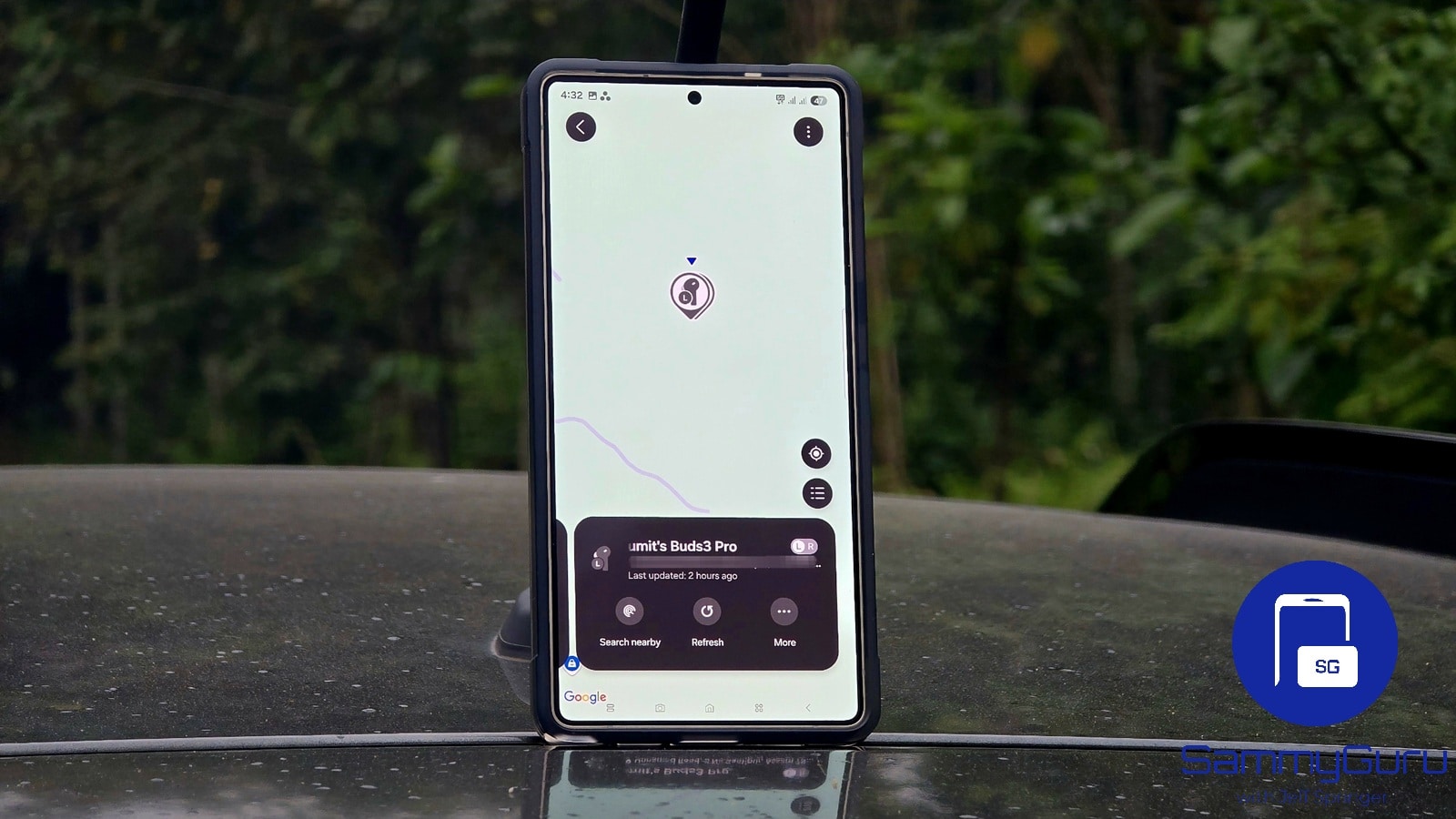
Samsung is rolling out a significant update to its Samsung Find app, giving Galaxy users more powerful tools to locate misplaced devices. The latest version introduces practical new features that strengthen device recovery and streamline location sharing, including expanded Lost Mode. The update is now available to all Galaxy users through the Galaxy Store with version 1.8.00.20.
Latest Samsung Find update adds new Lost Mode for phones and tablets
The headline addition in this update is Lost Mode support for Galaxy smartphones and tablets. Previously limited to certain wireless earbuds, this feature activates additional security tools when you lose a supported Galaxy device. Most notably, it allows you to set a fresh unlock PIN, different from the existing one. This ensures your device remains locked even if someone familiar with your current PIN finds or steals it.
Lost Mode also blocks others from turning off your phone, adding an extra layer of protection. On top of this, it lets you lock Samsung Wallet, lock Samsung Pass, and display a permanent message on the screen with address and phone numbers, so the finder can contact you.
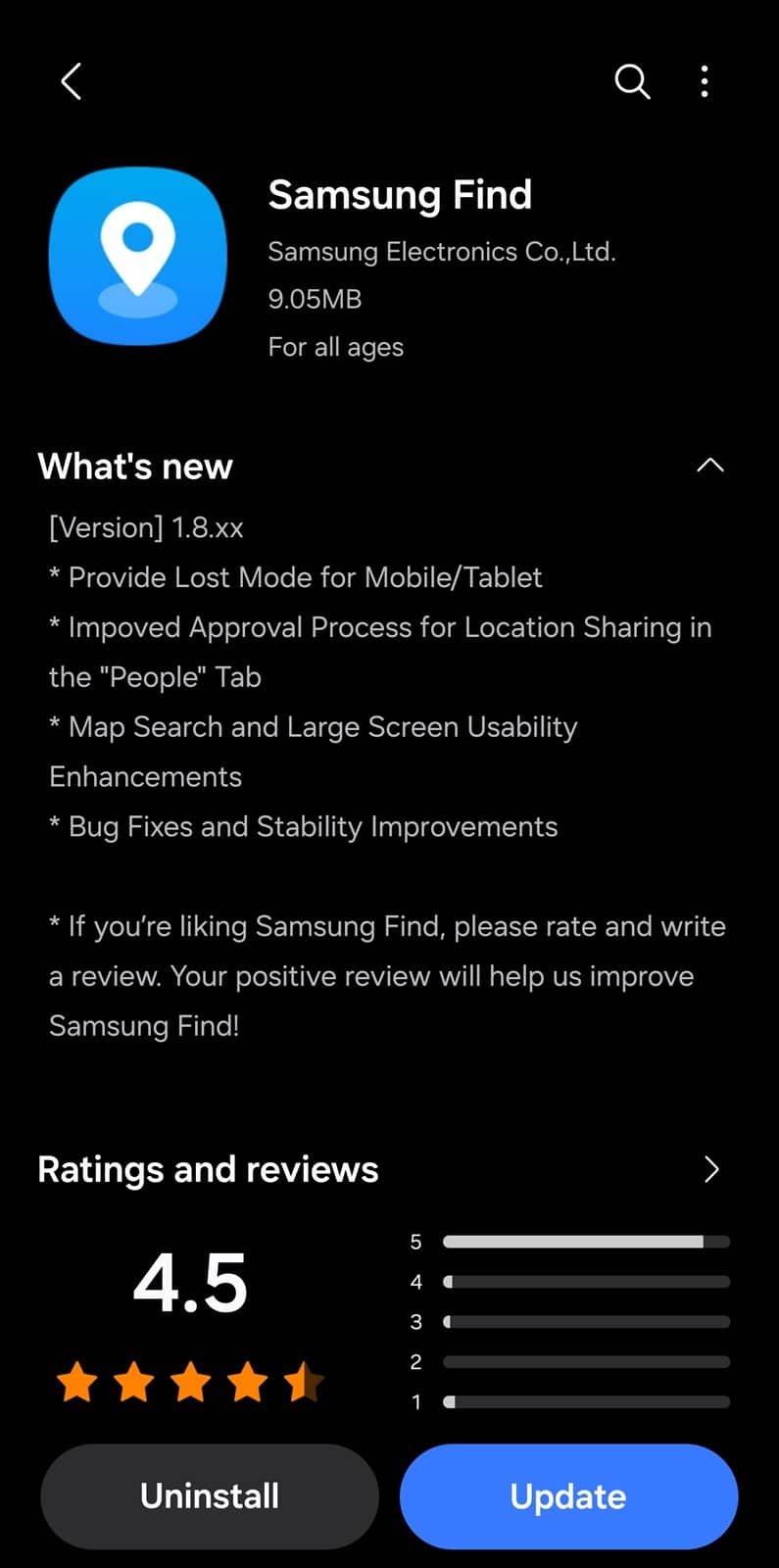
In addition to this, the latest Samsung Find update refines the approval process for location sharing. Sharing your location with other users via the People tab should now feel less cumbersome. This update also improves the Map Search experience, making it easier to track devices with higher accuracy and a cleaner visual presentation.
Last but not least, Samsung has added usability enhancements for foldables and tablets, ensuring the app works comfortably across larger and flexible screens. You can also expect minor bug fixes and stability improvements for smoother performance. Galaxy users can install the new Samsung Find update via the Galaxy Store. Tap the expandable menu on the top left and select Updates to proceed.

Written by
Sumit AdhikariSumit, a life-long Samsung user, is passionate about technology and has been professionally writing on tech since 2017. He’s a mathematics graduate by education and enjoys teaching basic mathematics tricks to school kids in his spare time. Sumit believes in artificial intelligence and dreams of a fully open, intelligent and connected world.

Follow us on Google Discover & set us as a preferred source in Google News
Share this Post
___________________________


New Blog Posts
___________________________

First Set of Pixel 11 Pro XL Renders Are Here
Pixel 11 Pro XL CAD renders show minimal design changes

Is Samsung Preparing One UI 8.5 Beta for Galaxy Z Fold 5 and Flip 5?
Samsung may launch a One UI 8.5 beta program for its 2023 foldables

Galaxy S25 One UI 8.5 Beta May Run Longer Than Expected
Galaxy S25 series’ One UI 8.5 beta may stretch to 10 rounds







