
Samsung Capture Update Adds Smarter Smart Select, More Image Pins
SammyGuru is reader-supported. We have affiliate and sponsored partnerships, so we may earn a commission when you buy through links on our site — at no extra cost to you. Learn more.
Samsung has rolled out a fresh update for Samsung Capture, the system app behind features like screenshots, screen recording, Smart Select, and more. The latest release improves some of the existing tools, adding new functions for an enhanced user experience. It is rolling out to Galaxy users worldwide via the Galaxy Store.
Samsung Capture gets a new update with additional functions
Samsung Capture is a system app on Galaxy Smartphones and tablets. It powers the screenshot and screen recording features, as well as provides built-in tools for Sketch to Image, Smart Select, and Screen Write. This app helps convert hand-drawn sketches into art, recommends related actions based on the selected content on the screen, and enables screen writing to instantly mark or annotate a screenshot.
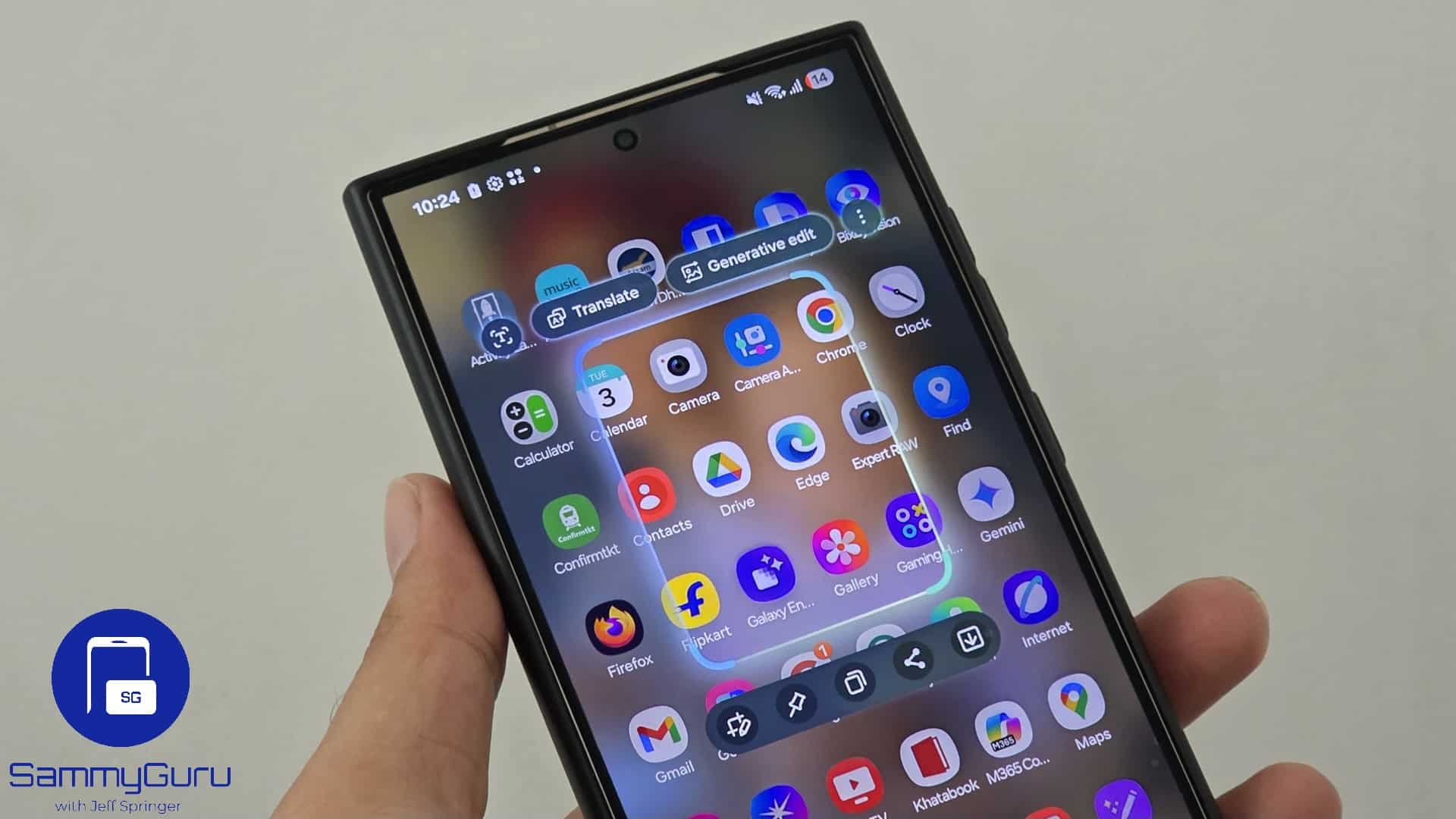
The latest update introduces version 5.9.62.2 of Samsung Capture, improving two of its most popular features: Smart Select and Pin Images. Now, as soon as you launch Smart Select, you can instantly draw or highlight the area of the screen you want to capture. No extra steps, no delays or unnecessary animations — just quick, seamless screen selections. This makes Smart Select faster, smarter, and more convenient.
Additionally, you can now pin up to two images on your screen through Smart Select. Whether it’s a screenshot of a recipe, a quote, directions, or reference notes, you can now keep those images visible while multitasking in other apps. Earlier, you could only pin one image — you must remove the previously pinned image to pin another.
These small but powerful upgrades make Samsung Capture even more essential for everyday productivity and multitasking on Galaxy devices. To enjoy the new features, make sure your Samsung Capture app is up to date. You can update through the Galaxy Store (Menu > Updates) or open this link on your Galaxy device and install the new version.

Written by
Sumit AdhikariSumit, a life-long Samsung user, is passionate about technology and has been professionally writing on tech since 2017. He’s a mathematics graduate by education and enjoys teaching basic mathematics tricks to school kids in his spare time. Sumit believes in artificial intelligence and dreams of a fully open, intelligent and connected world.

Follow us on Google Discover & set us as a preferred source in Google News
Share this Post
___________________________


New Blog Posts
___________________________

First Set of Pixel 11 Pro XL Renders Are Here
Pixel 11 Pro XL CAD renders show minimal design changes

Is Samsung Preparing One UI 8.5 Beta for Galaxy Z Fold 5 and Flip 5?
Samsung may launch a One UI 8.5 beta program for its 2023 foldables

Galaxy S25 One UI 8.5 Beta May Run Longer Than Expected
Galaxy S25 series’ One UI 8.5 beta may stretch to 10 rounds







