
Samsung Brings One UI 8.5 Floating Bar to TV Plus App
SammyGuru is reader-supported. We have affiliate and sponsored partnerships, so we may earn a commission when you buy through links on our site — at no extra cost to you. Learn more.
Samsung recently released an update for its Samsung TV Plus app on Galaxy smartphones and tablets. The update brings a floating bottom bar that aligns with the latest One UI 8.5 design language. The company is rolling out this change with version 1.0.26.8.
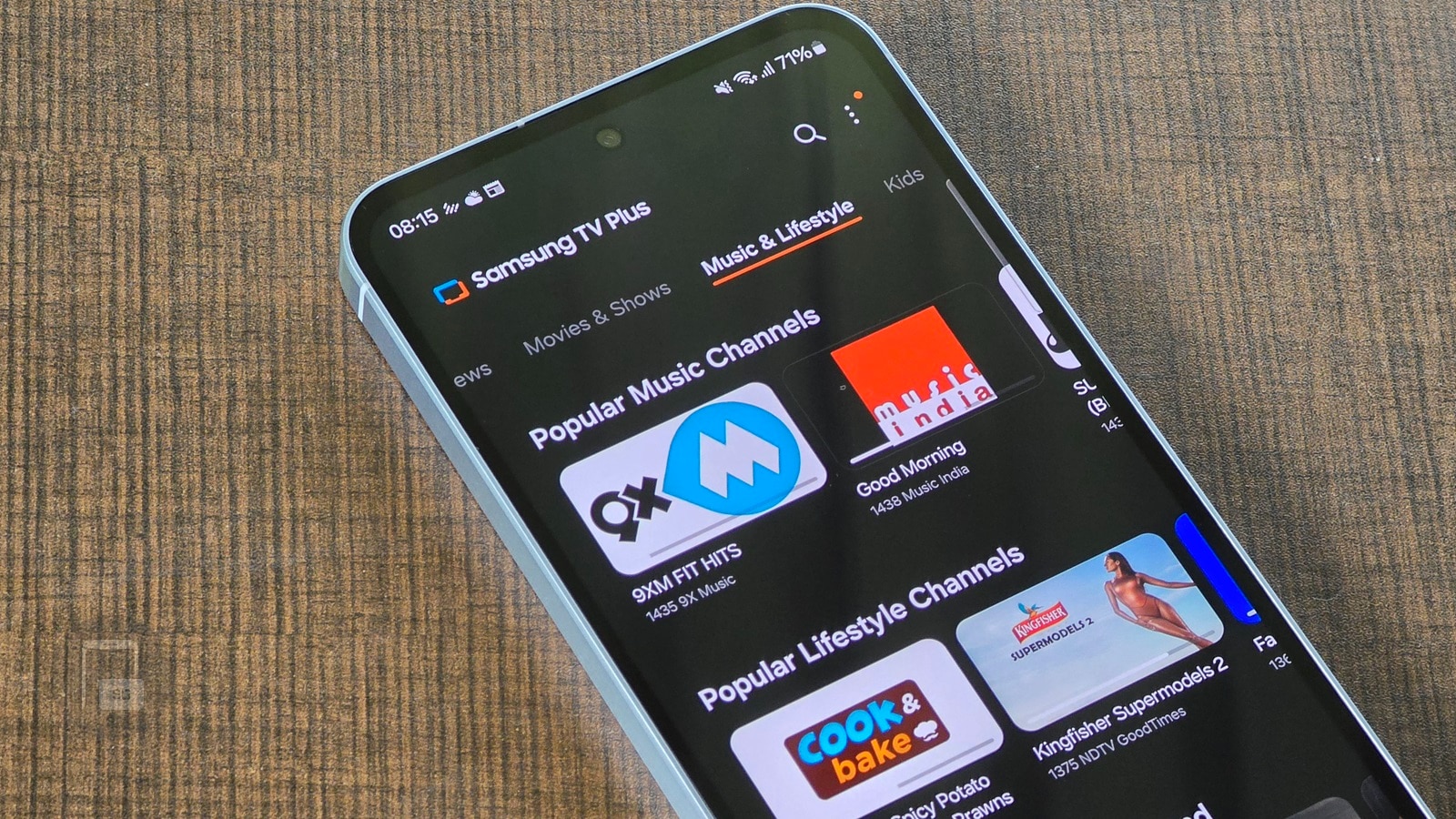
Samsung rolls out a new update for its TV Plus app
For the uninitiated, Samsung TV Plus is a free, ad-supported streaming service available on most Galaxy devices. It offers a host of live TV channels and on-demand shows, all without requiring a subscription. You can watch content directly on your Galaxy smartphones or tablets. There is also a TV version of Samsung TV Plus that offers a similar experience on Samsung smart TVs.
As SamMobile points out, the Samsung TV Plus app for Android now features a floating bottom bar that puts all necessary controls. Previously, the app had a split layout — a bottom bar for Home and Live TV tabs and a top bar for the search and menu icons. This means users had to stretch their thumbs to access all the controls.
-
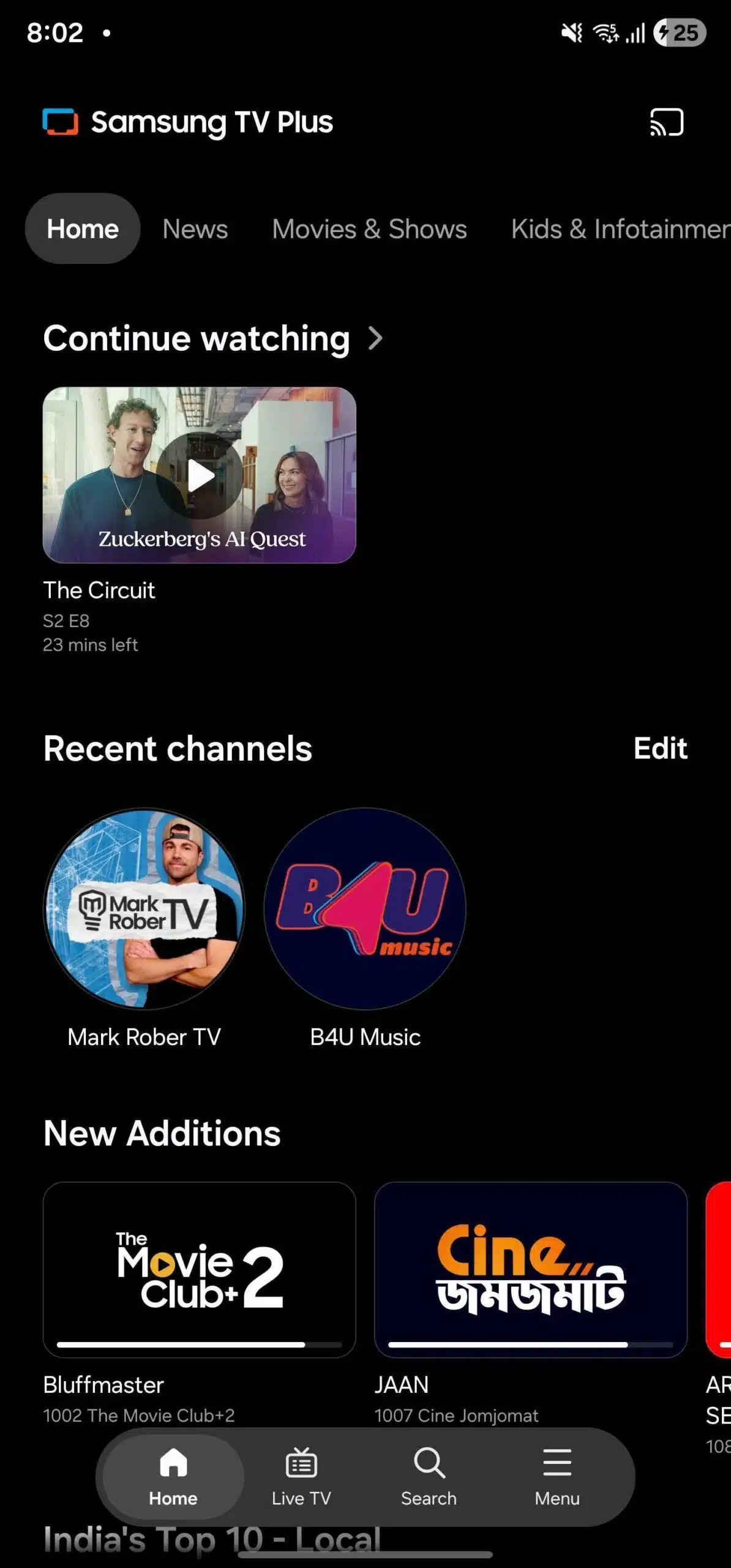
- New
-
- Old
The new floating bar adds search and menu icons alongside the existing Home and Live TV options. As such, you will get all the key functions in a single, easy-to-reach location. In fact, this layout follows One UI 8.5’s design language for a bunch of stock apps, featuring a pill-shaped floating bar that goes along the app’s content.
There is no change in the Menu options. You get the same four options as before: Continue Watching, Watch List, Notices, and Settings. Simply put, Samsung not only enhances the aesthetics of its Samsung TV Plus but also improves usability. You can update to the latest version from the Google Play Store. Simply search for Samsung TV Plus and tap Update from Play.
Last year, Samsung also redesigned Samsung TV Plus on its smart TVs to make content discovery easier and more personalized. The platform introduced a personalized home screen with smarter recommendations based on viewing habits. Moreover, it brought an immersive browsing experience that reduced scrolling.

Written by
Binay KonwarBinay Konwar started his blogging journey in 2014 and has since written plenty of tech articles. At present, he is working as a News Writer at SammyGuru, covering everything about Samsung. He holds a Master's degree in Mathematics, but his real passion lies in tech and writing. In his free time, he enjoys playing chess and watching movies.

Follow us on Google Discover & set us as a preferred source in Google News
Share this Post
___________________________


New Blog Posts
___________________________

First Set of Pixel 11 Pro XL Renders Are Here
Pixel 11 Pro XL CAD renders show minimal design changes

Is Samsung Preparing One UI 8.5 Beta for Galaxy Z Fold 5 and Flip 5?
Samsung may launch a One UI 8.5 beta program for its 2023 foldables

Galaxy S25 One UI 8.5 Beta May Run Longer Than Expected
Galaxy S25 series’ One UI 8.5 beta may stretch to 10 rounds







