
Samsung Brings AI-Powered Slow-Mo to Mid-Range Galaxy Phones
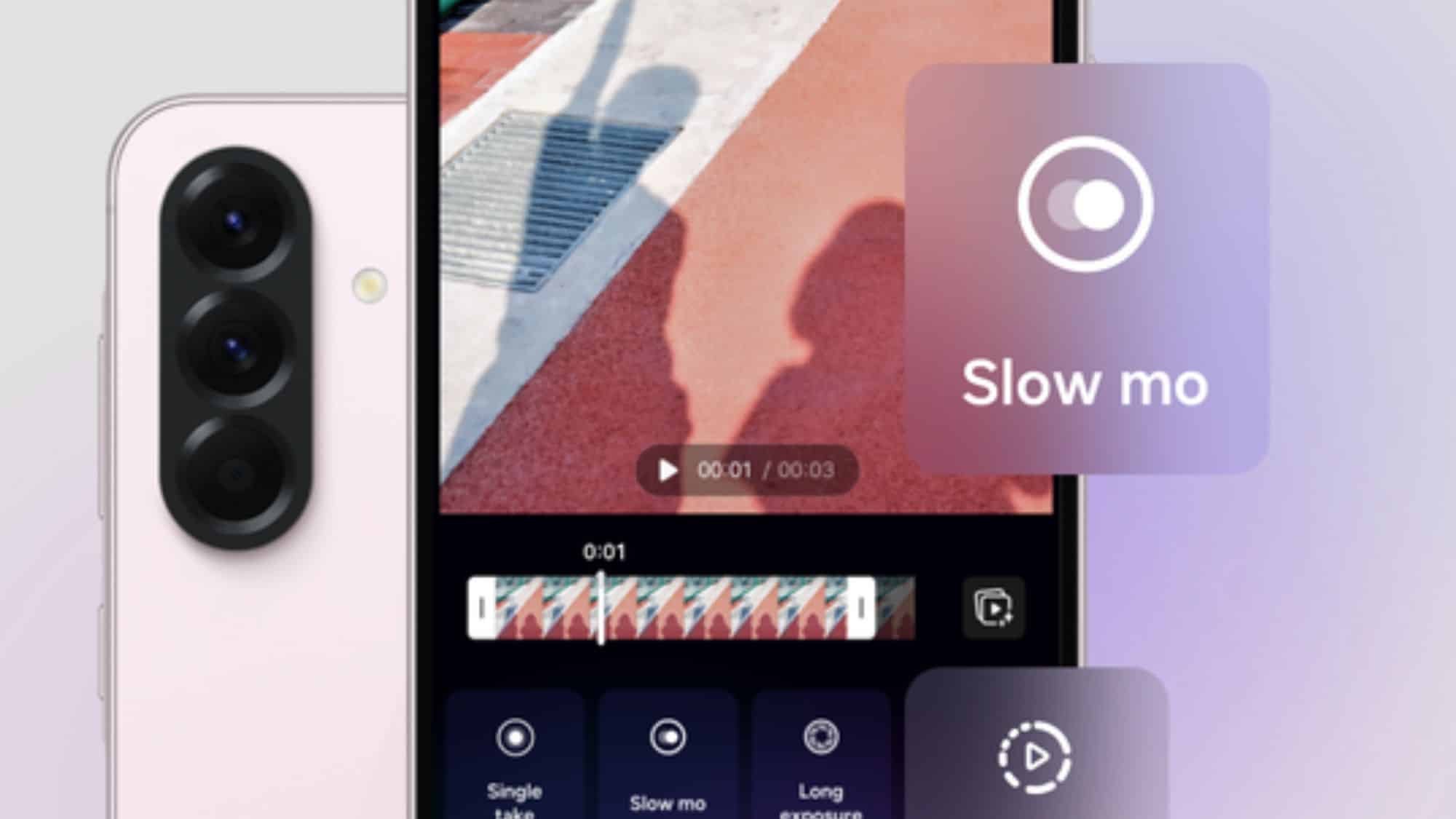
Samsung has rolled out an AI-powered slow-motion video feature to some mid-range devices. A recent update for its Galaxy Enhance-X app brings this feature to the Galaxy A56 and A36, allowing users to turn any regular video into a dramatic slow-motion clip. Other A and M series models are also expected to gain this AI tool in the future.
Enhance-X app now lets mid-range users create slow-motion video
Galaxy flagship users already enjoy similar functionality through the stock gallery and video player apps. Thanks to the Instant slow-mo feature part of the Galaxy AI suite, it is possible to create slow-motion effects on any video. You just need to press and hold the screen and then save the clip in slow motion. This comes in handy when you forgot to record a video using the dedicated slow-motion mode but want to add a similar effect to specific moments in the video later.
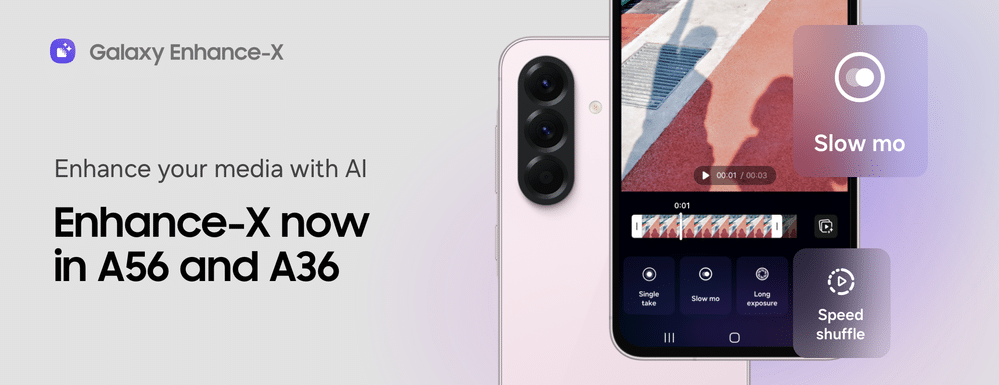
Now, mid-range Galaxy A and M series devices are getting this capability. However, there’s a catch — you won’t get the Instant slow-mo feature. Instead, you will need to use an AI-powered slow-motion tool called Slow Mo within the Enhance-X app. The app release notes mention “Our newly revamped feature, Slow Mo, lets you add dramatic slow-motion effects to any existing video, even if not captured in Slow Mo.”
Speaking of how it works on your device, its intuitive single-touch interface lets you capture precious moments in slow motion effortlessly. Simply play the video and then touch the screen where you want to slow things down. Finally, release your finger when you are done. You can generate up to three slow-motion clips from a video.
Furthermore, Samsung has redesigned the homepage of its Enhance-X app. This allows you to quickly explore a bunch of popular features right from the main screen. Another notable addition is the Downloadable Features tab that lets you browse a suite of offerings and get a glimpse of what they do. You can now get all these enhancements — just visit the Galaxy Store and download the Enhance-X app.

Follow us on Google Discover & set us as a preferred source in Google News
Share this Post
___________________________


New Blog Posts
___________________________

First Set of Pixel 11 Pro XL Renders Are Here
Pixel 11 Pro XL CAD renders show minimal design changes

Is Samsung Preparing One UI 8.5 Beta for Galaxy Z Fold 5 and Flip 5?
Samsung may launch a One UI 8.5 beta program for its 2023 foldables

Galaxy S25 One UI 8.5 Beta May Run Longer Than Expected
Galaxy S25 series’ One UI 8.5 beta may stretch to 10 rounds


