
Samsung Begins Global Rollout of One UI 8 for Galaxy Tab S9
SammyGuru is reader-supported. We have affiliate and sponsored partnerships, so we may earn a commission when you buy through links on our site — at no extra cost to you. Learn more.
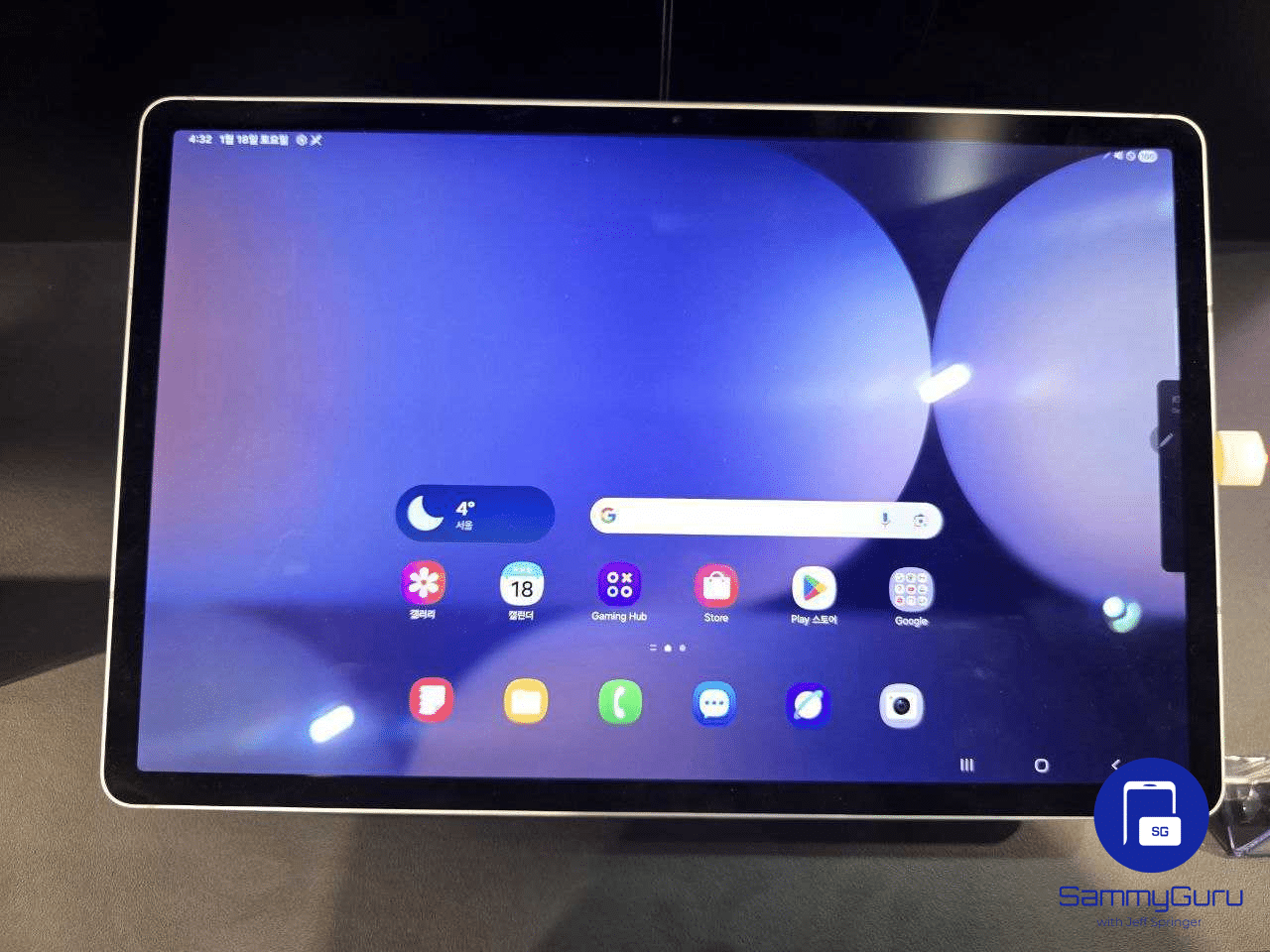
Samsung has begun a global rollout of One UI 8 for the Galaxy Tab S9 series. The update is now live in multiple regions across Asia, Europe, North America, and Latin America. It brings an array of Galaxy AI features and interface improvements designed to enhance productivity and creativity.
Galaxy Tab S9’s One UI 8 rollout finally goes global
While Samsung released this update for the Galaxy Tab S9 lineup in early October, the initial rollout only covered Korean units. The company has finally kicked off a global rollout, bringing One UI 8 to millions of Tab S9 users worldwide. Depending on the model and region, the update carries the build version DYI5 or DYJ1, with the OTA package weighing more than 3GB.
The One UI 8 update introduces a host of Galaxy AI features and design refinements optimized for large-screen use. One of the biggest upgrades comes to Samsung DeX, which now leverages Android 16’s new Desktop Mode. Users can add widgets to the DeX home screen, freely rotate the display, and experience smoother transitions between windowed apps.
Split-screen multitasking has also received a major upgrade. You can now open three apps simultaneously in vertical app windows. For two-app setups, one app can now take up to 90% of the screen, while the other fills the rest, creating a more flexible workspace for productivity and reference tasks.
With One UI 8, Samsung continues to blur the line between mobile and desktop-class experiences. From improved multitasking to AI-assisted workflows, the update makes the Galaxy Tab S9 series even more capable for both work and play. If you own a Tab S9, you can manually check for the update by navigating to Settings > Software update > Download and install. Once downloaded, simply tap Install now, and the tablet will restart to complete the process.

Written by
Sumit AdhikariSumit, a life-long Samsung user, is passionate about technology and has been professionally writing on tech since 2017. He’s a mathematics graduate by education and enjoys teaching basic mathematics tricks to school kids in his spare time. Sumit believes in artificial intelligence and dreams of a fully open, intelligent and connected world.

Follow us on Google Discover & set us as a preferred source in Google News
Share this Post
___________________________


New Blog Posts
___________________________

First Set of Pixel 11 Pro XL Renders Are Here
Pixel 11 Pro XL CAD renders show minimal design changes

Is Samsung Preparing One UI 8.5 Beta for Galaxy Z Fold 5 and Flip 5?
Samsung may launch a One UI 8.5 beta program for its 2023 foldables

Galaxy S25 One UI 8.5 Beta May Run Longer Than Expected
Galaxy S25 series’ One UI 8.5 beta may stretch to 10 rounds







