
Samsung’s APV Codec Explained: How the Galaxy S26 Series Will Take on Apple ProRes
Samsung is gearing up to supercharge the video recording on the Galaxy S26 series with debut of APV Codec (Advanced Professional Video Codec), first teased at SDC23. It’s a direct competitor to Apple’s ProRes, promising cinematic-quality recording… and it could even surpass Apple in efficiency.
What is APV Codec?
The APV Codec is Samsung’s answer to professional-grade video recording. It delivers lossless-quality footage that’s about 20% more storage-efficient than Apple’s ProRes, while also supporting LOG and HDR video. The Profiles that are available are:
- APV 422 HQ at 1080p 30FPS ~ 1GB/minute
- APV 422 LQ at 1080p 30FPS ~ 0.75/minute
To handle those massive files, Samsung will let users save directly to an external USB-C drive — not just for Pro Video, but also Portrait Video, Slow Motion, and Hyperlapse, eliminating the usual storage headaches.
Note: Not every camera mode will support APV, so expect some limitations.
Standard vs Pro video recording
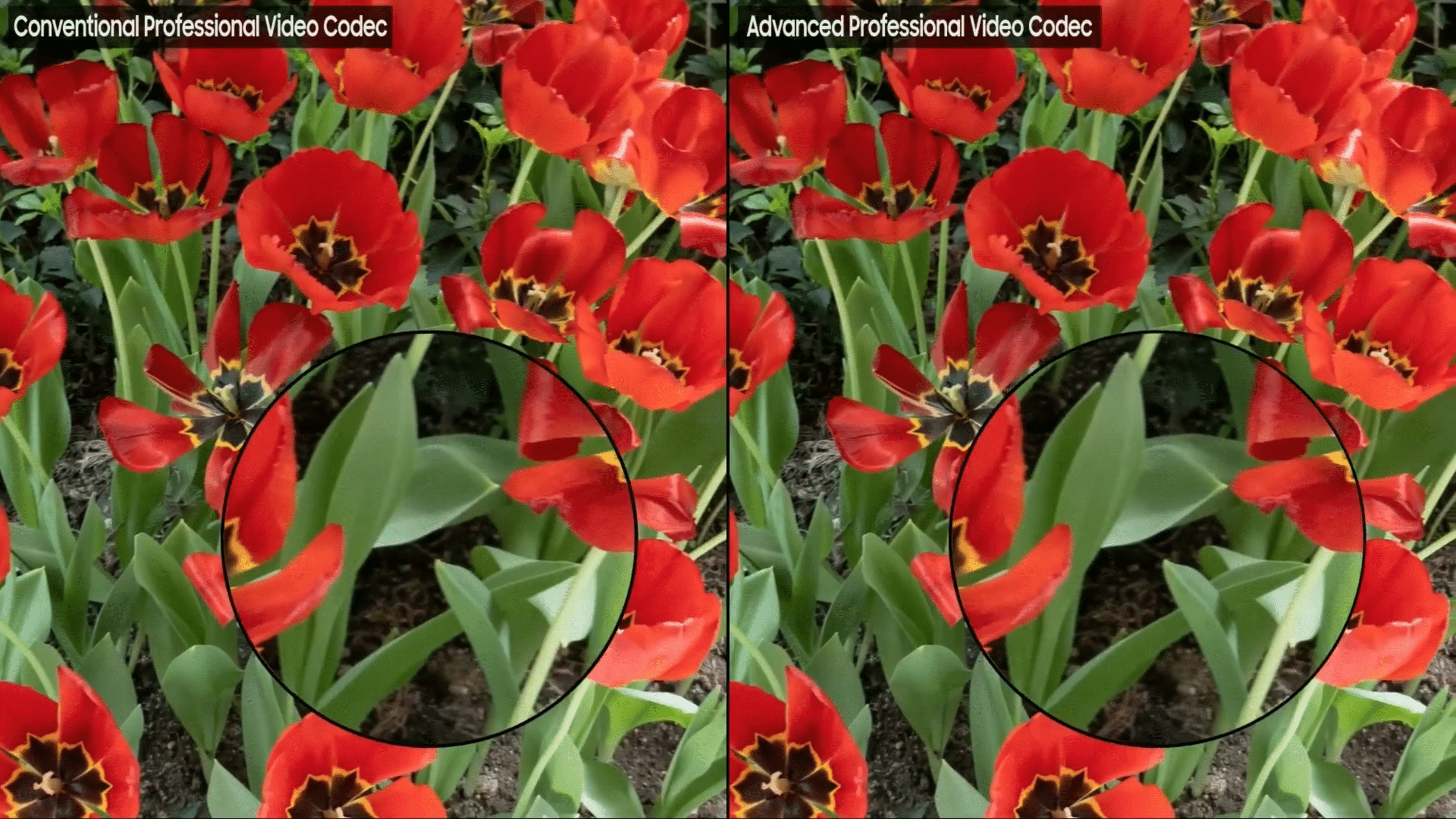
One of the biggest perks of APV is the elimination of blocky compression artifacts you often see in standard recordings. In fact, APV matches the quality of industry-standard professional codecs while reducing storage needs by 20%.
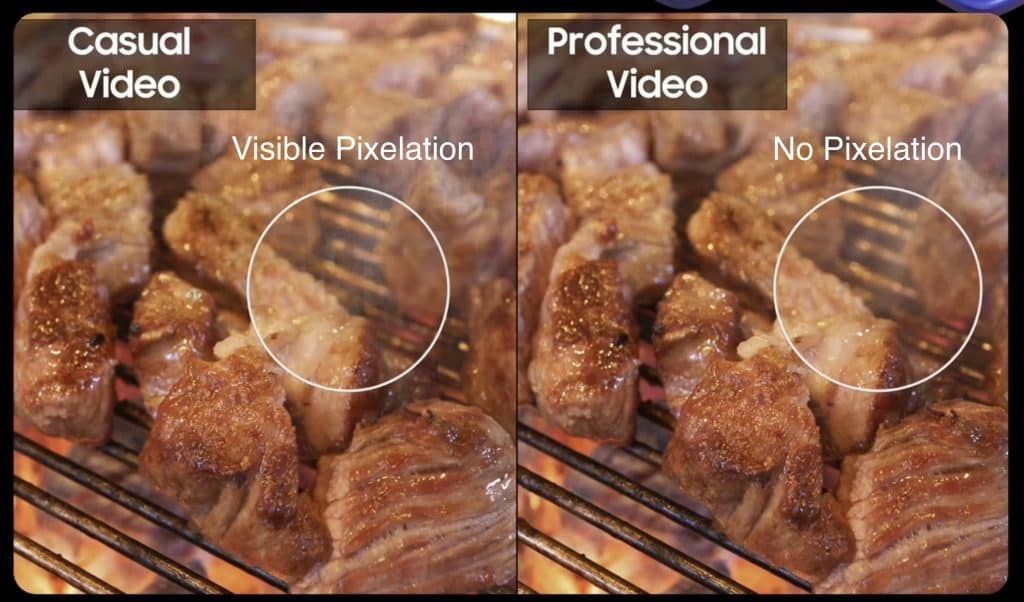
Standard vs Pro Video
Samsung’s APV Video Codec vs. Standard Professional Codec
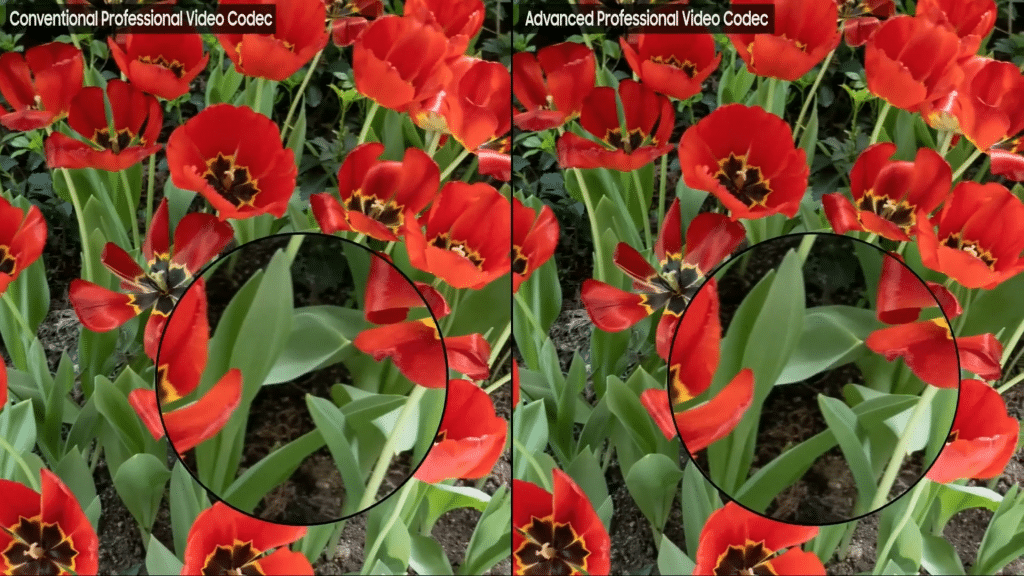
Standard Professional Codec vs APV Codec
It also introduces 4:4:4 chroma subsampling and 12-bit color depth, meaning colors are preserved more accurately, even in challenging lighting. For video editors, that translates to more flexibility in post-production without sacrificing detail.
Shoutout to Wvisioncreation on X for being one of the few covering this development.
Given Google and Samsung’s strong partnership, I wouldn’t be surprised if that the APV Codec would eventually extend to Android, especially since the Quick Share and Nearby Share merger.
LUT support for LOG video
LOG video captures extra color data but looks flat and washed-out until color grading is applied. With the Galaxy S26, Samsung is adding LUT (Look-Up Table) support right in the Gallery app. That means you’ll be able to tap the LUT icon and instantly preview your footage with cinematic color grades
More Frame Rate options
Samsung is also expanding frame rate support to give creators more flexibility:
- FHD (1080p): 25fps / 50fps / 100fps
- UHD (4K): 25fps / 50fps / 100fps8K: 25fps
- 8K: 25fps
This aligns Samsung more closely with Apple’s 24fps “cinematic mode” while offering higher frame rates for slow-motion and smoother playback.
This is what we should expect to see in the Camera app for Galaxy S26.
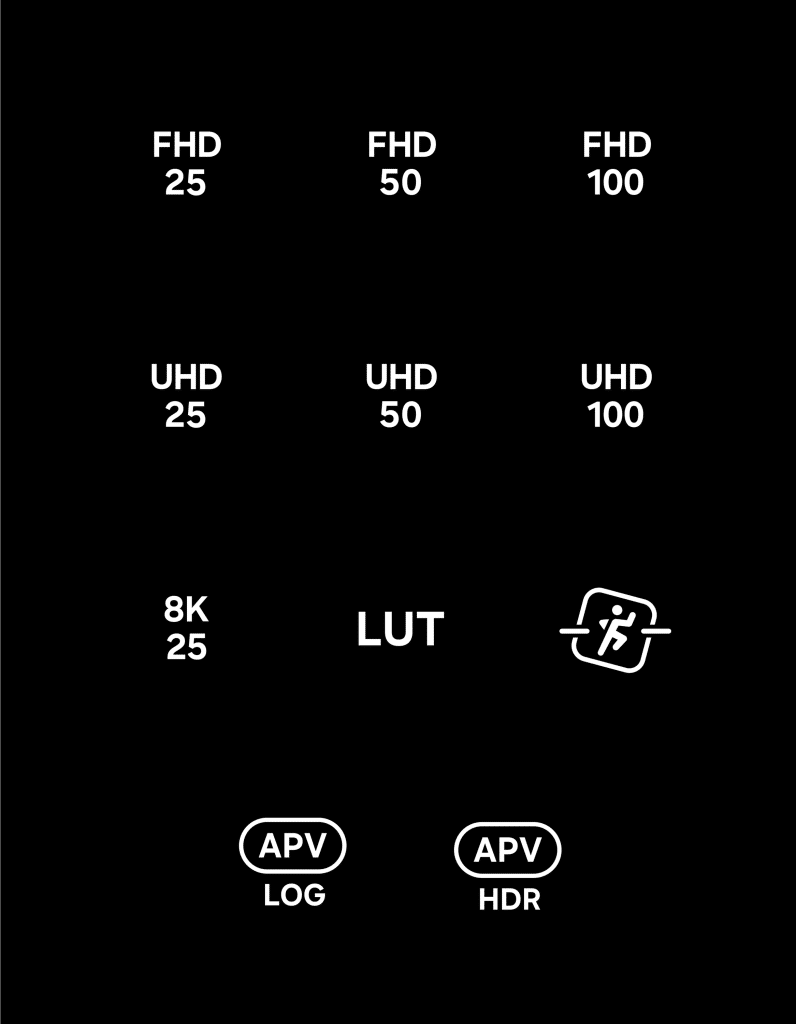
Galaxy S26 Camera Options
A few more features coming;
- Horizon Lock Feature (Stabilizes Video. Similar to Apple’s Action Mode)
- Scan Multiple Pages of a Document Simultaneously (Currently One at a Time)
- Motion Photo Customization (Timing, Shutter Sound, Pre/Post-Shutter Recording)
Samsung is enhancing its camera software significantly in 2026, promising an exciting experience for Galaxy users.

Follow us on Google Discover & set us as a preferred source in Google News
Share this Post
___________________________


New Blog Posts
___________________________

First Set of Pixel 11 Pro XL Renders Are Here
Pixel 11 Pro XL CAD renders show minimal design changes

Is Samsung Preparing One UI 8.5 Beta for Galaxy Z Fold 5 and Flip 5?
Samsung may launch a One UI 8.5 beta program for its 2023 foldables

Galaxy S25 One UI 8.5 Beta May Run Longer Than Expected
Galaxy S25 series’ One UI 8.5 beta may stretch to 10 rounds


