
Redditor Builds Impressive Magic Keyboard Clone for Galaxy Tab Ultra
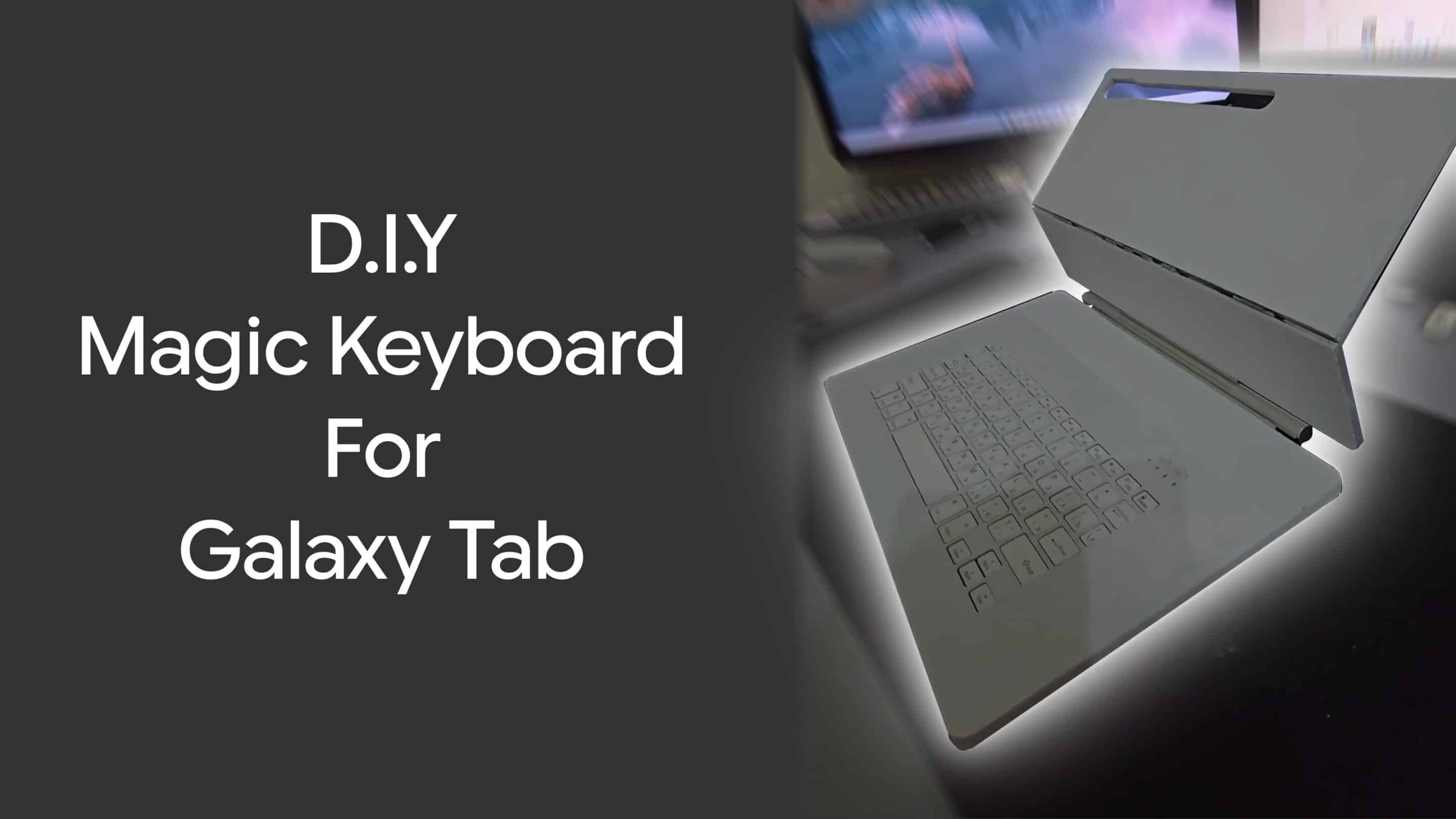
Galaxy Unpacked is a little over a month away. Yet, we haven’t heard anything about Samsung’s Pro Keyboard for the Galaxy Tab S11 Ultra. There is a chance we could see it unveiled at Unpacked as it recently passed a regulatory certificate in Korea. But not everyone likes to wait. And one Galaxy Tab user decided to take it into their own hands to create their Magic Keyboard for their Galaxy Tab Ultra.
Redditor decided to DIY a Pro Keyboard for Galaxy Tab Ultra
Reddit user Affectionate_Host576 definitely went the professional route when it came to sourcing out materials for their own keyboard for the Galaxy Tab. They used the following materials and components:
- Stainless steel is the main material
- Plexiglass for the keyboard section
- Salvaged a hinge from an iPad Pro Magic Keyboard
- Bluetooth Keyboard
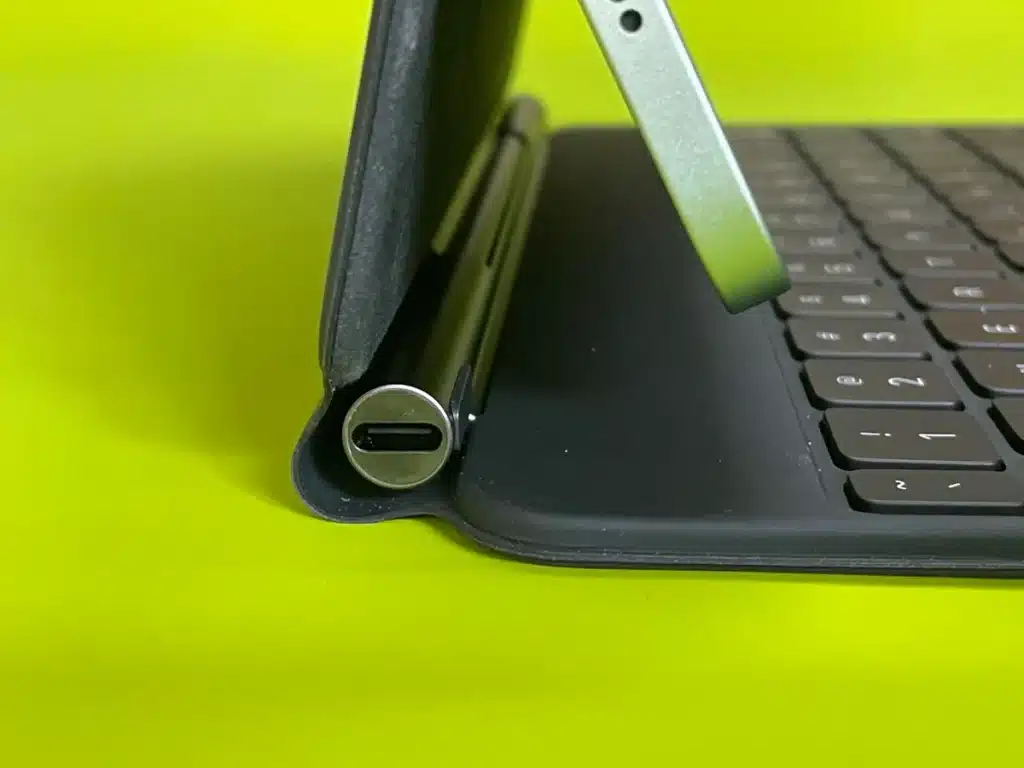
iPad Pro Magic Keyboard USB-C Charging Port (CNET)
After laser cutting all the parts, they attached all the parts with bolts, ground them down, and then attached the hinge. They measured the keyboard and laser-cut the plexiglass that was attached to the metal body. They routed the wiring to the hinge so they can charge the keyboard via USB-C just like Apple’s Magic Keyboard for the iPad. As a bonus, the custom logo they designed on the back lights up just like the older generation MacBooks.
After they had completed their project, they noted that primarily using stainless steel was a mistake as it was difficult to work with. If they did it again, they would either go with 3d printing or use plexiglass.
Third party options exist in the market
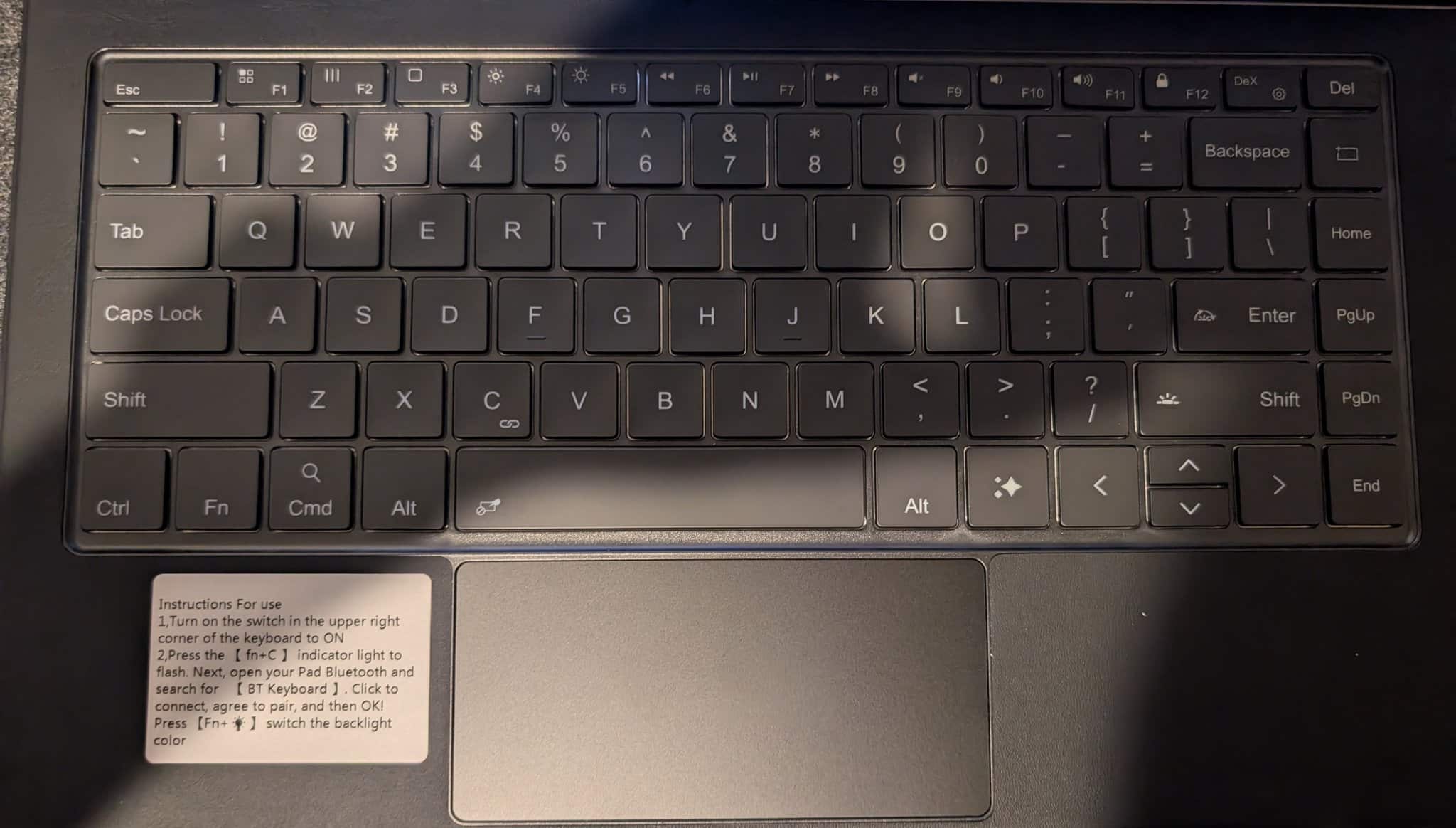
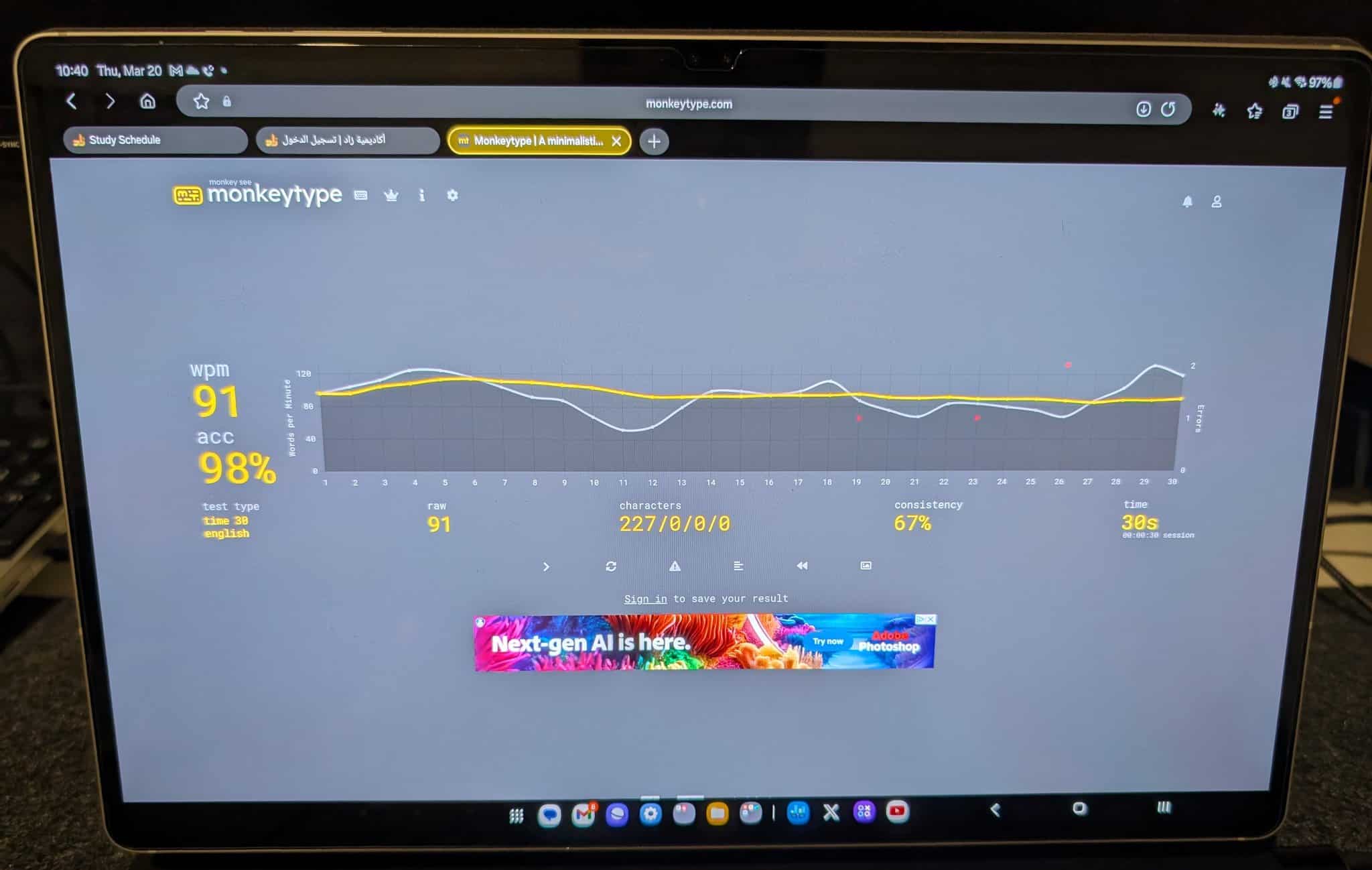
Early last year, I saw that the Magic Keyboard style keyboard finally made its way onto AliExpress and decided to give it a shot. I was able to achieve 90WPM when typing, but when it came to the touchpad’s physical click, it was just bad. The actual tracking was pretty good and better than what Samsung had to offer on the Book Cover Keyboard. What I did appreciate was the media playback hot keys. I never understood the app hot keys on the Book Cover Keyboard.
-
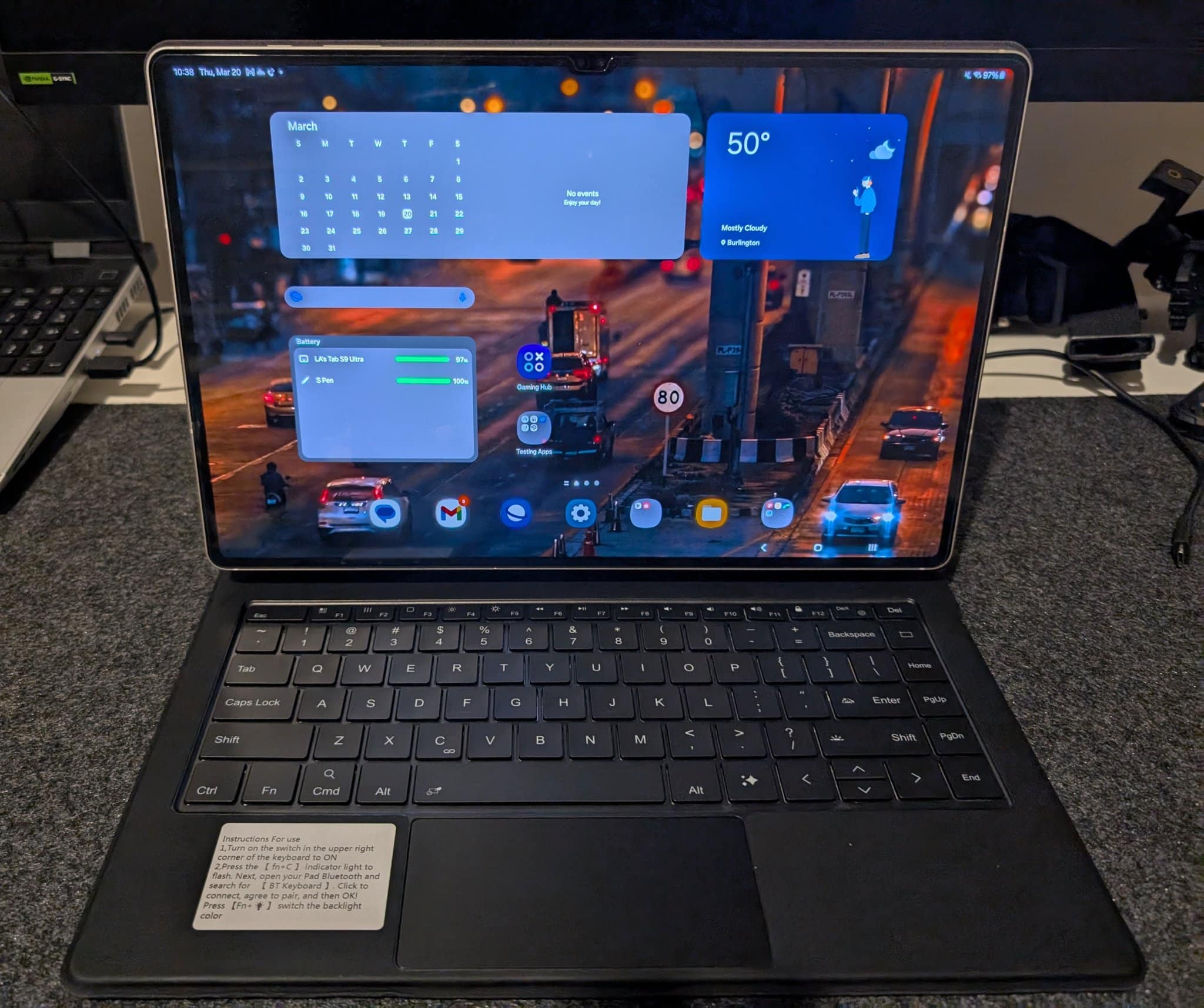
- Galaxy Tab S9 Ultra 3rd Party Magic Keyboard
-
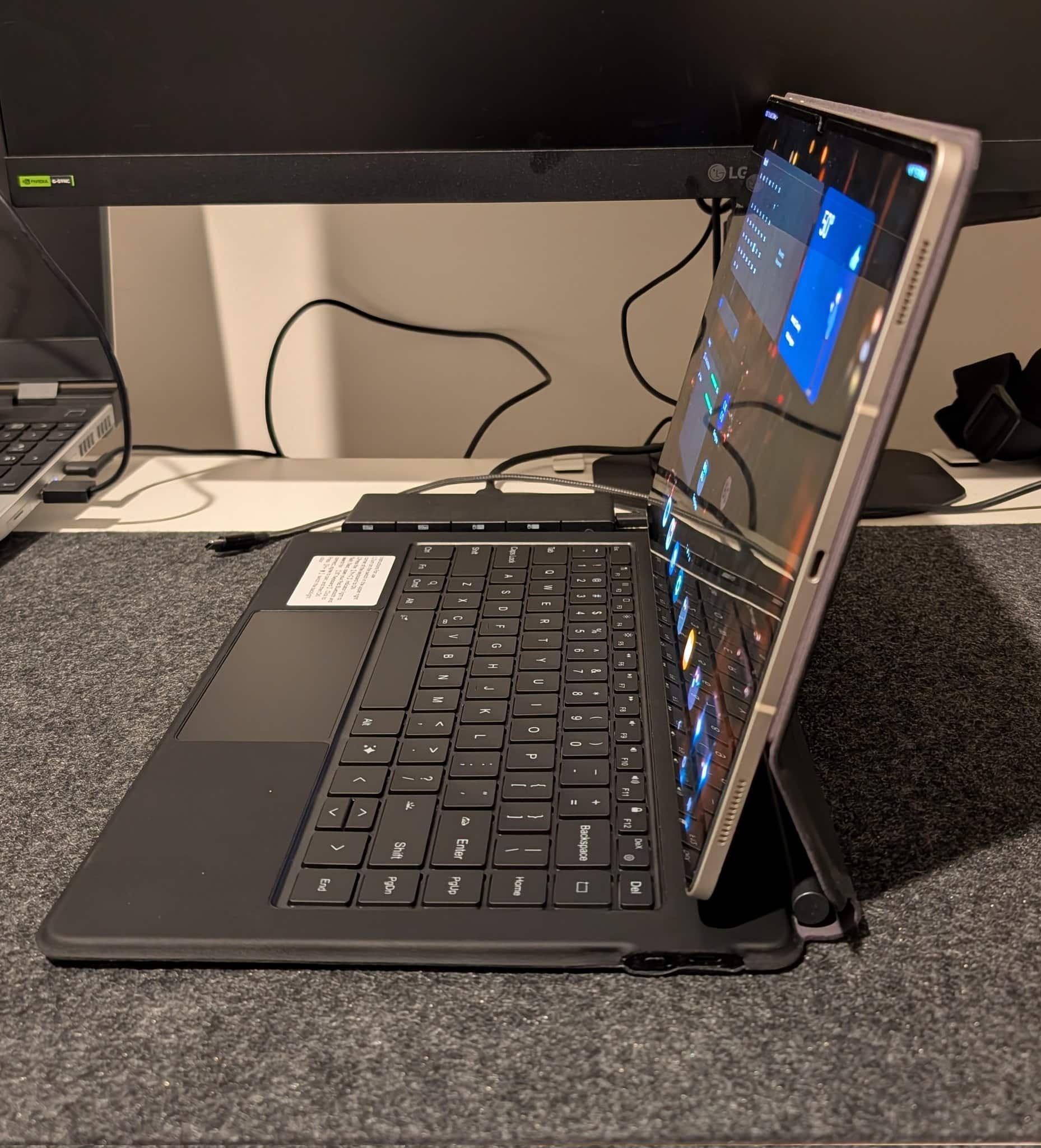
- Galaxy Tab S9 Ultra 3rd Party Magic Keyboard | Side Profile
-
- Galaxy Tab S9 Ultra 3rd Party Magic Keyboard | Keyboard View
-
- Galaxy Tab S9 Ultra 3rd Party Magic Keyboard | monkeytype.com results
The hinge strength wasn’t enough for my Galaxy Tablet S9 Ultra at the time, If you owned future iterations, it would actually fair a lot better.
- Galaxy Tab S9 Ultra (732 Grams)
- Galaxy Tab S10 Ultra (718 Grams) 2% Reduction
- Galaxy Tab S11 Ultra (692 Grams) 5.5% Reduction
It may not seem like much on paper, but depending on how well the weight is distributed. It has more of an impact, and I can confidently there is a difference. I can handle the Book Cover Keyboard Slim a lot better when I pick it up with one hand. The feeling of it tipping over and detaching is significantly less.
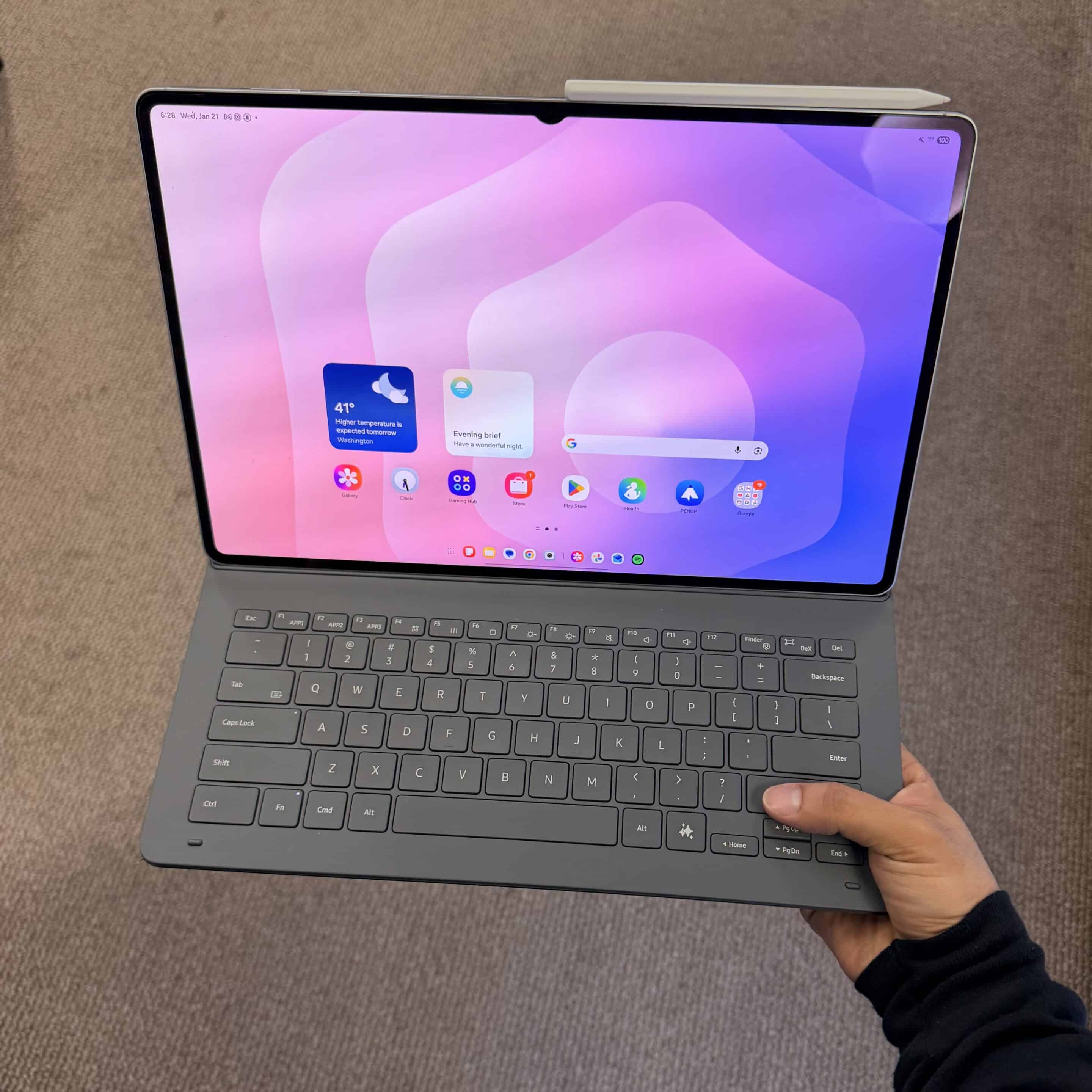
Galaxy Tab S11 Ultra w/ Book Cover Keyboard Slim
I must emphasize the quality of that particular keyboard was subpar, it will get the job done but that’s about it. If you’ve used the iPad Pro Magic Keyboard, it feels like it is lacking and isn’t a 1:1 experience. There is a different model on the market, which I have picked up. The hinge and the trackpad are the main areas that require improvement. Fingers crossed!

Follow us on Google Discover & set us as a preferred source in Google News
Share this Post
___________________________


New Blog Posts
___________________________

First Set of Pixel 11 Pro XL Renders Are Here
Pixel 11 Pro XL CAD renders show minimal design changes

Is Samsung Preparing One UI 8.5 Beta for Galaxy Z Fold 5 and Flip 5?
Samsung may launch a One UI 8.5 beta program for its 2023 foldables

Galaxy S25 One UI 8.5 Beta May Run Longer Than Expected
Galaxy S25 series’ One UI 8.5 beta may stretch to 10 rounds


