
Updated to One UI 8? Check Out These Hidden Features You’ll Love
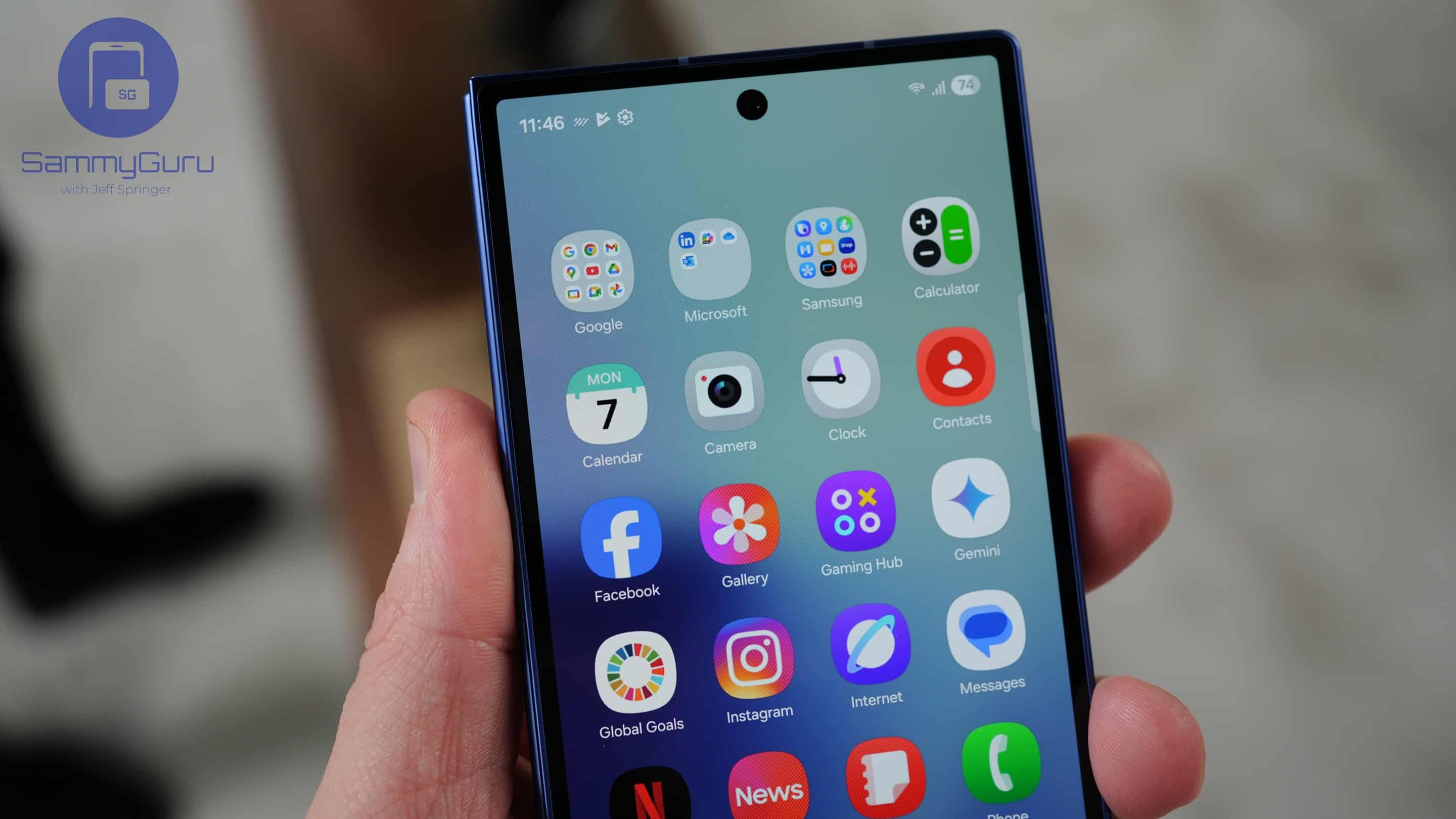
The constant stream of One UI 8.5 leaks seems to have taken the spotlight from One UI 8, which is now expanding to more and more devices and will continue to do so throughout the year.
Good for you if you’ve already updated, and even if you haven’t, you’ll be getting the One UI 8 update soon. That’s why it’s worth checking about some of the hidden One UI 8 features that might otherwise go unnoticed.
Don’t miss these hidden One UI 8 features!
Adaptive Clock on the Lock Screen
Of all the new features One UI 8 brings, one we can’t stop loving is the clever adaptive clock on the lock screen. Unlike a regular clock, the adaptive clock interacts with your wallpaper and can even animate around it, giving your always-on display a more dynamic and lively feel. It works especially well with photos of pets and people.
Gallery Labs
Hidden within the Gallery app on One UI 8 is Gallery Labs, a secret menu that unlocks advanced features. By tapping repeatedly on the Gallery version number, you can access tools that enhance your photo experience. There are a couple of features here you’ll definitely want to enable and make use of.
Always-on display smarts
Controlling music without unlocking your phone has also gotten smarter. With One UI 8, you can use the always-on display to play, pause, or skip tracks simply by double-tapping the music controls. This works with YouTube Music as well as other apps.
Quick Share redesign
Quick Share has also received a major overhaul in One UI 8. The new interface separates sent and received files, making it easier to keep track of what you’ve shared and what you’ve received. You can now share with both Galaxy and non-Galaxy devices, control who’s allowed to send files to you, and even turn on internet-based sharing.
More cool features
Good Lock app now brings custom fingerprint unlock animations through the LockStar module. With One UI 8, you can choose from a variety of effects. The Advanced Features menu also adds handy tools like back swipe preview, which shows a glimpse of the previous screen before you go back, along with expanded multi-window support to make multitasking even smoother.
Want to see these hidden features in action? Check out our full YouTube video, where we go hands-on and show you step-by-step how to unlock and enjoy some of the coolest features around. You can also check out the first things you should do after updating to One UI 8!

Follow us on Google Discover & set us as a preferred source in Google News
Share this Post
___________________________


New Blog Posts
___________________________

First Set of Pixel 11 Pro XL Renders Are Here
Pixel 11 Pro XL CAD renders show minimal design changes

Is Samsung Preparing One UI 8.5 Beta for Galaxy Z Fold 5 and Flip 5?
Samsung may launch a One UI 8.5 beta program for its 2023 foldables

Galaxy S25 One UI 8.5 Beta May Run Longer Than Expected
Galaxy S25 series’ One UI 8.5 beta may stretch to 10 rounds


