
One UI 8.5 To Bring Call Screening To Galaxy Devices
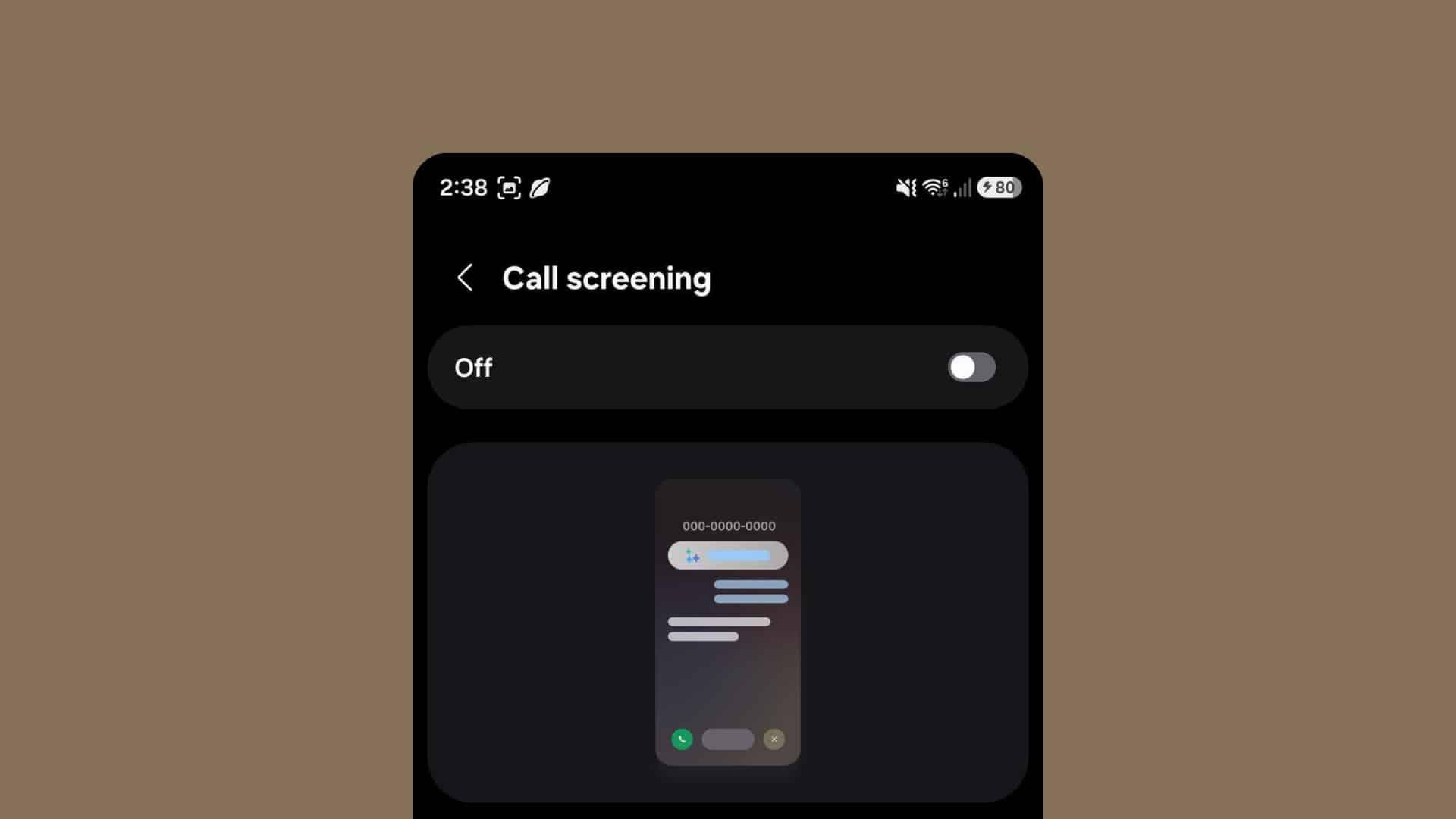
One UI 8.5 has introduced many new changes, both aesthetic and functional. However, Samsung still has a few tricks up its sleeve, including a Pixel fan favorite: Call Screening. We first learned about the feature during its early development stage, and now everything appears to be ready. We were also able to spot the Call Screening feature while running a One UI 8.5 build.
One UI 8.5 brings Call Screening
You will soon be able to let your phone automatically answer and screen calls. This will help filter out spam while still allowing important calls through. Samsung’s implementation will run locally on the device. It will ask the caller who they are and why they are calling. You will be able to see a transcript of what both the caller and the AI say, even if you do not answer the call. Here is what the settings menu looks like:
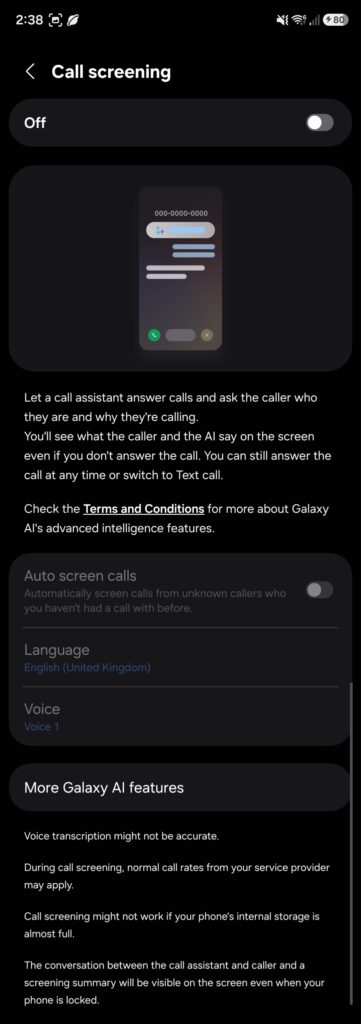
This is not a replacement for Bixby Text Call, and users can switch to it at any time. The screen also notes that Call Screening will not work if the phone’s internal storage is almost full. The new feature is not functional yet, as it requires a newer version of Samsung Language Core, a core dependency for many other on-device Galaxy AI features.
Will this feature be a Galaxy S26 exclusive?
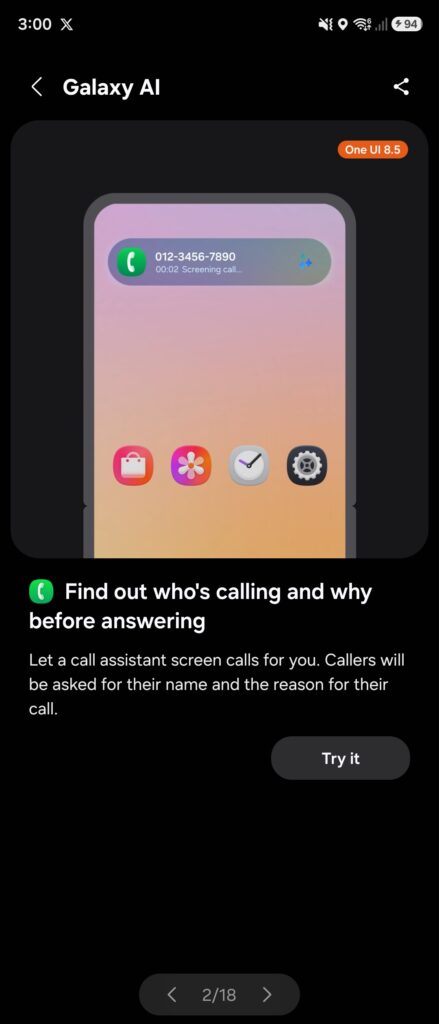
It’s too early to tell if Call Screening will be limited to the Galaxy S26 series for sure. However, Samsung left one key clue that proves it could see a wider release. They included a Call Screening demonstration within the Tips app on One UI 8.5, with a button that takes you to the Call Screening settings. This means it could be available on devices like the Galaxy S25 series, their latest foldables, and possibly even older device generations.
If you want to see what features will be exclusive to the Galaxy S26 series, go check this article. And if you’re interested in picking up a Galaxy S26 device, then sign up for our mystery box program here.

Follow us on Google Discover & set us as a preferred source in Google News
Share this Post
___________________________


New Blog Posts
___________________________

First Set of Pixel 11 Pro XL Renders Are Here
Pixel 11 Pro XL CAD renders show minimal design changes

Is Samsung Preparing One UI 8.5 Beta for Galaxy Z Fold 5 and Flip 5?
Samsung may launch a One UI 8.5 beta program for its 2023 foldables

Galaxy S25 One UI 8.5 Beta May Run Longer Than Expected
Galaxy S25 series’ One UI 8.5 beta may stretch to 10 rounds


