
Here’s How You Can Instantly Pin Live Match Scores to Now Bar
SammyGuru is reader-supported. We have affiliate and sponsored partnerships, so we may earn a commission when you buy through links on our site — at no extra cost to you. Learn more.
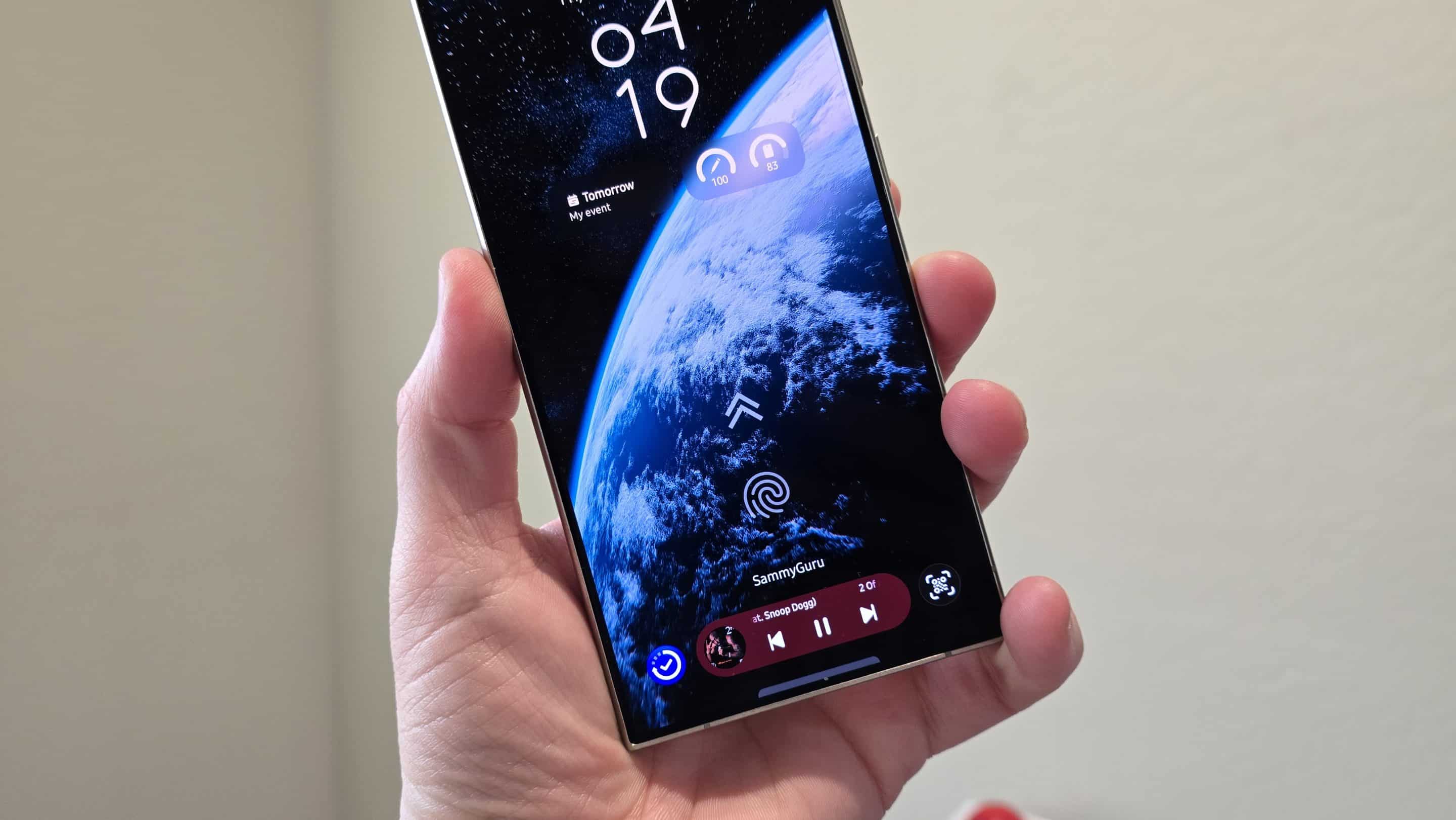
Now Bar, as you may know, supports live sports scores from Google. But if you’ve been trying to get it working by following teams and digging through settings, there’s a much simpler method that works instantly. You can just pin the live game from the Google app in One UI 8.5.
The quickest way to pin live scores on the Now Bar
When a match is already in progress, open the Google app and search for either team. If Google is tracking the game, you’ll see a live score card at the top of the results. Tap the Pin live score button on that card, and the match will show up right away as a Live Activity and on the Now Bar on the lock screen. Colin has put together a solid video walkthrough you can check out below.
This doesn’t require you to permanently follow the team, and it works on a per-match basis. Which is perfect if you only care about certain games and don’t want your lock screen filling up with scores all the time. Once the game ends, the pinned activity disappears on its own.
If you want scores to show up automatically without pinning games each time, that’s when following teams makes sense. Go to Settings > Lock screen and Always On Display > Now Bar > See all > Sports from Google, then open Google’s sports settings and follow the teams you care about. For this to work, Personalized Search and Web & App Activity should be enabled in your Google account.
Realistically, if you just want the score on screen during a big match, pinning is the fastest and least annoying option. There’s no setup and no permission juggling. You can just tap once in the Google app, and that’s all you need to do. Now Bar has come a long way since it first launched, and One UI 8.5 should make it even more useful.
Thanks for the tip, Doug!

Written by
Abhinav AnandAbhinav Anand is the News Editor at SammyGuru and a technology journalist based in New Delhi. Before joining SammyGuru, he contributed to numerous outlets, including Android Headlines, ExtremeTech, The Mac Observer, Financial Express, Economic Times, iGeeksBlog, KnowTechie, PhonesWiki, SlashGear, and more. You can reach him at abhinav@sammyguru.com.

Follow us on Google Discover & set us as a preferred source in Google News
Share this Post
___________________________


New Blog Posts
___________________________

First Set of Pixel 11 Pro XL Renders Are Here
Pixel 11 Pro XL CAD renders show minimal design changes

Is Samsung Preparing One UI 8.5 Beta for Galaxy Z Fold 5 and Flip 5?
Samsung may launch a One UI 8.5 beta program for its 2023 foldables

Galaxy S25 One UI 8.5 Beta May Run Longer Than Expected
Galaxy S25 series’ One UI 8.5 beta may stretch to 10 rounds







