
One UI 7.0 on Galaxy Z Fold 6 Brings Swipe to Continue to Cover Screen
SammyGuru is reader-supported. We have affiliate and sponsored partnerships, so we may earn a commission when you buy through links on our site — at no extra cost to you. Learn more.
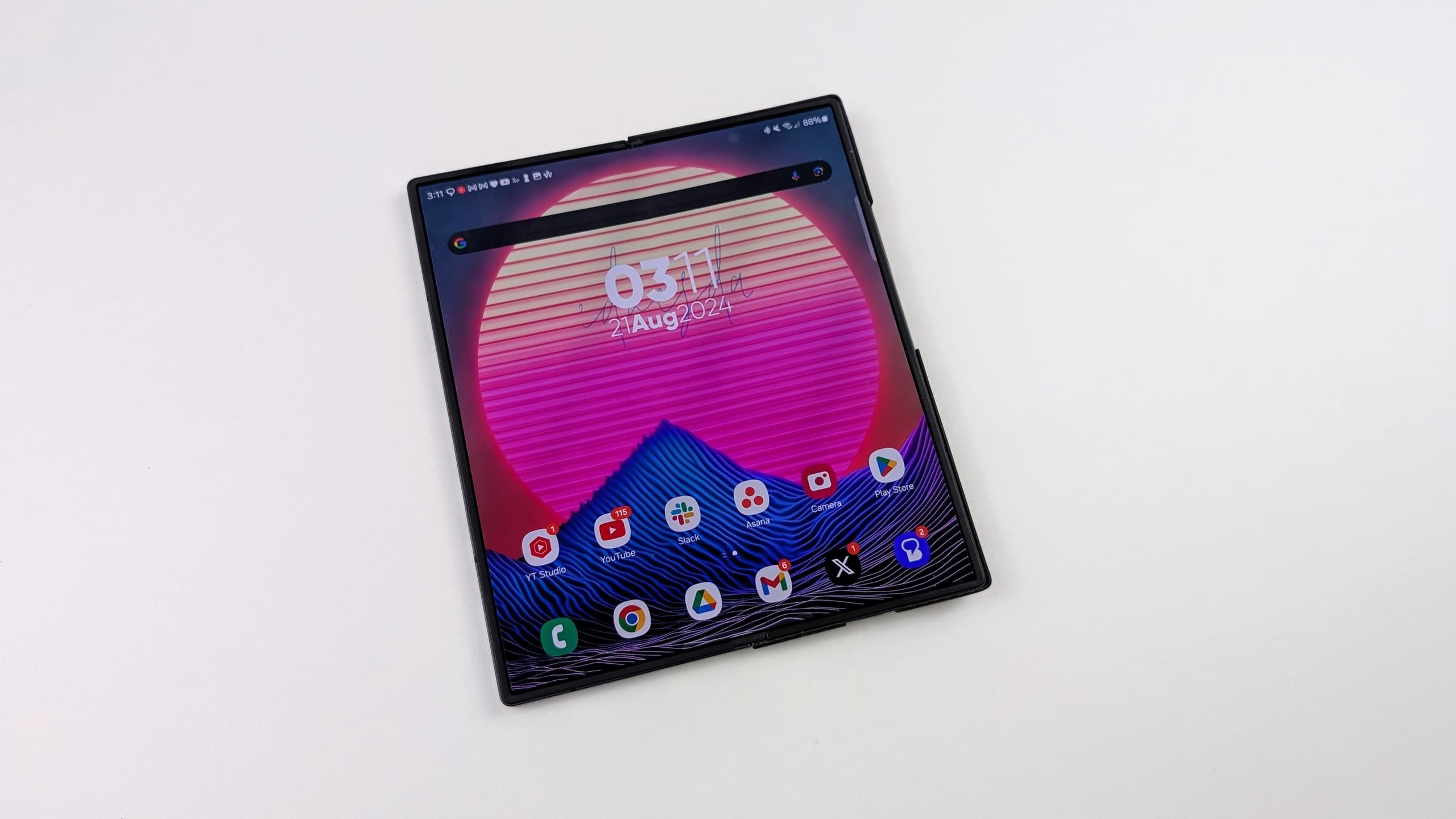
Recently, the Galaxy Z Fold 6 finally received the much-awaited One UI 7.0 beta update. It includes a host of new features, many of which we’ve already seen in the One UI 7.0 beta for the Galaxy S24 series. Along with an upgraded taskbar, the One UI 7.0 beta also introduces a handy new Swipe to continue option for App Continuity on the Galaxy Z Fold 6.
One UI 7.0 beta on Galaxy Z Fold 6 brings Swipe to continue App Continuity option
Samsung has introduced a new way to manage app transitions between the Fold 6’s inner screen and the cover screen. Unlike previous versions, where App Continuity either worked automatically or could be disabled, the One UI 7.0 beta for the Galaxy Z Fold 6 adds a middle-ground option: Swipe to continue. Hence, the App Continuity settings menu now features three options with the One UI 7.0 beta. These include, Always, Swipe to continue, and Never.
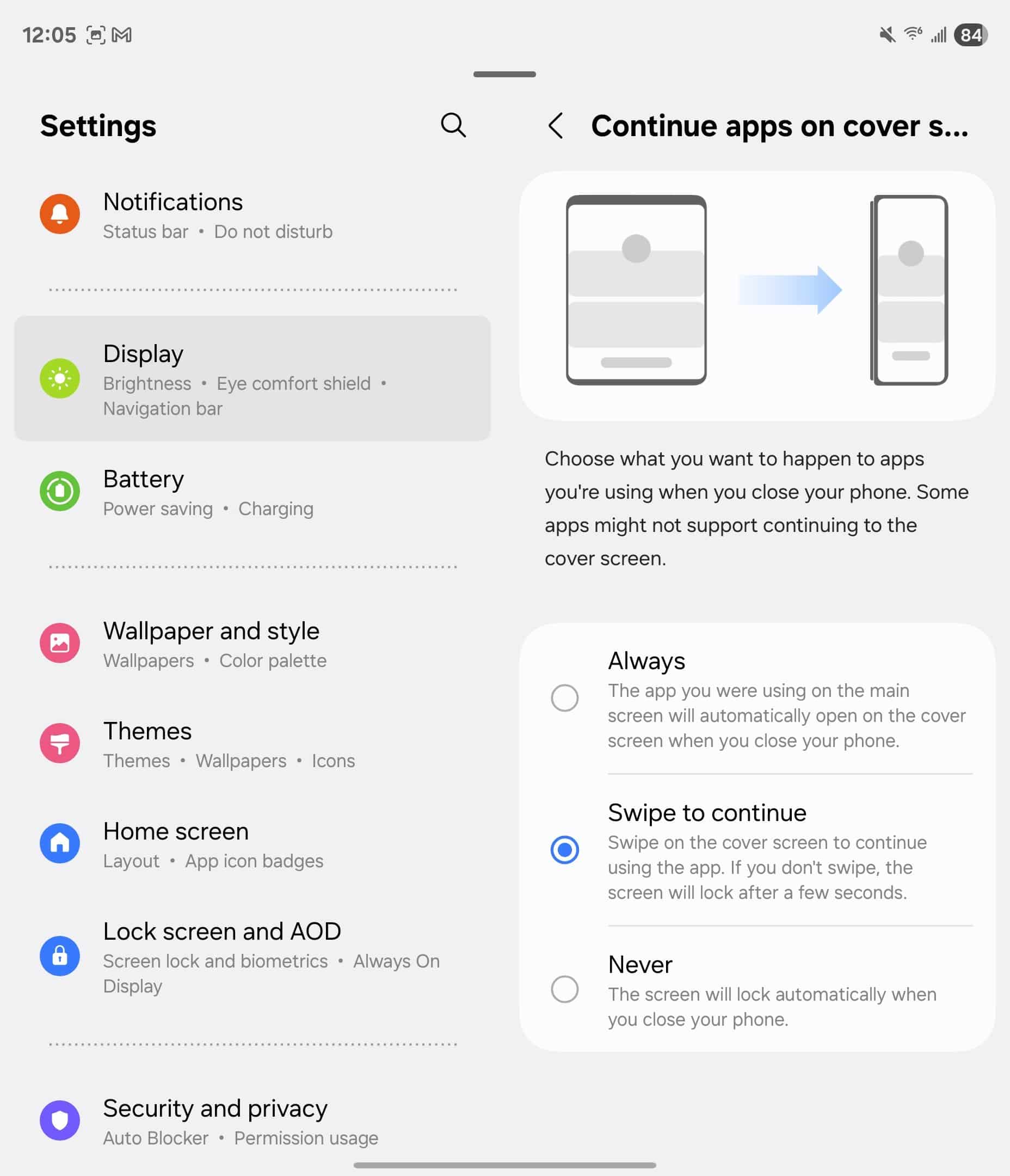
Once you’ve enabled the option, the app won’t immediately appear on the cover screen when you fold your Galaxy Z Fold 6. Instead, you’ll need to swipe on the lock screen to resume your activity. If you don’t swipe, the phone locks as usual. This reduces the risk of accidental interactions while giving users more control over app transitions.
Interestingly, Samsung has removed per-app App Continuity settings with One UI 7.0 beta. Previously, users could choose which apps had App Continuity enabled, but that option is missing in the beta update. Now, Swipe to continue serves as a more general solution. So you can now manually transition apps with a swipe instead of managing individual app settings.

Written by
Abhinav AnandAbhinav Anand is the News Editor at SammyGuru and a technology journalist based in New Delhi. Before joining SammyGuru, he contributed to numerous outlets, including Android Headlines, ExtremeTech, The Mac Observer, Financial Express, Economic Times, iGeeksBlog, KnowTechie, PhonesWiki, SlashGear, and more. You can reach him at abhinav@sammyguru.com.

Follow us on Google Discover & set us as a preferred source in Google News
Share this Post
___________________________


New Blog Posts
___________________________

First Set of Pixel 11 Pro XL Renders Are Here
Pixel 11 Pro XL CAD renders show minimal design changes

Is Samsung Preparing One UI 8.5 Beta for Galaxy Z Fold 5 and Flip 5?
Samsung may launch a One UI 8.5 beta program for its 2023 foldables

Galaxy S25 One UI 8.5 Beta May Run Longer Than Expected
Galaxy S25 series’ One UI 8.5 beta may stretch to 10 rounds







