
New RegiStar Update Improves Back Tap and Fixes Gemini Bug
SammyGuru is reader-supported. We have affiliate and sponsored partnerships, so we may earn a commission when you buy through links on our site — at no extra cost to you. Learn more.
Samsung has started rolling out a new update for its RegiStar app with version 1.0.67. The update brings several important fixes and stability improvements, mainly for those who rely on back-tap gestures and cover screen features. The latest build should reach all eligible Galaxy users around the world within the next few days.
What’s new in the latest version of the RegiStar app?
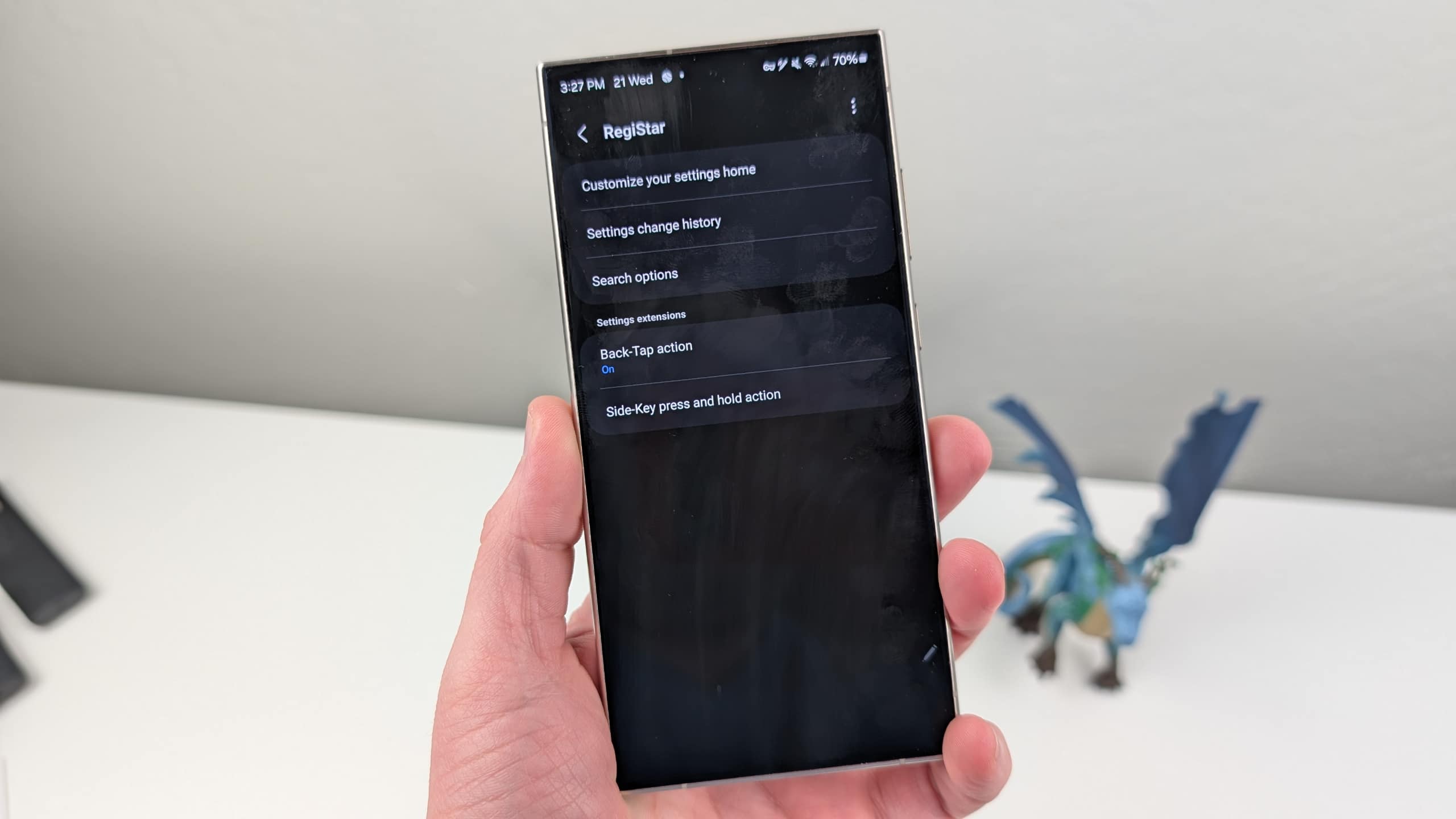
Part of Samsung’s Good Lock suite, RegiStar is a powerful customization tool that lets you personalize your device settings and gestures. You can rearrange the Settings menu, hide unnecessary items, and adjust how your Samsung Account information shows up. Thanks to its Back Tap and Side Key customization settings, you can quickly launch your favorite tools and apps with just a simple gesture.
Samsung continues to improve the functionality of the RegiStar with regular updates. While the latest version of RegiStar doesn’t introduce new features, it brings some important bug fixes and performance enhancements. One of the key fixes was an issue that affected some Galaxy Z Flip users, where the Gemini app would not launch correctly from the phone’s cover screen. Thankfully, this problem has now been fixed, allowing users to take advantage of the AI assistant without any issues.
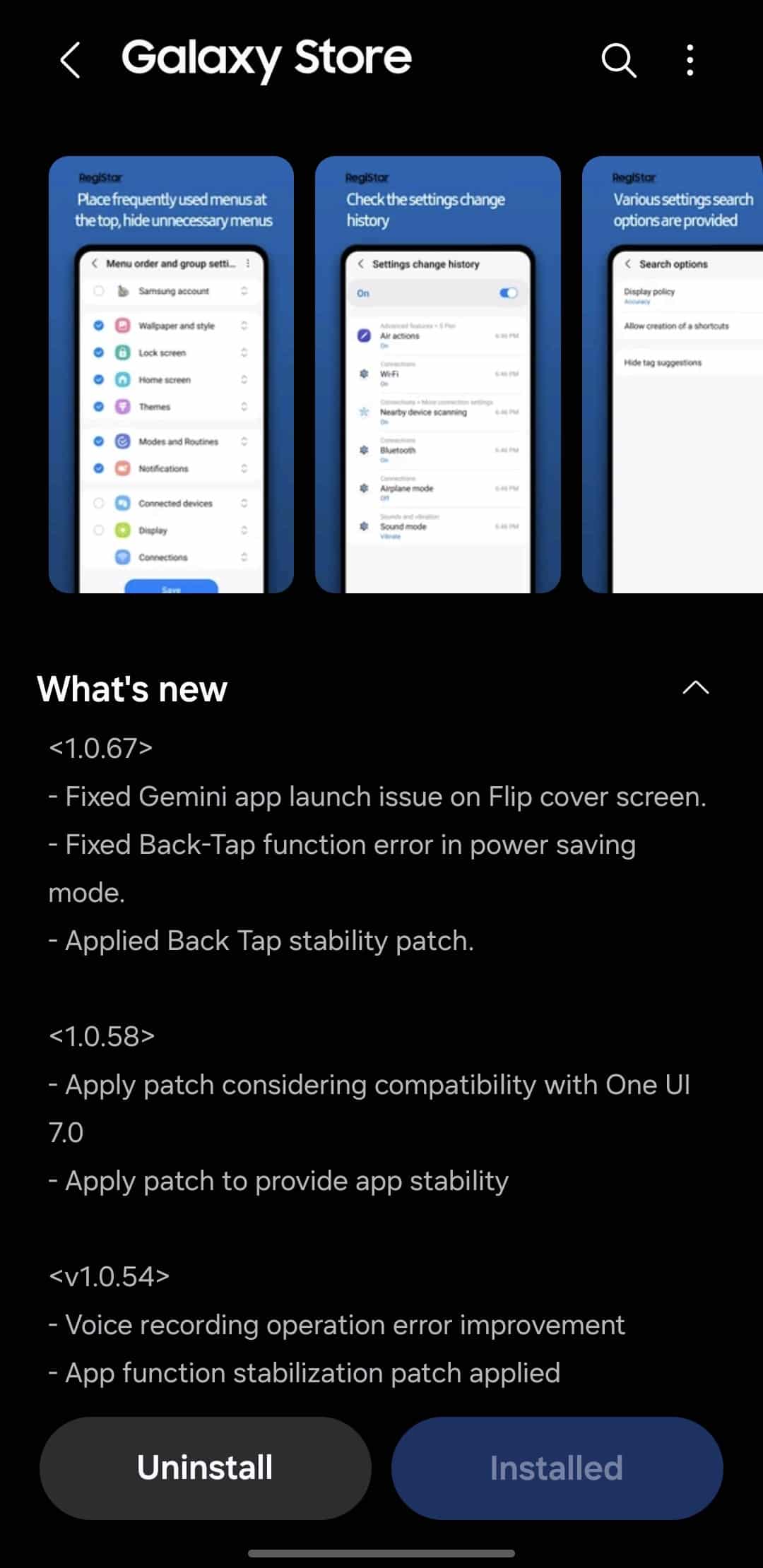
The update also improves the Back Tap feature by applying a stability patch. This means that now, when you double-tap or triple-tap the back of your phone to perform tasks like taking a screenshot or showing notifications, it will respond more reliably. The app also includes an option to pause the Back Tap function when Power Saving Mode is on. Previously, this feature had some issues, but the new update fixes them.
If you want to enjoy all these improvements, you should update your RegiStar app. To do so, you first need to open the Good Lock app and look for the latest version of RegiStar in the Plugins tab.

Written by
Binay KonwarBinay Konwar started his blogging journey in 2014 and has since written plenty of tech articles. At present, he is working as a News Writer at SammyGuru, covering everything about Samsung. He holds a Master's degree in Mathematics, but his real passion lies in tech and writing. In his free time, he enjoys playing chess and watching movies.

Follow us on Google Discover & set us as a preferred source in Google News
Share this Post
___________________________


New Blog Posts
___________________________

First Set of Pixel 11 Pro XL Renders Are Here
Pixel 11 Pro XL CAD renders show minimal design changes

Is Samsung Preparing One UI 8.5 Beta for Galaxy Z Fold 5 and Flip 5?
Samsung may launch a One UI 8.5 beta program for its 2023 foldables

Galaxy S25 One UI 8.5 Beta May Run Longer Than Expected
Galaxy S25 series’ One UI 8.5 beta may stretch to 10 rounds







