
Nano Banana Image Generation Quietly Arrives in Now Brief Feature
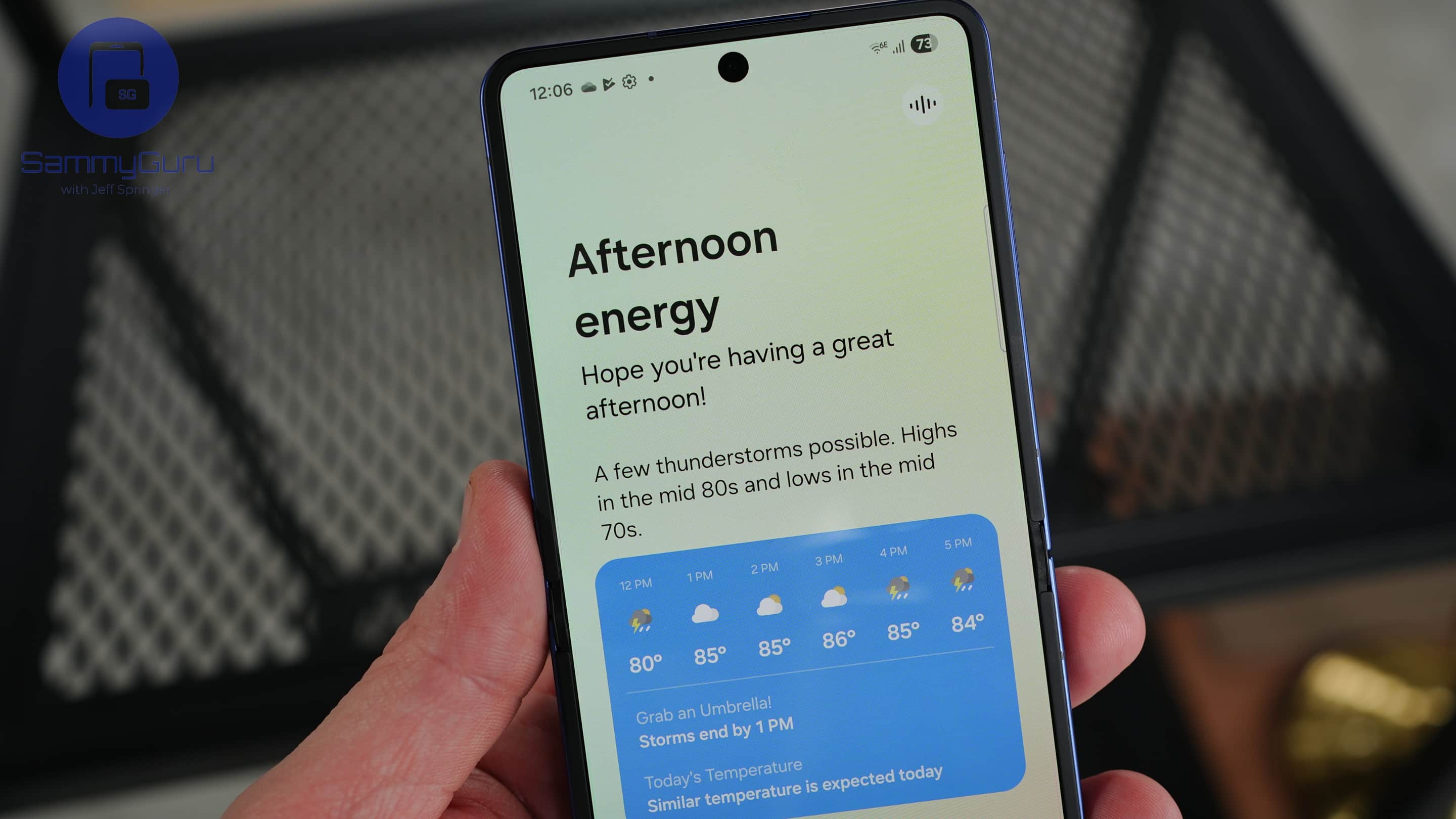
Samsung is quietly expanding what Now Brief can do, and this time the upgrade leans into Google’s creative AI tools. The company has started rolling out Nano Banana integration inside Now Brief, giving Galaxy users a small but fun way to wrap up their day with an AI-generated photo memory.
Now Brief picks up Nano Banana support for AI-styled photos
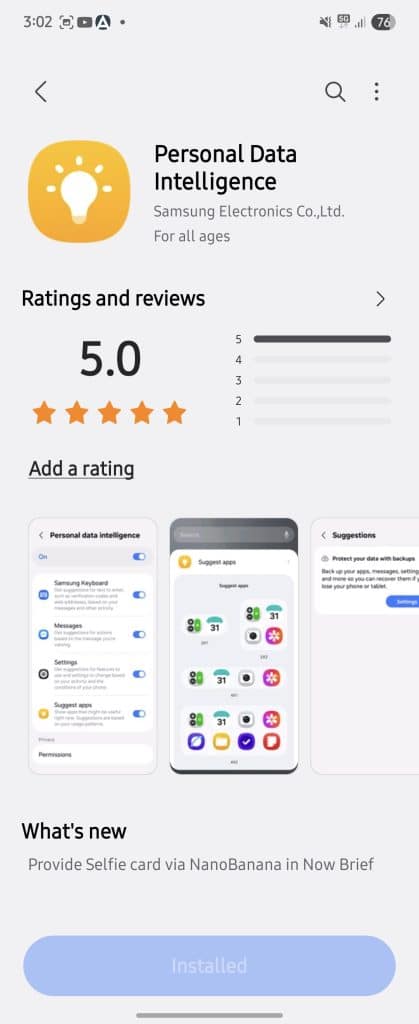
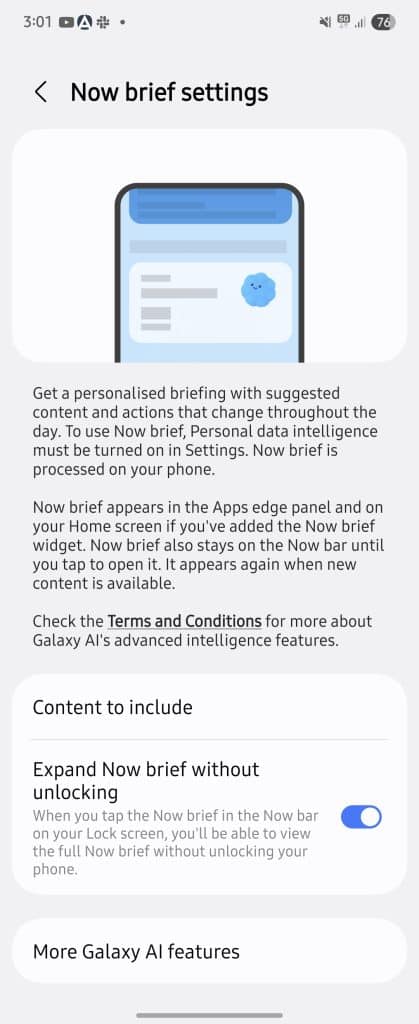
For anyone who hasn’t used it much, Now Brief functions like a compact end-of-day digest. It pulls together your reminders, schedules, updates and activity summaries into a single screen. With the latest update to Samsung’s Personal Data Intelligence app, a new option called “Nano Banana image creation” appears inside the Now Brief settings.
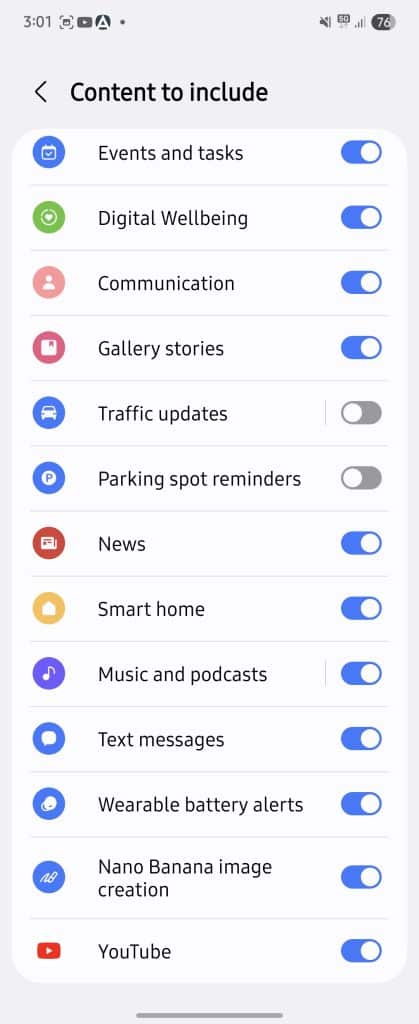
Turning it on allows the system to automatically pick a photo from your Gallery and offer a few creative prompts to transform it. Unfortunately, it doesn’t seem to be working for everyone at the time of writing. For example, it didn’t work for us, but SamMobile somehow turned it on. And so we know how it will work.
Most of the time, the feature chooses selfies or front-facing shots, since those are usually the most personal and representative of your day. Once the prompt appears, tapping it hands the job over to Google’s Gemini app, which handles the actual transformation. It could turn a normal portrait into something stylized, swap the background or apply a themed look.
The bigger story here is Samsung opening Now Brief to more Google-powered AI experiences. Until now, the feature mostly stayed within Samsung’s own ecosystem. YouTube was one of the rare outside services it touched. Bringing Nano Banana into the mix hints at a more collaborative approach between Galaxy AI and Gemini smarts.
You can still use Nano Banana directly through the Gemini app or in other supported tools on Android. But having it baked into Now Brief feels more natural. It turns a routine nightly recap into something slightly more personal and fun, yeah.

Follow us on Google Discover & set us as a preferred source in Google News
Share this Post
___________________________


New Blog Posts
___________________________

First Set of Pixel 11 Pro XL Renders Are Here
Pixel 11 Pro XL CAD renders show minimal design changes

Is Samsung Preparing One UI 8.5 Beta for Galaxy Z Fold 5 and Flip 5?
Samsung may launch a One UI 8.5 beta program for its 2023 foldables

Galaxy S25 One UI 8.5 Beta May Run Longer Than Expected
Galaxy S25 series’ One UI 8.5 beta may stretch to 10 rounds


