May 2025 Security Update is Rolling Out for Galaxy S23 FE
SammyGuru is reader-supported. We have affiliate and sponsored partnerships, so we may earn a commission when you buy through links on our site — at no extra cost to you. Learn more.
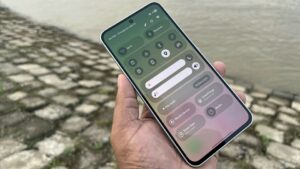
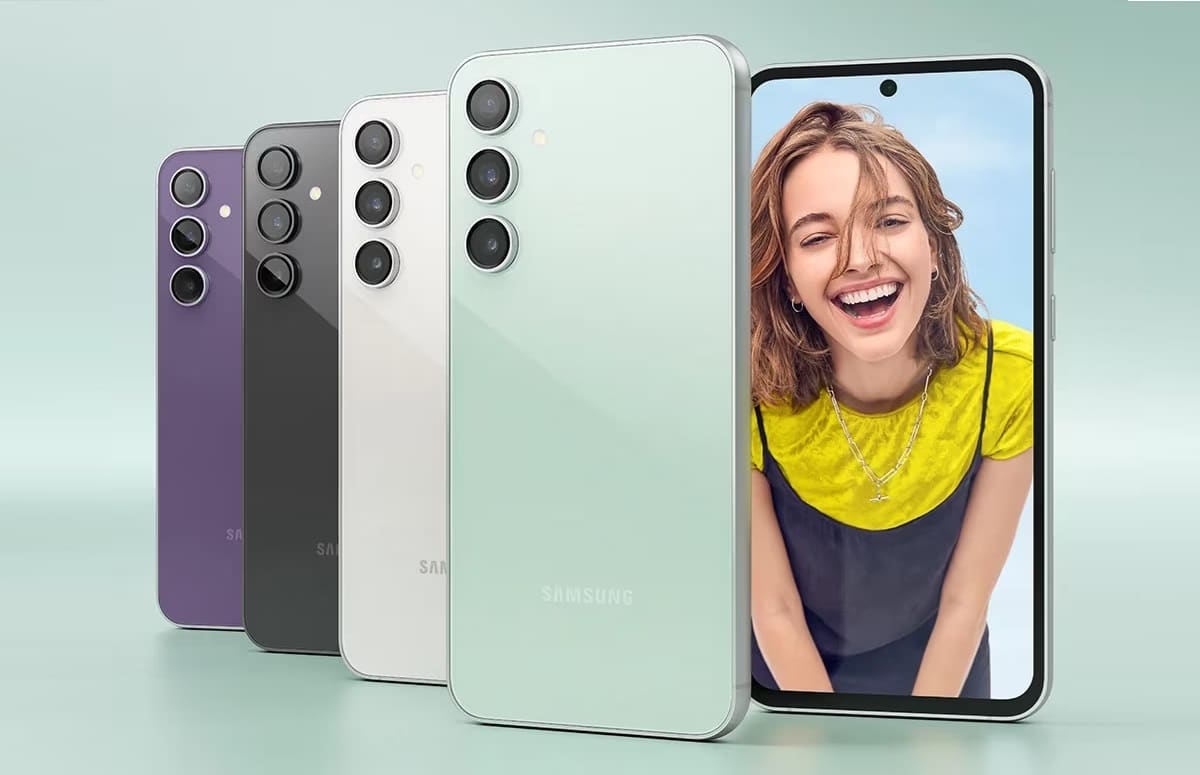
Samsung has rolled out a fresh update for the Galaxy S23 FE, the first since the big One UI 7 release. The latest update is all about security fixes rather than feature enhancements. The Fan Edition smartphone is getting the May 2025 Android security patch with nearly 80 vulnerability fixes.
Samsung’s Galaxy S23 FE gets the May update with several dozen security patches
The May security update for Galaxy devices contains 20 Samsung patches, which address security flaws across various system components on Galaxy smartphones and tablets. Additionally, it patches nearly 60 Android OS vulnerabilities. Samsung has been pushing these fixes to its products since early this month, with the Galaxy S23 FE being the latest model to receive them.
As of this writing, Samsung is rolling out the May 2025 update in Samsung’s home country of South Korea. The latest software release for this phone comes with the build number S711NKSS6CYE1. The OTA package weighs under 300MB, reconfirming a small security release with no additional features.
Samsung will soon release the May update for this Fan Edition in more markets. While the build number and OTA size may vary, users will get the same set of security fixes. The Galaxy S23 FE recently received One UI 7 with tons of new features, UI changes, AI enhancements, and more. Don’t expect anything like such in the latest release. This update is all about this month’s security fixes.
If you use a Galaxy S23 FE or any other Samsung smartphone, you can manually check for new software updates from the Settings app. Go to the Software update menu and select Download and install — this will trigger a search for available updates. If you see an update, download it and install the package (it requires a restart). If no update shows up, wait a few days and check again.

Written by
Sumit AdhikariSumit, a life-long Samsung user, is passionate about technology and has been professionally writing on tech since 2017. He’s a mathematics graduate by education and enjoys teaching basic mathematics tricks to school kids in his spare time. Sumit believes in artificial intelligence and dreams of a fully open, intelligent and connected world.

Follow us on Google Discover & set us as a preferred source in Google News
Share this Post
___________________________


New Blog Posts
___________________________
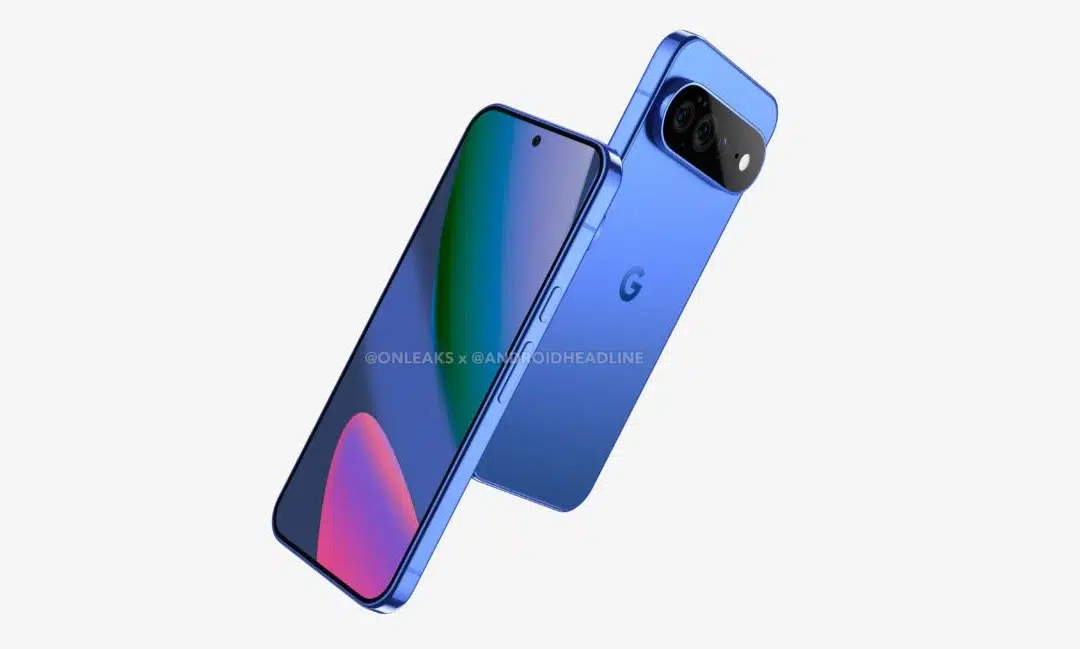
First Set of Pixel 11 Pro XL Renders Are Here
Pixel 11 Pro XL CAD renders show minimal design changes
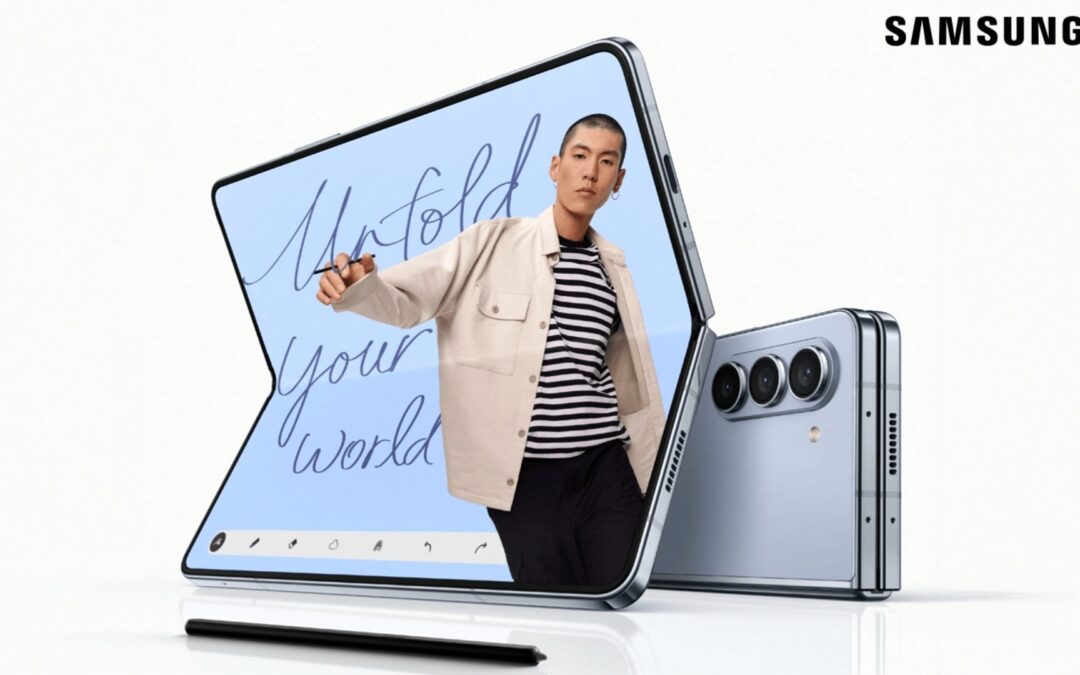
Is Samsung Preparing One UI 8.5 Beta for Galaxy Z Fold 5 and Flip 5?
Samsung may launch a One UI 8.5 beta program for its 2023 foldables
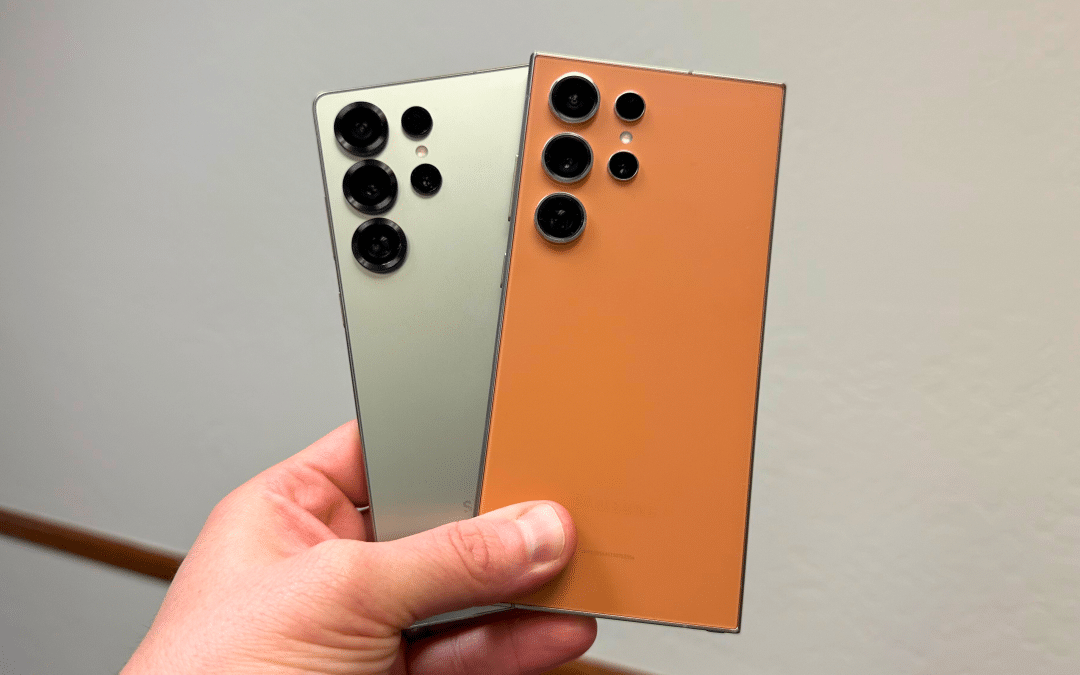
Galaxy S25 One UI 8.5 Beta May Run Longer Than Expected
Galaxy S25 series’ One UI 8.5 beta may stretch to 10 rounds