
LockStar Finally Fully Compatible with Galaxy Tabs on One UI 7
SammyGuru is reader-supported. We have affiliate and sponsored partnerships, so we may earn a commission when you buy through links on our site — at no extra cost to you. Learn more.
Good Lock has long been a favorite among Samsung users for its powerful customization options, and LockStar is one of its most popular modules. With LockStar, you can personalize your lock screen and Always-On Display (AOD), adjusting widget placements, clock styles, and much more. It’s a handy tool for those who prefer not to rely on third-party apps for lock screen customization.
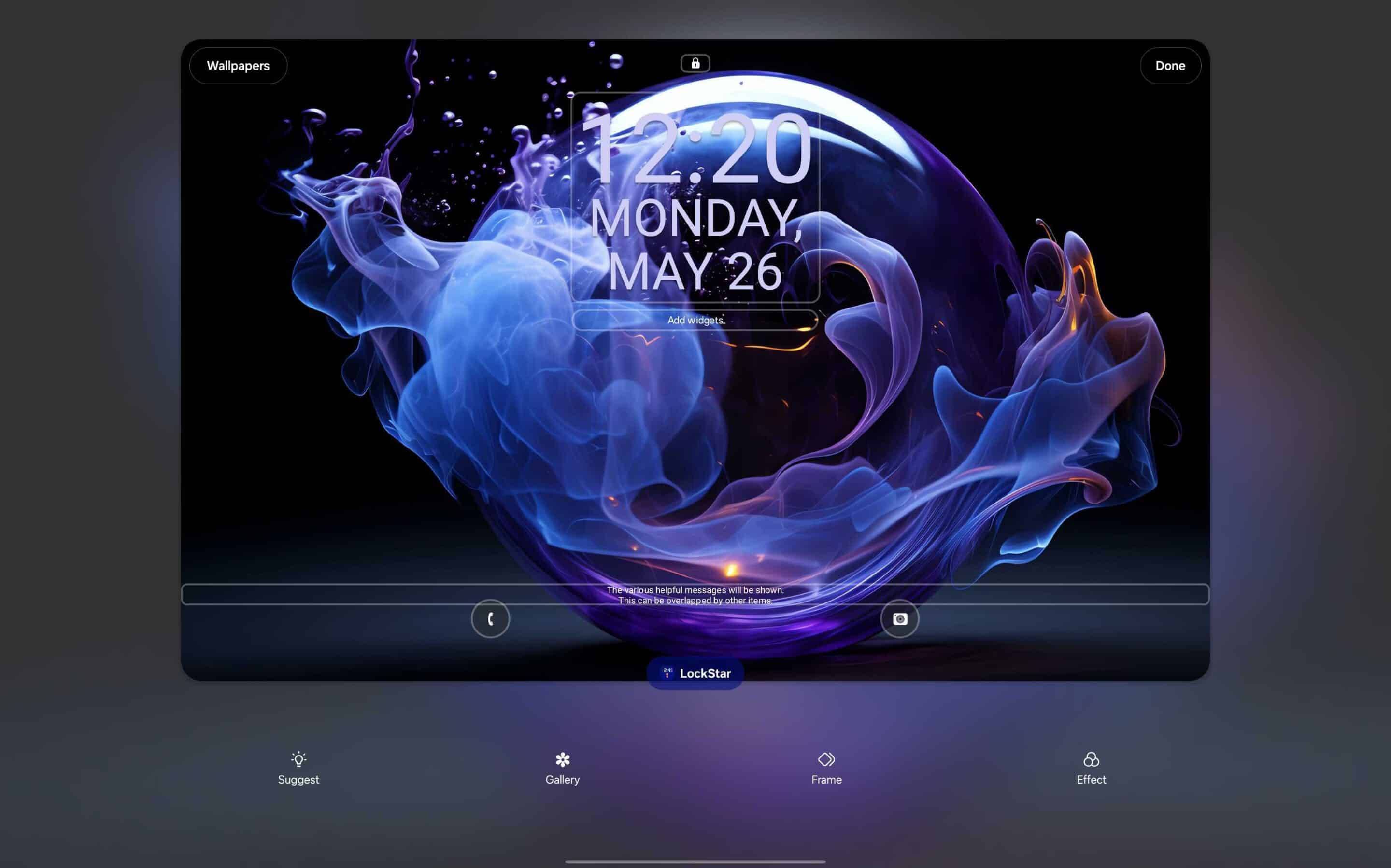
Good Lock’s LockStar module is now fully functional on Galaxy Tabs running One UI 7
Since its release for One UI 7, LockStar has struggled with bugs and glitches, causing headaches for users who depend on it for lock screen customization. Thankfully, the latest update appears to fix most of these issues, especially for Galaxy Tab users. Until now, LockStar did not function properly on Galaxy Tabs running One UI 7. Thus, many users have been raising concerns across forums (1, 2).
One such tip from X user @catloverplayer confirms that LockStar is now working on Galaxy Tabs with One UI 7. While Samsung has not made an official announcement, feedback from the community indicates that after installing the latest version from the Galaxy Store, LockStar is back in action. The update restores key features, such as customizing the lock screen layout, adding widgets, and managing shortcuts, which were previously unavailable on Galaxy tablets.
For users who rely on LockStar for a more personalized lock screen, this fix is a welcome relief. It brings back the flexibility to adjust widget placement, clock styles, and other elements without using third-party apps. If you are still experiencing issues, make sure to check for the latest update in the Galaxy Store.
That said, most Galaxy Tab models have already received the One UI 7 update, with only a few exceptions. You can check if your device is included in this roundup.

Written by
Abhinav AnandAbhinav Anand is the News Editor at SammyGuru and a technology journalist based in New Delhi. Before joining SammyGuru, he contributed to numerous outlets, including Android Headlines, ExtremeTech, The Mac Observer, Financial Express, Economic Times, iGeeksBlog, KnowTechie, PhonesWiki, SlashGear, and more. You can reach him at abhinav@sammyguru.com.

Follow us on Google Discover & set us as a preferred source in Google News
Share this Post
___________________________


New Blog Posts
___________________________

First Set of Pixel 11 Pro XL Renders Are Here
Pixel 11 Pro XL CAD renders show minimal design changes

Is Samsung Preparing One UI 8.5 Beta for Galaxy Z Fold 5 and Flip 5?
Samsung may launch a One UI 8.5 beta program for its 2023 foldables

Galaxy S25 One UI 8.5 Beta May Run Longer Than Expected
Galaxy S25 series’ One UI 8.5 beta may stretch to 10 rounds







