
How to Set Screen Lock on Your Galaxy Watch 8 or Watch 8 Classic
SammyGuru is reader-supported. We have affiliate and sponsored partnerships, so we may earn a commission when you buy through links on our site — at no extra cost to you. Learn more.
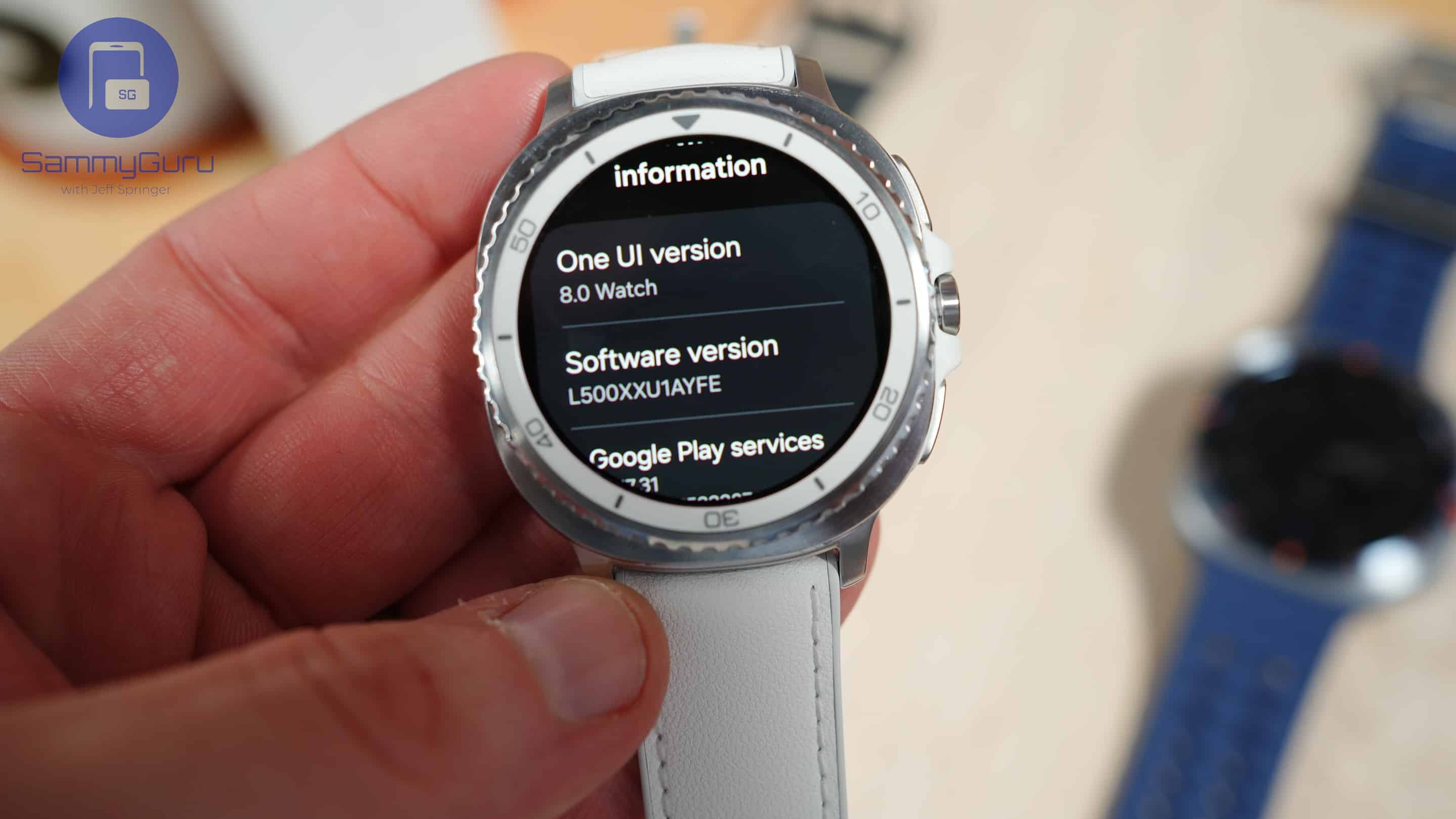
Just picked up a Galaxy Watch 8, Watch 8 Classic, or another Samsung smartwatch, and wondering if you can lock it like your Galaxy phone? You’re not alone — and yes, you absolutely can. While screen lock isn’t enabled by default, Samsung gives you the option to secure your watch with a PIN or pattern. Here’s how to set it up and keep your data protected.
Set up a lock screen for your Samsung Galaxy Watch
Samsung designed the screen lock on its watches to be smart and convenient. Once you enable it, the lock only kicks in after you remove the watch from your wrist. As long as you’re wearing it, you’re good to go — no need to enter your PIN or pattern repeatedly just to check the notification or glance at your Tiles. But if your watch gets lost or taken off, it’ll require a PIN or pattern to unlock, blocking unauthorized access to your data.
This added peace of mind is just a few taps away on your Galaxy Watch 8. In fact, you can set up a lock screen on any Samsung smartwatch with the steps below.
- Open the Settings app on your Galaxy Watch
- Go to the Security and privacy menu
- Select Lock type
- Choose the lock type: Pattern or PIN
- Configure a pattern or PIN and verify it to use it as your lock screen
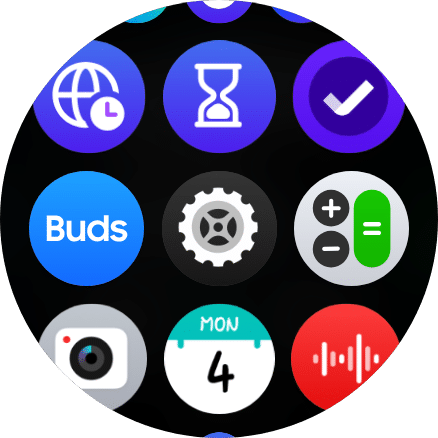
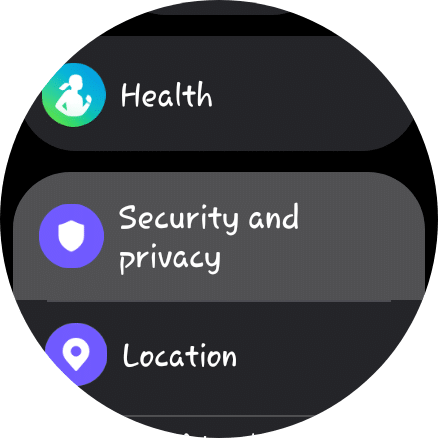
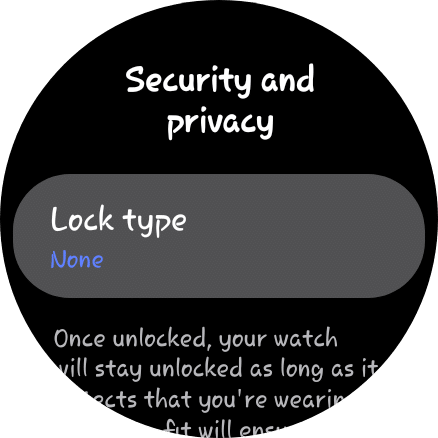
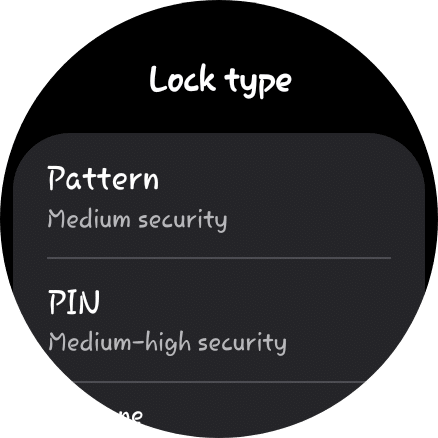
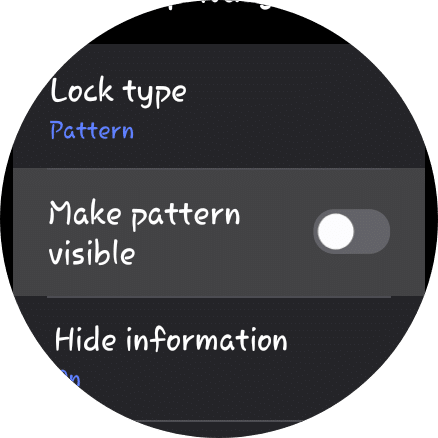
You have now successfully added a lock screen to your Galaxy Watch 8. If you set a pattern, you can disable the “Make pattern visible” toggle so the pattern doesn’t appear on the screen when unlocking the watch. You simply connect the right dots, and the watch will magically unlock itself.
Likewise, if you use a PIN, you can check/uncheck the “Unlock without tap after PIN entered” option. If checked, the watch will be unlocked the moment you enter the correct PIN. If unchecked, you must manually tap the circular OK button after entering your PIN to unlock the watch. While it’s a small extra step, it adds a bit more security, making it harder for someone to unlock the watch by simply guessing your PIN.

Written by
Sumit AdhikariSumit, a life-long Samsung user, is passionate about technology and has been professionally writing on tech since 2017. He’s a mathematics graduate by education and enjoys teaching basic mathematics tricks to school kids in his spare time. Sumit believes in artificial intelligence and dreams of a fully open, intelligent and connected world.

Follow us on Google Discover & set us as a preferred source in Google News
Share this Post
___________________________


New Blog Posts
___________________________

First Set of Pixel 11 Pro XL Renders Are Here
Pixel 11 Pro XL CAD renders show minimal design changes

Is Samsung Preparing One UI 8.5 Beta for Galaxy Z Fold 5 and Flip 5?
Samsung may launch a One UI 8.5 beta program for its 2023 foldables

Galaxy S25 One UI 8.5 Beta May Run Longer Than Expected
Galaxy S25 series’ One UI 8.5 beta may stretch to 10 rounds







