
Google’s Find My Device Is Now Officially Find Hub, With New Features
Google is now more widely rolling out an update that changed the name of its Find My Device app to Find Hub. The update was announced last week during The Android Show: I/O Edition, which is where Google dropped major hint about One UI 8 release. The new name matches the app’s bigger role, which now includes helping users find people as well as devices.
Google’s Find My Device service is now officially Find Hub, changes rolling out
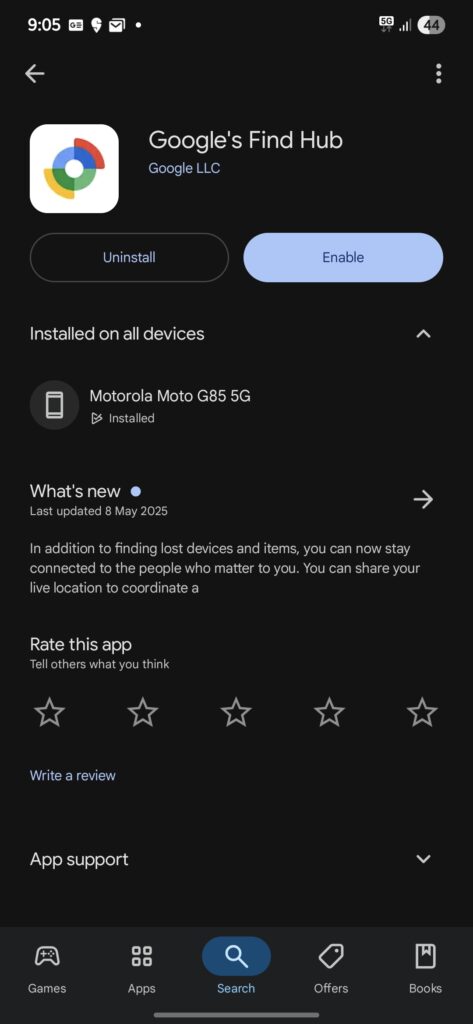
The updated version is now available on the Google Play Store. After you install it, you’ll see the new name Find Hub on their home screens instead of Find My Device, as confirmed by 9to5Google and Android Authority. Google chose the shorter name so it’s easier to use across phones, tablets, and the web. The change is now applied on its website, too, which now reads Find Hub.
One important change is that the People feature is no longer marked as a beta. This means it’s now ready for everyone to use. You can see where your loved ones are, as long as they’ve shared their location with you. This makes it easier to stay connected and feel safer.
The Settings menu has also been updated. Now when you tap on Settings, you’ll see two main options: Find Hub and Google Location Sharing. The Find Hub section gives access to device tools like Remote Lock, offline finding, and a link to the web version. Google Location Sharing helps you manage who can see your location through Google apps like Maps.
More useful features are coming soon. Find Hub will soon support ultra-wideband (UWB) technology. This will help you find devices more accurately by showing both direction and distance. Later this year, Google will also add support for satellite connections. This means you’ll still be able to find your phone or tag even when there’s no cell service.

Follow us on Google Discover & set us as a preferred source in Google News
Share this Post
___________________________


New Blog Posts
___________________________

First Set of Pixel 11 Pro XL Renders Are Here
Pixel 11 Pro XL CAD renders show minimal design changes

Is Samsung Preparing One UI 8.5 Beta for Galaxy Z Fold 5 and Flip 5?
Samsung may launch a One UI 8.5 beta program for its 2023 foldables

Galaxy S25 One UI 8.5 Beta May Run Longer Than Expected
Galaxy S25 series’ One UI 8.5 beta may stretch to 10 rounds


