
Google Photos Finally Lets You Create Custom Stickers on Android
SammyGuru is reader-supported. We have affiliate and sponsored partnerships, so we may earn a commission when you buy through links on our site — at no extra cost to you. Learn more.
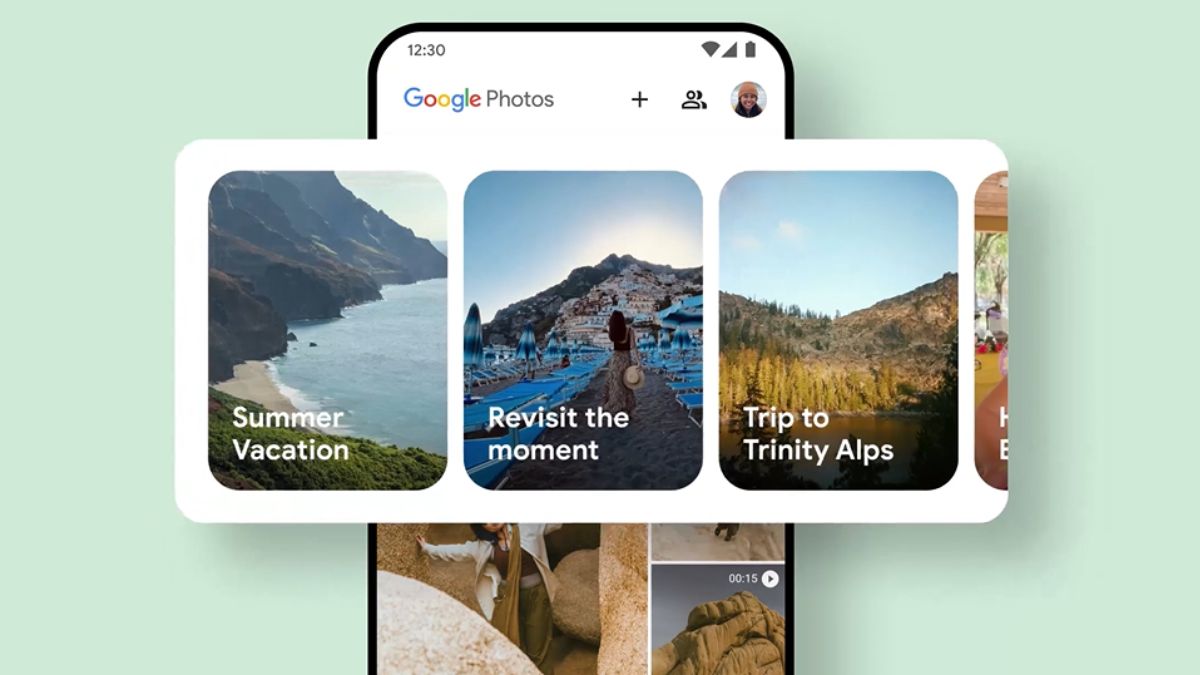
Google is finally rolling out a long-awaited feature to Google Photos users on Android. You can now turn subjects in your photos into custom stickers without needing any extra tools or apps. This comes after the feature launched on iOS last year.
You can now create stickers on Google Photos for Android
According to a report from 9to5Google, Google has expanded the option to create stickers to the Android app with Google Photos v7.64. The feature intelligently detects the subject of a photo and lets you turn it into a shareable sticker with a simple gesture.
After updating the app, open Google Photos on your Android device. Next, select a photo with a clear subject, such as a pet, person, object, or anything you want to turn into a sticker. Press and hold the subject. Then choose Copy to paste the sticker into another app, or tap Share to send it through your preferred messaging app.
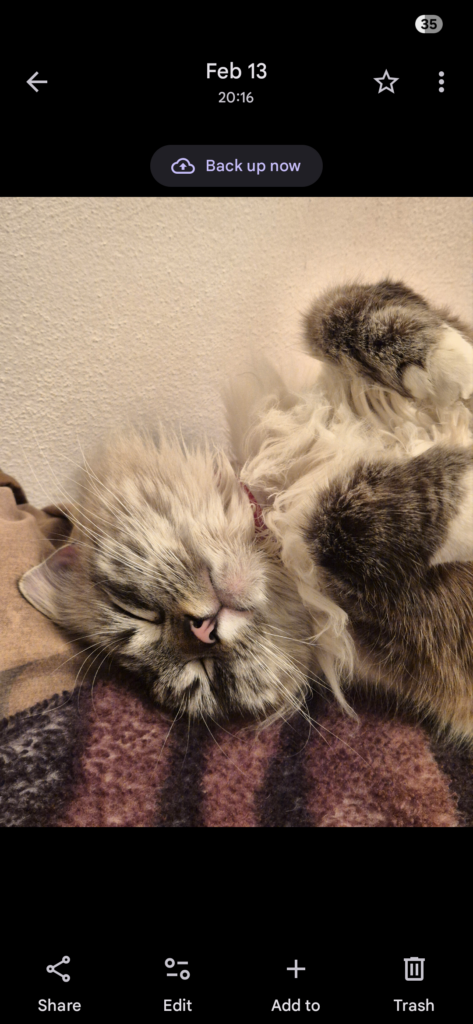
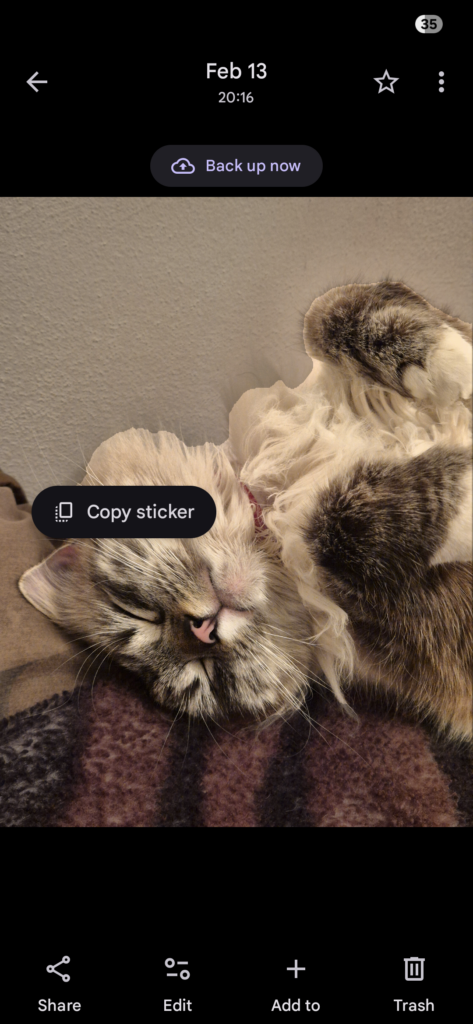
Google recommends using photos where the main subject stands out clearly in the foreground for the best results. This process allows you to convert people, pets, everyday objects, and more into expressive stickers quickly, no third-party editors required.
Samsung Galaxy users had an option to create stickers from photos inside the Samsung Gallery since One UI 5.1. If you are a Galaxy user and use Google Photos more, this is great news for you. To use this new sticker feature on Android, you’ll need Google Photos version 7.64 and a device with at least 4GB of RAM, a requirement Google lists for eligibility.
Because Google tends to roll out updates gradually, not everyone will see the feature immediately. If it doesn’t show up right away, check the Play Store for updates. Also, keep an eye out as the rollout progresses.


Follow us on Google Discover & set us as a preferred source in Google News
Share this Post
___________________________


New Blog Posts
___________________________

First Set of Pixel 11 Pro XL Renders Are Here
Pixel 11 Pro XL CAD renders show minimal design changes

Is Samsung Preparing One UI 8.5 Beta for Galaxy Z Fold 5 and Flip 5?
Samsung may launch a One UI 8.5 beta program for its 2023 foldables

Galaxy S25 One UI 8.5 Beta May Run Longer Than Expected
Galaxy S25 series’ One UI 8.5 beta may stretch to 10 rounds







