
Google Photos Adds ‘Touch Up’ Facial Editing Feature: See it in Action
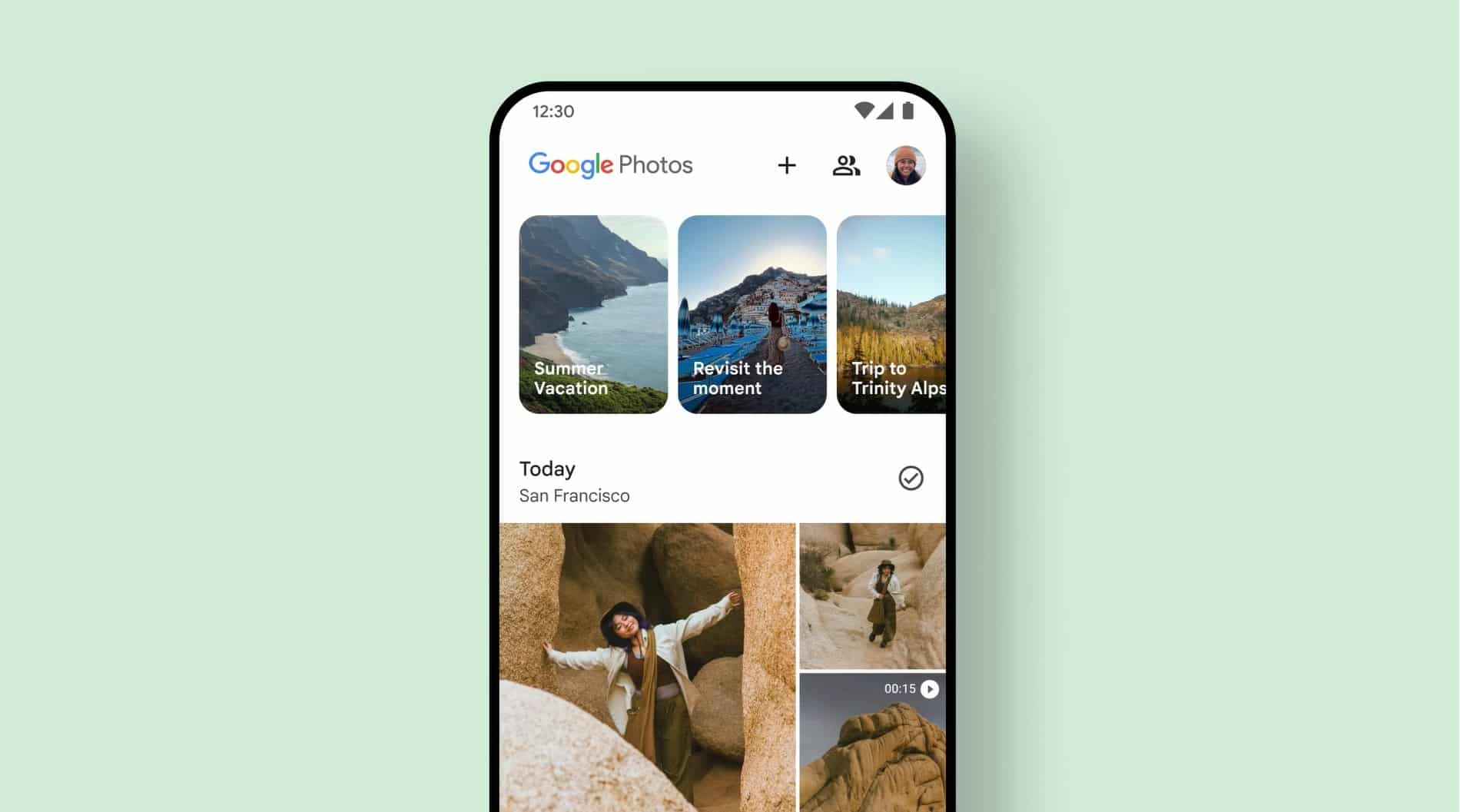
SammyGuru is reader-supported. We have affiliate and sponsored partnerships, so we may earn a commission when you buy through links on our site — at no extra cost to you. Learn more.
Google Photos is readying another useful editing feature, Touch Up. It’s a dedicated suite of tools for editing specific facial features. Currently in development, Touch Up supports up to six faces per photo, letting you individually refine faces in group photos as well.
Touch Up: A full-fledged facial editing toolkit in Google Photos
Discovered by the ever-reliable Android Authority, the new Touch Up tool lives inside the Actions tab of the Google Photos editor (Google Photos > Edit > Actions > Touch Up). Opening it for the first time prompts a download of Google’s on-device machine learning models that power the AI-driven facial retouching.
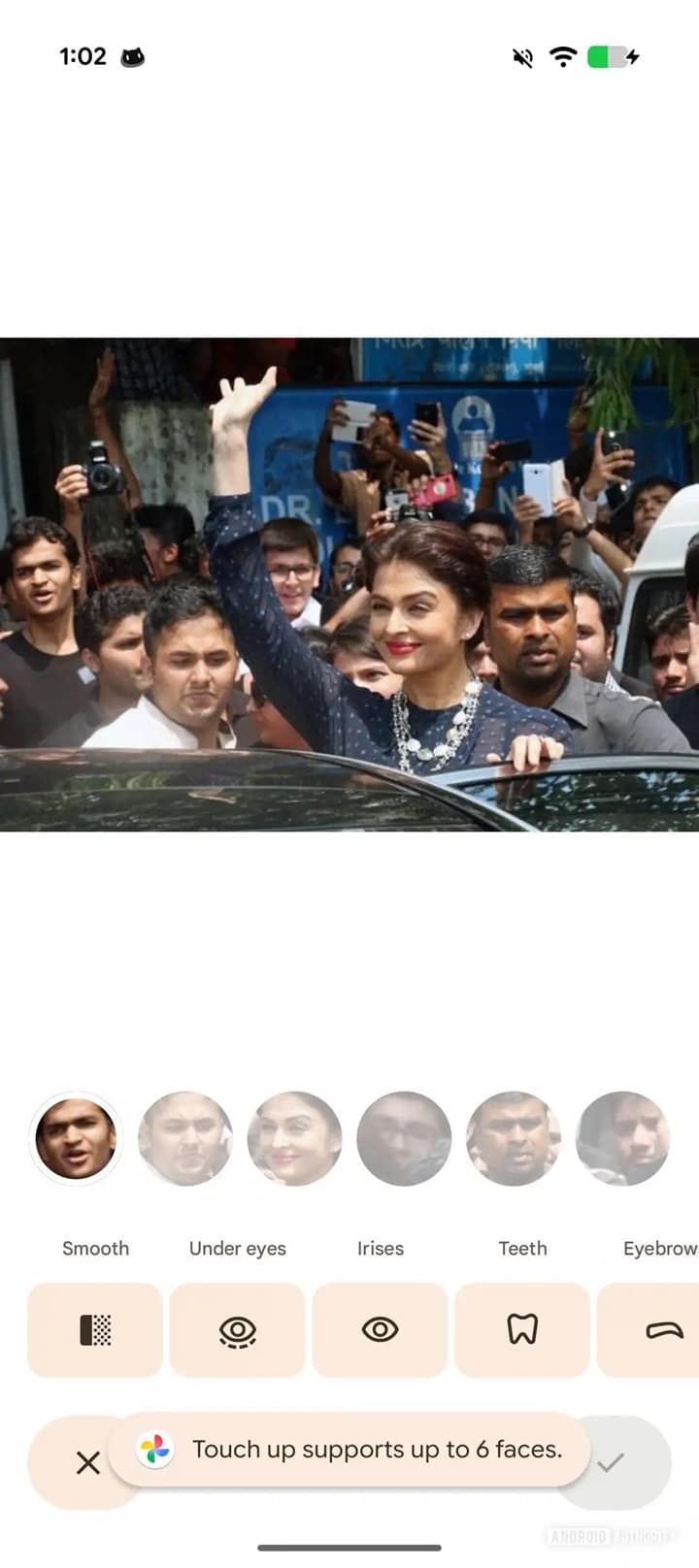
Once downloaded, you get a new interface dedicated to editing specific facial features, including Smooth, Under Eyes, Irises, Teeth, Eyebrows, and Lips. Each option offers its own intensity slider, letting you fine-tune adjustments rather than applying one flat, one-size-fits-all filter. This puts Photos more in line with professional editing apps and well ahead of most built-in OEM editors. You can see the feature in action below.
One of the most impressive parts of Touch Up is that it can automatically detect and retouch individual faces, even in group shots. Instead of applying edits to everyone, Google Photos isolates each face and lets you adjust them separately. The feature currently supports up to six faces per photo, and it’s unclear if Google will increase the limit later.
The report adds that Touch Up already feels polished, responsive, and integrated directly into the existing editor, despite being in the development stage. You don’t need to go through extra apps or deal with ads or watermarks. However, you can’t manually choose or deselect auto-selected faces in group photos. So if your photo has more than six faces, you can’t decide which face to edit. Hopefully, Google plans to add that ability at some point.
There’s still no official word from Google about when Touch Up will roll out publicly. But given that the feature is already working reliably, the launch seems close. We will let you know when we have more information.

Written by
Sumit AdhikariSumit, a life-long Samsung user, is passionate about technology and has been professionally writing on tech since 2017. He’s a mathematics graduate by education and enjoys teaching basic mathematics tricks to school kids in his spare time. Sumit believes in artificial intelligence and dreams of a fully open, intelligent and connected world.

Follow us on Google Discover & set us as a preferred source in Google News
Share this Post
___________________________


New Blog Posts
___________________________

First Set of Pixel 11 Pro XL Renders Are Here
Pixel 11 Pro XL CAD renders show minimal design changes

Is Samsung Preparing One UI 8.5 Beta for Galaxy Z Fold 5 and Flip 5?
Samsung may launch a One UI 8.5 beta program for its 2023 foldables

Galaxy S25 One UI 8.5 Beta May Run Longer Than Expected
Galaxy S25 series’ One UI 8.5 beta may stretch to 10 rounds







