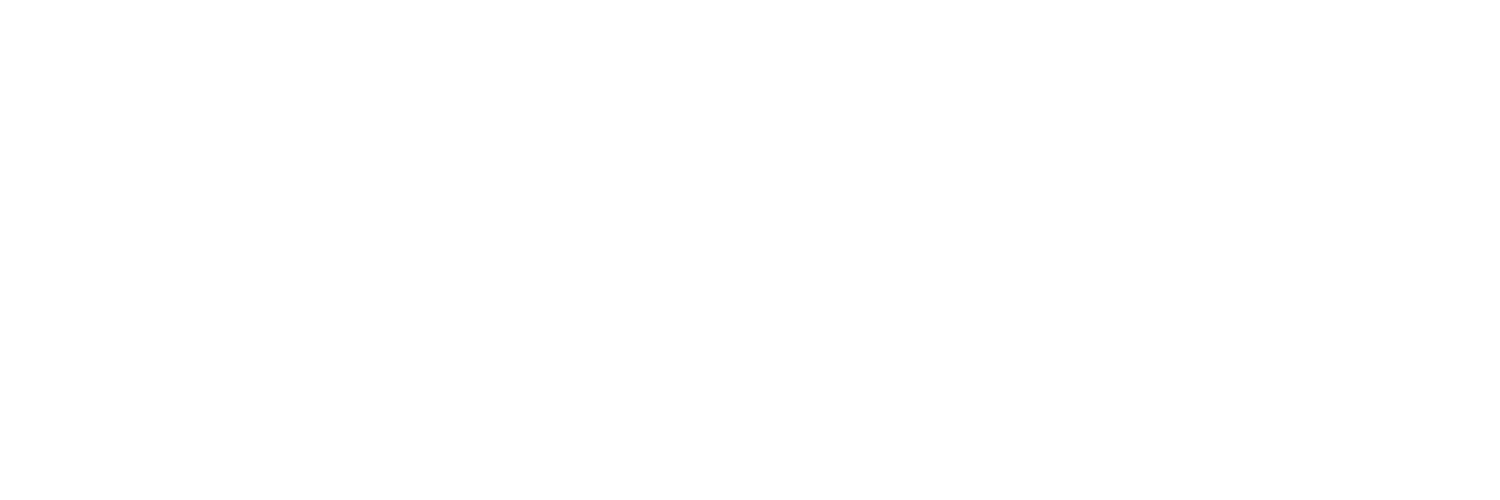
Google Messages RCS Bug Frustrates Users, Fix Apparently in the Works
SammyGuru is reader-supported. We have affiliate and sponsored partnerships, so we may earn a commission when you buy through links on our site — at no extra cost to you. Learn more.
With RCS support, Google Messages aims to offer users more feature-packed messaging experiences than traditional SMS. However, this functionality frequently stops working, ruining the overall user experience. A recent update has disabled RCS chats in Google Messages for several users. Google appears to be working on a fix for the bug, but it hasn’t provided a timeline for its release.
Google Messages bug disables RCS Chats for many users
Several Google Messages users, including those using Galaxy devices, have reported RCS issues on Reddit. They all say RCS stopped working suddenly. A Galaxy S24 user running One UI 6 wrote: “I had the RCS activated for a while ago, after a moment without knowing why .. it had been disconnected, I tried to make it connected at it was but every time i have a message error different than the other: verifying number or reached the limit: try again tomorrow.”
Similarly, a OnePlus 8 user on the GoMo network faced error messages like “RCS chats aren’t available for this device” and “No compatible SIM card detected.”
Both users tried some basic troubleshooting methods like clearing the app data and cache, performing factory resets, and using different SIM slots. Unfortunately, none of these workarounds worked for them. As Android Police points out, it looks like a Google Messages bug is not allowing users to connect to Google’s RCS servers. The issue could be related to the app itself — not carrier or device-related.
Google has allegedly acknowledged the RCS issue
Thankfully, Google is aware of the problem and is working on a fix, according to a Reddit user. Google told the user: “Our engineers are still working on a fix. We apologize for the inconvenience. We don’t have a specific time yet when this will be fixed. But we will be reporting this one for you; I will put this on note as a follow-up.”
As of now, the exact reason behind this bug is unclear, but it’s good to know that Google is working on the fix. For now, users can try the simple workaround — reverting to an older version of Google Messages. For this, you have to sideload an old APK, which we do not recommend unless you download it from a trusted source.

Written by
Binay KonwarBinay Konwar started his blogging journey in 2014 and has since written plenty of tech articles. At present, he is working as a News Writer at SammyGuru, covering everything about Samsung. He holds a Master's degree in Mathematics, but his real passion lies in tech and writing. In his free time, he enjoys playing chess and watching movies.
Follow us on Google Discover & set us as a preferred source in Google News
Share this Post
___________________________


New Blog Posts
___________________________
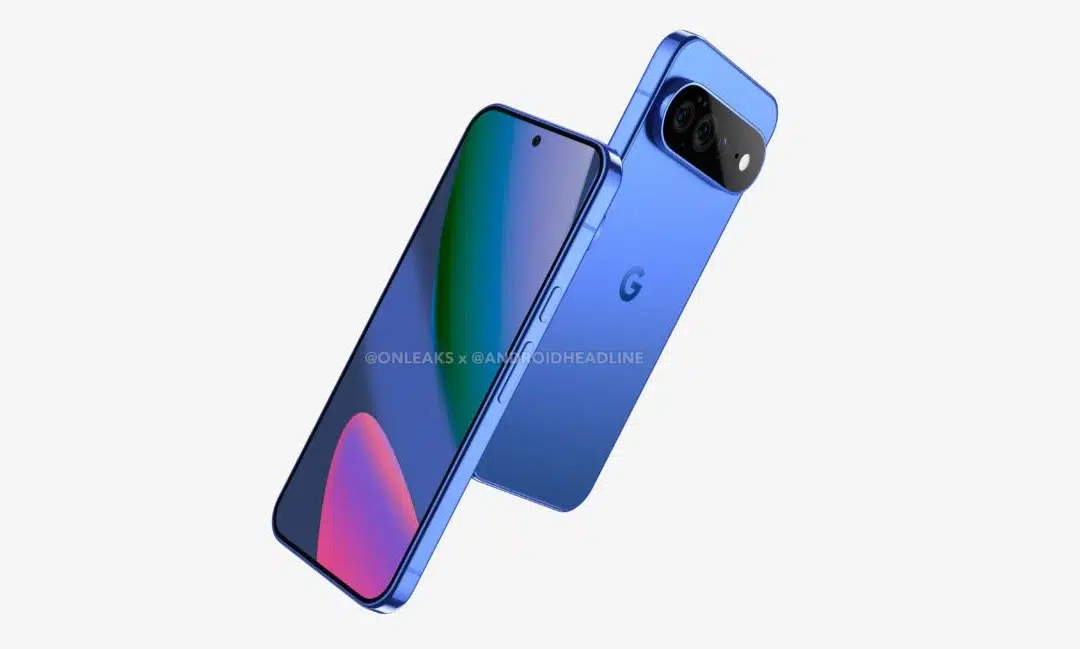
First Set of Pixel 11 Pro XL Renders Are Here
Pixel 11 Pro XL CAD renders show minimal design changes
Is Samsung Preparing One UI 8.5 Beta for Galaxy Z Fold 5 and Flip 5?
Samsung may launch a One UI 8.5 beta program for its 2023 foldables
Galaxy S25 One UI 8.5 Beta May Run Longer Than Expected
Galaxy S25 series’ One UI 8.5 beta may stretch to 10 rounds