
Google Makes Circle to Search Smarter with Scam Detection
SammyGuru is reader-supported. We have affiliate and sponsored partnerships, so we may earn a commission when you buy through links on our site — at no extra cost to you. Learn more.
Google continues to make its Circle to Search feature smarter, and this time, it’s about keeping people safe. The tool can now detect digital scams when you highlight suspicious messages on screen. This capability is part of the latest Android 16 QPR2 build and should begin rolling out to users in the coming weeks.
AI Overview in Circle to Search can now detect suspicious messages
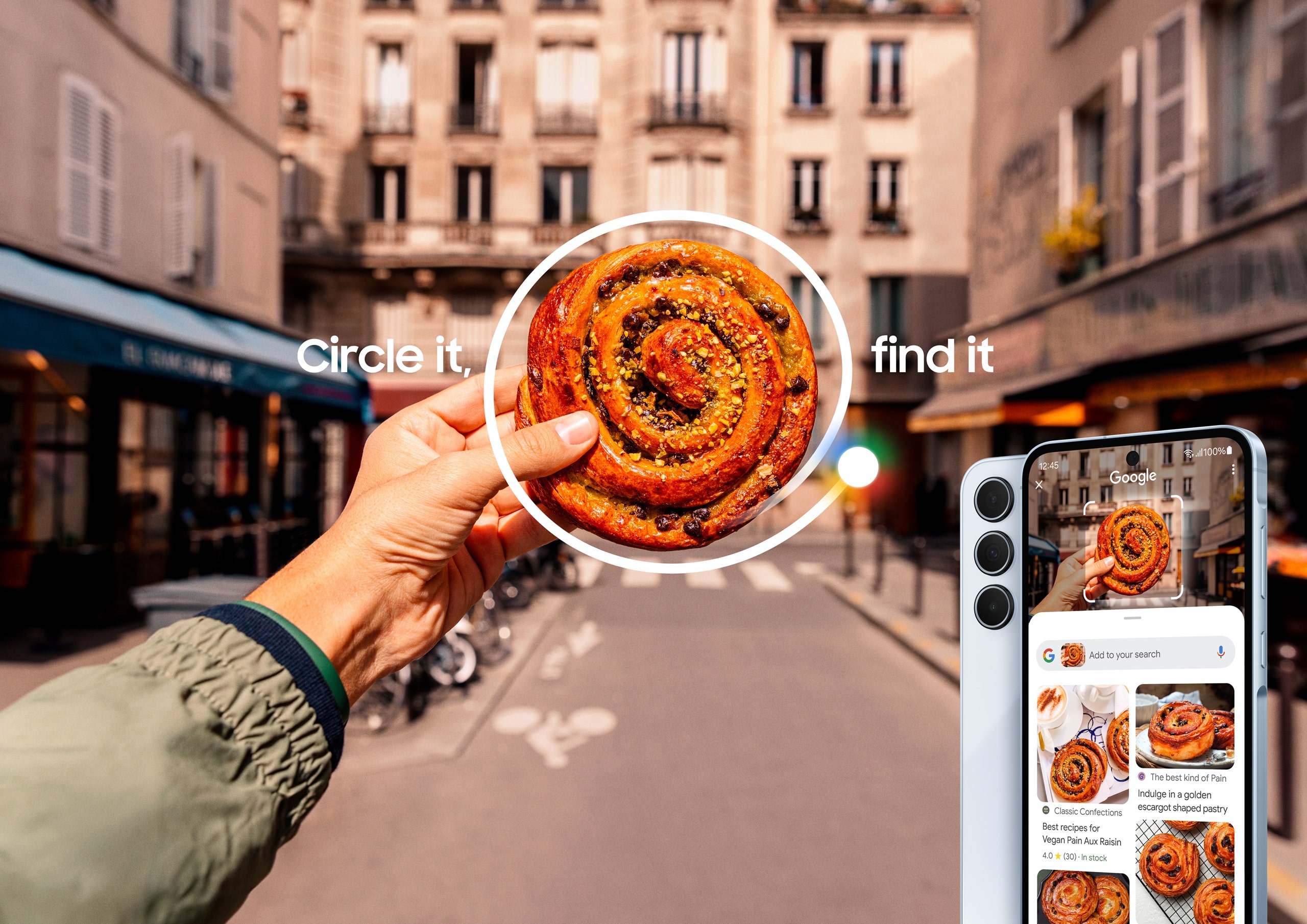
For the uninitiated, Circle to Search lets you draw a circle around anything on your screen to instantly search for more information. Now, Google is expanding this feature to help users identify scam tactics in texts, chat messages, and social media DMs. You just need to circle part of a message that seems suspicious, and an AI Overview will tell you if it’s a scam. Moreover, you will see guidance and insights, including suggested next steps.
It’s quite easy to use the scam detection feature on your Galaxy phone using Circle to Search. First, long-press the home button or the navigation bar on your device. Then circle the suspicious text on your screen, and AI will analyze it instantly. However, remember the results may not always be 100% accurate, as AI can make mistakes. Of course, the tool will guide you when you come across a doubtful text, but it does not replace your own judgment.
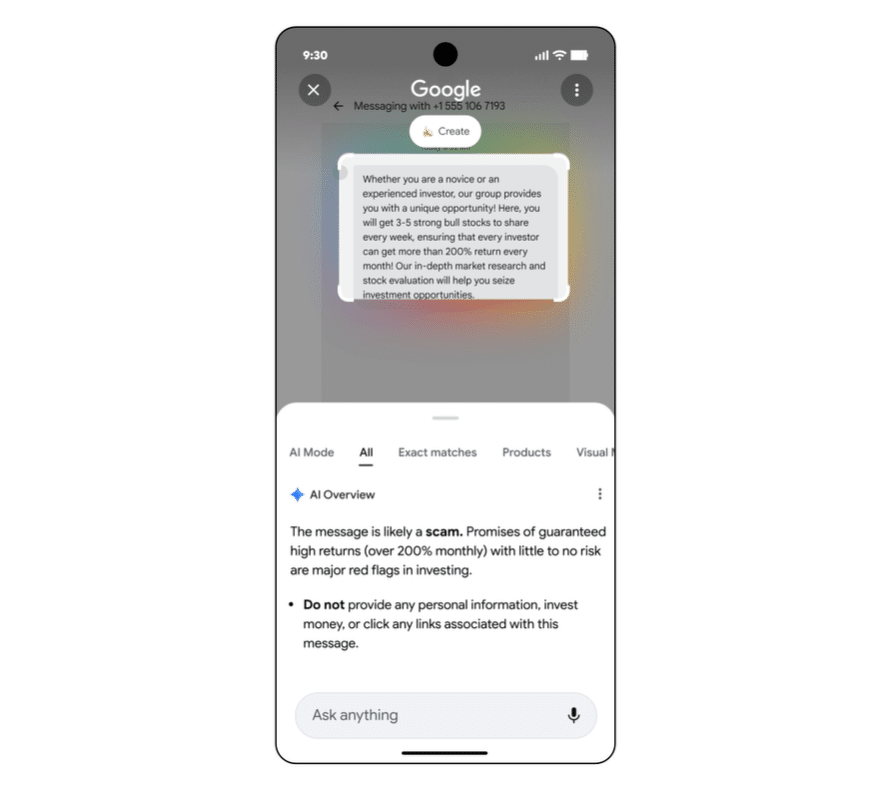
Furthermore, Google is also bringing this ability to Lens through the Google app. You can simply take a screenshot of the suspicious message and then open Lens in the Google app. Now tap the screenshot to get the same scam-detection insights and guidance.
Google says, “This capability will appear when our systems have high confidence in the quality of the response.” This means it may take some time before everyone sees it on their device. We’ll let you know when the company begins the wider rollout. Stay tuned.

Written by
Binay KonwarBinay Konwar started his blogging journey in 2014 and has since written plenty of tech articles. At present, he is working as a News Writer at SammyGuru, covering everything about Samsung. He holds a Master's degree in Mathematics, but his real passion lies in tech and writing. In his free time, he enjoys playing chess and watching movies.

Follow us on Google Discover & set us as a preferred source in Google News
Share this Post
___________________________


New Blog Posts
___________________________

First Set of Pixel 11 Pro XL Renders Are Here
Pixel 11 Pro XL CAD renders show minimal design changes

Is Samsung Preparing One UI 8.5 Beta for Galaxy Z Fold 5 and Flip 5?
Samsung may launch a One UI 8.5 beta program for its 2023 foldables

Galaxy S25 One UI 8.5 Beta May Run Longer Than Expected
Galaxy S25 series’ One UI 8.5 beta may stretch to 10 rounds







