
Here is Google’s New Windows App, With Circle to Search
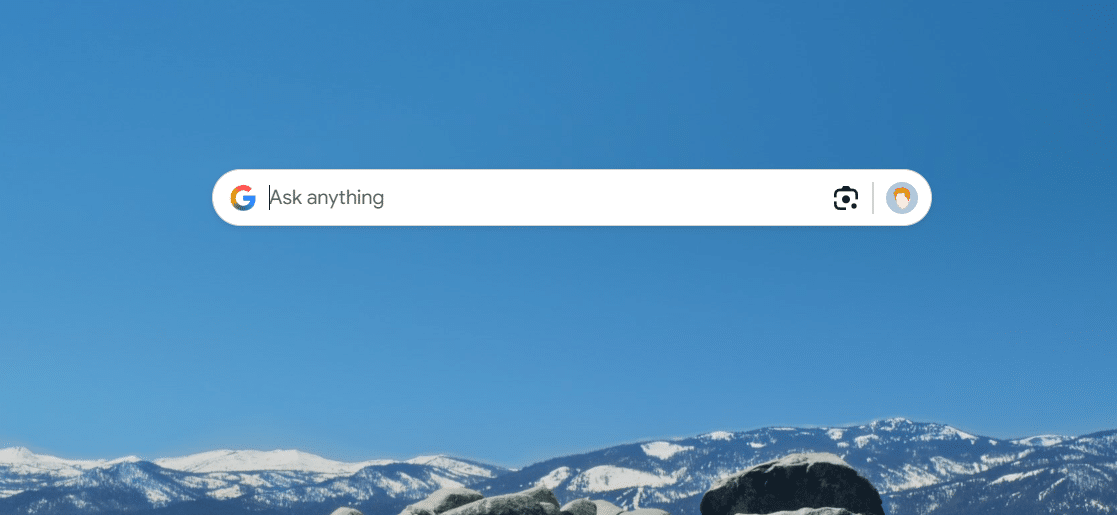
Google primarily makes web-based products for its various services, and it’s not often that they make a desktop application. But out of nowhere, Google dropped a new experimental app, called Google app for Windows. Let’s take a look…
Google’s new Windows app is interesting
First reported by 9to5Google, this app aims to make it as easy as possible to search Google, no matter what app you’re using, or what web browser you’re using. By default, hitting Alt + Space opens a floating search box, letting you start a search quickly and easily. This is very much like what macOS offers with Cmd+Space Spotlight, but better in many ways.
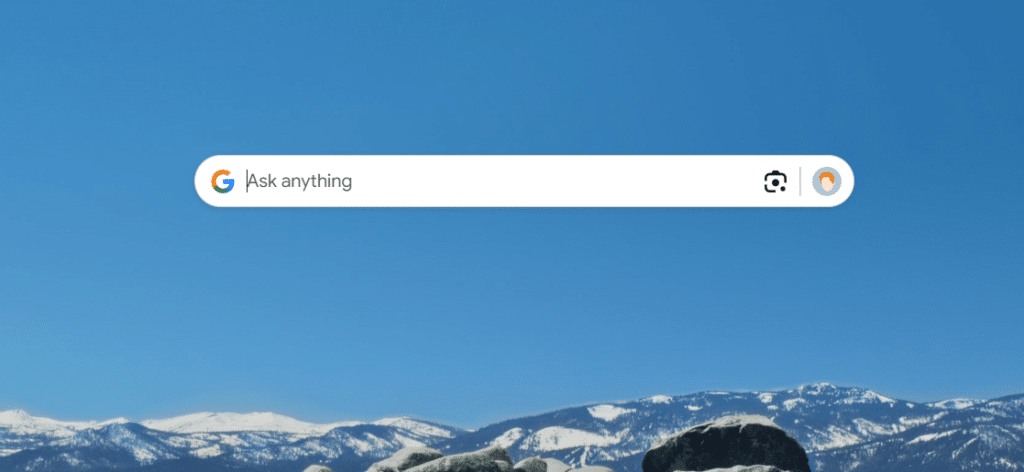
Here, you can search for numerous things, both locally and on the web. In addition to your typical Google web searches, you can scan for locally stored files, install apps, visit commonly used websites, and anything stored in your Google Drive. There’s also an AI Mode and AI Overviews here too.
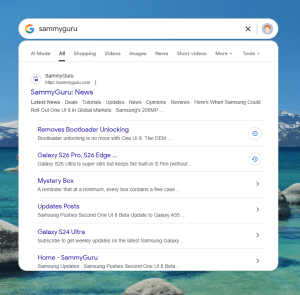
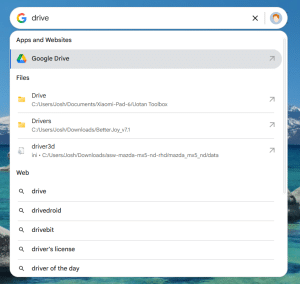
There are also a few settings you can tweak. The trigger shortcut can be changed, to avoid overlapping with other search tools like Raycast. There is light and dark mode support, and you can also disable Drive and local file scanning if you wish.
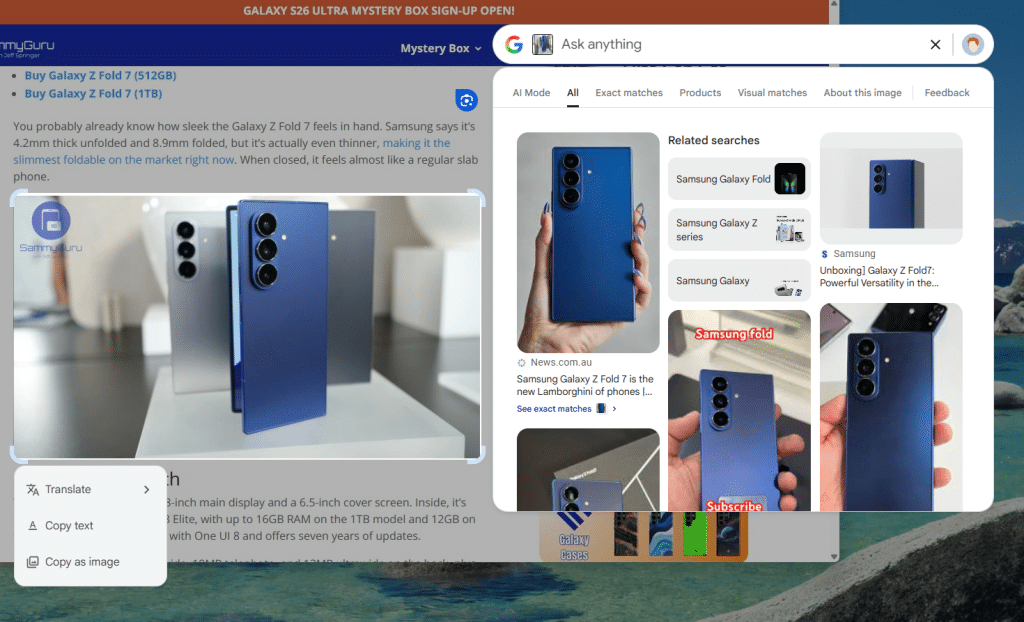
If that wasn’t enough, there is also Google Lens, which brings a Circle to Search-like experience to the big screen. You can copy and translate text, as well as search images. Check out screenshot below.
So, where can you download this?
This is launching as an experimental app, under Google Labs. Spaces are limited, and it’s only available to English users located in the US. There are some other caveats in this initial release, such as the lack of Workspace account support, and it being Windows-exclusive for the moment.
If that checks all your boxes, you can download it from Google Labs here.

Follow us on Google Discover & set us as a preferred source in Google News
Share this Post
___________________________


New Blog Posts
___________________________

First Set of Pixel 11 Pro XL Renders Are Here
Pixel 11 Pro XL CAD renders show minimal design changes

Is Samsung Preparing One UI 8.5 Beta for Galaxy Z Fold 5 and Flip 5?
Samsung may launch a One UI 8.5 beta program for its 2023 foldables

Galaxy S25 One UI 8.5 Beta May Run Longer Than Expected
Galaxy S25 series’ One UI 8.5 beta may stretch to 10 rounds


