
Google Brings Androidify Bots to Wear OS Watch Faces
SammyGuru is reader-supported. We have affiliate and sponsored partnerships, so we may earn a commission when you buy through links on our site — at no extra cost to you. Learn more.
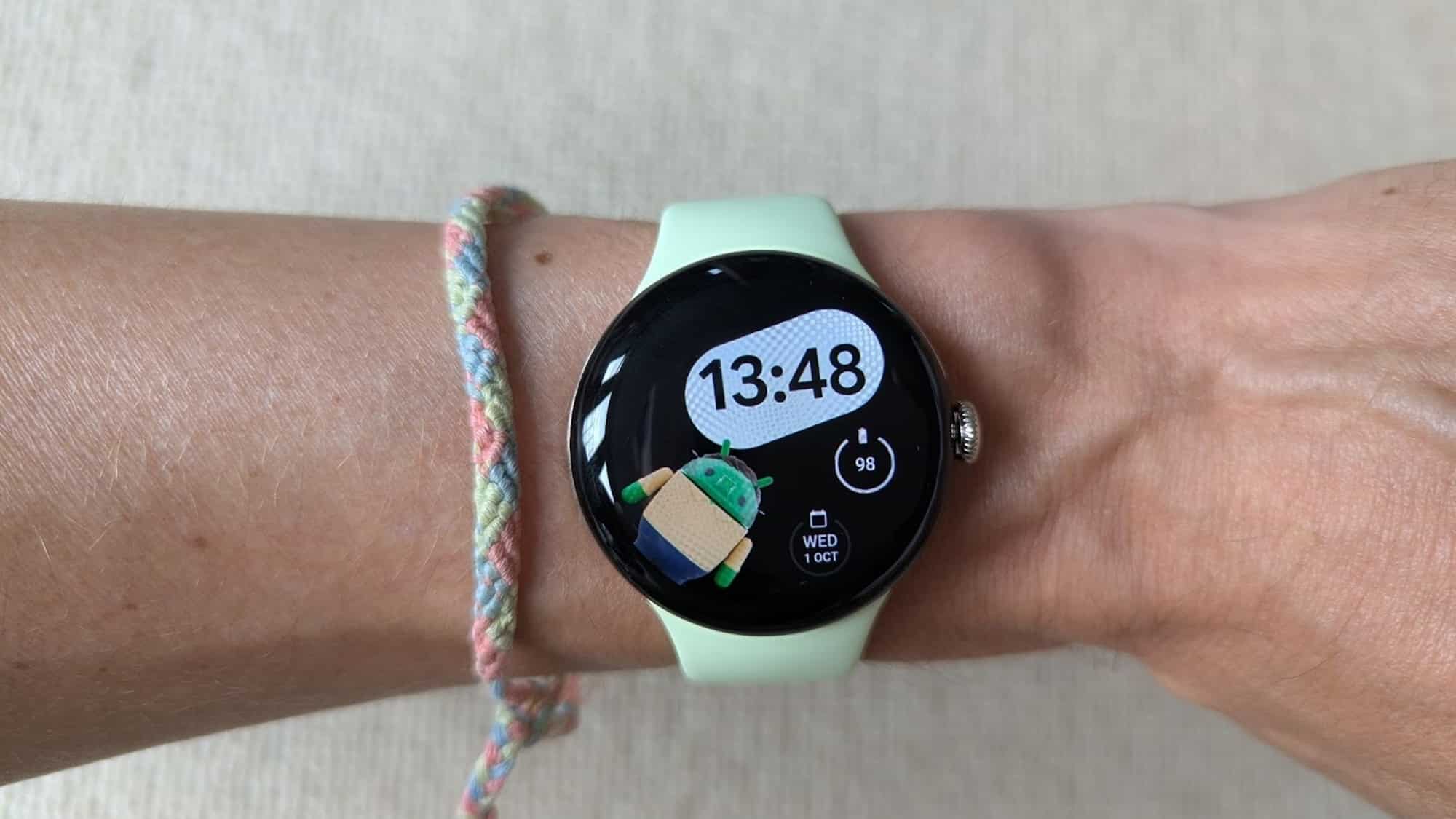
Google has introduced a new way to customize Wear OS watches using Androidify bots. The latest version of the Androidify app lets you turn a personalized Android bot into a watch face. The app is available for download from the Google Play Store on Android devices.
You can personalize your smartwatch with the Androidify app
In September 2025, Google relaunched (following its 2020 discontinuation) the Androidify app that offers a personalized Android bot creation service. The app uses Google’s Gemini API and Imagen models to create high-quality images from simple text descriptions. Now, the company has brought this experience to Wear OS, allowing users to push their custom Android bot directly to their smartwatch as a watch face.
“Whether you want a character that looks just like you, or a fun alter ego, you can seamlessly transfer it from your phone to your watch face in seconds,” Google wrote in its blog post. To get started, install the Androidify app on your Android phone and connect a compatible Wear OS smartwatch.
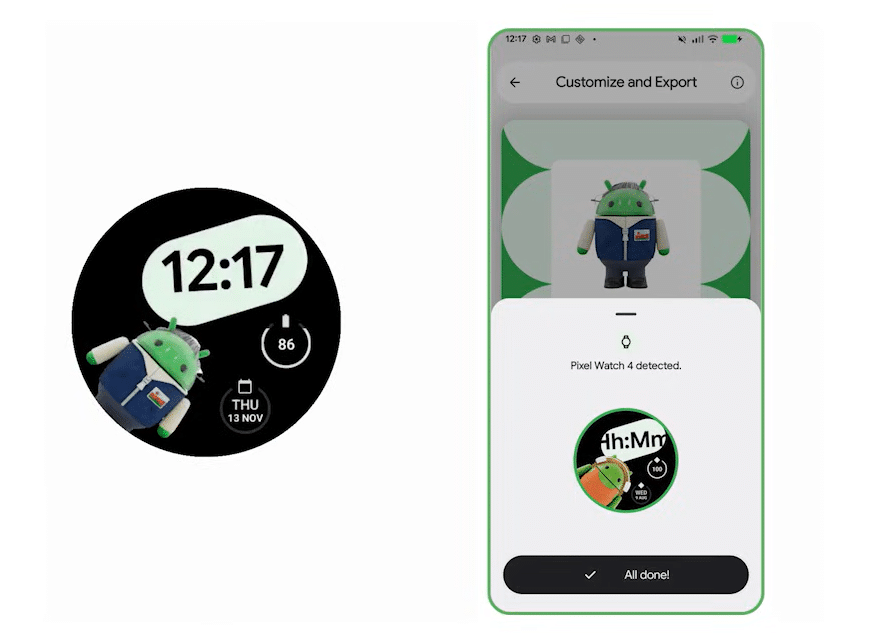
After opening the app, you can take a selfie or upload an existing photo. You can also choose the bot’s colors and add a text prompt before tapping the Transform button. Androidify then uses AI to transform that image into a personalized Android bot.
Once the bot is ready, the app shows a “Send to watch” button if it detects a connected smartwatch. Tap the button, and your watch may display a message asking you to grant permission to change the active watch face. Tap Launch, then allow Androidify to change the active watch face. That’s it, the Android bot watch face will be applied right away, with no need for any additional downloads.
This development is part of the new Watch Face Push API. If you are a developer and want to learn how this works, you can check out a detailed technical breakdown on the Android Developers Blog.

Written by
Binay KonwarBinay Konwar started his blogging journey in 2014 and has since written plenty of tech articles. At present, he is working as a News Writer at SammyGuru, covering everything about Samsung. He holds a Master's degree in Mathematics, but his real passion lies in tech and writing. In his free time, he enjoys playing chess and watching movies.

Follow us on Google Discover & set us as a preferred source in Google News
Share this Post
___________________________


New Blog Posts
___________________________

First Set of Pixel 11 Pro XL Renders Are Here
Pixel 11 Pro XL CAD renders show minimal design changes

Is Samsung Preparing One UI 8.5 Beta for Galaxy Z Fold 5 and Flip 5?
Samsung may launch a One UI 8.5 beta program for its 2023 foldables

Galaxy S25 One UI 8.5 Beta May Run Longer Than Expected
Galaxy S25 series’ One UI 8.5 beta may stretch to 10 rounds







