
Gemini Live Now Works Seamlessly with Calendar, Maps, and More
SammyGuru is reader-supported. We have affiliate and sponsored partnerships, so we may earn a commission when you buy through links on our site — at no extra cost to you. Learn more.
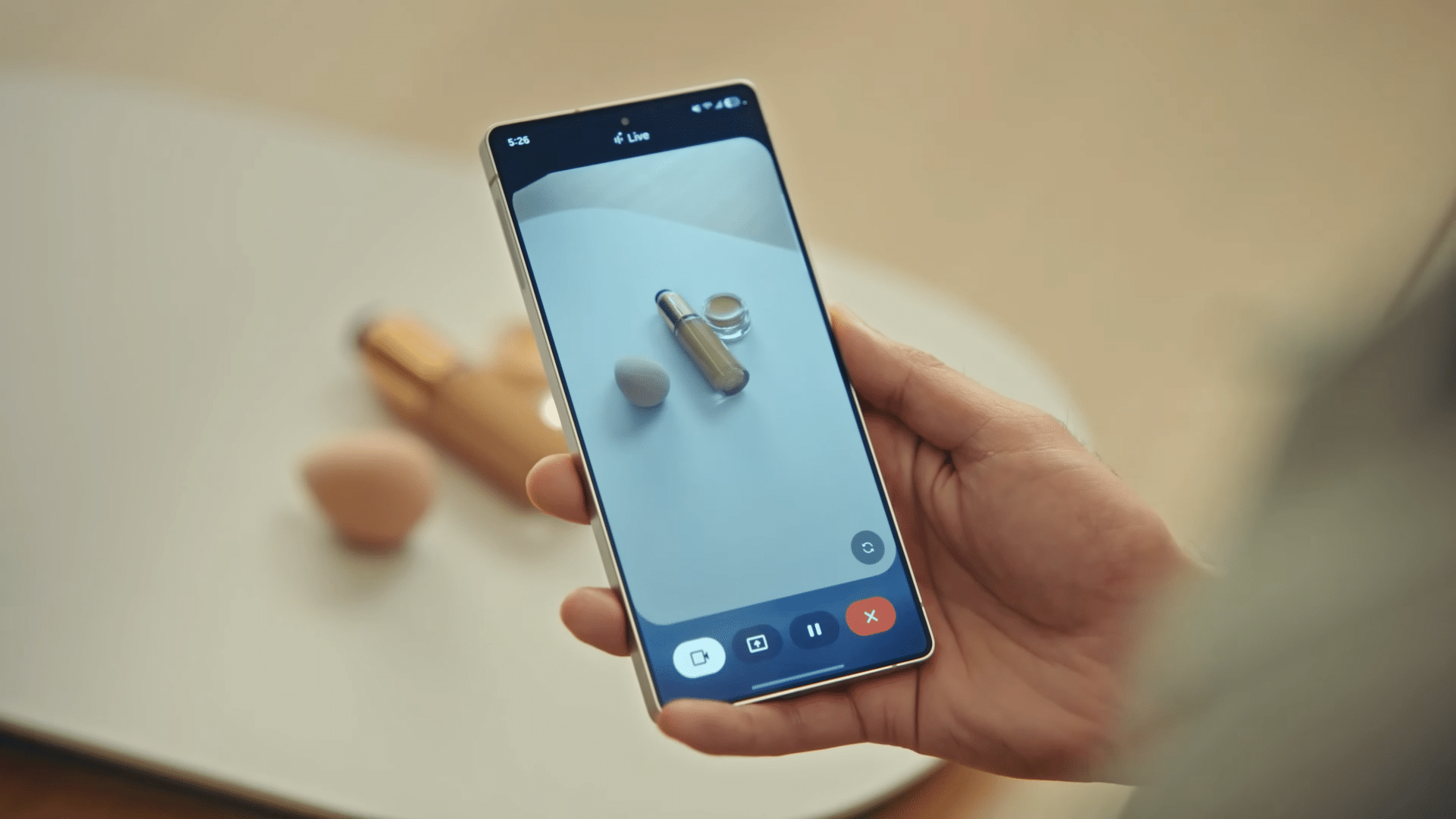
Do you like using Gemini Live on your Galaxy? You’re about to love it thanks to a major update that lets the AI assistant work directly with several key Google apps in real time. First teased at Google I/O 2025, the feature is now rolling out widely to Galaxy phones. That means Gemini Live can retrieve and update information across Google Calendar, Keep, Tasks, and Maps without leaving the conversation.
Gemini Live is now gets deeper integration with Calendar, Keep, Tasks and Maps on Galaxy devices
With this update, Gemini Live can perform a variety of actions, such as scheduling meetings, jotting down notes, adding reminders, or finding routes. It can do this either when you explicitly ask for it or when it detects that accessing an app would improve the response.
For example, as 9to5Google points out, if you ask “Do I have any reminders today?” the assistant will pull the relevant details directly from Google Tasks. Similarly, when you request directions, Gemini Live quickly hands off the task to Google Maps to provide the most accurate route.
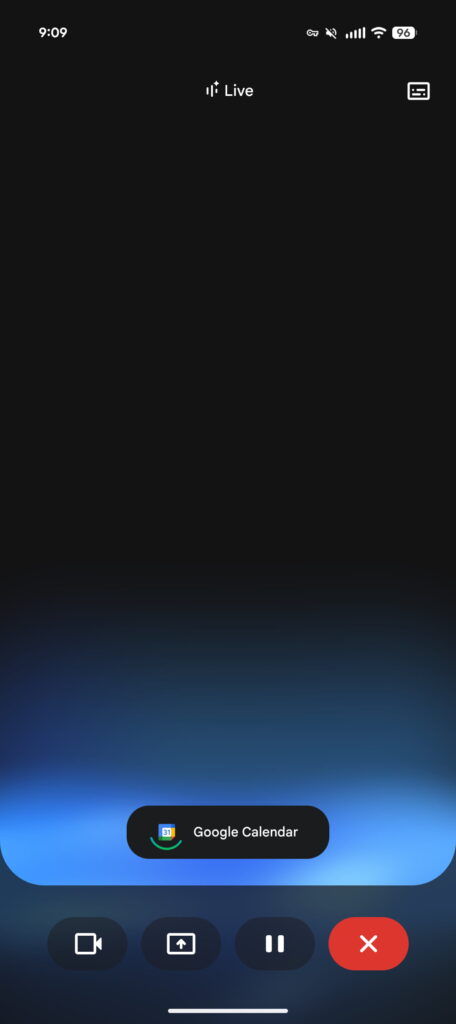
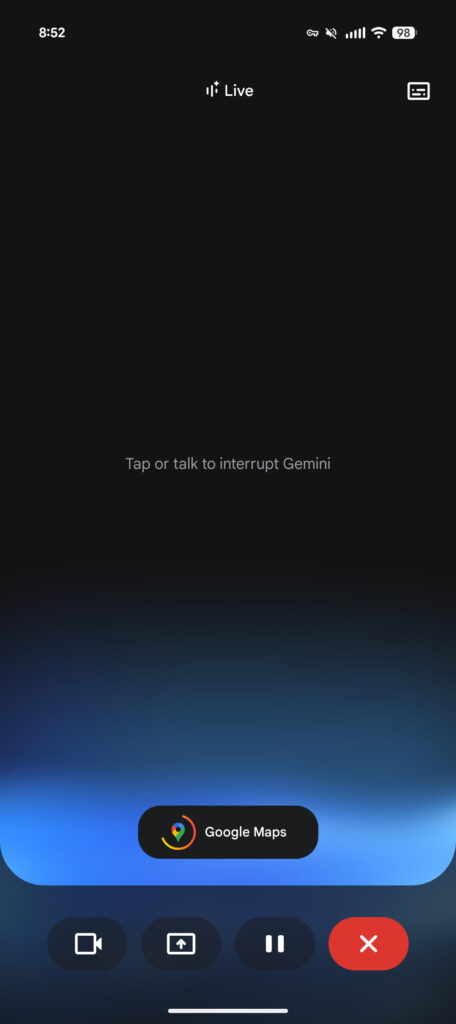
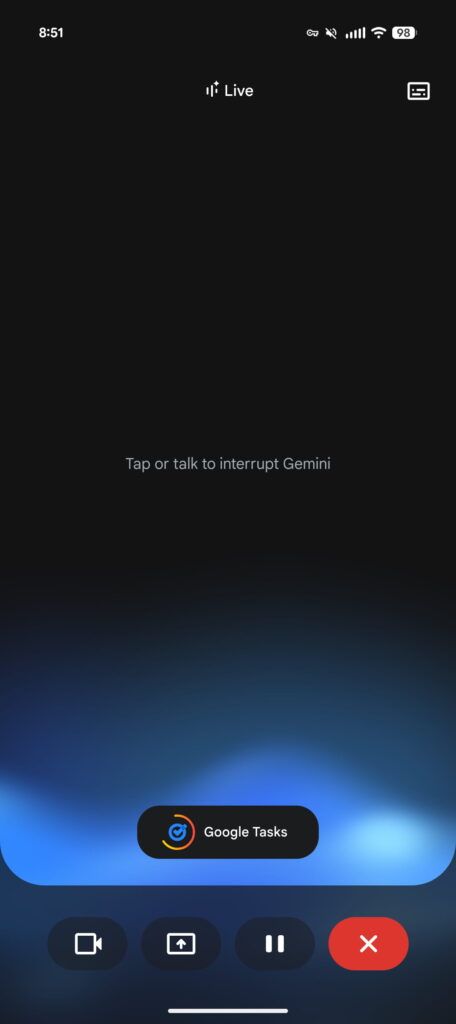
One of the best parts of this update is how seamless the experience feels. When Gemini Live accesses one of your Google apps, a small icon appears on the screen to let you know it is connected and working in the background.
Once you finish your conversation, a preview of the new calendar event, reminder, or task will appear. Tapping that preview takes you straight into the corresponding app, allowing you to review or make any necessary changes with ease.
The rollout of these new features began in late June for a select group of users and devices, including several Samsung Galaxy models. The update then expanded more broadly in mid-July. This release builds on earlier improvements, such as the introduction of real-time captions that display what Gemini Live is saying. These captions automatically turn on if your phone’s volume is low or muted, so you don’t miss anything during your interactions.

Written by
Abhinav AnandAbhinav Anand is the News Editor at SammyGuru and a technology journalist based in New Delhi. Before joining SammyGuru, he contributed to numerous outlets, including Android Headlines, ExtremeTech, The Mac Observer, Financial Express, Economic Times, iGeeksBlog, KnowTechie, PhonesWiki, SlashGear, and more. You can reach him at abhinav@sammyguru.com.

Follow us on Google Discover & set us as a preferred source in Google News
Share this Post
___________________________


New Blog Posts
___________________________

First Set of Pixel 11 Pro XL Renders Are Here
Pixel 11 Pro XL CAD renders show minimal design changes

Is Samsung Preparing One UI 8.5 Beta for Galaxy Z Fold 5 and Flip 5?
Samsung may launch a One UI 8.5 beta program for its 2023 foldables

Galaxy S25 One UI 8.5 Beta May Run Longer Than Expected
Galaxy S25 series’ One UI 8.5 beta may stretch to 10 rounds







