
Gemini Is Finally Learning To Listen Without Cutting You off Mid-Sentence
SammyGuru is reader-supported. We have affiliate and sponsored partnerships, so we may earn a commission when you buy through links on our site — at no extra cost to you. Learn more.
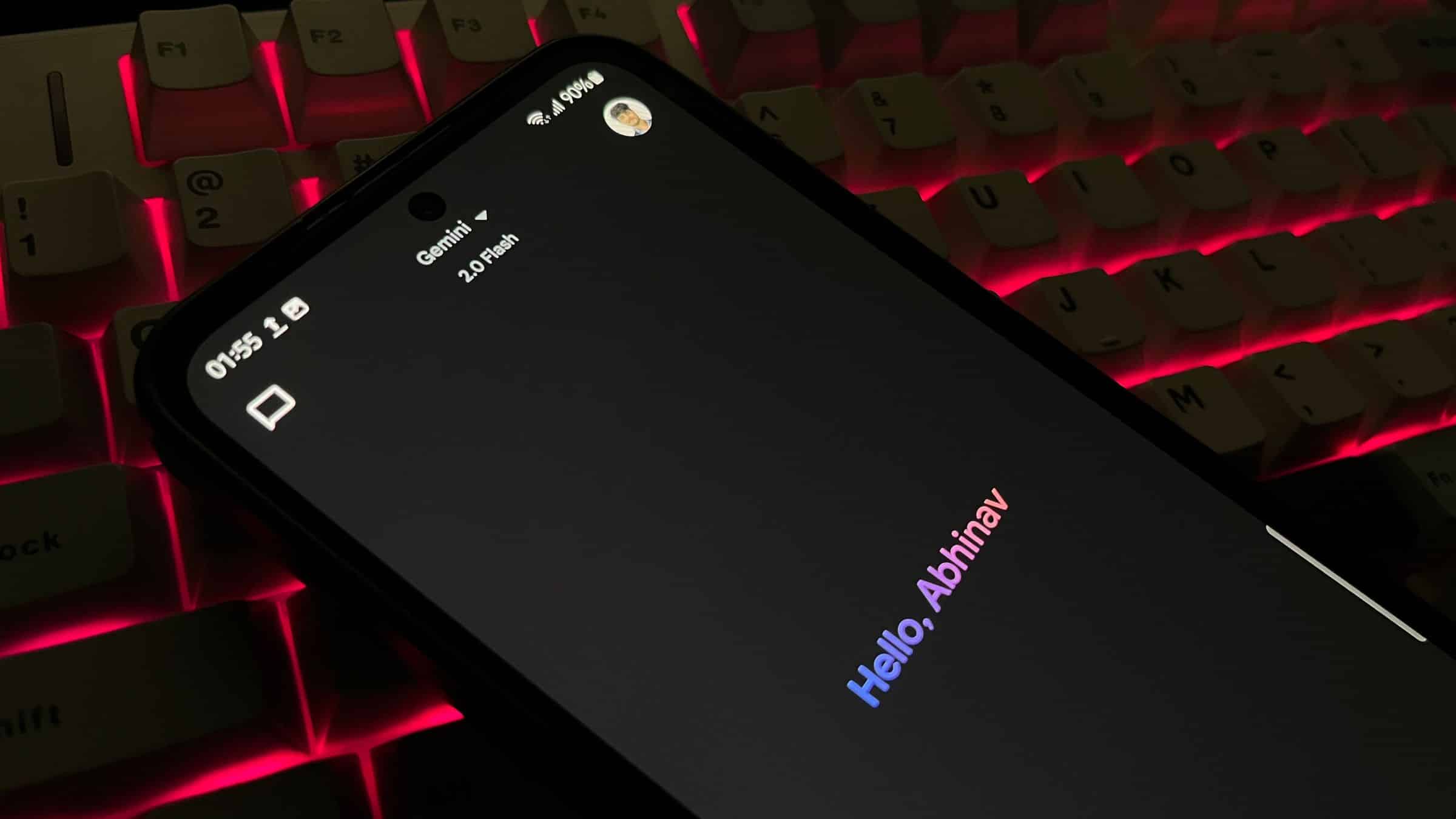
How many of you chat with Gemini? I’d guess quite a few, unless you really prefer typing away on your keyboard. Still, there is a certain quirk, or should I say tantrum, that Gemini tends to throw when there is even a brief pause in your speech, which can be pretty frustrating during longer queries. Thankfully, an upcoming update might finally fix that, and Gemini will actually learn to listen.
Google is teaching Gemini some etiquette and it’s learning to listen
According to folks over at Android Authority, in the latest Google app v16.42.61, users can long-press the mic icon to keep it active. As shown in the screenshots, there are instructions, one of which says, “Long press the mic to keep it open.”
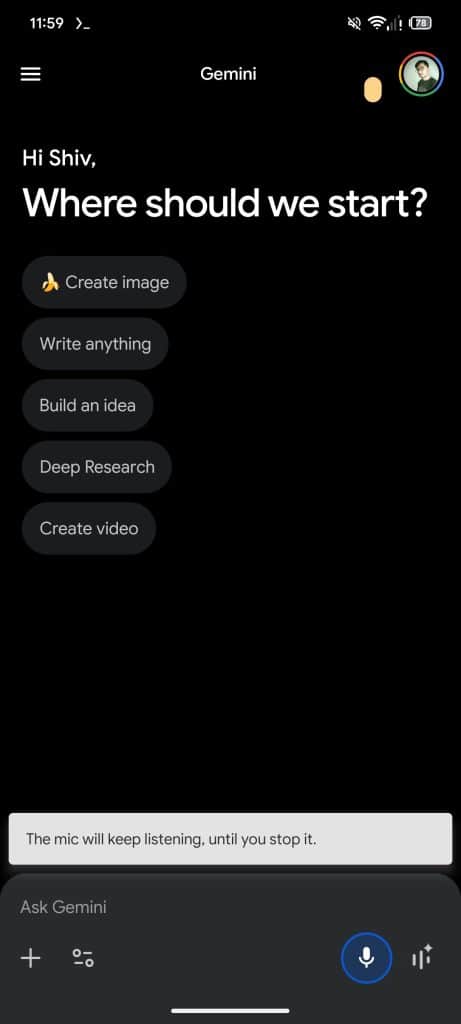
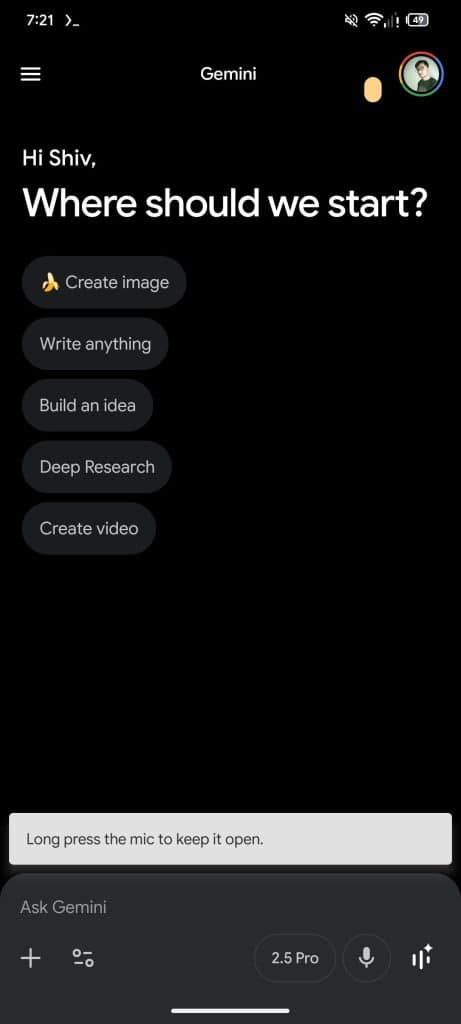
In another screenshot, we read, “The mic will keep listening, until you stop it.” The icon turns into a stop button, which stops recording when tapped. This works like voice notes in messaging apps, letting users pause and speak naturally without rushing. It’s designed for longer requests where Gemini might otherwise interrupt before the user finishes.
Beyond that, the outlet mentions minor interface tweaks. The text input box now expands while typing, making it easier to read and edit long messages. Gemini Live’s floating overlay gets a movable button, allowing users to minimize or maximize it in six positions on the screen. These changes are aimed at making the assistant more flexible and user-friendly.
All of these features are still in testing, however. That means there’s no guarantee they will appear in the stable version yet. But as we’ve seen with the majority of such reports, they’ll eventually make it to the stable release. Google probably didn’t add a certain feature only to remove it. Well, well. Let’s just say, not this time.

Written by
Abhinav AnandAbhinav Anand is the News Editor at SammyGuru and a technology journalist based in New Delhi. Before joining SammyGuru, he contributed to numerous outlets, including Android Headlines, ExtremeTech, The Mac Observer, Financial Express, Economic Times, iGeeksBlog, KnowTechie, PhonesWiki, SlashGear, and more. You can reach him at abhinav@sammyguru.com.

Follow us on Google Discover & set us as a preferred source in Google News
Share this Post
___________________________


New Blog Posts
___________________________

First Set of Pixel 11 Pro XL Renders Are Here
Pixel 11 Pro XL CAD renders show minimal design changes

Is Samsung Preparing One UI 8.5 Beta for Galaxy Z Fold 5 and Flip 5?
Samsung may launch a One UI 8.5 beta program for its 2023 foldables

Galaxy S25 One UI 8.5 Beta May Run Longer Than Expected
Galaxy S25 series’ One UI 8.5 beta may stretch to 10 rounds







