
Galaxy Z Fold 7, Flip 7, Watch 8 Series Reservations: How to Claim Free One UI 8 Wallpaper Pack
SammyGuru is reader-supported. We have affiliate and sponsored partnerships, so we may earn a commission when you buy through links on our site — at no extra cost to you. Learn more.
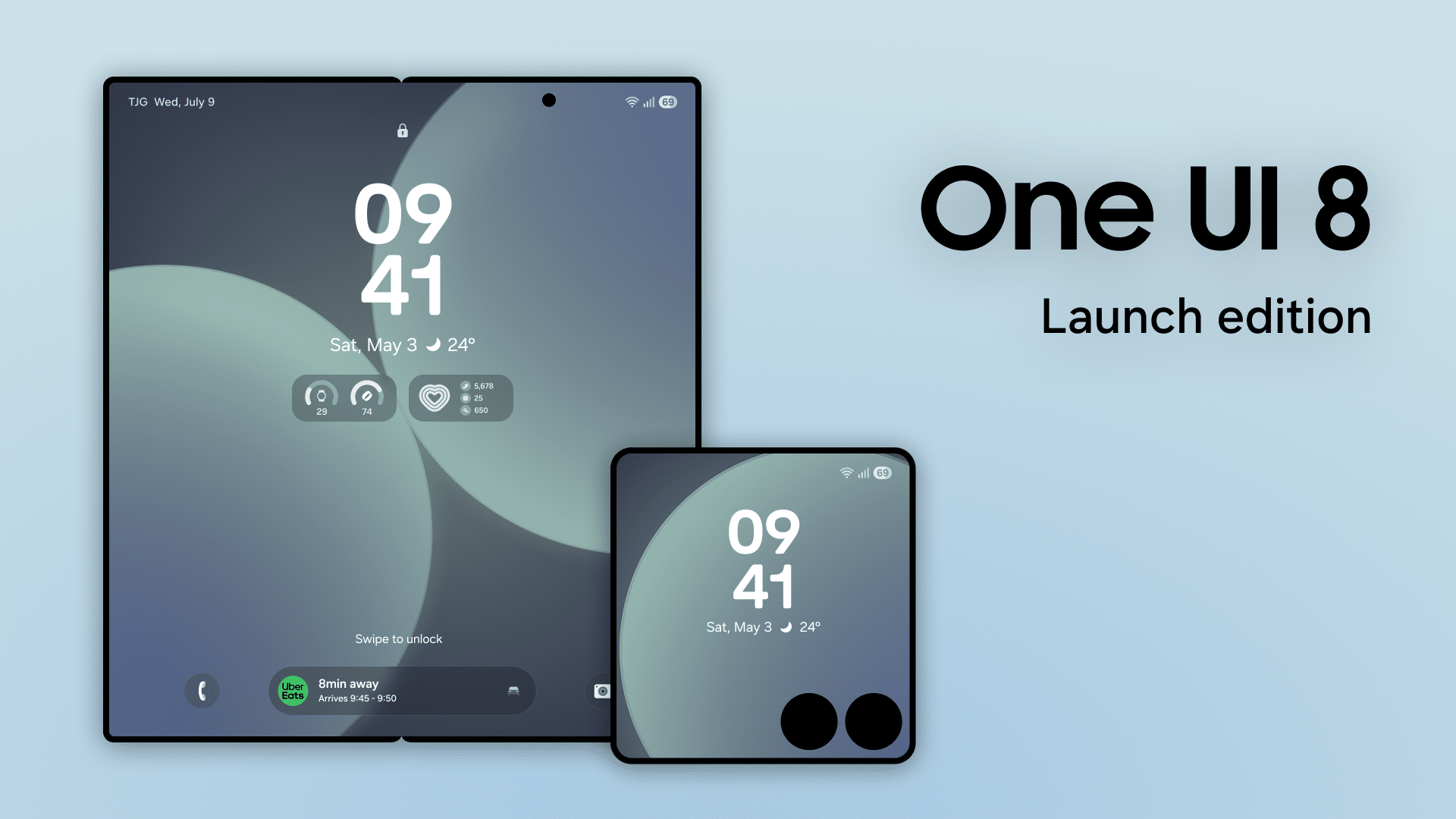
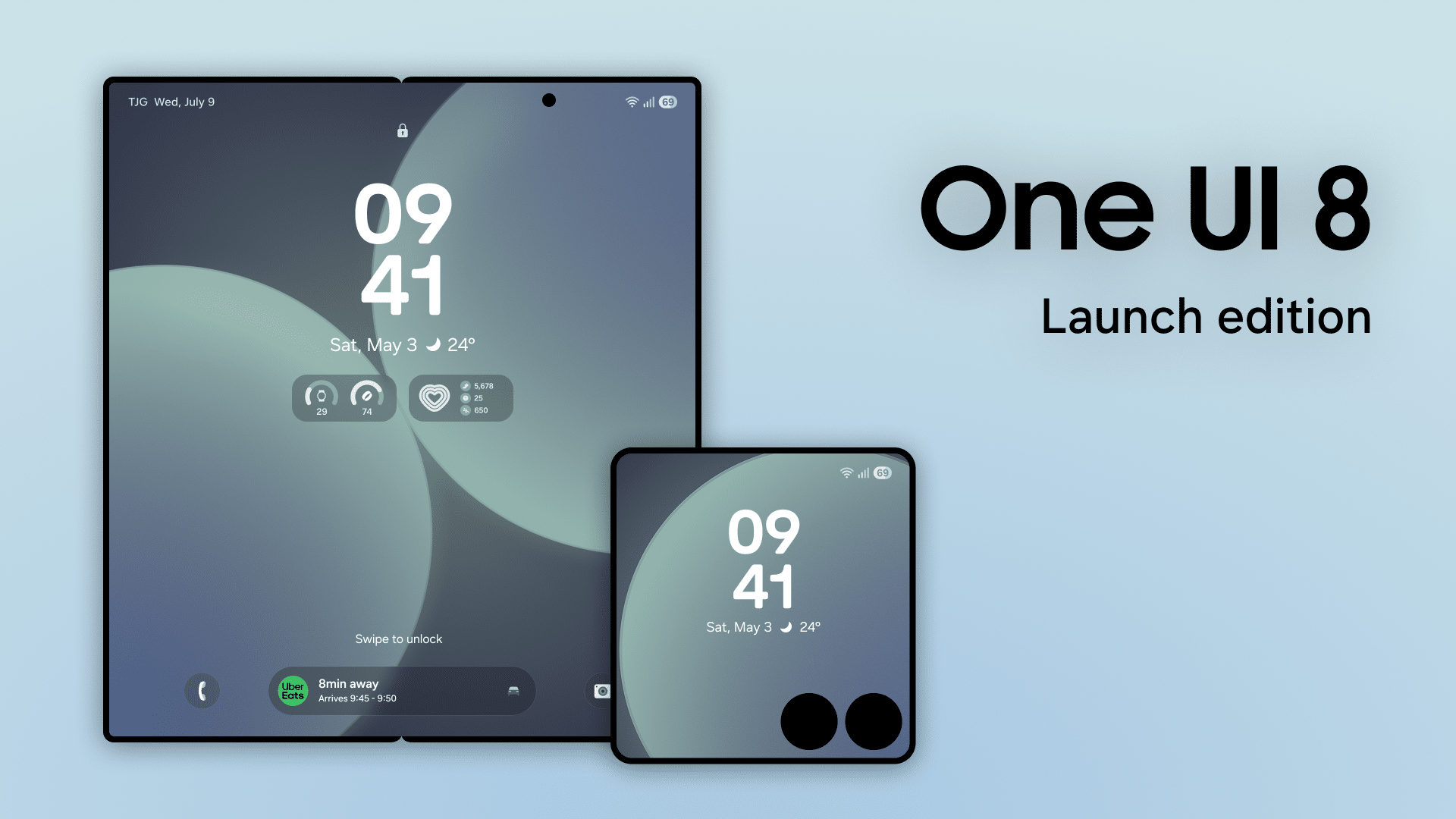
Samsung has finally opened reservations for its upcoming devices, including the Galaxy Z Fold 7, Z Flip 7, and the Galaxy Watch 8 series, which also includes the new Watch Ultra (2025). If you’ve already checked out the perks that come with reserving your preferred device, you’ll want to know how to claim the free One UI 8 wallpaper pack.
Before we go any further, it’s important to understand the difference between reservations and pre-orders. A reservation simply shows your interest in a product and doesn’t commit you to buying it. A pre-order, however, means you’re actually placing an order before the product becomes available in stores.
Pre-orders often come with extra perks, and when combined with a reservation, you qualify for additional bonuses. Now that that’s clear, let’s go over how to claim your free One UI 8 wallpaper pack.
How to claim free One UI 8 Wallpaper pack from SammyGuru
To claim your free One UI 8 wallpaper pack, start by making sure you have successfully reserved either Galaxy Z Fold 7, Z Flip 7, or Galaxy Watch 8 series. If you haven’t done that yet, follow the reservation link, select what you chose, and take a screenshot as proof of your reservation. Be sure to follow these on time, as the One UI 8 wallpaper pack is limited-supply.
Once you have your screenshot, fill out the Google Form. You will need to upload the screenshot and provide your name and email address. This information allows us to send the wallpaper pack directly. After completing these steps, you’ll soon have your One UI 8 wallpaper pack. Please allow some time for delivery
If you experience any issues or have questions during the process, reach out to us on X at @sammygurus. We’re happy to assist and make sure you receive your wallpapers without any trouble.

Written by
Abhinav AnandAbhinav Anand is the News Editor at SammyGuru and a technology journalist based in New Delhi. Before joining SammyGuru, he contributed to numerous outlets, including Android Headlines, ExtremeTech, The Mac Observer, Financial Express, Economic Times, iGeeksBlog, KnowTechie, PhonesWiki, SlashGear, and more. You can reach him at abhinav@sammyguru.com.

Follow us on Google Discover & set us as a preferred source in Google News
Share this Post
___________________________


New Blog Posts
___________________________

First Set of Pixel 11 Pro XL Renders Are Here
Pixel 11 Pro XL CAD renders show minimal design changes

Is Samsung Preparing One UI 8.5 Beta for Galaxy Z Fold 5 and Flip 5?
Samsung may launch a One UI 8.5 beta program for its 2023 foldables

Galaxy S25 One UI 8.5 Beta May Run Longer Than Expected
Galaxy S25 series’ One UI 8.5 beta may stretch to 10 rounds







