
I Spent 96 Hours With the Galaxy S26 Ultra, and Here’s My Mini Review
SammyGuru is reader-supported. We have affiliate and sponsored partnerships, so we may earn a commission when you buy through links on our site — at no extra cost to you. Learn more.
I had a little time to play around with the Galaxy S26 Ultra during the hands-on session, which was limited to select media. But ever since I got back home from Unpacked, I’ve been using the Galaxy S26 Ultra, and there’s a bunch of things I want to talk about, so treat this as a mini review of sorts. Our full deep dive will be coming in a few weeks.
Galaxy S26 Ultra mini review after 96 hours!
If you’re new here, you might also want to check out our Galaxy S26 Ultra hands-on. Think of this as what you might feel after you start living with the Galaxy S26 Ultra. Since I’m coming from the Galaxy S25 Ultra, here’s how it feels to me.
We’ll divide this mini review of Galaxy S26 Ultra into two parts: pros and cons. Unlike a full review, I’ll focus on the things that truly matter and are well executed, and the things that should’ve been improved.
Galaxy S26 Ultra mini review: Pros
There are quite a few upgrades to genuinely like with the Galaxy S26 Ultra, and you should definitely start enjoying them. Of course, everyone’s talking about the Privacy Display, but there’s actually a lot more to love about it.
Camera upgrades that actually show
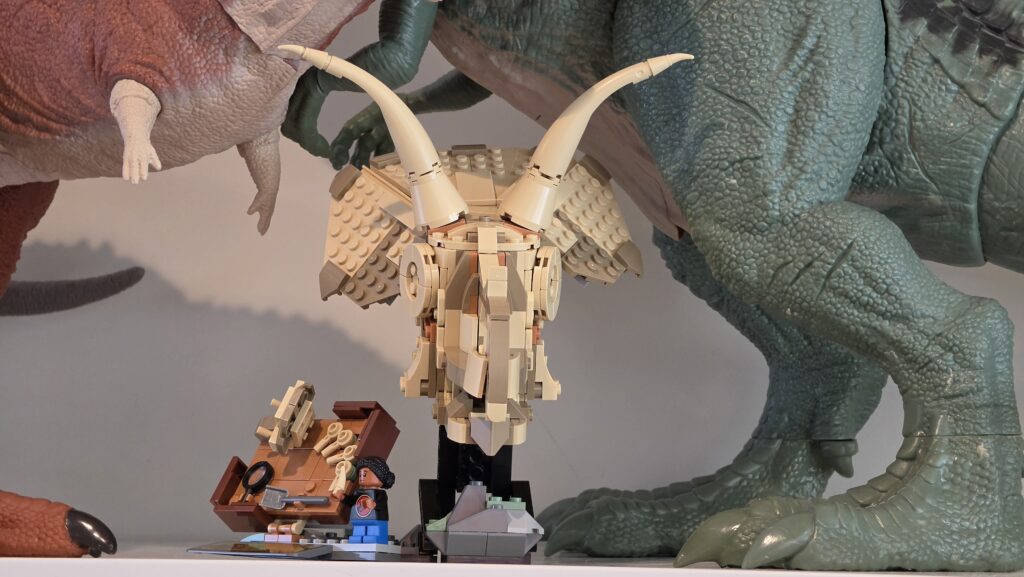

Galaxy S26 Ultra: 5x shots
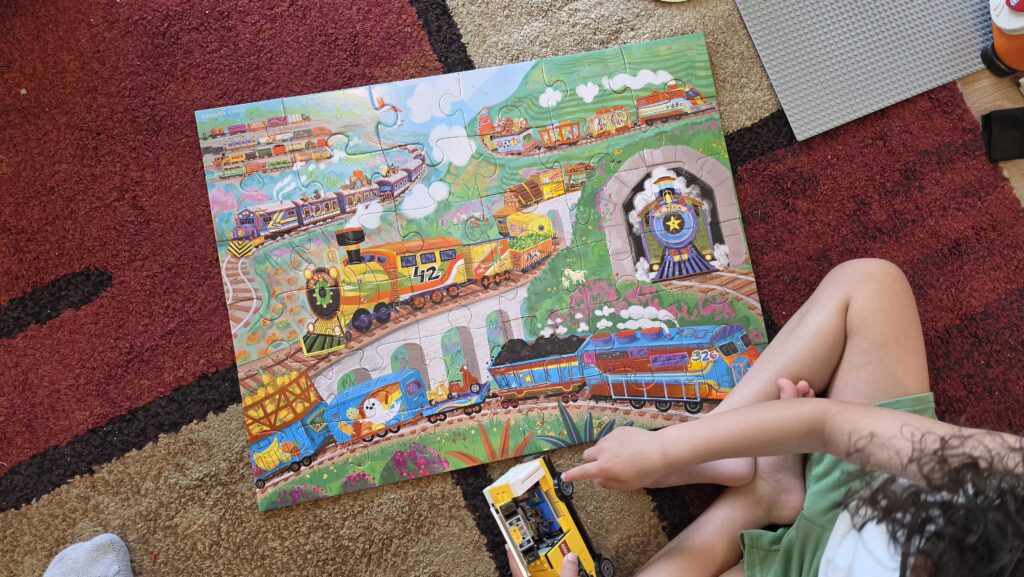
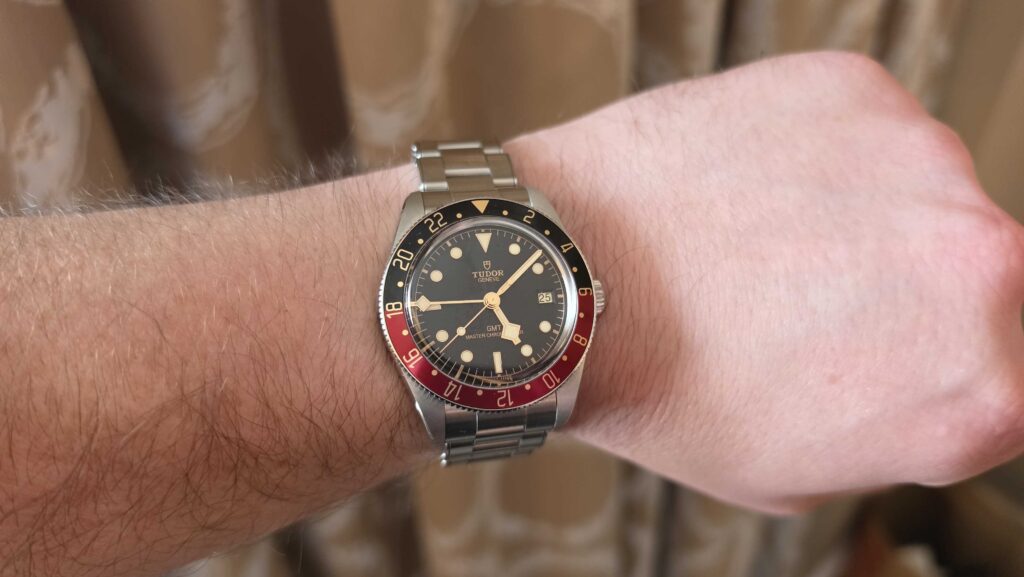
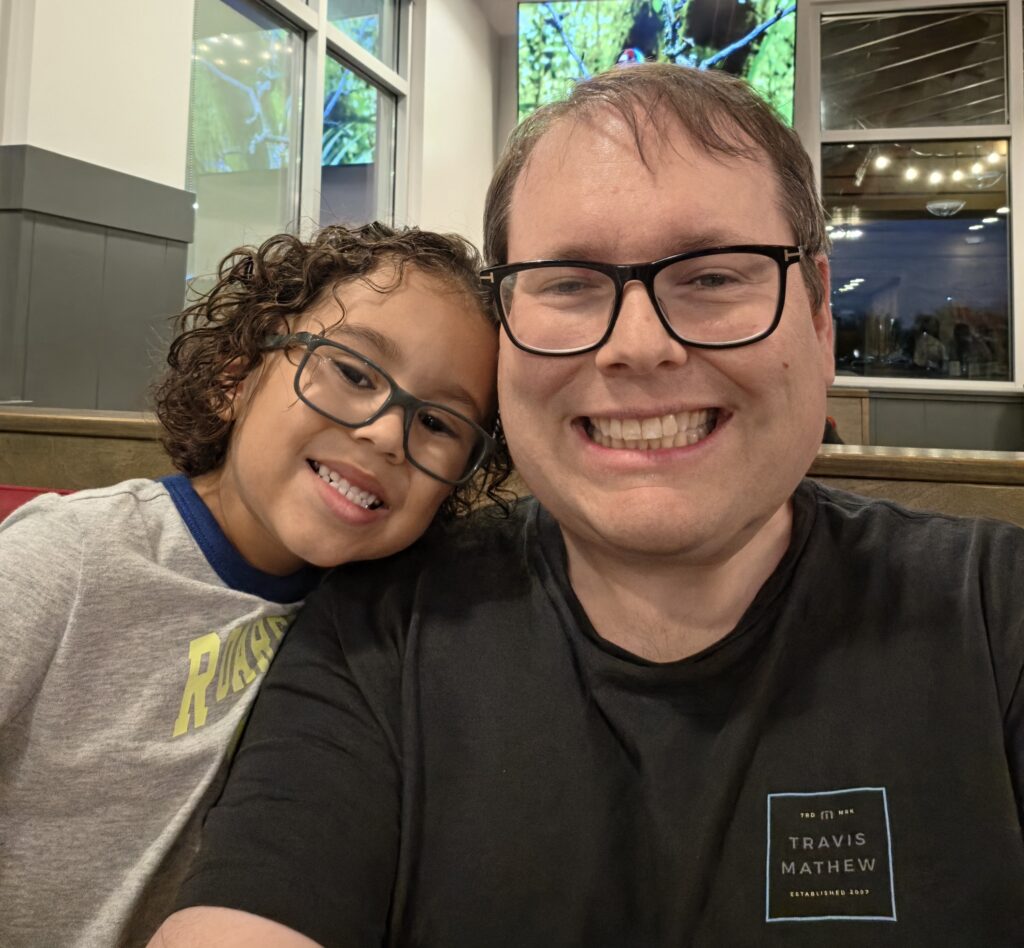
The camera system feels like a clear step up, especially the main sensor and 5x, which consistently deliver better detail and flexibility than the S25 Ultra. Even the selfie camera is noticeably sharper and more reliable for both photos and video calls, which isn’t something I say lightly. One more thing I like it works well with different skin tones.
Video tools that creators will love
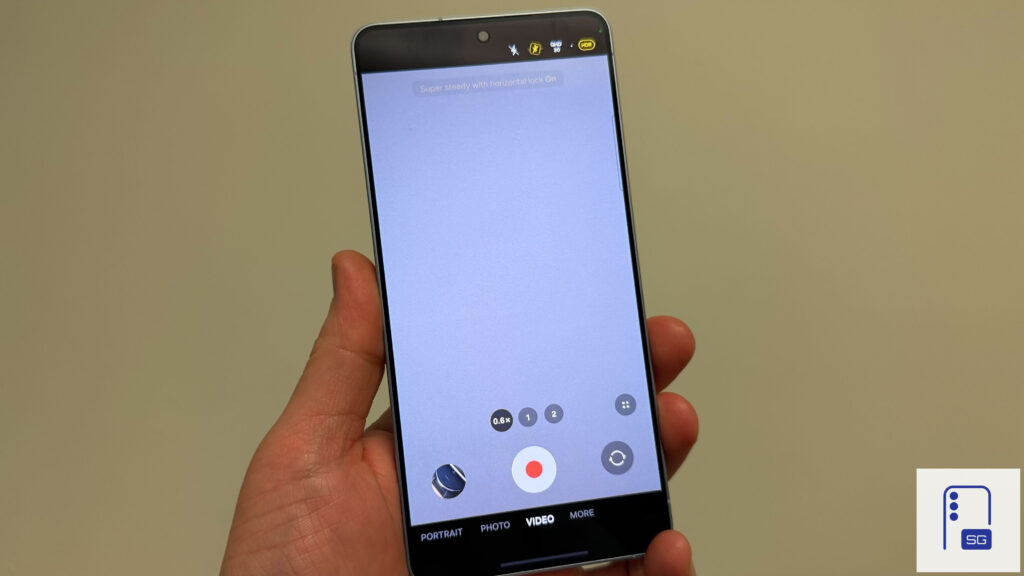
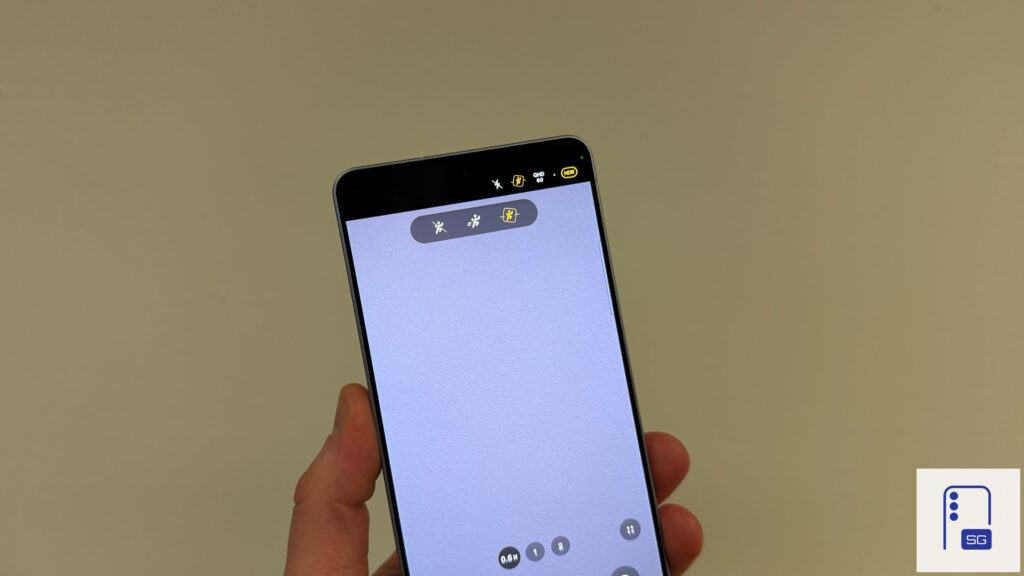
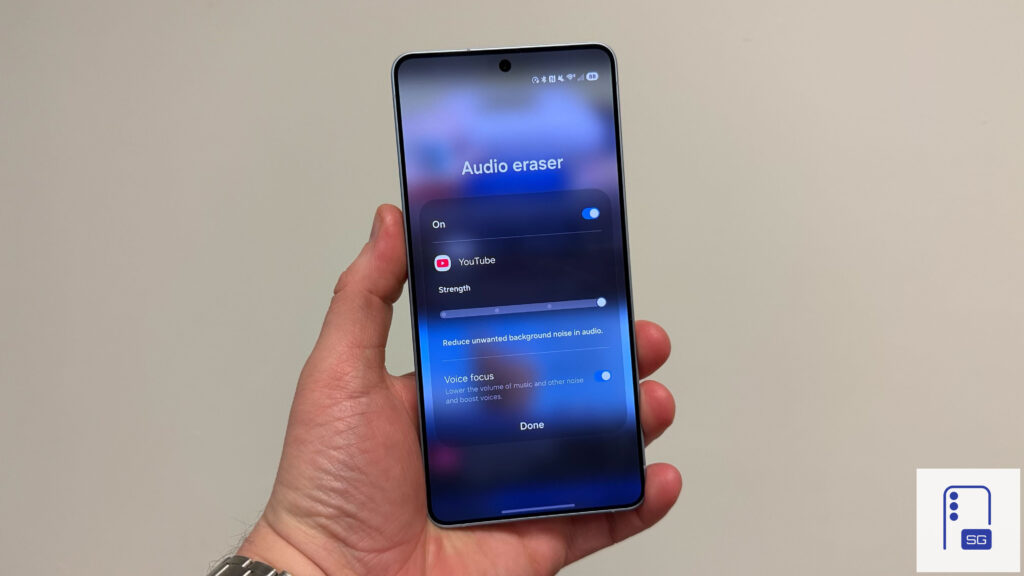
I make a lot of YouTube videos, and as much as I love my expensive camera, I need something I can just carry around. That’s where the Galaxy S26 Ultra gives me hope. Super Steady with Horizon Lock is genuinely mind blowing if you shoot a lot of video. It keeps footage level in a way that almost feels unfair. Add to that Audio Eraser working inside third party apps like YouTube, and you get tools that aren’t gimmicks.
Display and privacy perks
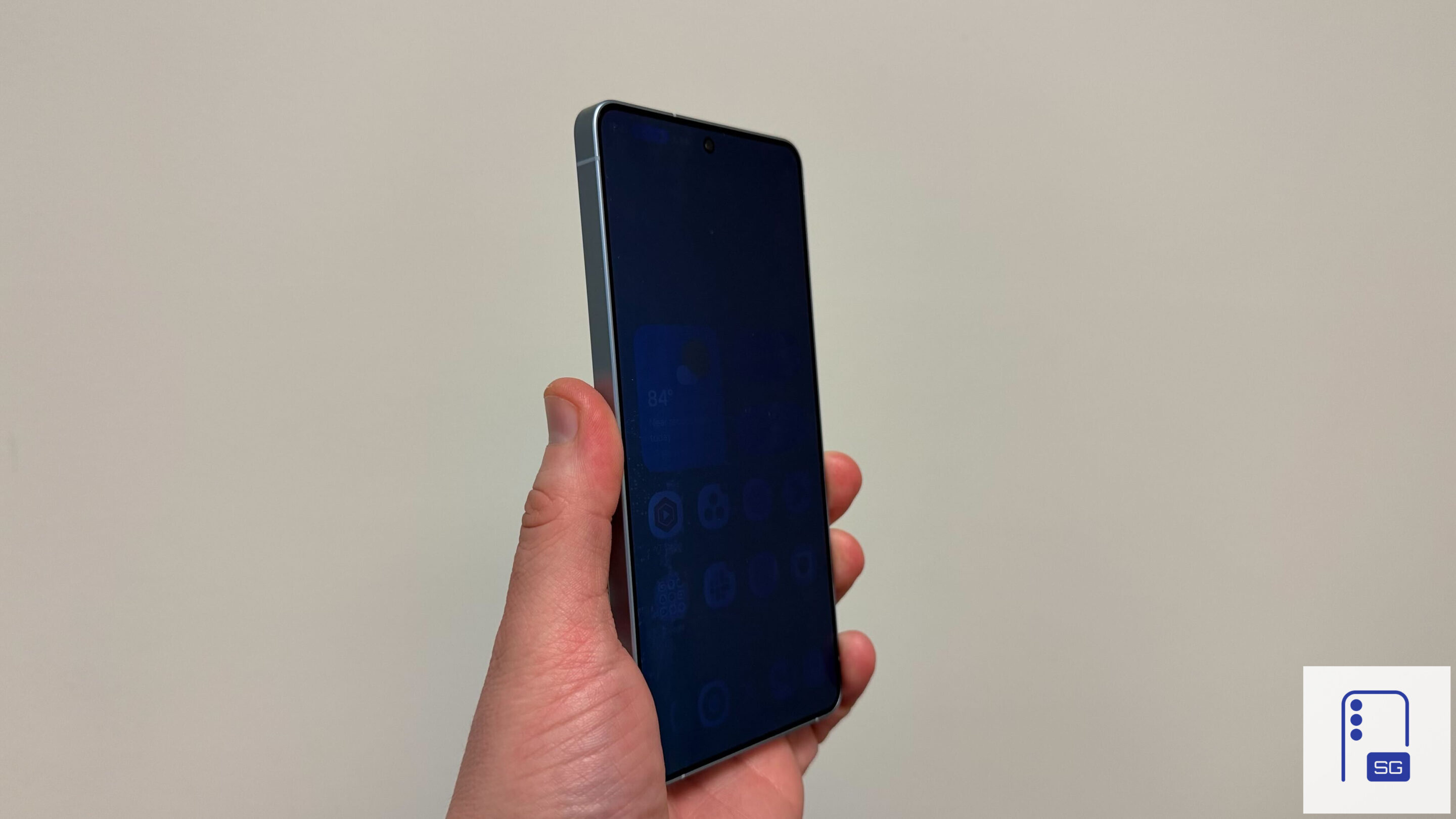
The display is more vibrant and gets noticeably brighter outdoors, which makes a real difference under harsh sunlight. Privacy Display is also more useful than expected. I mostly use it for notifications when I’m out, but even that small layer of control is reassuring. It’s one of those features you’re glad exists when you need it.
Battery, charging, and raw performance
60W wired and 25W wireless charging are simply convenient and shave off meaningful time. Battery life has been superb so far, easily hitting 6 to 7 hours of screen-on time with fairly heavy use. Performance is equally impressive, with strong processing power, cool thermals, and almost zero hiccups running One UI 8.5.
Galaxy S26 Ultra mini review: Cons
There are obviously a few things I didn’t like as much. One of them could still be fixed with a future update, since the phone hasn’t reached consumers yet. But the other two are just meh.
Notifications Highlights feels half-baked
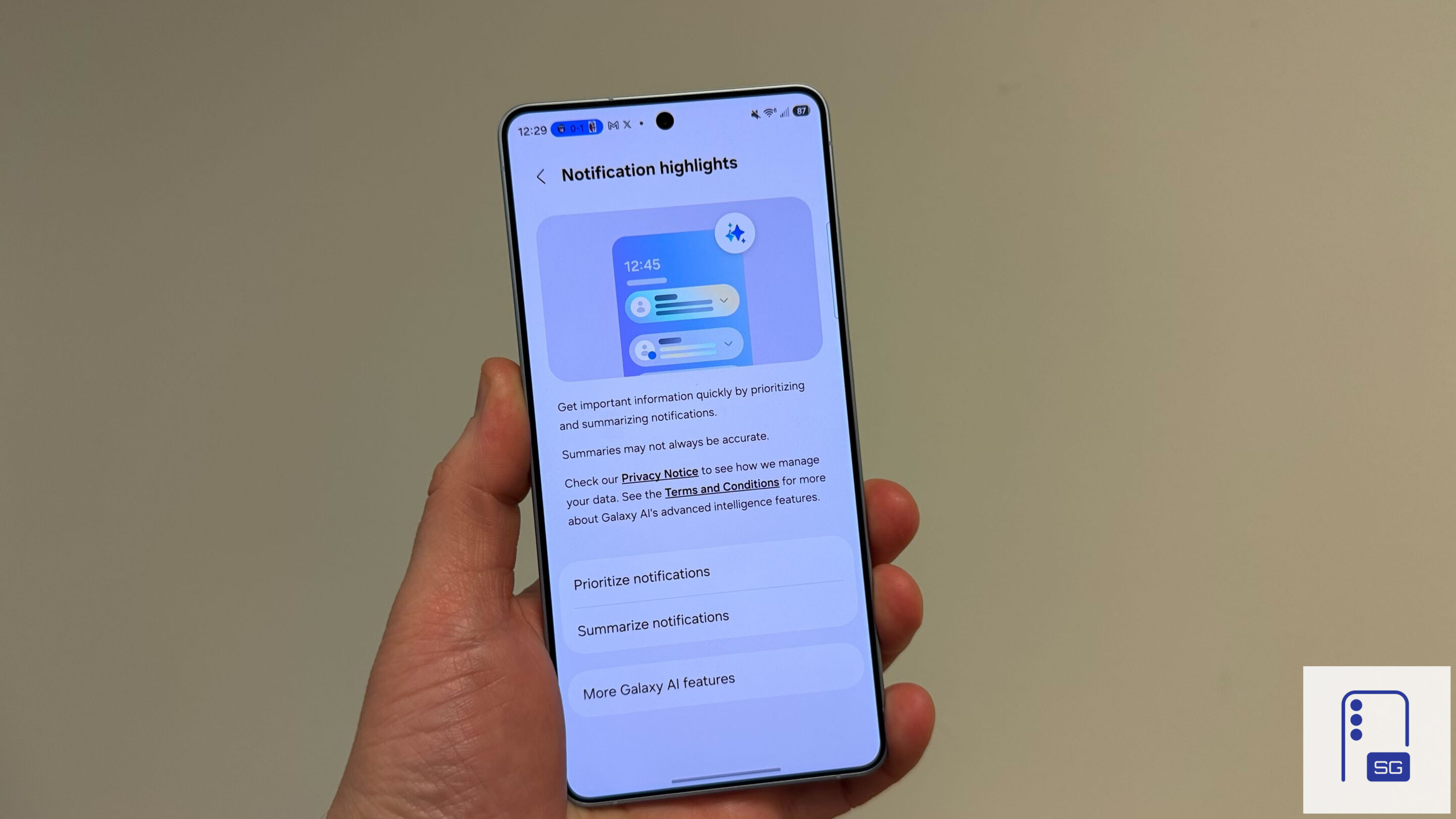
Notification Highlights hasn’t impressed me so far. The so-called priority alerts don’t line up with what I’d actually prioritize, and I’ve only seen a proper summary once, randomly, for a Facebook Messenger chat. Maybe it needs more time to learn my habits, but right now it feels undercooked.
5x focus distance is oddly restrictive
The 5x telephoto’s minimum focus distance is noticeably longer than on the S25 Ultra. In my experience, it needs roughly 8 to 10 inches more room before it locks focus properly. That might not sound like much, but for close-up shots or casual indoor photography, it makes the lens feel less flexible than it should be.
S Pen downgrade vibes
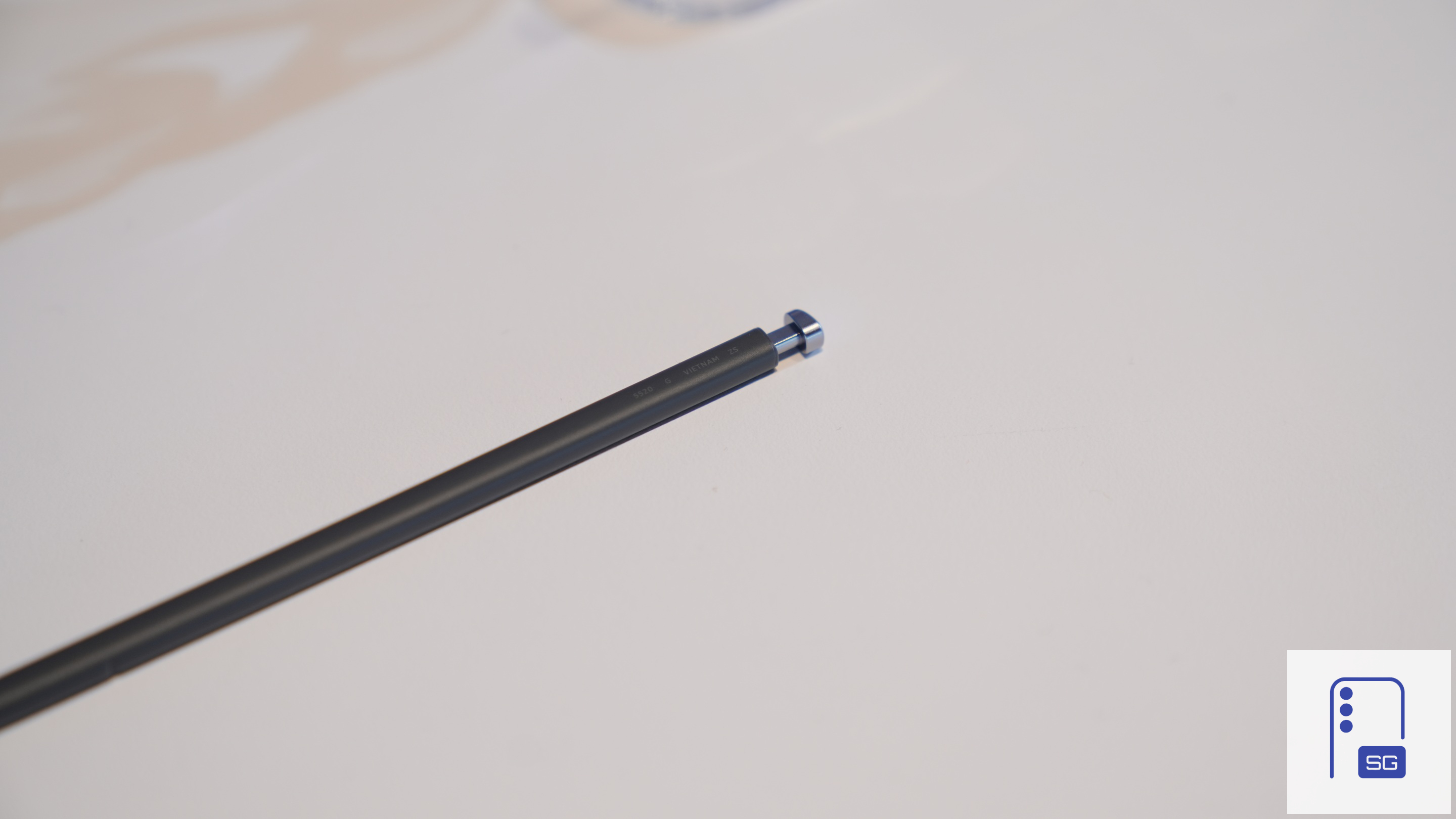
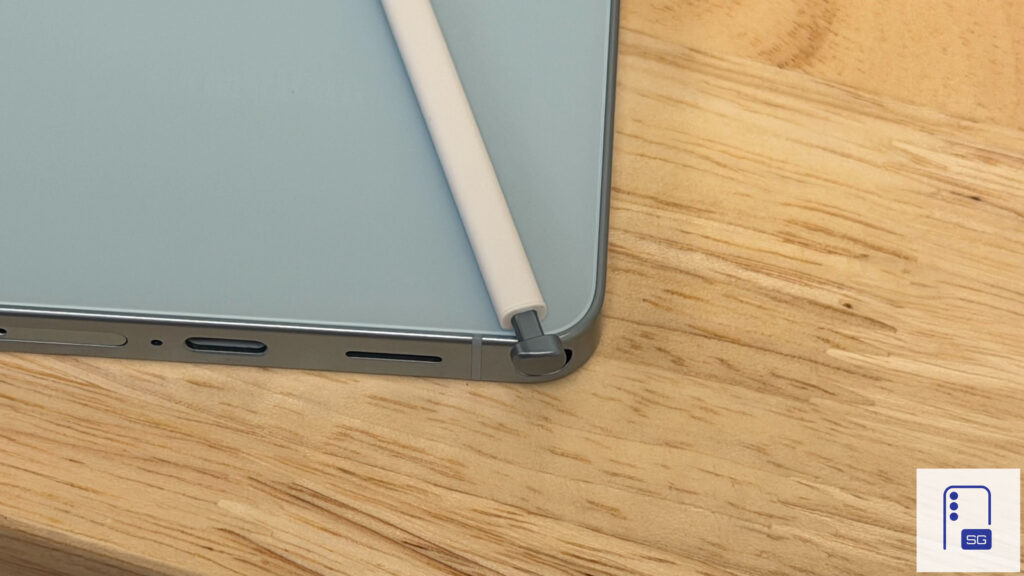
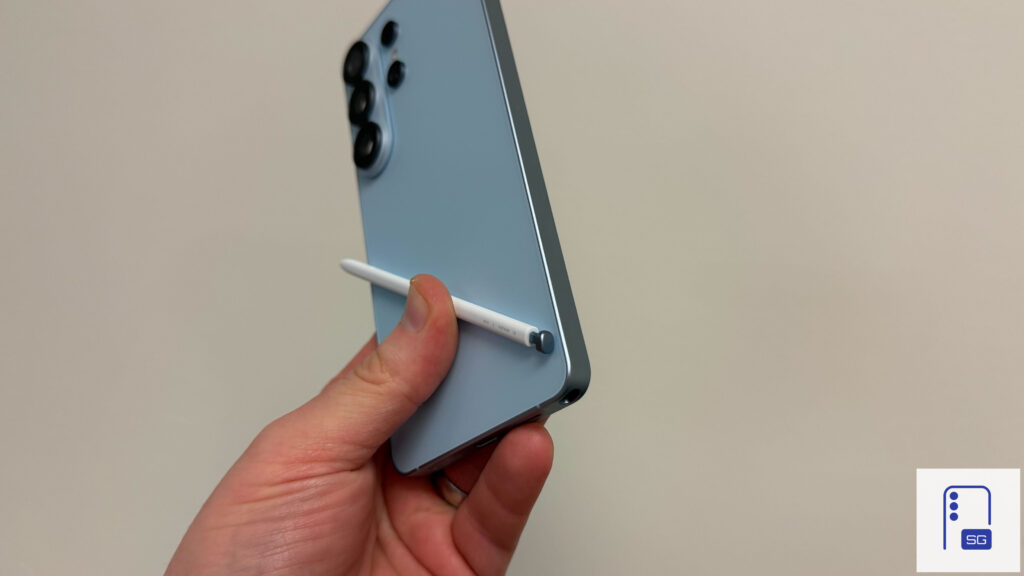
The S Pen just doesn’t feel as premium this time. It feels a bit cheaper in hand, and the fact that it can now only be inserted one way makes the whole experience less intuitive. It works fine, but compared to previous implementations, this feels like a small but noticeable step back.
Privacy Display does impact viewing when on
Privacy Display is a fantastic feature on the Galaxy S26 Ultra. But you should only use it when you need it. Your screen naturally becomes more pixelated (Privacy Display turns off some pixels) and the overall viewing experience is less than ideal. That being said, if you use the feature as intended (notifications and sensitive info only), this doesn’t negatively impact the overall experience at all.
That said, and just as a reminder, we’ll be back with our full Galaxy S26 Ultra review in a few weeks. As has become tradition lately, it’ll be a deep dive that takes into account every perspective, so keep an eye out for it. And make sure you subscribe to our newsletter to get daily updates in your inbox.
One more thing…
For those in the US, you can claim a free 65W GaN charger, USB-C earbuds, a screen protector, a phone cover, a desktop stand, a cleaning kit, and more when you buy the Galaxy S26 series using our affiliate link. To claim everything, just preorder using our link and fill out the verification form.

Written by
Jeff SpringerJeff Springer is the Founder and Managing Editor at SammyGuru. Pursuing his passion for mobile tech, he started covering Samsung and Android on his Youtube channel in 2014 and continues to post daily Samsung tutorial videos. As a past staff writer at XDA Developers and Android Police, Jeff has a wealth of experience managing written content as well. In 2023, Jeff started SammyGuru to offer a different type of Samsung news site. He firmly believes that providing great value to readers is the core mission of our coverage. Jeff lives in Phoenix, AZ with his wife and two kids. In his small amount of free time, he collects fountain pens, stationery, and Pokémon cards.

Follow us on Google Discover & set us as a preferred source in Google News
Share this Post
___________________________


New Blog Posts
___________________________

First Set of Pixel 11 Pro XL Renders Are Here
Pixel 11 Pro XL CAD renders show minimal design changes

Is Samsung Preparing One UI 8.5 Beta for Galaxy Z Fold 5 and Flip 5?
Samsung may launch a One UI 8.5 beta program for its 2023 foldables

Galaxy S25 One UI 8.5 Beta May Run Longer Than Expected
Galaxy S25 series’ One UI 8.5 beta may stretch to 10 rounds







