
Galaxy S26 Missing Camera Modes? Here’s How to Get Them Back
SammyGuru is reader-supported. We have affiliate and sponsored partnerships, so we may earn a commission when you buy through links on our site — at no extra cost to you. Learn more.
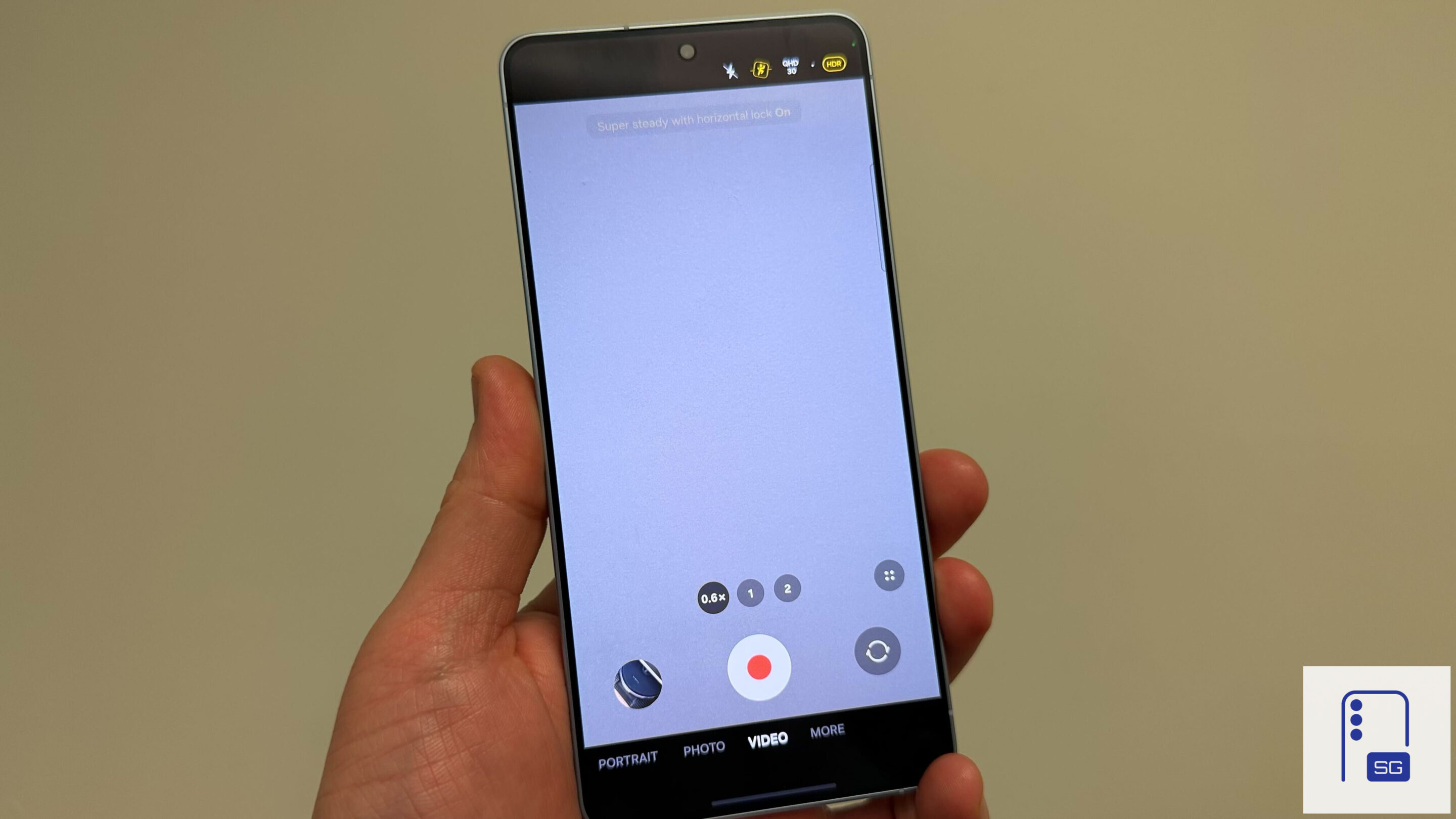
If you have just upgraded to a Galaxy S26 or S26 Ultra and are disappointed that Samsung has removed some camera modes, we have good news for you. Samsung hasn’t actually axed camera features like Night, Dual Recording, and Single Take. Instead, it has tucked them away inside Camera Assistant. You have to manually enable them in Camera Assistant before they show up in the main camera app. Here’s how to do it.
How to restore Night, Dual Recording, and Single Take camera features on Galaxy S26
For reasons best known to Samsung, the company decided to move some camera features to Camera Assistant in One UI 8.5. Dual Recording and Single Take were dropped first during One UI 8.5 beta testing for the Galaxy S25 series. Now, when the Galaxy S26 launched, Samsung also tucked Night mode away inside Camera Assistant.
For anyone not aware of this change, it would look like Samsung has removed these features. They are nowhere to be found in the camera app. Thankfully, it’s pretty easy to bring them back. You can do it with just a few steps.
- If you do not have the Camera Assistant app installed on your Galaxy S26, download it from the Galaxy Store.
- When downloaded, open the app.
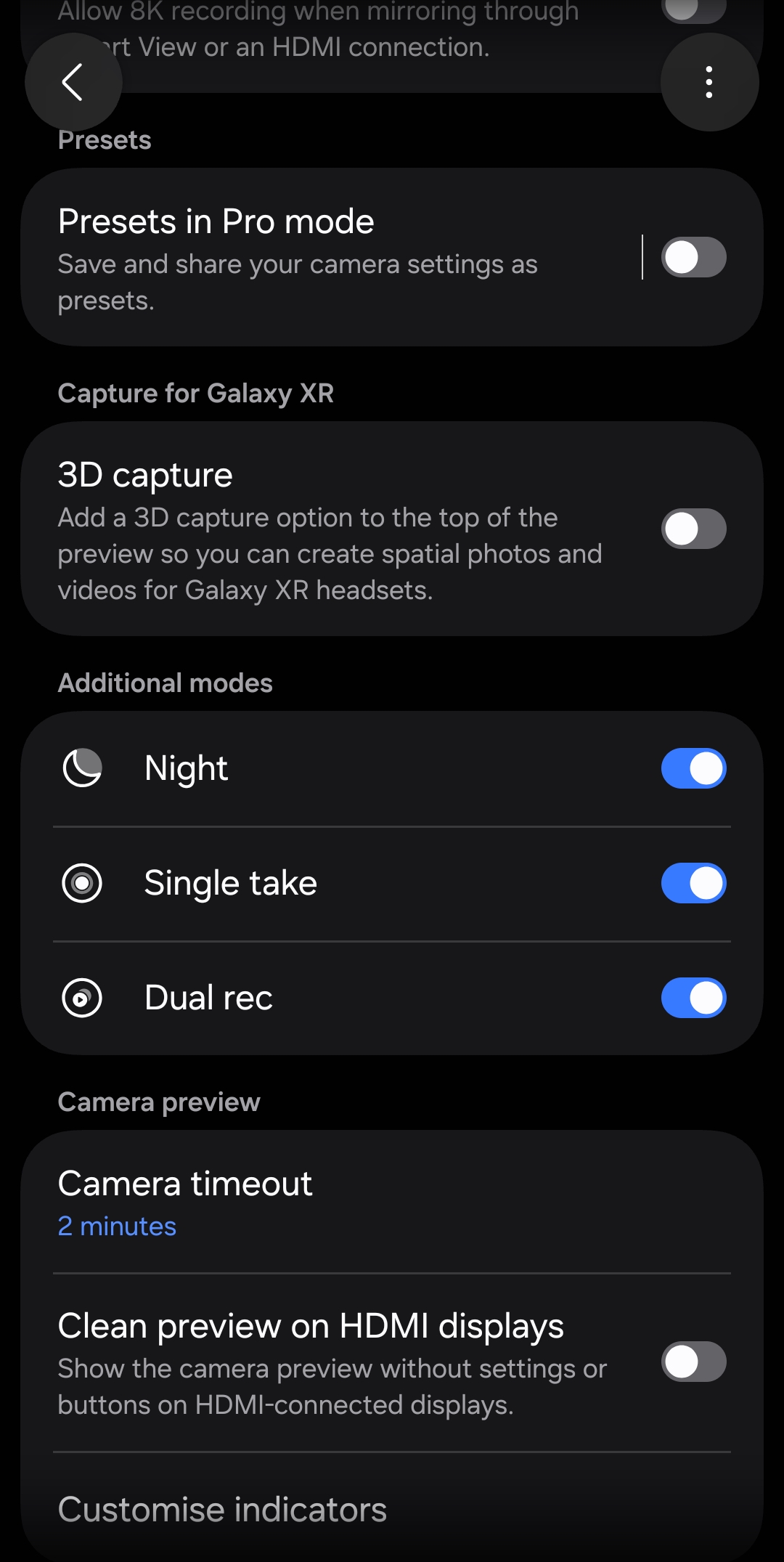
- Scroll to the “Additional modes” section.
- Enable the toggles for Night, Single Take, and Dual Rec.
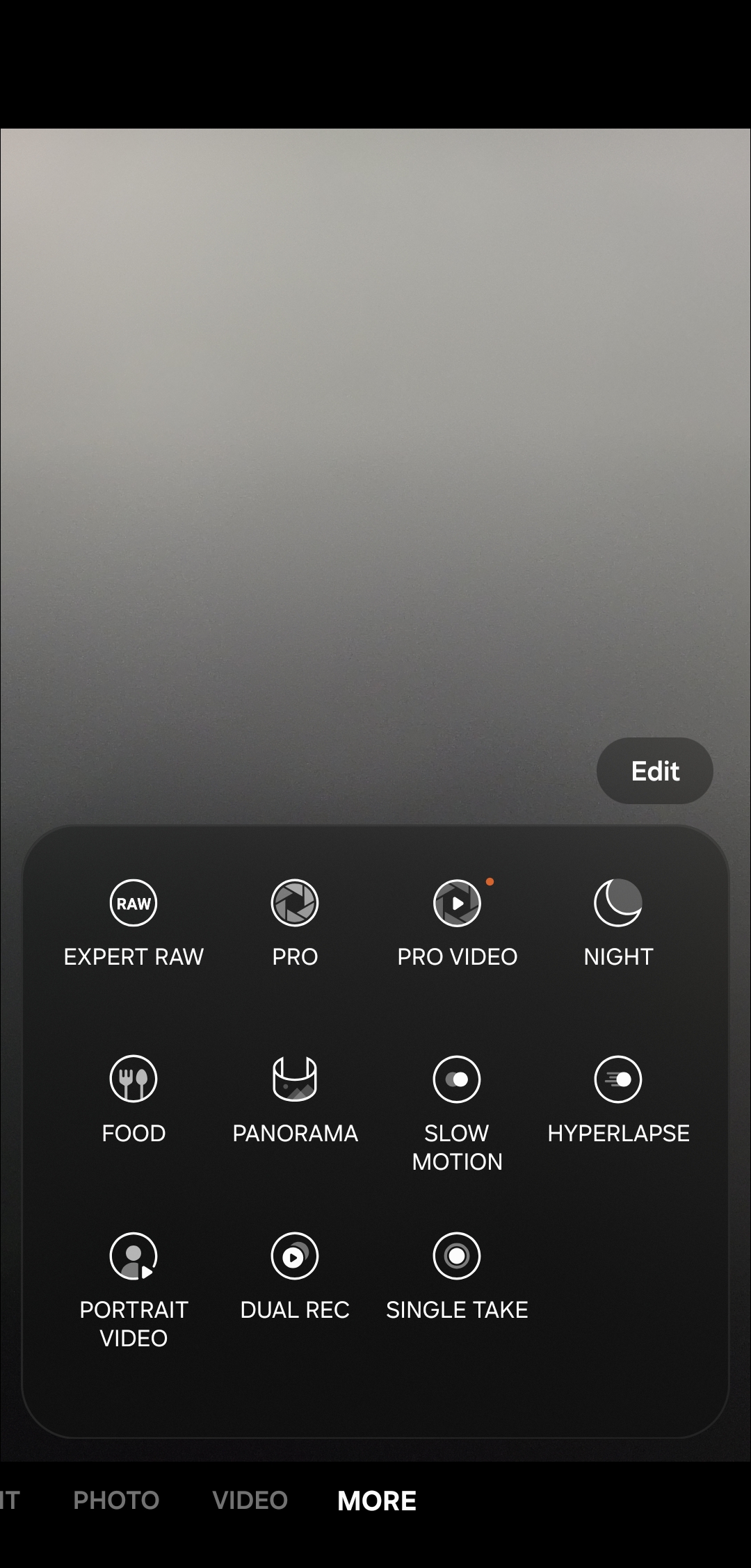
Once done, these modes will reappear in the main camera app’s More section just like before.
Note: This change applies to every Galaxy device on One UI 8.5. If you are currently using One UI 8, these camera features will move to Camera Assistant when you update to the new version.
For many Galaxy users, especially those who rely on these features for content creation or quick captures, Samsung’s decision feels like an unnecessary step backward. Users now need to install a separate app just to bring back features that were previously available by default. It’s an extra step that feels unnecessary, especially for something as core as camera functionality.
Samsung may be doing it to declutter the camera interface. But for now, it feels like a solution to a problem that didn’t exist. Thankfully, the company has made it relatively easy to reverse the change. Functionally, nothing has changed. These camera modes work exactly as before; perhaps a little better on the Galaxy S26 series.

Written by
Sumit AdhikariSumit, a life-long Samsung user, is passionate about technology and has been professionally writing on tech since 2017. He’s a mathematics graduate by education and enjoys teaching basic mathematics tricks to school kids in his spare time. Sumit believes in artificial intelligence and dreams of a fully open, intelligent and connected world.

Follow us on Google Discover & set us as a preferred source in Google News
Share this Post
___________________________


New Blog Posts
___________________________

First Set of Pixel 11 Pro XL Renders Are Here
Pixel 11 Pro XL CAD renders show minimal design changes

Is Samsung Preparing One UI 8.5 Beta for Galaxy Z Fold 5 and Flip 5?
Samsung may launch a One UI 8.5 beta program for its 2023 foldables

Galaxy S25 One UI 8.5 Beta May Run Longer Than Expected
Galaxy S25 series’ One UI 8.5 beta may stretch to 10 rounds







