
Galaxy S26 Loses Hey Plex Voice Wake-Up After Latest Update
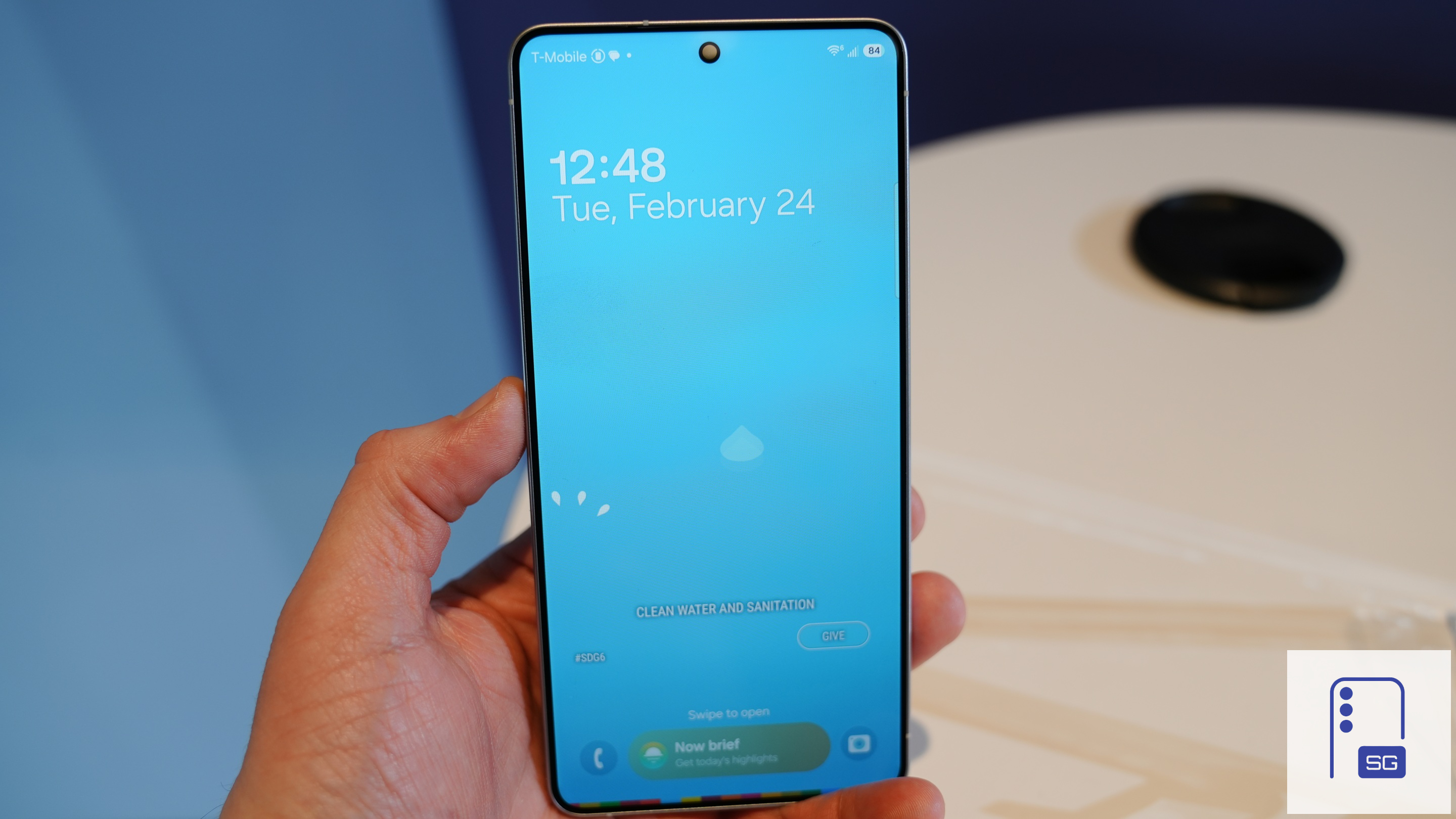
Samsung ships the Galaxy S26 series with Perplexity integration, allowing users to summon the AI assistant with the wake word “Hey Plex.” However, it looks like the first update for the phones quietly removed this handy voice command. The company has yet to share the reason for the change or confirm whether it is a temporary bug.
Galaxy S26’s Perplexity wake-up command does not work
With the Galaxy S26 series, you can enjoy Perplexity assistant alongside the usual two: Bixby and Gemini. When you press and hold the side button, Perplexity launches immediately, letting you ask questions or run apps. The assistant can also be triggered hands-free by saying “Hey Plex,” even when the screen is off. While the former method is still working, the latter seems to have stopped functioning.
As first spotted by Sammyfans, Samsung removed the Hey Plex detection option on Galaxy S26 Ultra. This came to light after the latest software update, which includes the February 2026 security patch. We also confirmed on our Galaxy S26 that the feature is indeed missing. Simply put, the Perplexity overlay on the screen does not show up with voice commands.
To set up “Hey Plex”, head over to the Perplexity app’s Assistant section in Settings. Simply enable Hey Plex detection, and record your voice for better accuracy. But this ability is no longer showing after the software update, meaning users can’t enable voice wake-up on the Galaxy S26 series.
Hopefully, Samsung will bring back “Hey Plex” in the next software update. Until then, you need to use Perplexity by pressing and holding the side button. Of course, it does not offer the hands-free convenience, but you can still enjoy advanced AI assistance with ease.
Meanwhile, the update brings a new feature called Inactivity Restart that helps protect stored sensitive data. The phone will automatically restart if it hasn’t been used for 72 hours. After restarting, you’ll need your passcode or biometric fingerprint to unlock the device.

Follow us on Google Discover & set us as a preferred source in Google News
Share this Post
___________________________


New Blog Posts
___________________________

First Set of Pixel 11 Pro XL Renders Are Here
Pixel 11 Pro XL CAD renders show minimal design changes

Is Samsung Preparing One UI 8.5 Beta for Galaxy Z Fold 5 and Flip 5?
Samsung may launch a One UI 8.5 beta program for its 2023 foldables

Galaxy S25 One UI 8.5 Beta May Run Longer Than Expected
Galaxy S25 series’ One UI 8.5 beta may stretch to 10 rounds


