
Galaxy S26’s APV Codec Now Available for LumaFusion Users
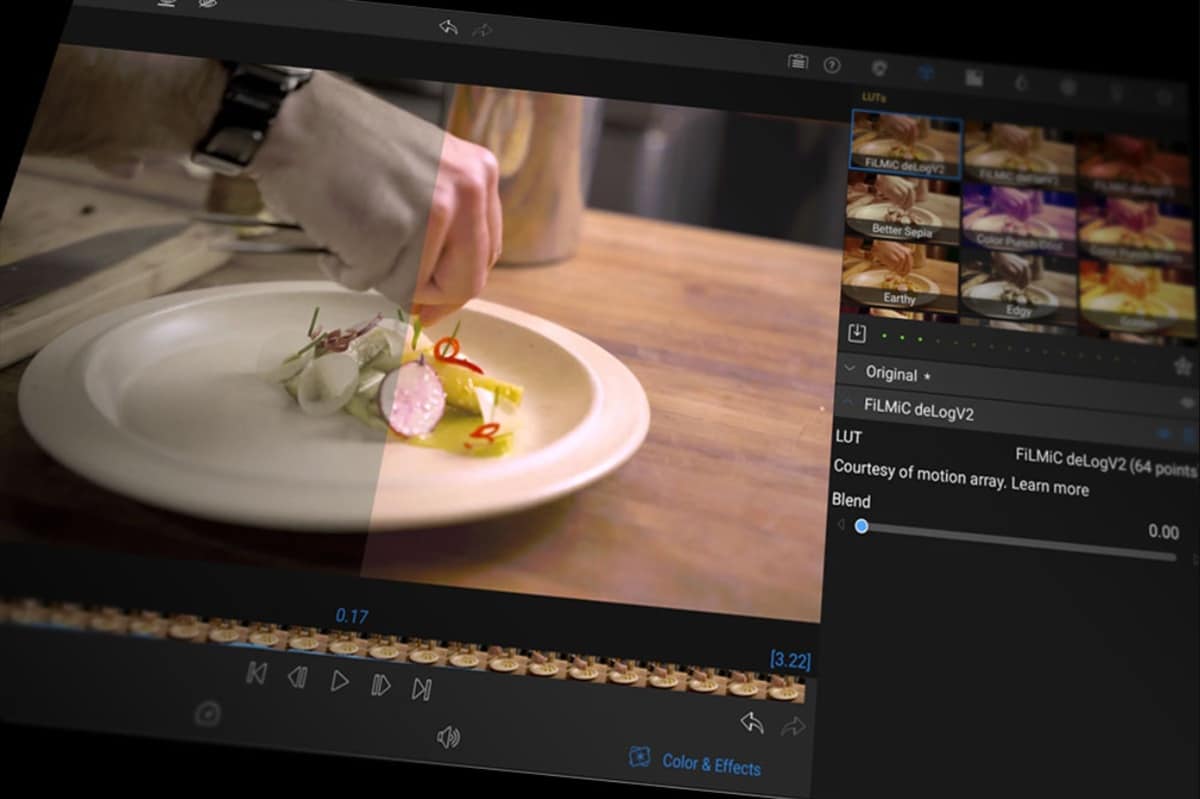
Samsung’s APV (Advanced Professional Video) codec is quickly gaining traction ahead of the Galaxy S26 launch. A few weeks ago, popular video editing app DaVinci Resolve added support for the new format. LumaFusion, another big name in the video editor space, also now allows users to export videos using Samsung’s professional-grade codec.
LumaFusion adds support for Samsung’s APV video codec on Android
Launched in late 2024, APV is a lossless video compression standard designed for professional-grade recording and editing on mobile devices. Samsung touts the new codec to deliver cinema-quality video while using around 20% less storage than competing codecs. It supports up to 8K resolution with 16-bit color depth. APV also offers HDR video workflows, intra-frame encoding, and easier post-production.
Google added native APV support in Android 16, laying the groundwork for broader adoption across devices and apps. Qualcomm also adopted the format into its newly launched Snapdragon 8 Elite Gen 5 chipset. This brings Android closer to Apple’s professional video ecosystem, which has supported ProRes recording since the iPhone 13 generation and now even offers ProRes RAW on newer models.
Samsung is widely expected to introduce APV support with its upcoming Galaxy S26 series. Ahead of that, third-party app support is starting to fall into place. After DaVinci Resolve, LumaFusion added APV support with the latest update for Android (version 2.5). The update introduces the ability to export videos in the new professional format.
Beyond APV support, LumaFusion v2.5 introduces several practical workflow enhancements aimed at improving editing efficiency. The ‘Find Selected Clip in Library’ and ‘Find Selected Clip in Timeline’ options help users quickly locate assets in complex projects. You also get easier transition handling, including:
-
- Applying both head and tail transitions to the same clip
- Adding transitions to multiple selected clips at once
- Using a double-tap gesture to instantly apply transitions
These changes can make a huge difference for creators working with dense timelines and large media libraries. You can download LumaFusion on your Galaxy smartphone or tablet through the Google Play Store or the Galaxy Store. It normally costs $29.99 but is currently discounted to just $10.19 on the Galaxy Store (regular price on the Google Play Store).

Follow us on Google Discover & set us as a preferred source in Google News
Share this Post
___________________________


New Blog Posts
___________________________

First Set of Pixel 11 Pro XL Renders Are Here
Pixel 11 Pro XL CAD renders show minimal design changes

Is Samsung Preparing One UI 8.5 Beta for Galaxy Z Fold 5 and Flip 5?
Samsung may launch a One UI 8.5 beta program for its 2023 foldables

Galaxy S25 One UI 8.5 Beta May Run Longer Than Expected
Galaxy S25 series’ One UI 8.5 beta may stretch to 10 rounds


