
Galaxy S25 Ultra Still Running October 2024 Play System Update Is Unacceptable
SammyGuru is reader-supported. We have affiliate and sponsored partnerships, so we may earn a commission when you buy through links on our site — at no extra cost to you. Learn more.
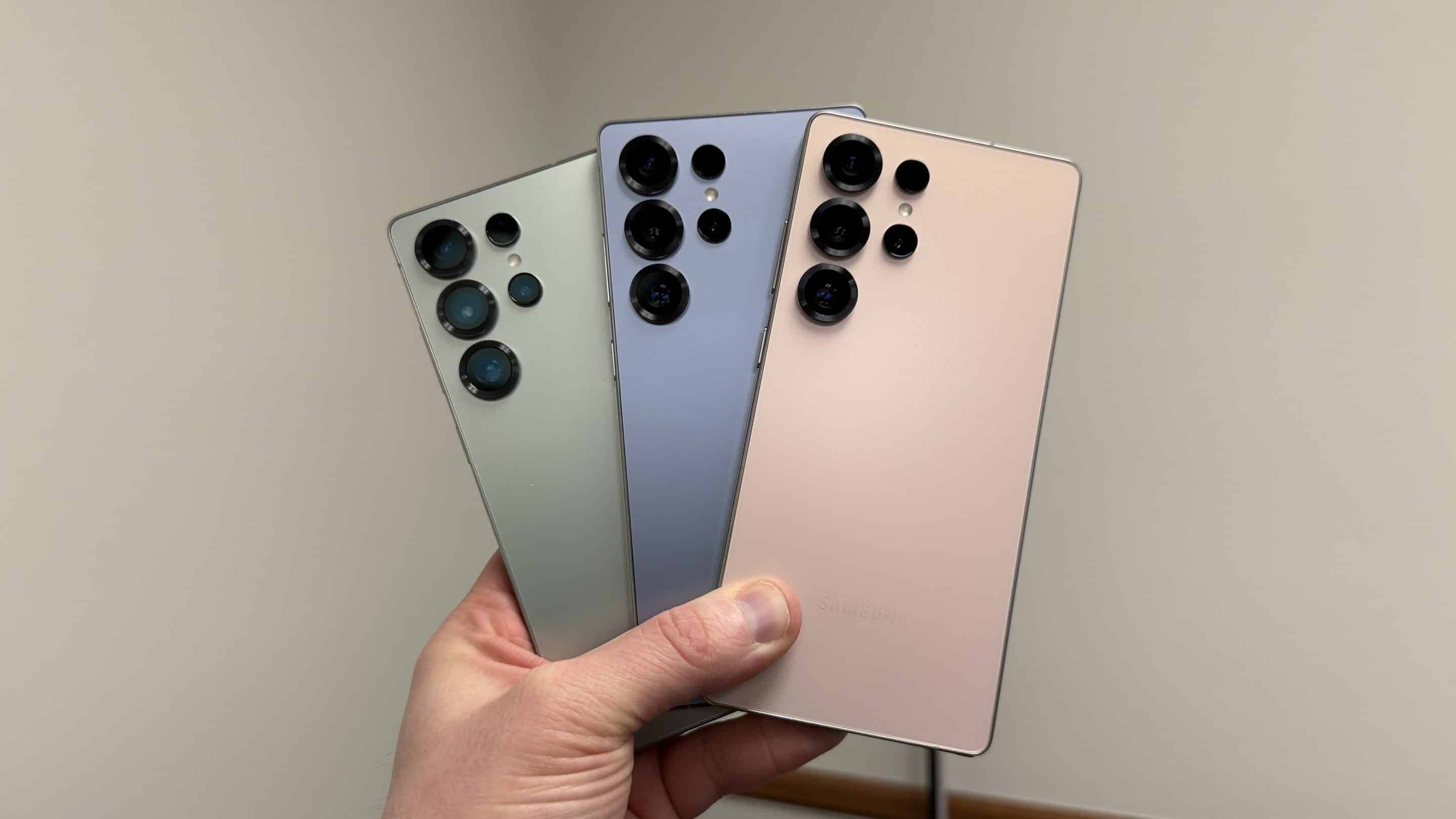
While we’re all eagerly awaiting the stable One UI 7.0 update for eligible devices, there’s something that’s flying under the radar. Samsung’s latest Galaxy S25 series is still stuck on the October 2024 Google Play System Update. C’mon, it’s been over four months since that update began rolling out. And Samsung has yet to push any new updates.
For those who may not know, the Google Play System Update is important because it brings essential security improvements and new features from Google. Delays in these updates not only leave devices exposed to potential security risks but also prevent users from enjoying the latest features.
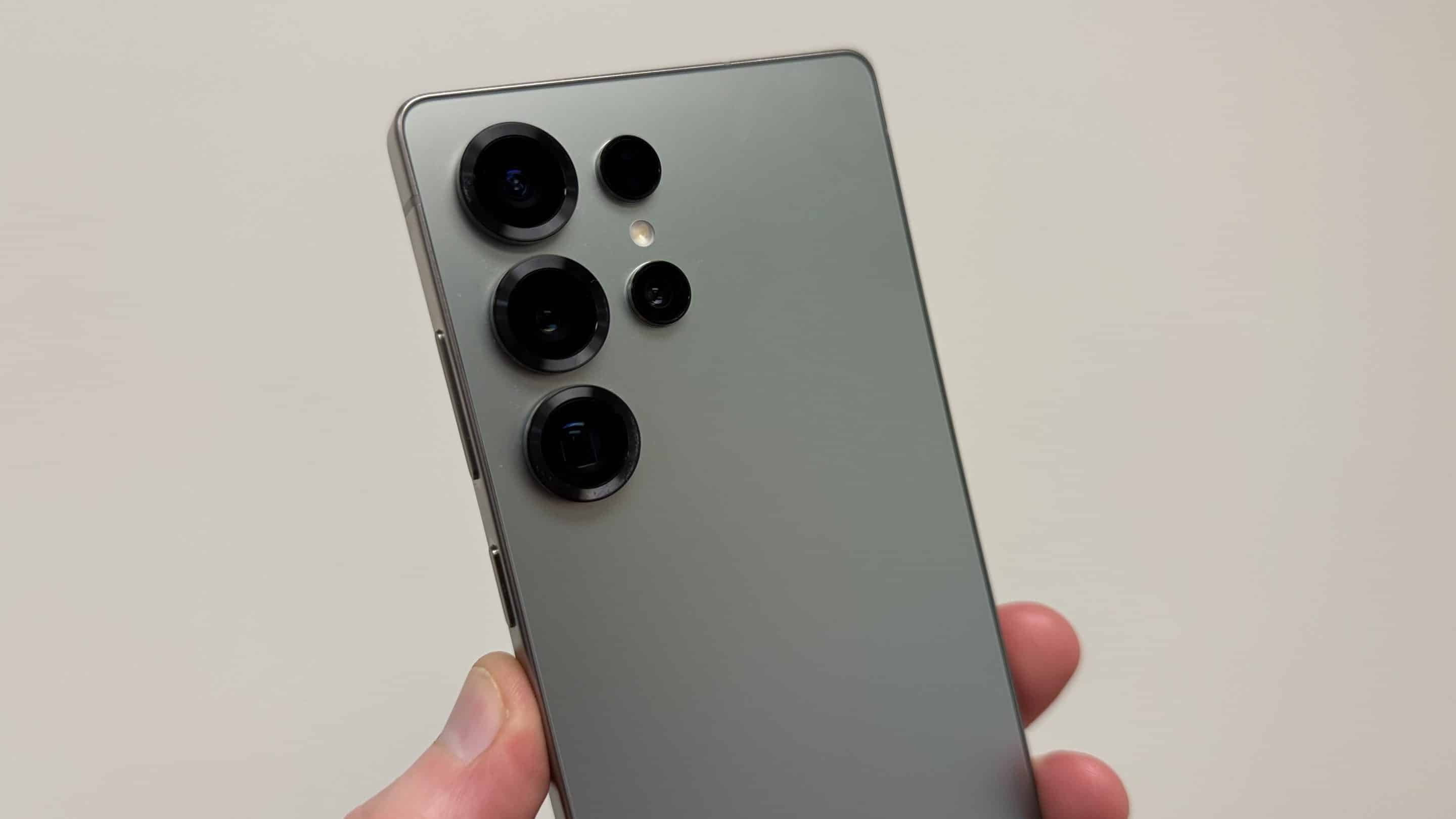
It simply doesn’t add up why the Galaxy S25 series is running October Play System Update
In January 2024, Samsung promised that the Galaxy S24 series would receive seven years of updates. Thankfully, the Galaxy S25 series covers the same policy. However, considering that the S25 series is still stuck on the October 2024 Google Play System Update and the Galaxy S24 is still struggling to get the stable One UI 7.0 update, this commitment doesn’t quite add up.
Despite this promise, users have reported outdated Google Play System Updates on their devices. For example, one user on Samsung’s community forum shared that their Galaxy S25 Ultra was still running the October 1, 2024 update as of mid-February 2025.
Samsung has started to address some concerns by releasing the first software update for the Galaxy S25 series recently. It includes the February 2025 security patch with bug fixes and improvements. However, it still doesn’t resolve the delay in Google Play System Updates.
At this point, Google and Samsung must sit together to ensure these devices stay up-to-date with the latest software. Perhaps they could start with the latest models? Meanwhile, you should keep checking by heading to Settings > Security & privacy > System & updates > Google Play system update.
Thanks for the tip, AceofJoshi!

Written by
Abhinav AnandAbhinav Anand is the News Editor at SammyGuru and a technology journalist based in New Delhi. Before joining SammyGuru, he contributed to numerous outlets, including Android Headlines, ExtremeTech, The Mac Observer, Financial Express, Economic Times, iGeeksBlog, KnowTechie, PhonesWiki, SlashGear, and more. You can reach him at abhinav@sammyguru.com.

Follow us on Google Discover & set us as a preferred source in Google News
Share this Post
___________________________


New Blog Posts
___________________________

First Set of Pixel 11 Pro XL Renders Are Here
Pixel 11 Pro XL CAD renders show minimal design changes

Is Samsung Preparing One UI 8.5 Beta for Galaxy Z Fold 5 and Flip 5?
Samsung may launch a One UI 8.5 beta program for its 2023 foldables

Galaxy S25 One UI 8.5 Beta May Run Longer Than Expected
Galaxy S25 series’ One UI 8.5 beta may stretch to 10 rounds







