
Galaxy Devices That Have Received January 2026 Security Update
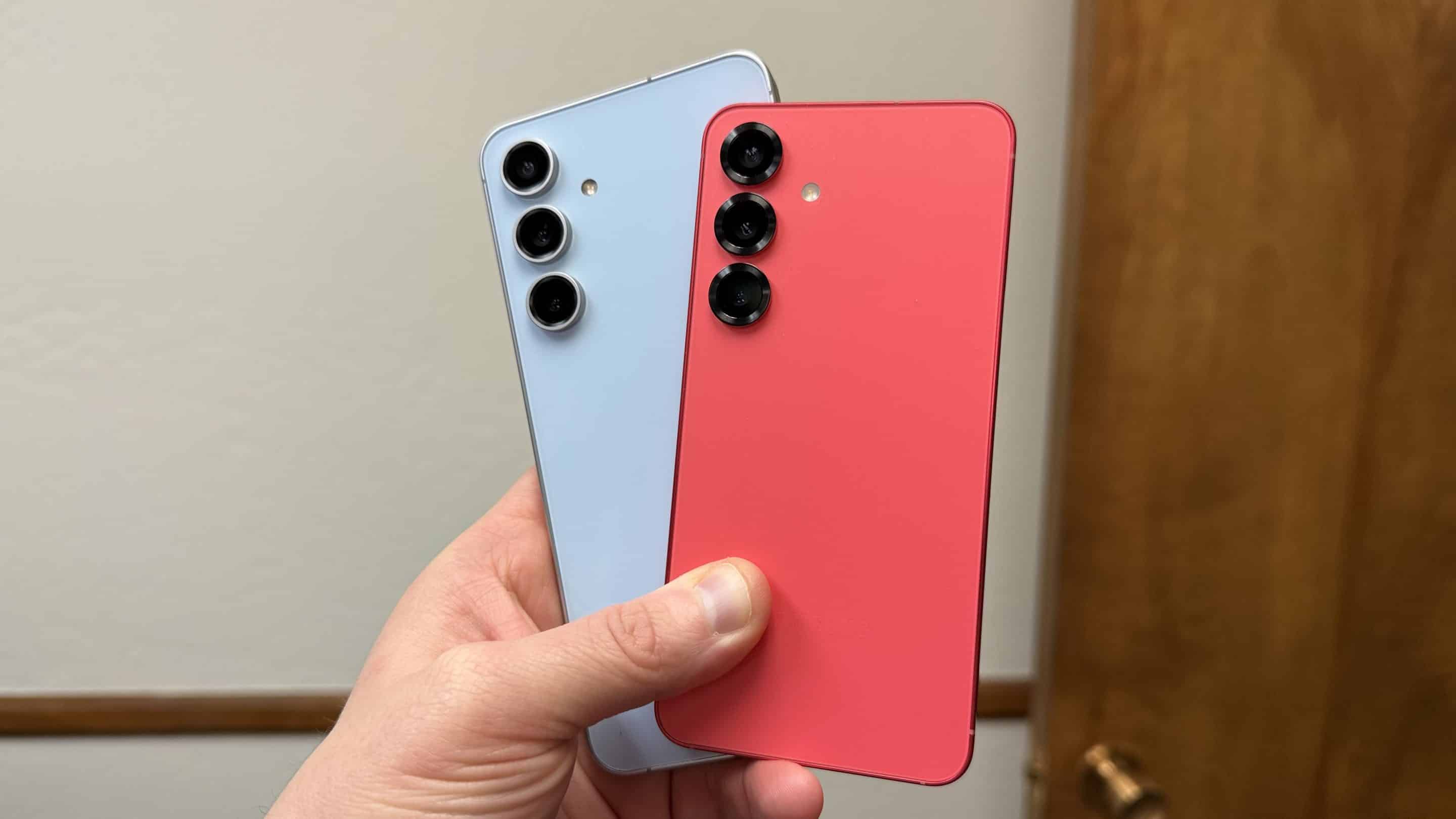
Calendar has changed, and Samsung is rolling out the January 2026 security update. Once again, the Galaxy A34 is the first device to receive the latest security patch. In the coming days, Samsung is expected to expand the rollout to more devices. As usual, the Galaxy S25 series, along with the Z Fold 7 and Flip 7, should be next in line.
The January 2026 security update includes fixes for more than 50 security issues affecting the Galaxy lineup. Some of these are Android-level patches, while the rest are Samsung-specific. Four of the fixes from Google are labeled critical, but once the update is available on your device and installed, you will no longer be at risk.
January 2026 security update rollout has begun for these Galaxy devices
The full rollout takes several weeks. In the meantime, you can always come back and check this list, which shows all Galaxy devices that have started receiving the January 2026 security update. We keep this roundup updated regularly, and if you see your device on the list but the rollout hasn’t begun for you yet, you’ll need to wait, as Samsung’s launch timelines often vary by region. Last updated on February 4.
S series
- Galaxy S25, Galaxy S25+, Galaxy S25 Ultra, Galaxy S25 Edge, Galaxy S25 FE
- Galaxy S24, Galaxy S24+, Galaxy S24 Ultra, Galaxy S24 FE
- Galaxy S23, Galaxy S23+, Galaxy S23 Ultra, Galaxy S23 FE
- Galaxy S22, Galaxy S22+, Galaxy S22 Ultra
- Galaxy S21, Galaxy S21+, Galaxy S21 Ultra, Galaxy S21 FE
Z series
- Galaxy Z TriFold
- Galaxy Z Fold 7, Galaxy Z Flip 7
- Galaxy Z Fold 7, Galaxy Z Flip 7
- Galaxy Z Fold Special Edition
- Galaxy Z Fold 6, Galaxy Z Flip 6
- Galaxy Z Fold 5, Galaxy Z Flip 5
- Galaxy Z Fold 4, Galaxy Z Flip 4
A series
- Galaxy A04e, Galaxy A04, Galaxy A05, Galaxy A06 4G, Galaxy A07
- Galaxy A14, Galaxy A15 4G, Galaxy A15, Galaxy A16 4G, Galaxy A16, Galaxy A17
- Galaxy A23 4G, Galaxy A23, Galaxy A24, Galaxy A25, Galaxy A26
- Galaxy A33, Galaxy A34, Galaxy A35, Galaxy A36
- Galaxy A53, Galaxy A54, Galaxy A55, Galaxy A56
- Galaxy A73
M series
- Galaxy M04, Galaxy M06
- Galaxy M15, Galaxy M16
- Galaxy M23
- Galaxy M33, Galaxy M34, Galaxy M35, Galaxy M36
- Galaxy M53, Galaxy M54
Xcover series
Tab series
- Galaxy Tab S11, Galaxy Tab S11 Ultra
- Galaxy Tab S10+, Galaxy Tab S10 Ultra
- Galaxy Tab S9, Galaxy Tab S9+, Galaxy Tab S9 Ultra
- Galaxy Tab S8, Galaxy Tab S8+, Galaxy Tab S8 Ultra
- Galaxy Tab S6 Lite, Galaxy Tab S10 Lite
- Galaxy Tab S10 FE, Galaxy Tab S10 FE+
- Galaxy Tab S9 FE, Galaxy Tab S9 FE+
- Galaxy Tab A9, Galaxy Tab A9+
- Galaxy Tab Active 5, Galaxy Tab Active 5 Pro
If your Galaxy device is on the list, you can go to Settings > Software update > Download and install to get the update. Moreover, if your device has already received the update but we haven’t reported it yet, you can write to us at tips@sammyguru.com and include your device name, region, and a screenshot showing the build version.

Follow us on Google Discover & set us as a preferred source in Google News
Share this Post
___________________________


New Blog Posts
___________________________

First Set of Pixel 11 Pro XL Renders Are Here
Pixel 11 Pro XL CAD renders show minimal design changes

Is Samsung Preparing One UI 8.5 Beta for Galaxy Z Fold 5 and Flip 5?
Samsung may launch a One UI 8.5 beta program for its 2023 foldables

Galaxy S25 One UI 8.5 Beta May Run Longer Than Expected
Galaxy S25 series’ One UI 8.5 beta may stretch to 10 rounds


