
Galaxy Devices on One UI 8 get New Features with Latest Home Up Update
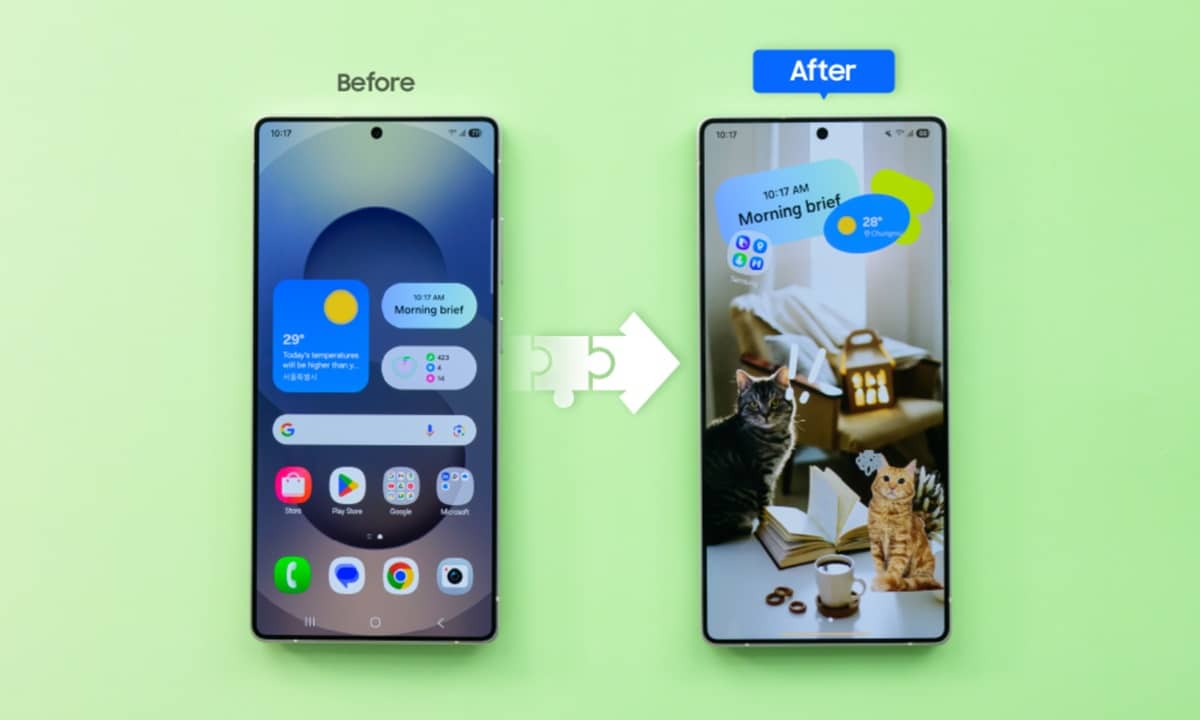
Last week, Samsung rolled out a new update for Home Up. While the official release notes didn’t mention much, the latest version brings new features to Galaxy devices running One UI 8. Most notably, this update integrates Home Up into the system settings, simplifying home screen customizations.
Home Up’s One UI 8 update now rolling out widely
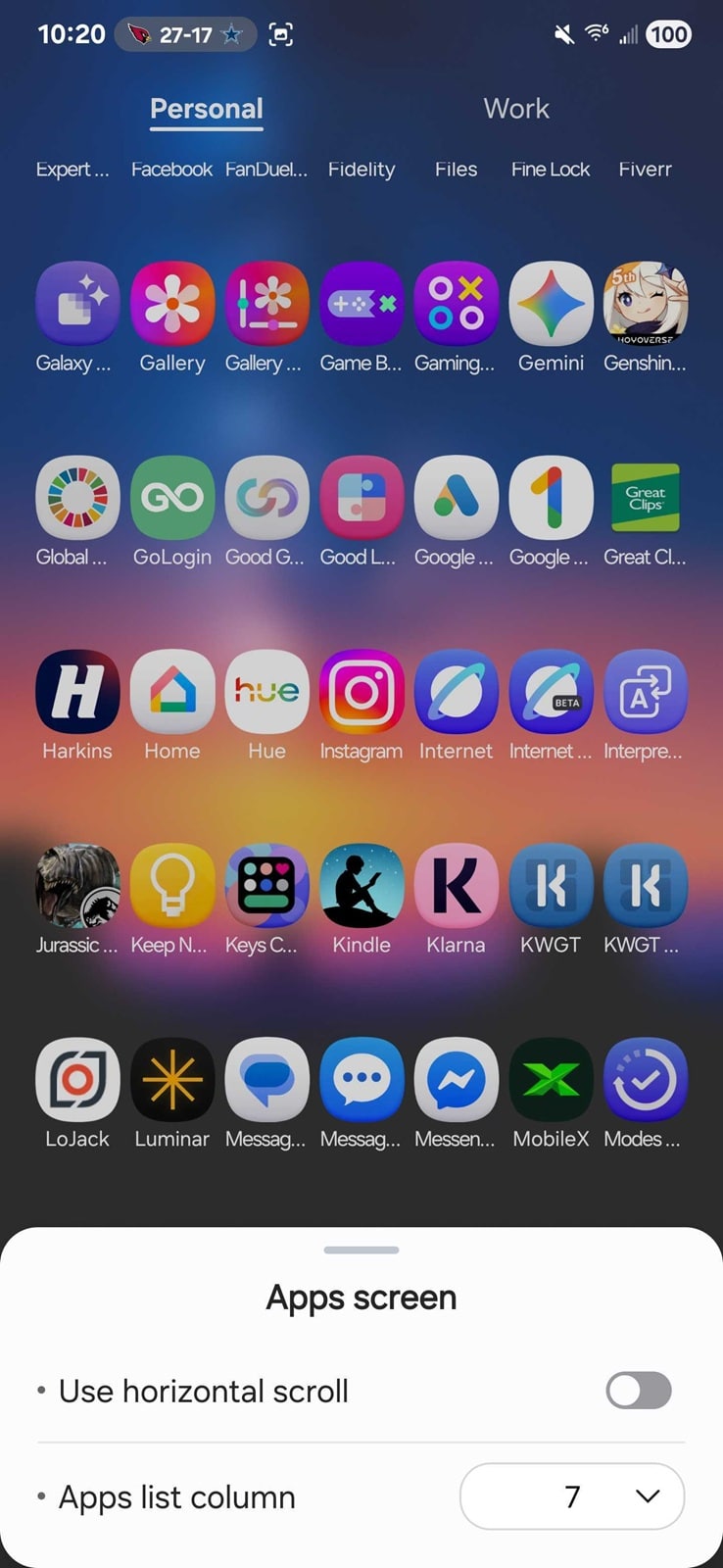
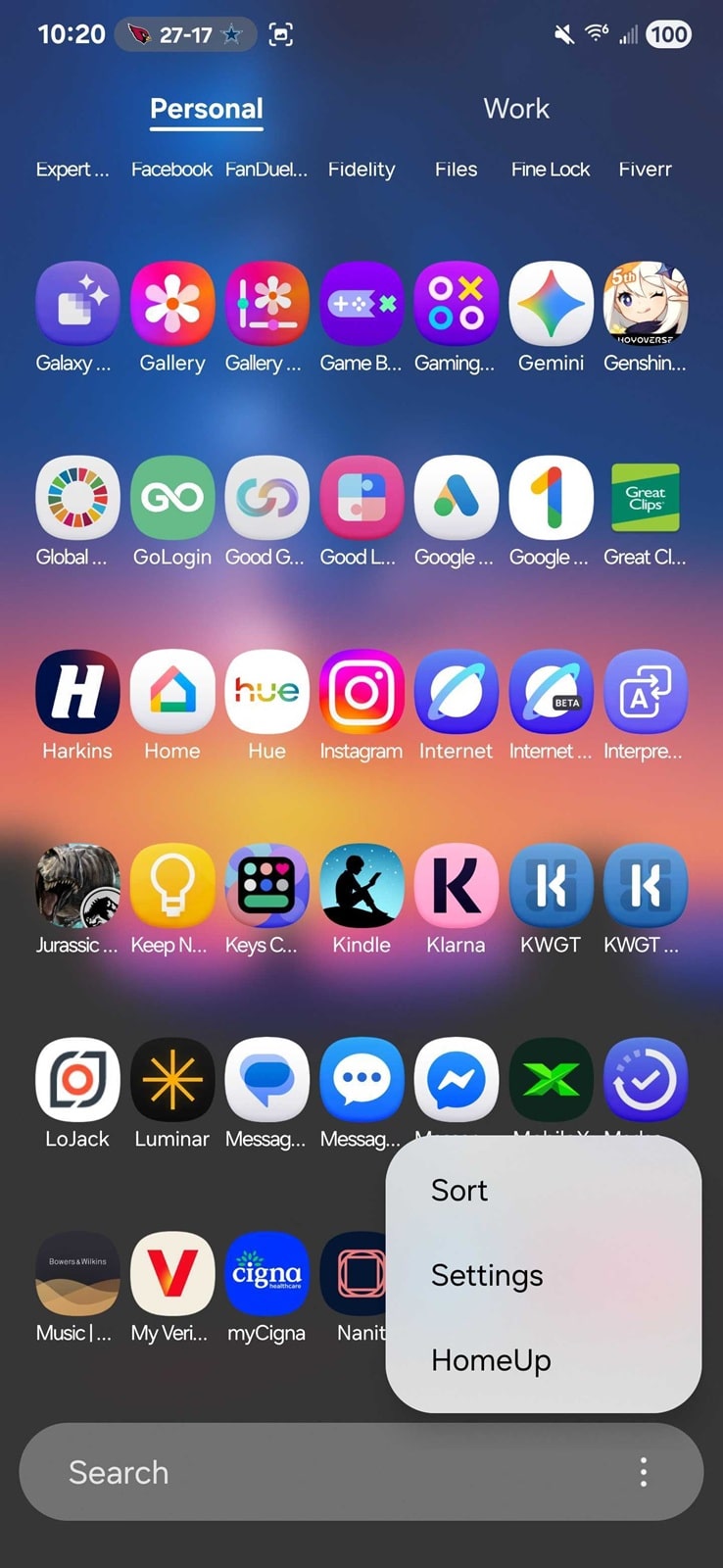
Home Up is one of the most popular Good Lock modules in Samsung’s suite. It lets you customize home screen settings, animations, gestures, and more UI elements. With One UI 8, Samsung added more tools and integrated some Home Up features into the system settings. You no longer have to open the Home Up app to tweak basic settings like grid layouts and Recents view.
While Galaxy devices that shipped with One UI 8 out of the box received these enhancements early, Samsung has finally begun a wider rollout of Home Up’s One UI 8 update. Version 17.0.00.48, rolled out last week, brings these additional customizations to a broader audience. It’s a small but meaningful quality-of-life change that makes experimenting with layouts faster and easier.
The DIY Home feature, introduced in One UI 7, also gets upgrades in One UI 8. Users can now move icons and widgets with a new floating repositioning button, giving precise control similar to third-party launchers. It’s another step toward letting Galaxy users fully personalize their home experience. Some of the announced features may not be available for certain models or could be delayed until another update.
Nonetheless, this is a major update for customization enthusiasts, giving Galaxy users more ways than ever to shape their home screens to their liking. The rollout is happening gradually through the Galaxy Store. If you use Home Up, go to Good Lock to see if the new version is available for you. You can also check for updates from the Galaxy Store (hamburger menu > Updates).

Follow us on Google Discover & set us as a preferred source in Google News
Share this Post
___________________________


New Blog Posts
___________________________

First Set of Pixel 11 Pro XL Renders Are Here
Pixel 11 Pro XL CAD renders show minimal design changes

Is Samsung Preparing One UI 8.5 Beta for Galaxy Z Fold 5 and Flip 5?
Samsung may launch a One UI 8.5 beta program for its 2023 foldables

Galaxy S25 One UI 8.5 Beta May Run Longer Than Expected
Galaxy S25 series’ One UI 8.5 beta may stretch to 10 rounds


