
Galaxy A56 Beats Flagships to Samsung’s August 2025 Security Update
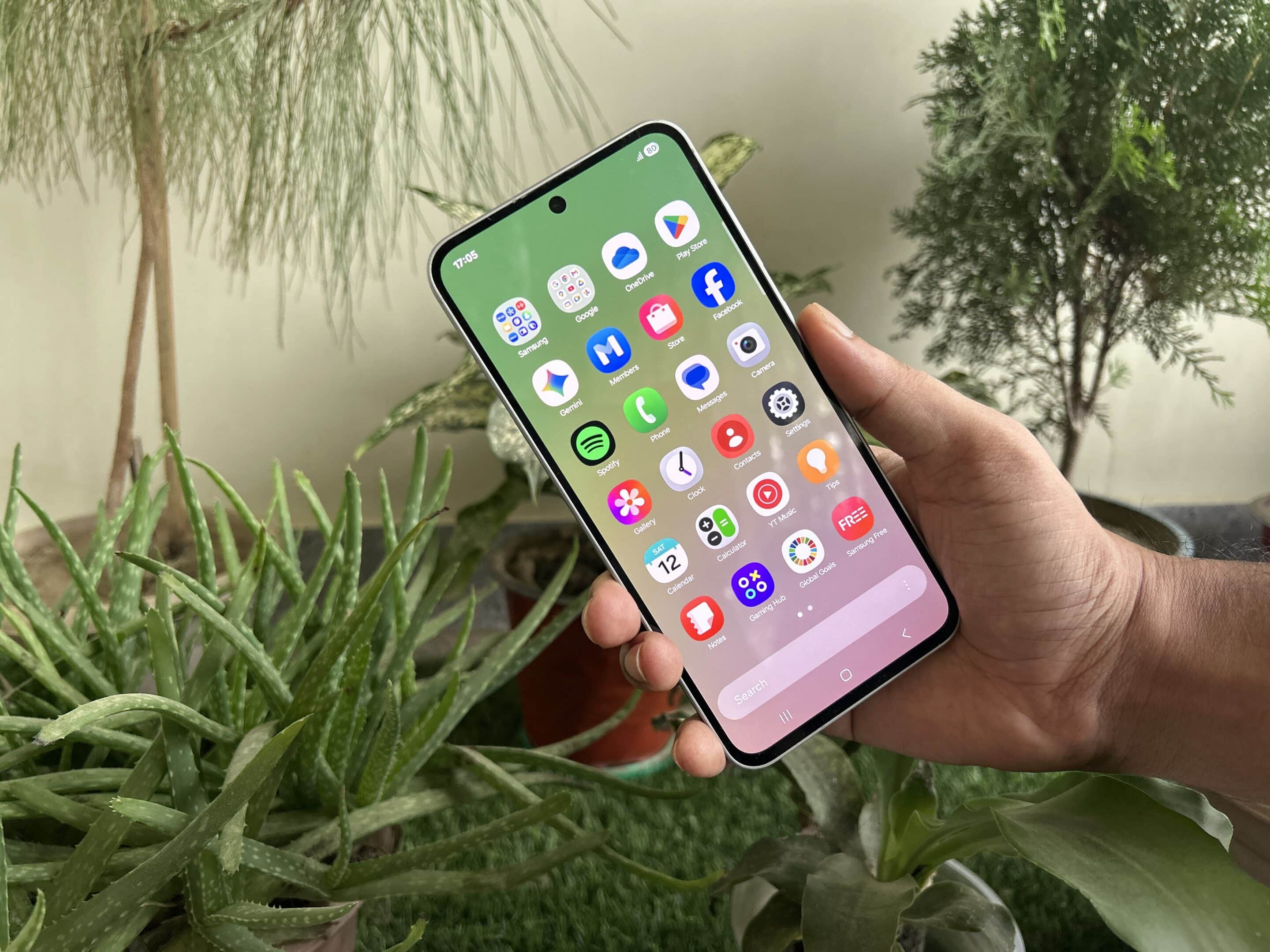
Samsung has kicked off its August 2025 SMR (Security Maintenance Release) journey with a fresh update for the Galaxy A56, its latest premium mid-range smartphone. Beating even its flagship siblings to the punch, the A56 is the first Galaxy device to receive this month’s patch, which addresses dozens of security vulnerabilities. More Galaxy phones should follow soon as the rollout expands.
Galaxy A56 leads the charge for Samsung’s August 2025 security update rollout
The August 2025 update is now rolling out for the Galaxy A56 in Europe, where users are getting the build version A566BXXS6AYGE. The update weighs in at approximately 370MB and contains nothing more than this month’s security fixes. Samsung recently revealed that the latest SMR addresses nearly 50 vulnerabilities, including a critical Android OS flaw and 18 Galaxy-specific issues.
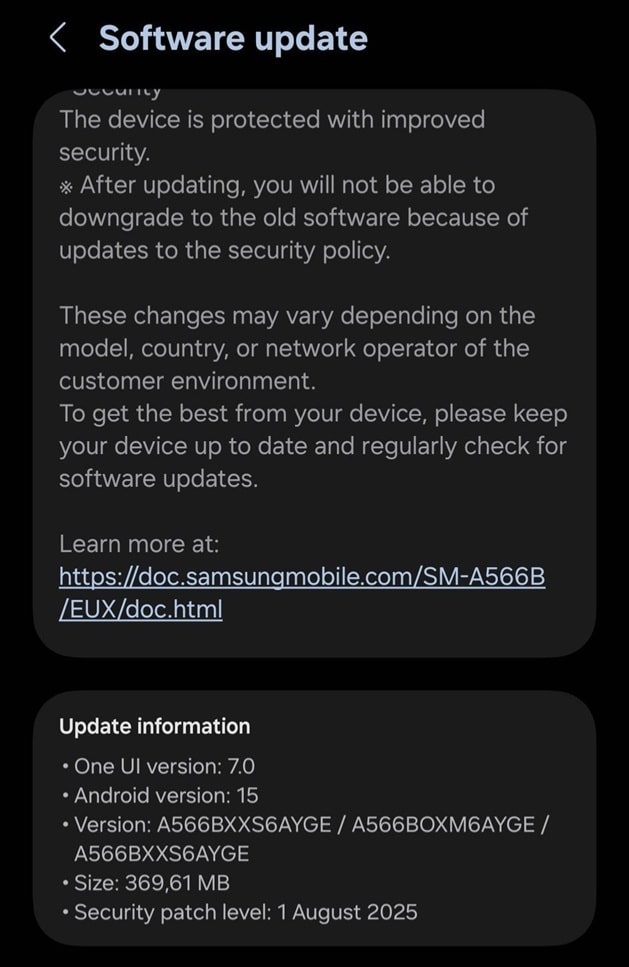
Besides these security enhancements, the update may include software optimizations for smoother functioning of the device. Do not expect any new features or improvements, though. The Galaxy A56 will receive One UI 8 later this year with tons of goodies. The device is eligible for six years of OS and security updates, and One UI 8 is the first of those six major OS updates.
As mentioned above, the Galaxy A56 5G is the first Samsung device to get the August 2025 security update, even ahead of premium models like the Galaxy S25, S24, S23, and even the Galaxy Z Fold 7. This marks an unusual shift from the usual pattern, where flagships typically receive updates first. That said, Samsung should soon release the new SMR for these flagships.
Meanwhile, if you are using a Galaxy A56, you can check for the latest update by navigating to Settings > Software update > Download and install. This phone supports Seamless Updates, an Android feature that installs software updates in the background while you continue using your phone. Once installation is complete, a quick reboot applies the changes, minimizing downtime.

Follow us on Google Discover & set us as a preferred source in Google News
Share this Post
___________________________


New Blog Posts
___________________________

First Set of Pixel 11 Pro XL Renders Are Here
Pixel 11 Pro XL CAD renders show minimal design changes

Is Samsung Preparing One UI 8.5 Beta for Galaxy Z Fold 5 and Flip 5?
Samsung may launch a One UI 8.5 beta program for its 2023 foldables

Galaxy S25 One UI 8.5 Beta May Run Longer Than Expected
Galaxy S25 series’ One UI 8.5 beta may stretch to 10 rounds


