
Samsung One UI 8’s Six Big Upgrades — Multitaskers Will Love #5
Samsung’s One UI 8, based on Android 16, is a significant update that brings a host of improvements and new features to Galaxy smartphones and tablets. While One UI 7 focused heavily on a visual redesign, One UI 8 is more about refining the user experience, enhancing security, and integrating with Google’s latest Android advancements. Here are the six biggest upgrades coming with One UI 8, including a useful addition for multitaskers.
1. A New Samsung DeX Experience
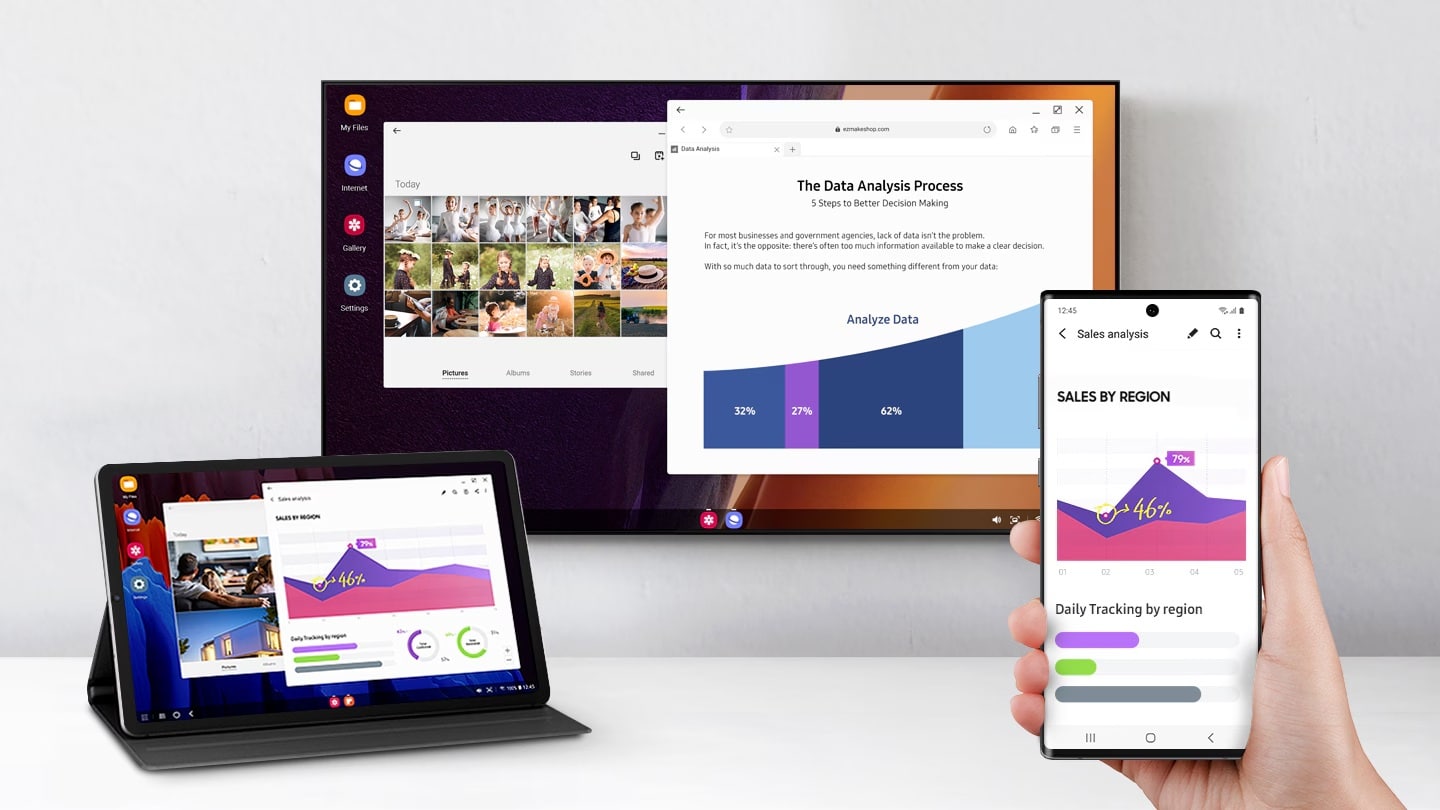
For years, Samsung’s DeX desktop mode has been a unique feature for power users. With One UI 8, DeX is getting a fundamental overhaul. Instead of a completely custom implementation, it is now based on Android 16’s native desktop mode. This change, while initially criticized for the removal of some features, is actually a major improvement. By aligning with a native Android feature, DeX will benefit from better app compatibility, as developers will no longer need to put in extra effort to optimize their apps specifically for Samsung’s desktop environment. This will lead to a more streamlined and functional desktop experience.
2. Knox Matrix and Quantum-Resistant Encryption
One UI 8 introduces a new level of security for the Samsung ecosystem. The Knox Matrix security platform is now more powerful and proactive. It can detect serious threats, such as system manipulation or identity forgery, and automatically log you out of your Samsung account across all connected devices. This prevents threats from spreading from one device to another. Furthermore, One UI 8 enhances network security with quantum-resistant encryption for Secure Wi-Fi, a move designed to protect against “harvest now, decrypt later” attacks, which could expose sensitive user data in the future as quantum computing becomes more prevalent.
3. Enhanced Secure Folder
Security and privacy are a core focus of One UI 8. Besides strengthening the Knox Matrix security platform, Samsung has enhanced the Secure Folder feature, which allows you to hide apps and files. Secure Folder is now built on top of Android’s “Private Space” feature. This new foundation makes it more secure than ever, as it was built from the ground up to hide sensitive data. Samsung has also closed some loopholes that previously existed and has added a new security measure: you must now register fingerprints specifically for Secure Folder, as the ones used to unlock your phone will no longer work automatically.
4. The Now Bar and Live Updates
The “Now Bar,” a dynamic UI element introduced in One UI 7 that displays important ongoing activities, has been significantly improved. In One UI 8, it has been integrated with Android 16’s Live Updates feature. This means that a much wider range of third-party apps can now utilize the Now Bar to provide real-time, dynamic notifications. This expanded support makes the Now Bar a more useful and versatile tool for staying on top of your live activities, from music playback to sports scores.
5. Seamless Multitasking with an Improved Split-Screen View
One UI 8 brings a new way of multitasking to Samsung devices. Building on a feature first introduced by OnePlus and later integrated into Android 16, Samsung’s new split-screen view allows you to use two apps simultaneously, with one taking up 90% of the screen and the other taking up just 10%. You can easily switch between the two with a single tap. This is particularly useful for tasks that involve referencing information from one app while actively working in another, providing a more efficient way to multitask without sacrificing a full-screen view.
6. Redesigned Quick Share
Quick Share, Samsung’s proprietary file-sharing feature, has received a massive redesign. The new version features a full, app-like, full-screen interface that clearly separates the “Send” and “Receive” modes. This makes the process of sharing and receiving files much more intuitive and less confusing for users. You can now also access Quick Share directly from a Quick Settings toggle, so you don’t need to initiate a file transfer from an app like Gallery or My Files.

Follow us on Google Discover & set us as a preferred source in Google News
Share this Post
___________________________


New Blog Posts
___________________________

First Set of Pixel 11 Pro XL Renders Are Here
Pixel 11 Pro XL CAD renders show minimal design changes

Is Samsung Preparing One UI 8.5 Beta for Galaxy Z Fold 5 and Flip 5?
Samsung may launch a One UI 8.5 beta program for its 2023 foldables

Galaxy S25 One UI 8.5 Beta May Run Longer Than Expected
Galaxy S25 series’ One UI 8.5 beta may stretch to 10 rounds


