
From Now Bar to Custom Tiles: Key Changes in One UI 8 Watch Beta
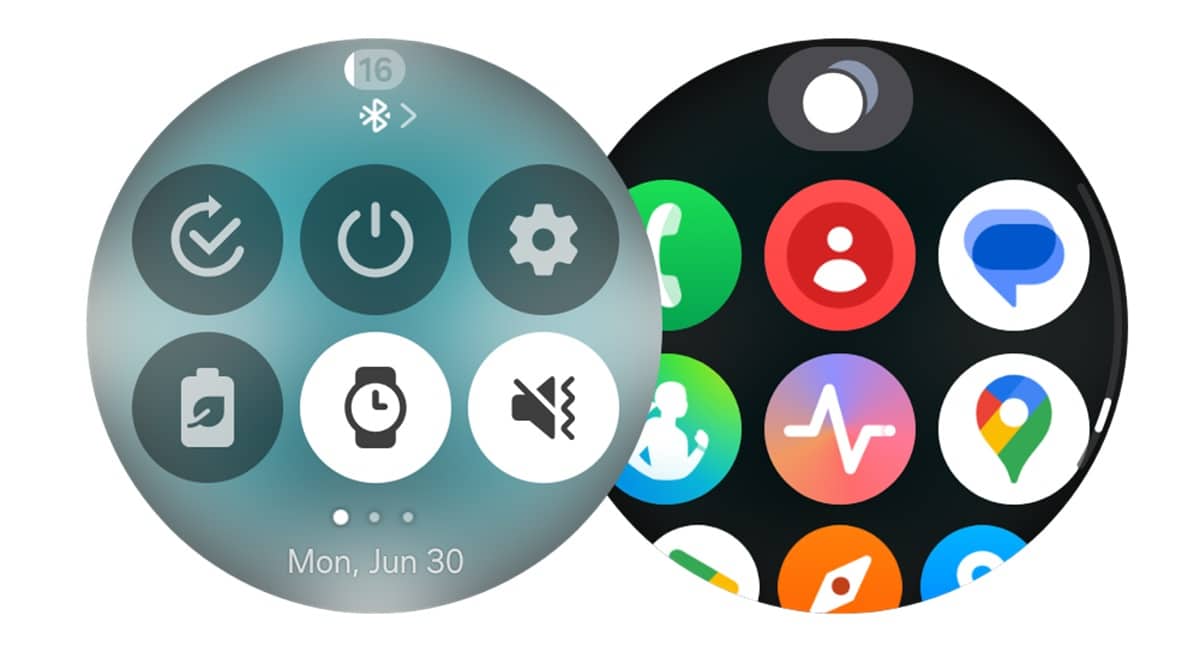
A few hours ago, Samsung rolled out the Wear OS 6-based One UI 8 Watch Beta update for the Galaxy Watch 7 and Watch Ultra. The changelog makes it clear that the company aims to enhance the Galaxy Watch experience with new health features, smarter controls, easier notification management, and more key changes. We now have early impressions of the big new update, including the updated UI.
A first look at key changes in One UI 8 Watch
Upon installing One UI 8 Watch, the first thing anyone will notice is a cleaner, more polished interface. Samsung has redesigned the UI elements throughout the system. A blurred background effect gives the screen a smoother, layered look, while the battery icon now mirrors the design found on Galaxy phones running One UI 7. There’s also a sleek new charging animation that makes even plugging in your watch feel a bit more modern.
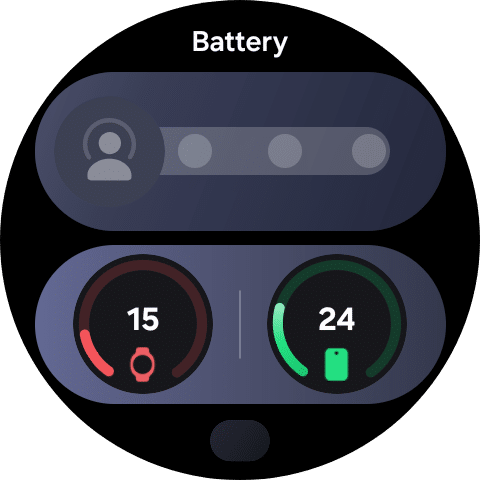
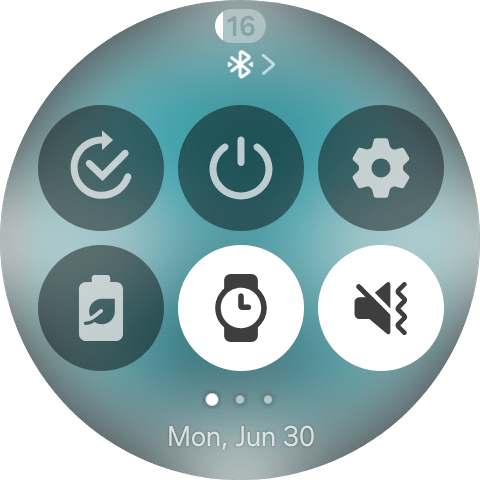
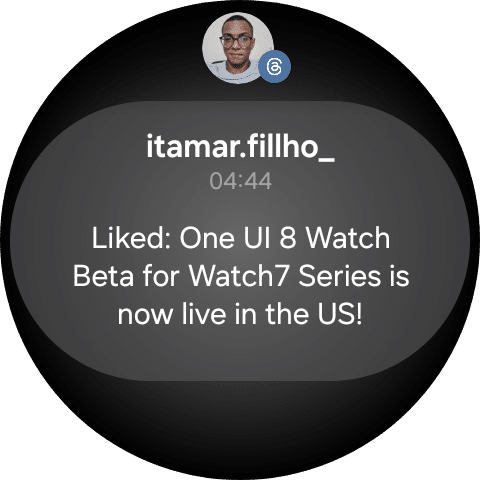
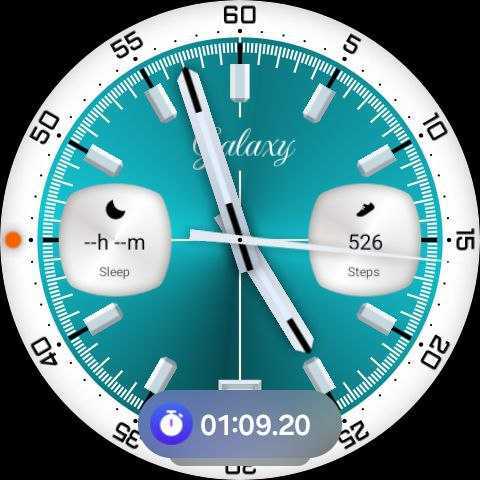
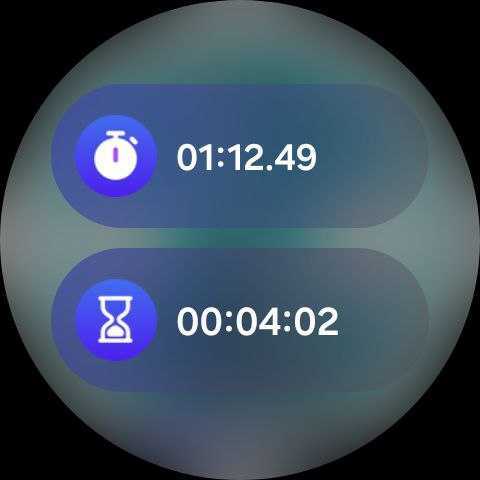
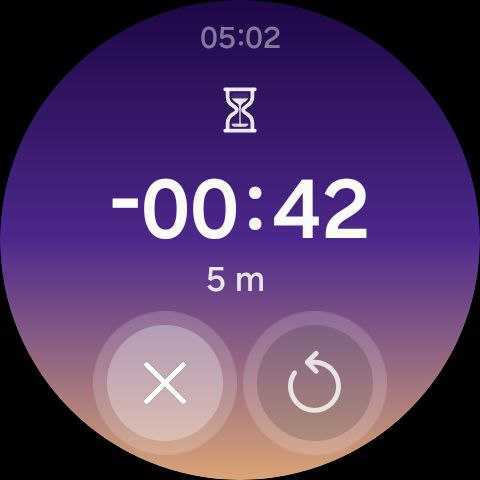
This update also introduces Now Bar to Samsung’s watch platform. Similar to Galaxy phones, the Now Bar appears at the bottom of the watch face, offering quick access to ongoing tasks and essential information (thanks, @DalgleishGX!). You can customize its style to better suit your needs.
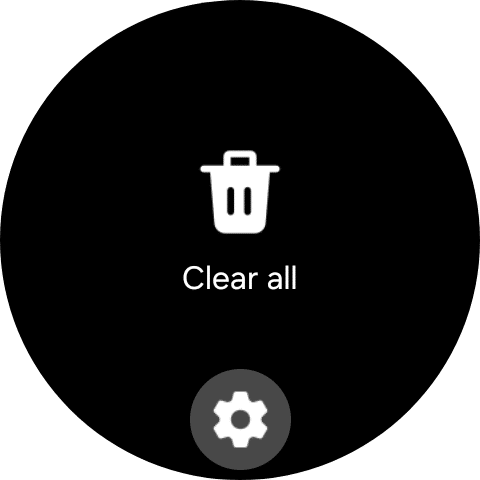
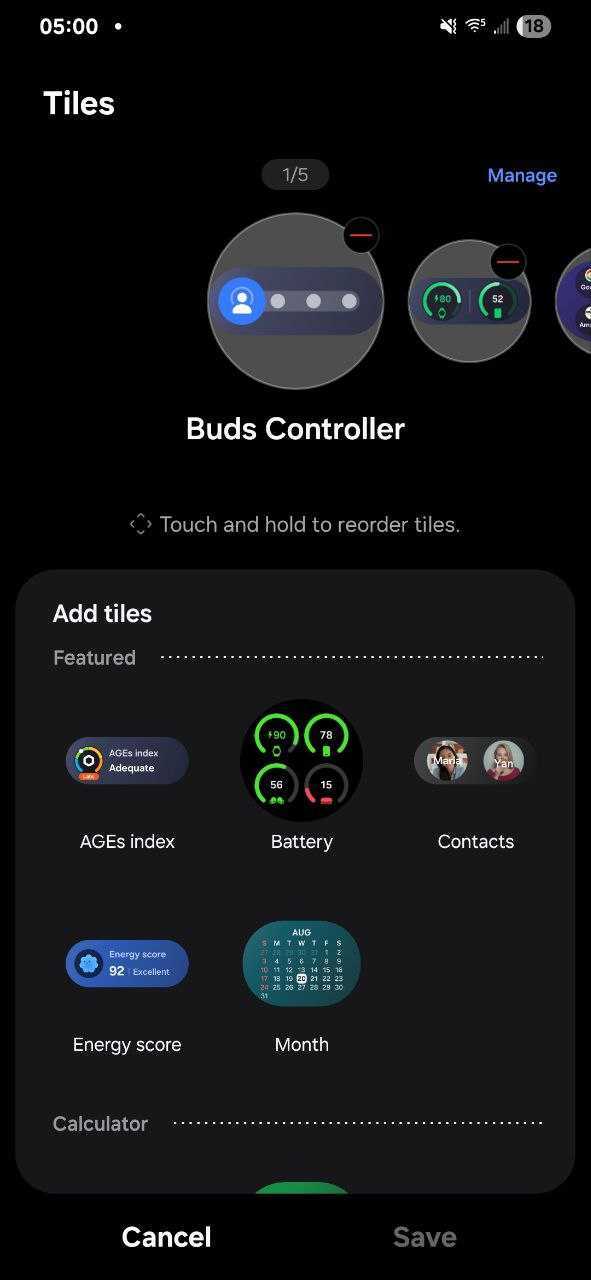
Tiles get a major usability upgrade in One UI 8 Watch. You can now combine similar tiles into one to reduce screen clutter, and even create custom tiles that display the info you care about most — such as weather, calendar events, or reminders — all in one place. It’s a small tweak, but one that makes daily use feel far more streamlined.
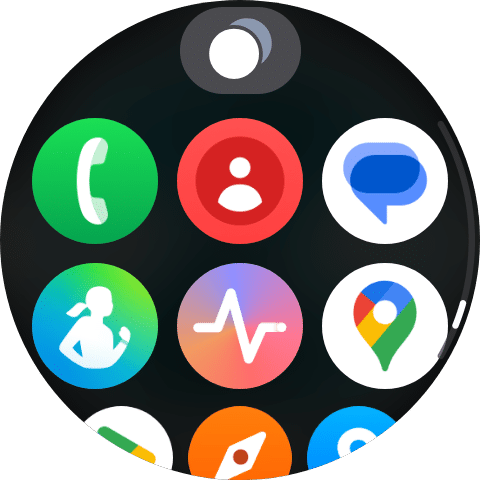
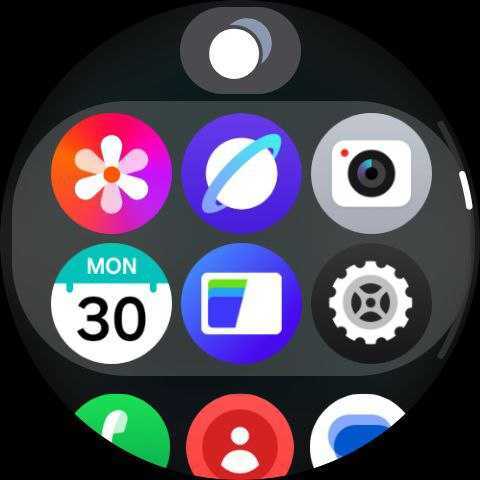
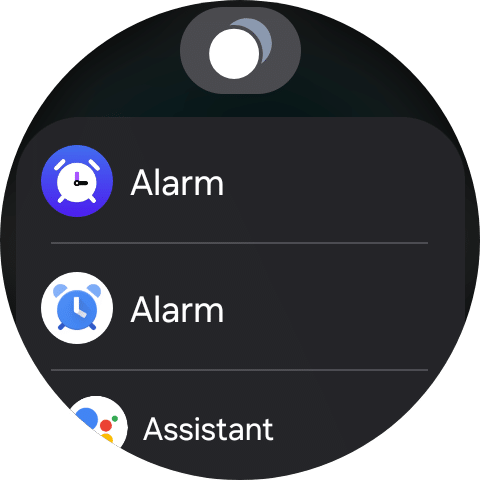
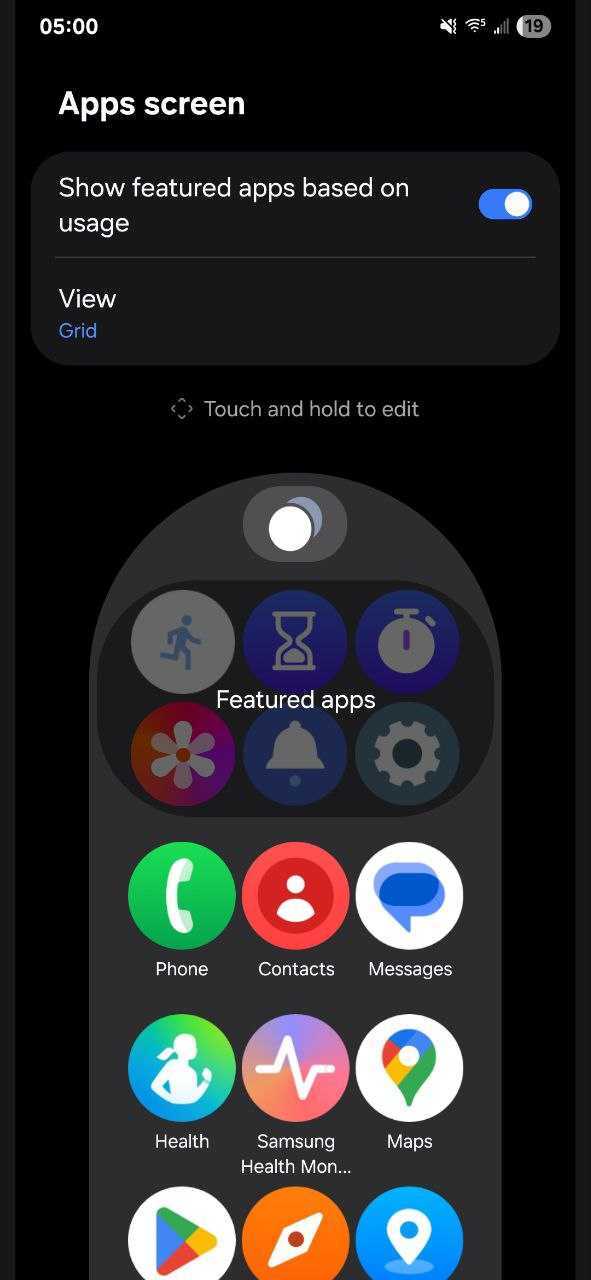
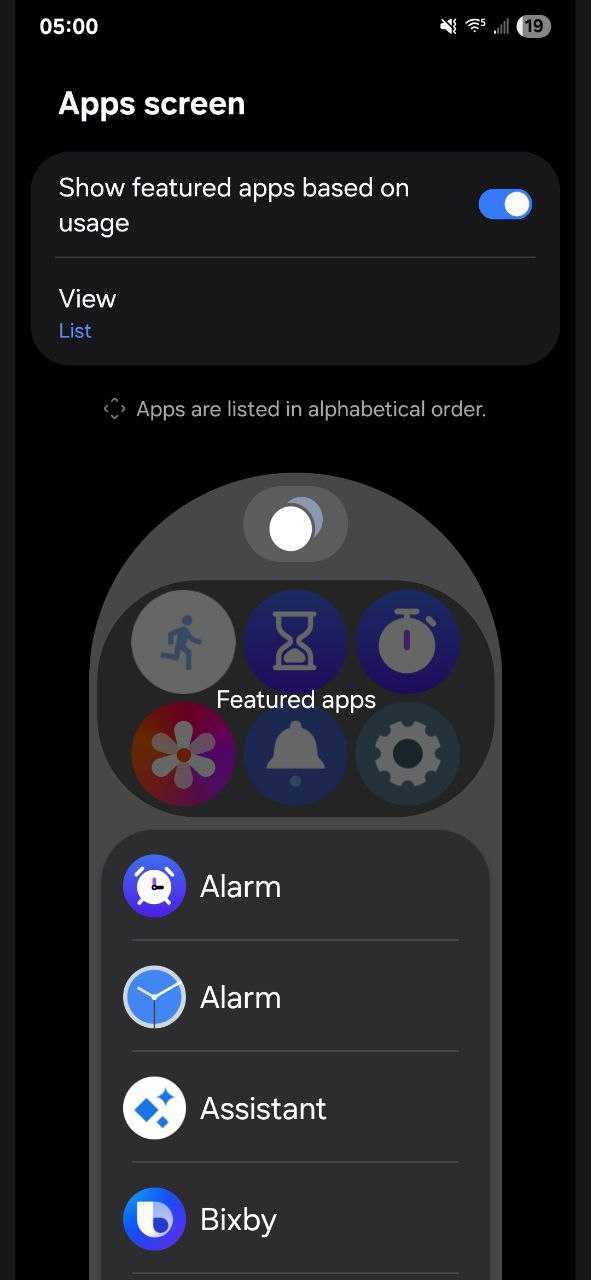
Samsung has also redesigned the Apps screen, now allowing users to switch between grid view and list view. This gives you control over how your apps appear on the screen — whether you prefer a compact overview or a classic scrolling list. Notifications have been redesigned too — they’re now easier to glance at and interact with, with cleaner formatting that makes alerts stand out without being intrusive.
A more organized Settings menu
The Settings menu has been overhauled with a more organized structure, making it quicker to find what you need. Samsung is also bringing Routines to the Galaxy Watch lineup. This automation feature lets you create rules like muting notifications when you go to bed or switching modes based on time or activity — a welcome addition for users who like their devices to anticipate their needs.
Last but not least, One UI 8 Watch introduces the Double Pinch gesture. Just pinch your thumb and index finger together twice, and you can scroll through notifications, open the Now Bar, control music, or even launch apps. It’s a powerful addition, especially for accessibility and quick interactions without touching the screen. We will keep you posted as we come across more interesting changes in the first One UI 8 Watch beta.

Follow us on Google Discover & set us as a preferred source in Google News
Share this Post
___________________________


New Blog Posts
___________________________

First Set of Pixel 11 Pro XL Renders Are Here
Pixel 11 Pro XL CAD renders show minimal design changes

Is Samsung Preparing One UI 8.5 Beta for Galaxy Z Fold 5 and Flip 5?
Samsung may launch a One UI 8.5 beta program for its 2023 foldables

Galaxy S25 One UI 8.5 Beta May Run Longer Than Expected
Galaxy S25 series’ One UI 8.5 beta may stretch to 10 rounds


