
First Look at Android XR UI Reveals a Focus on Simplicity and AI
SammyGuru is reader-supported. We have affiliate and sponsored partnerships, so we may earn a commission when you buy through links on our site — at no extra cost to you. Learn more.
Google’s push into extended reality (XR) is starting to take shape. A new look at the Android XR interface reveals how the company wants users to interact with smart glasses. It’s all about simplicity, quick info, and AI working quietly in the background.
A clean, glance-friendly layout
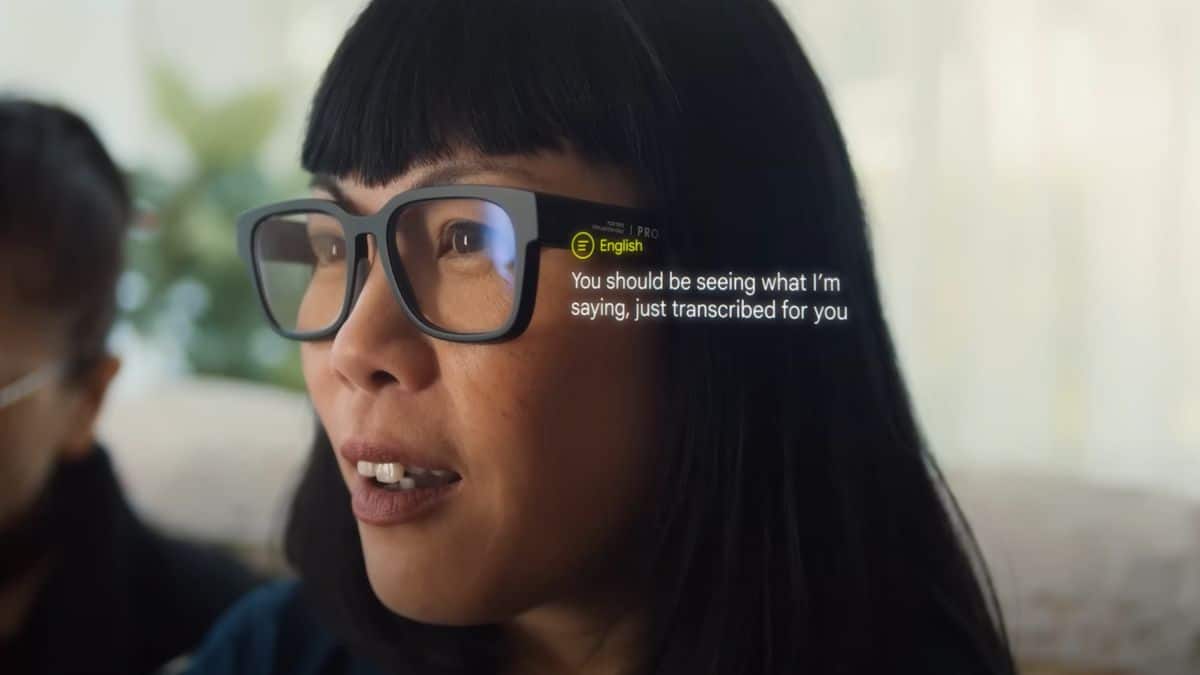
This first look, shared by 9to5Google, highlights a clean, card-based interface designed specifically for smart glasses rather than traditional screens. Instead of app grids or dense menus, Android XR uses floating panels that appear in your line of sight. These cards can show notifications and messages, navigation directions from Google Maps, music controls, and contextual AI responses.
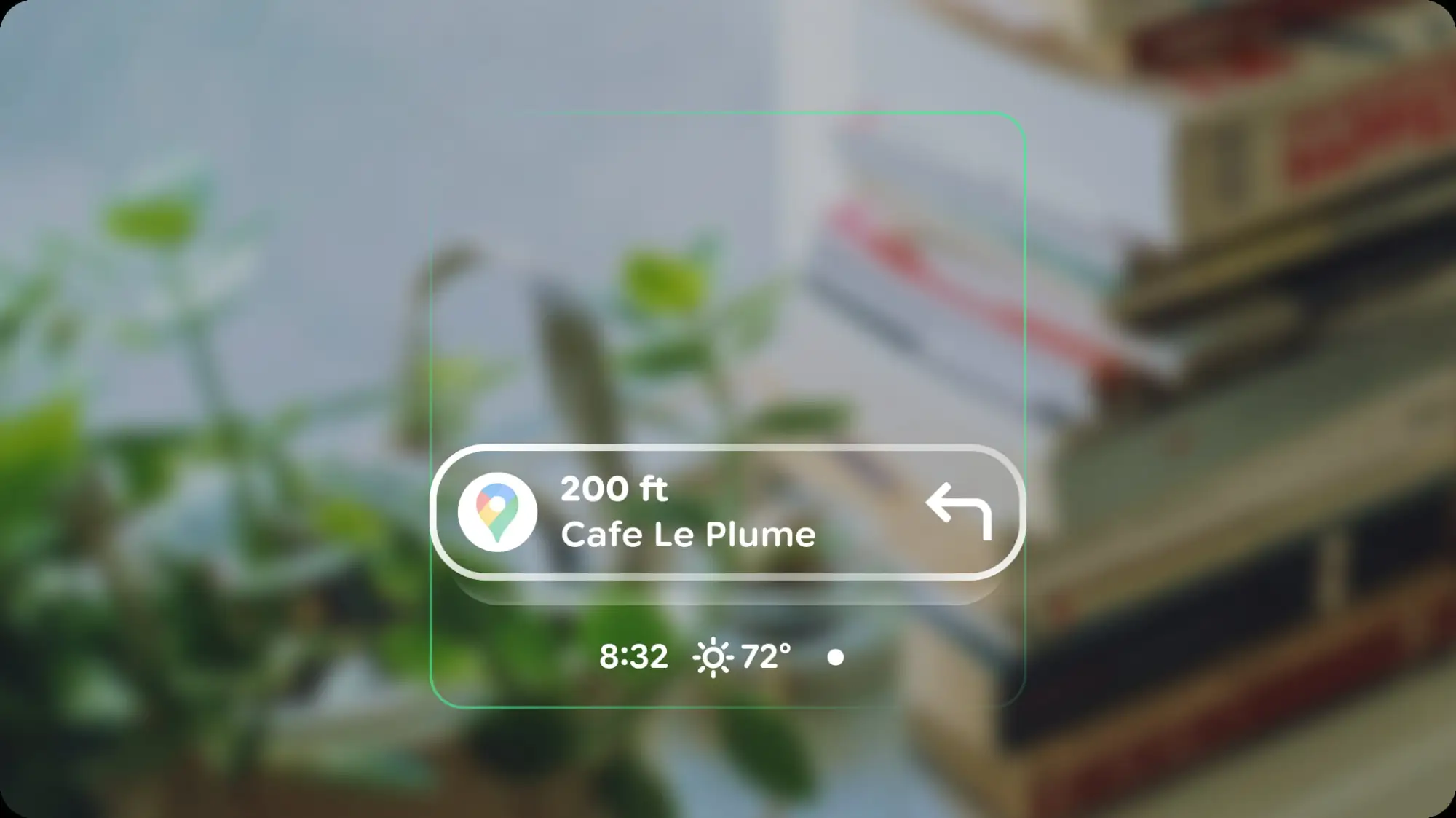
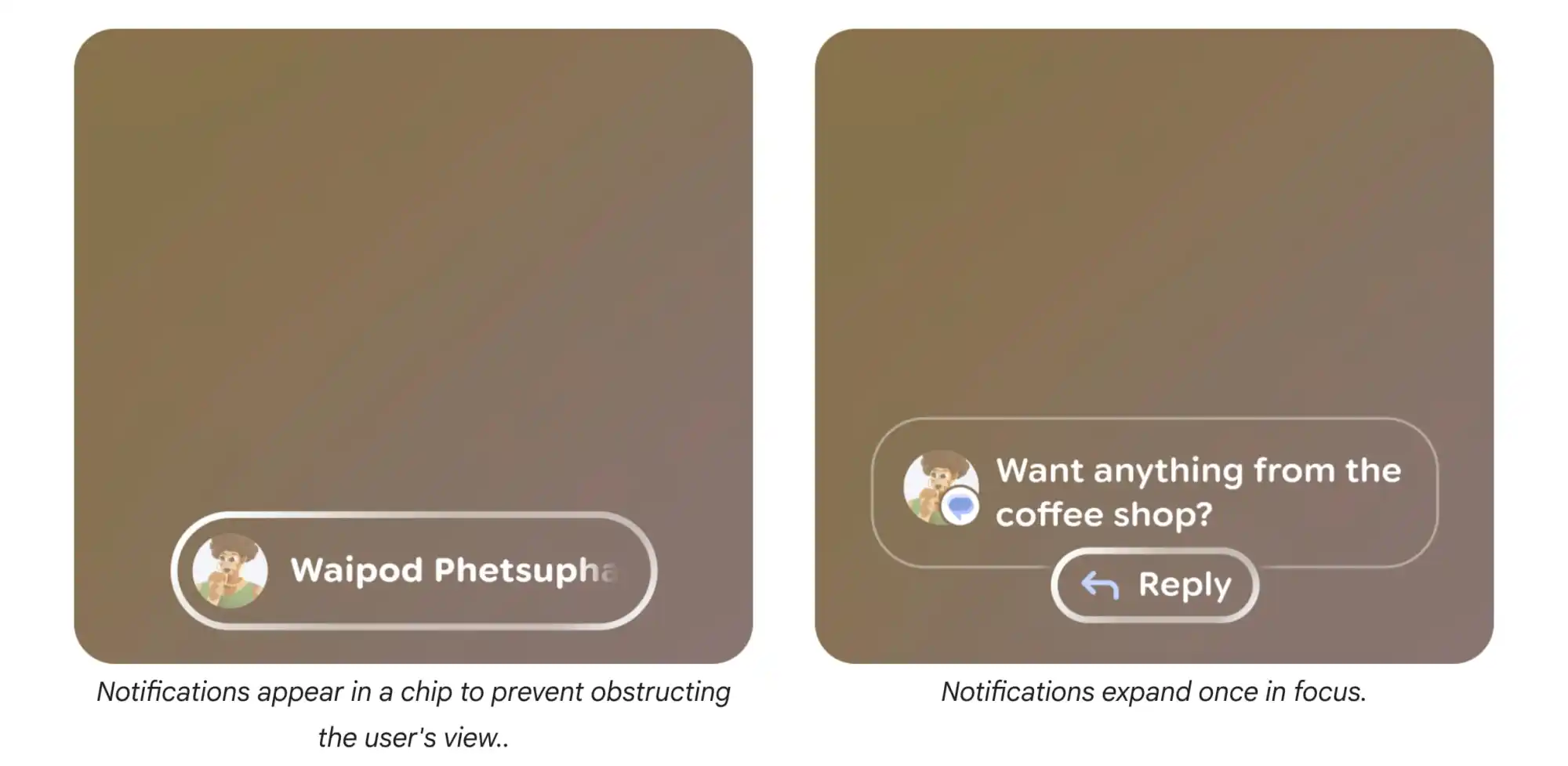
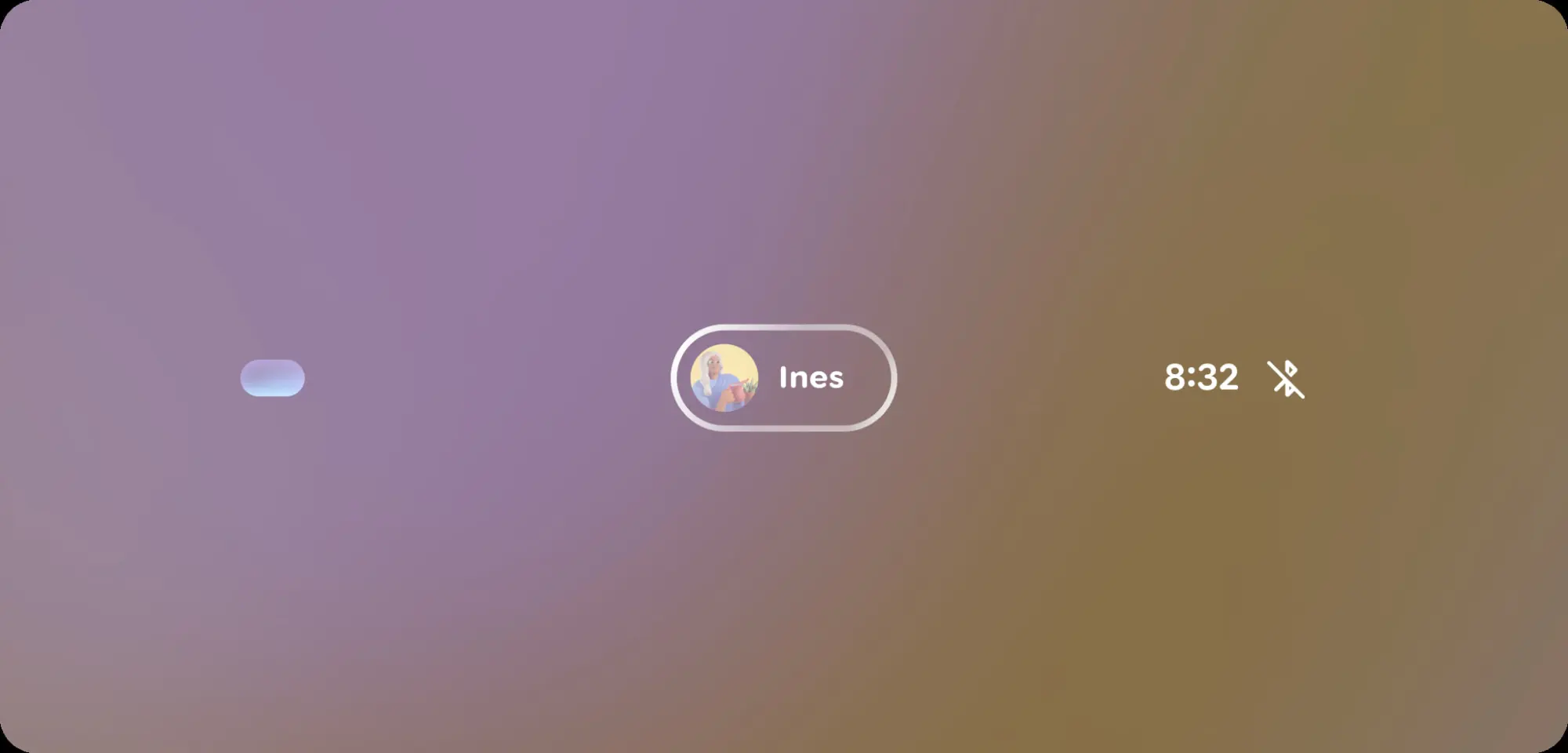
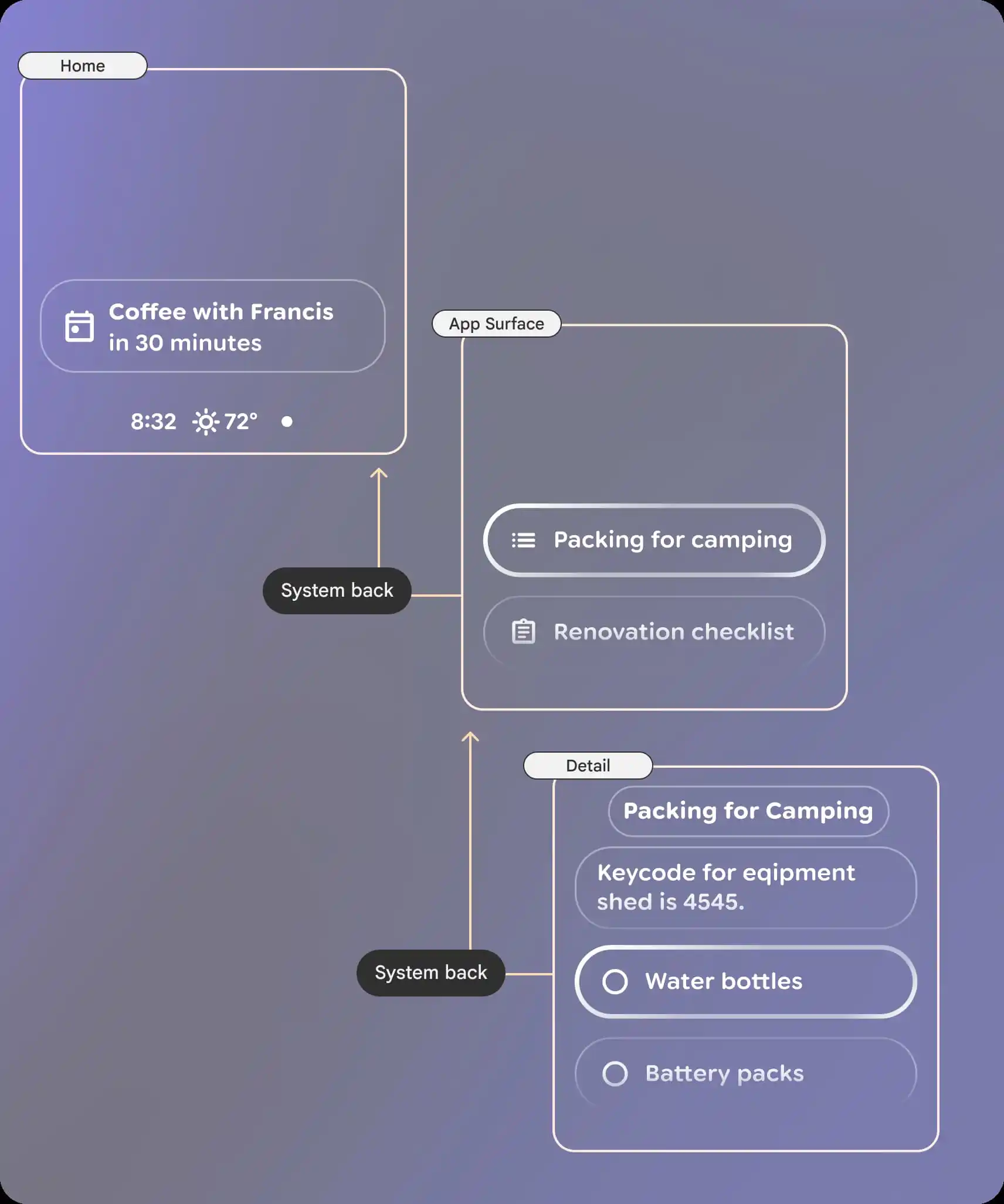
The home screen layout emphasizes a lock-screen vibe: readability and quick interactions, ensuring you can absorb information without losing focus on the real world. Contextual cards can surface relevant information automatically, while voice and gesture input enable hands-free interaction.
The interface appears tightly integrated with Google’s AI ecosystem. This approach aligns with Google’s broader XR strategy, while AI acts as the primary interface layer rather than traditional apps.
Gesture and touch controls
The UI supports multiple input methods: physical power switch, dual touchpads (2), camera button (3), and a display button (1) for the screen models. Tap the camera button for photos, or hold it for video. The display button wakes or sleeps screens, keeping things audio-only when needed.
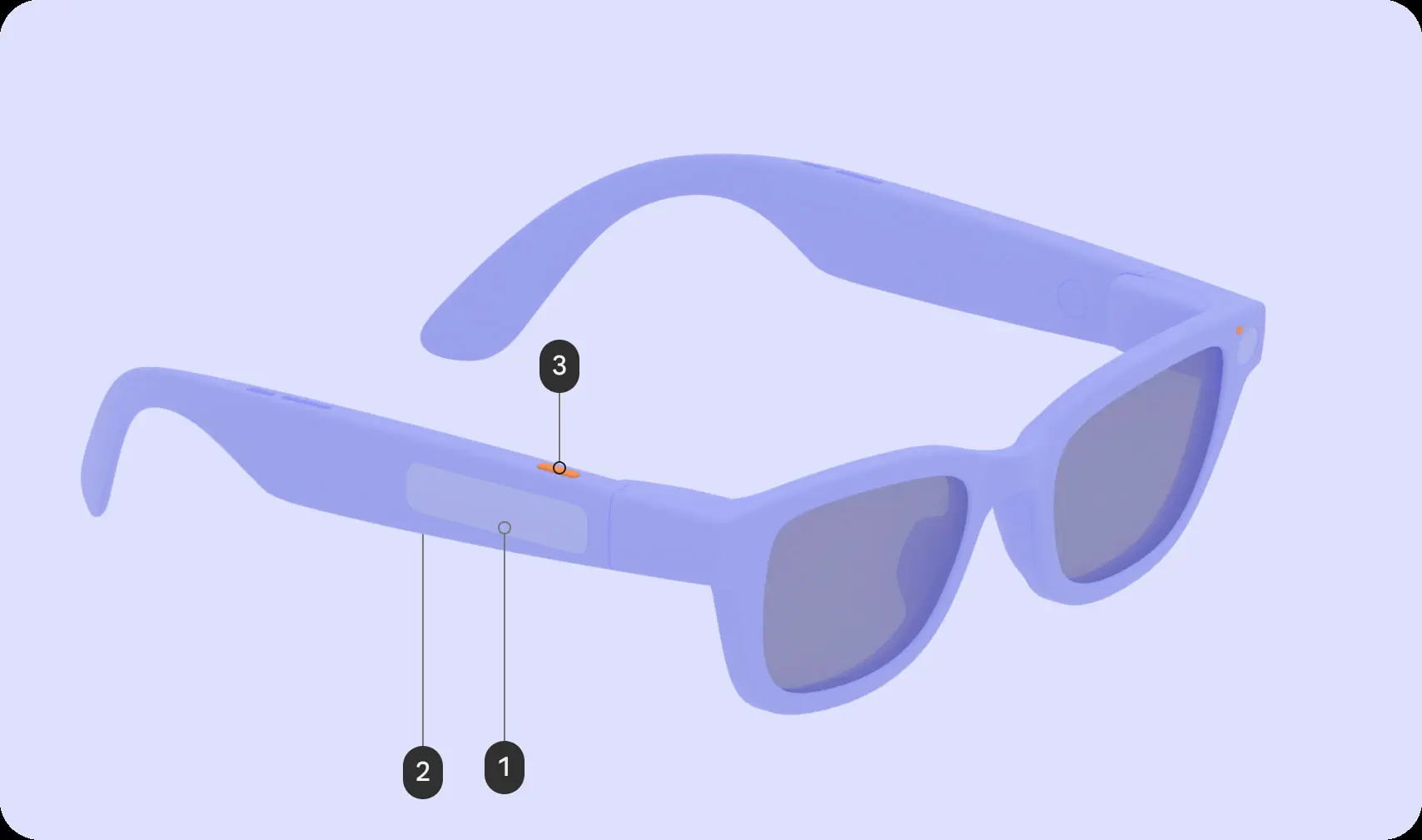
Touchpads handle the heavy work: Single taps play/pause or confirms acctions, while holding summons Google Gemini. Swipes navigate audio tracks, dismiss cards, or scroll UI lists on display models. Two-finger swipes tweak the volume, while swiping down acts as a back to home or previous screen.
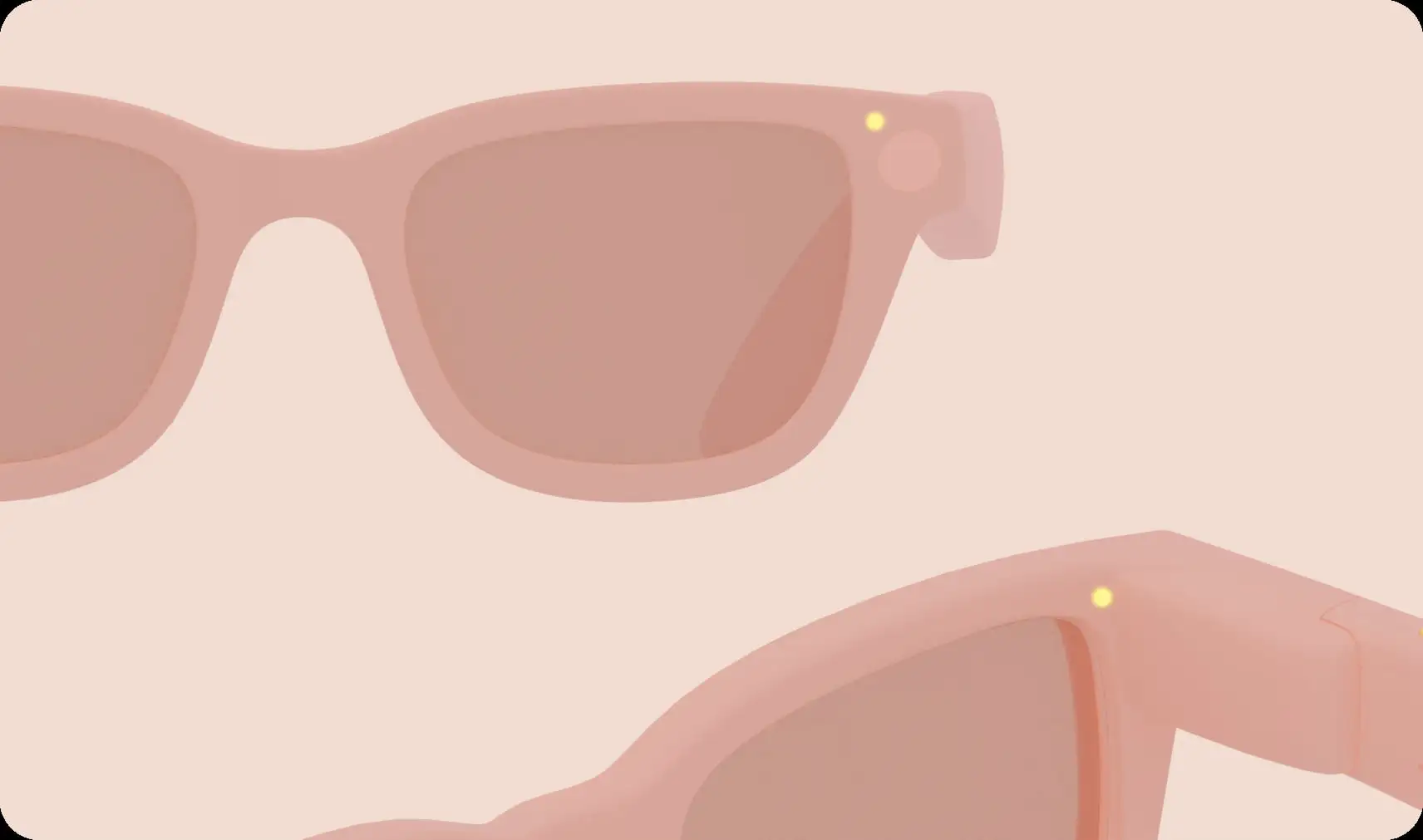
Android XR glasses will also have dual LEDs: one for the wearer and one for the bystanders. These LEDs flash status updates, like recording a video or when Gemini AI is in use. These indicators should build trust in public places.
App view design and power efficiency
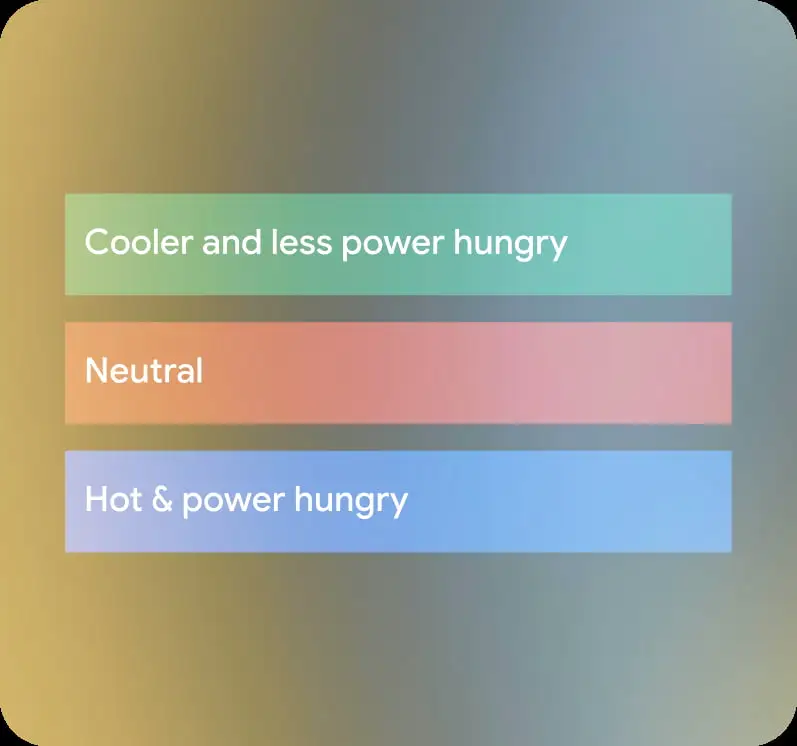
Apps built for Android XR follow Google’s new “Glimmer” design guidelines. Rounded corners guide your eyes naturally and avoid sharp visual edges that can feel distracting in your field of view. Color choices matter more than ever; green uses less power, while blue consumes more energy and generates extra heat. Because of this, developers are encouraged to limit bright pixels and overly vibrant screens to prevent thermal throttling.
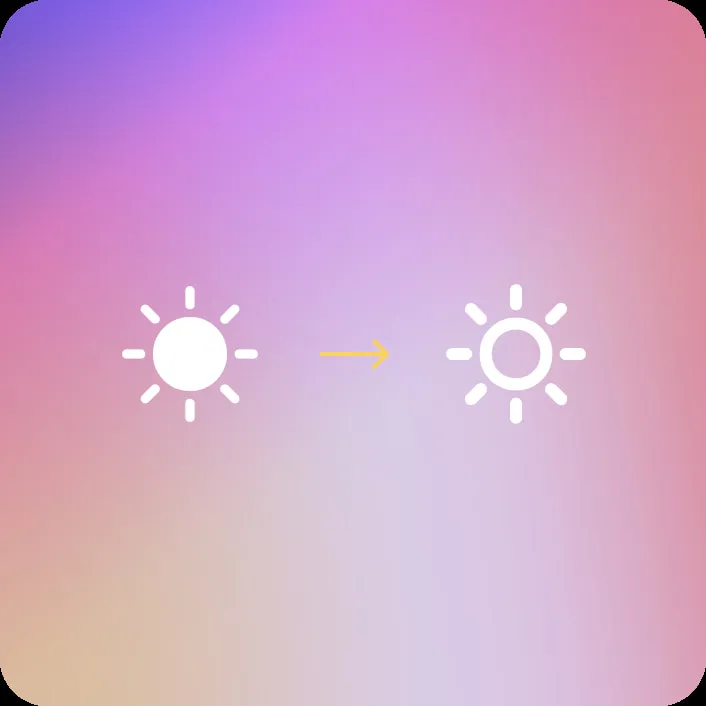
Icons remain unfilled to reduce light bleed, and Google recommends Material Symbols Rounded for clarity. Jetpack Compose also includes XR-ready components like title chips, cards, lists, and notification stacks for quick readability.
Google wants XR apps to work even with the display off, prioritizing audio-first experiences. Bright white backgrounds or full-screen visuals can trigger heat management, so efficient design helps keep glasses cool.
Since December 2025, developers have had tools for both AI Glasses and Display variants. Monocular devices will arrive first, followed later by binocular models. This groundwork hints at a broader ecosystem forming around Android XR.
With its growing XR ambitions, Samsung could play a major role, especially as rumors continue about future Galaxy-branded XR wearables. If Android XR glasses launch as expected, these design choices could define how we interact with wearable displays in the years ahead.
What are your thoughts on Android XR Glasses? Do you think it will become a hit, or will it be a niche gadget waiting for its moment?


Follow us on Google Discover & set us as a preferred source in Google News
Share this Post
___________________________


New Blog Posts
___________________________

First Set of Pixel 11 Pro XL Renders Are Here
Pixel 11 Pro XL CAD renders show minimal design changes

Is Samsung Preparing One UI 8.5 Beta for Galaxy Z Fold 5 and Flip 5?
Samsung may launch a One UI 8.5 beta program for its 2023 foldables

Galaxy S25 One UI 8.5 Beta May Run Longer Than Expected
Galaxy S25 series’ One UI 8.5 beta may stretch to 10 rounds







